review subscription plans
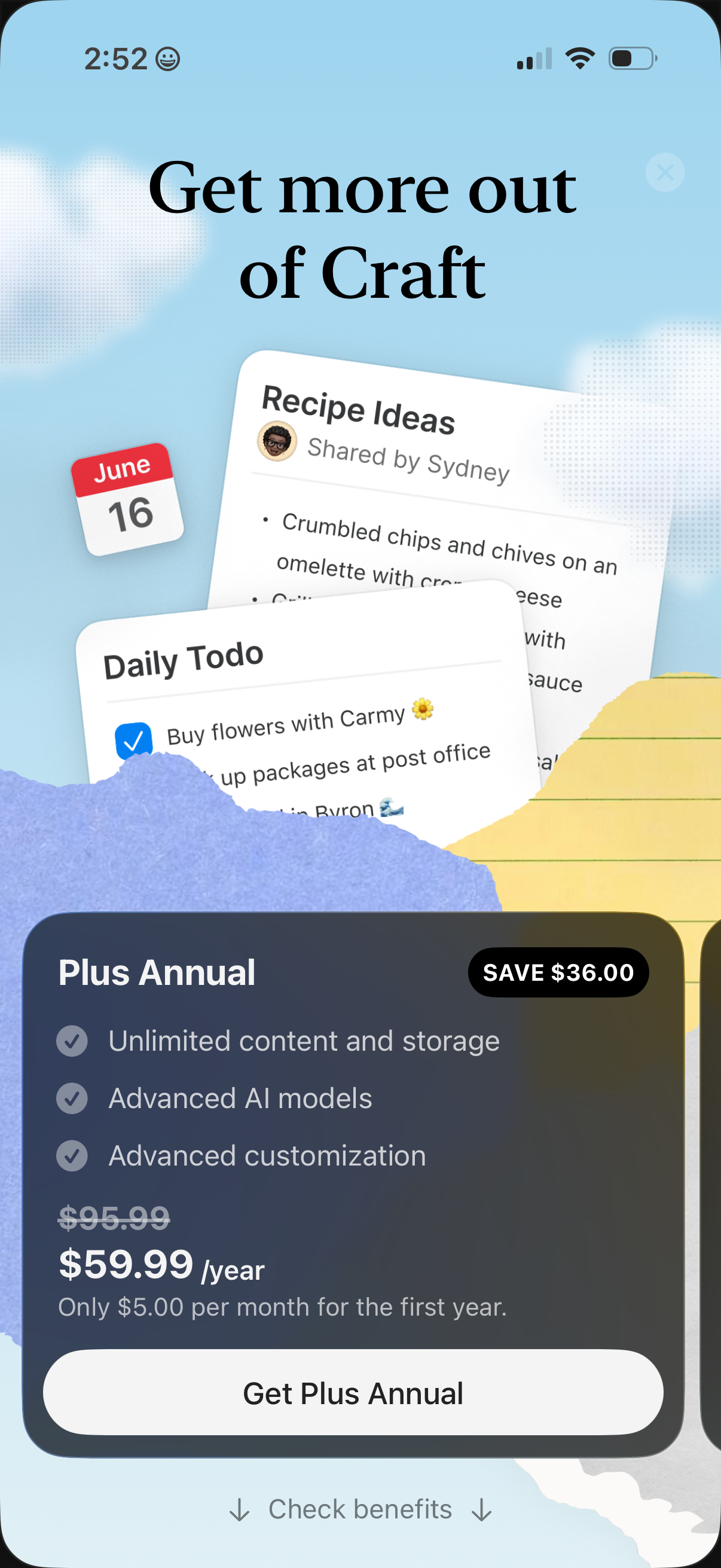
Upsell paywall screen promoting a “Plus Annual” subscription upgrade, highlighting premium benefits (unlimited storage, advanced AI models, customization), discounted yearly price with savings, and a primary CTA to purchase. Includes options to close the modal and to view or check subscription benefits/details.
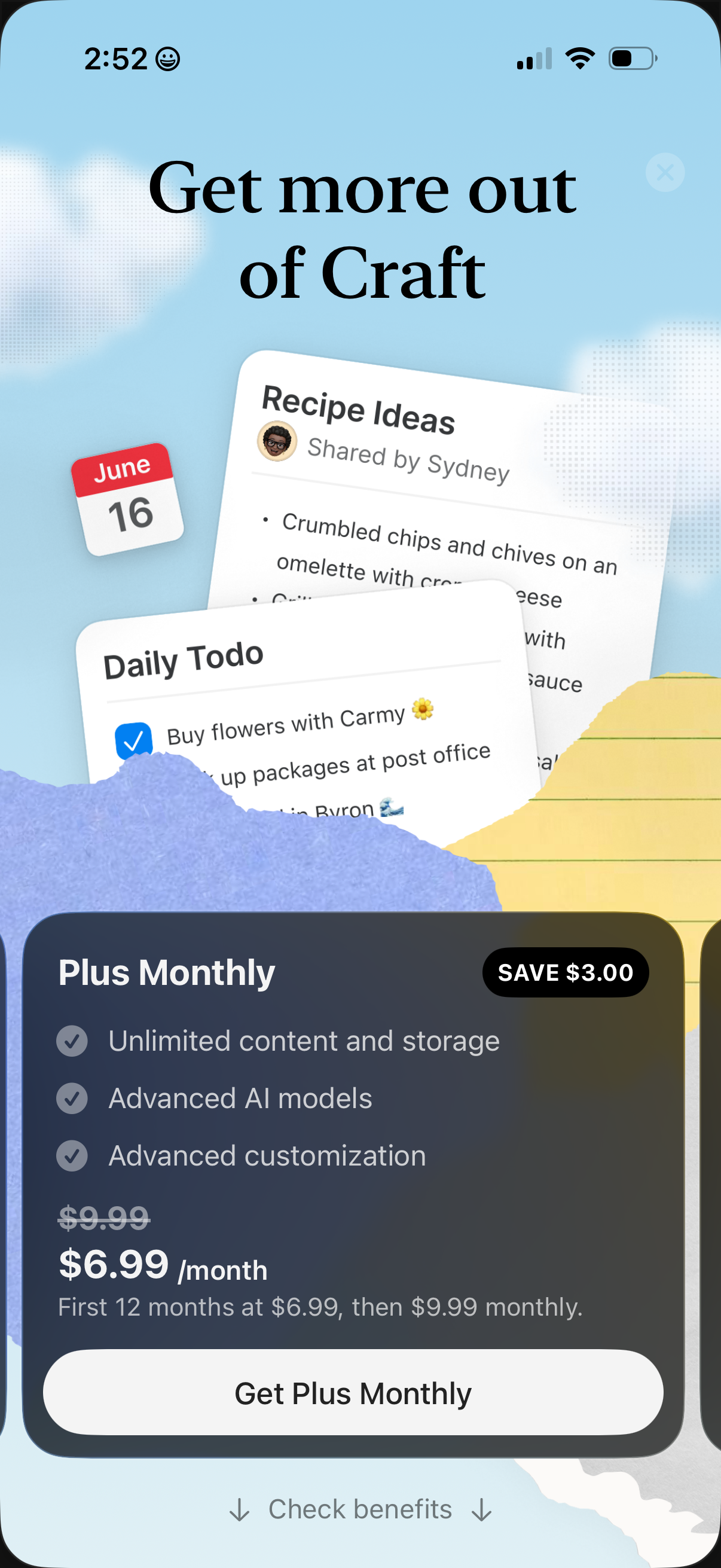
Subscription upsell paywall screen promoting a “Plus Monthly” plan with savings badge, feature checklist (unlimited storage, advanced AI models, customization), discounted price breakdown, and primary CTA to get the monthly plan. Includes option to check benefits and a close button over a background showcasing example notes/todo content.
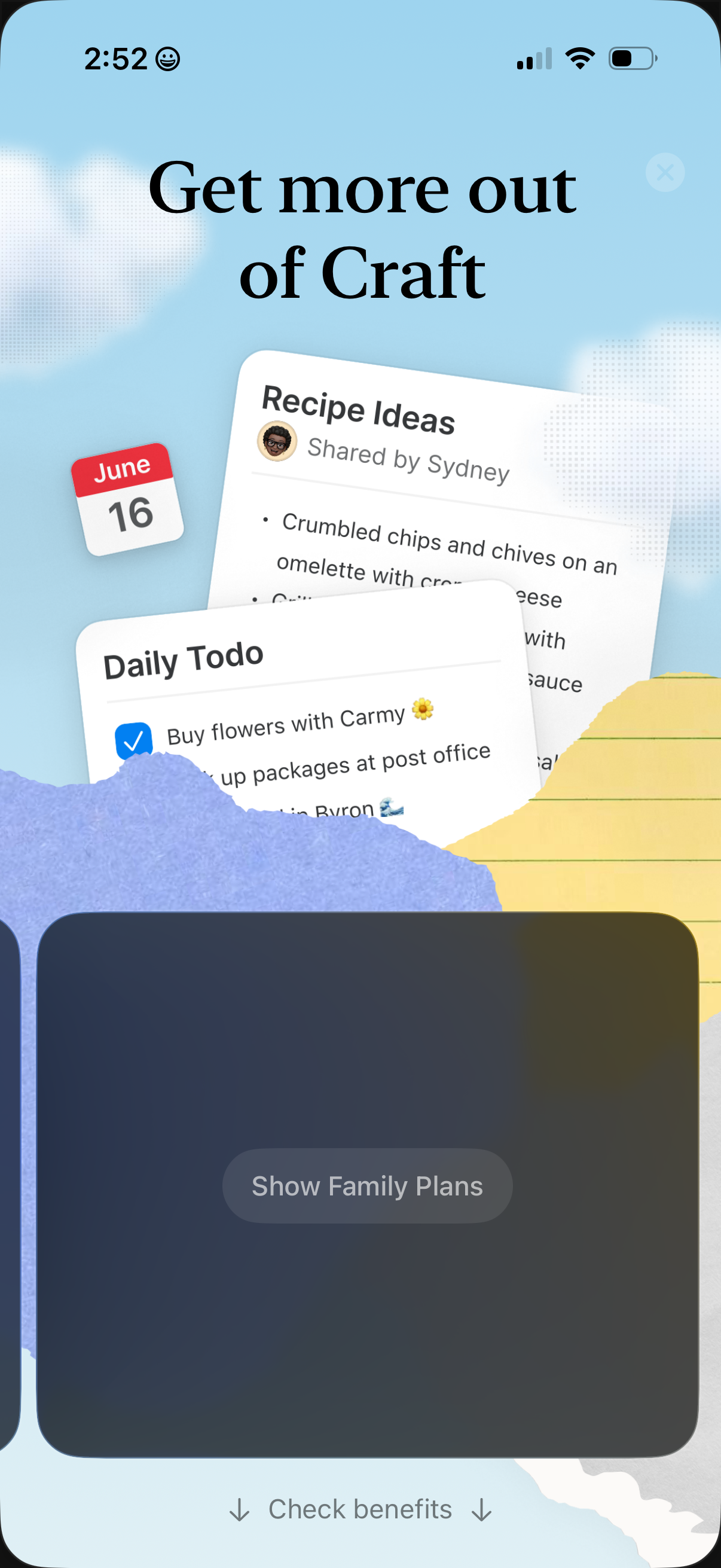
Promotional upgrade/paywall screen encouraging users to “Get more out of” the app, showcasing example shared lists like recipe ideas and daily to-dos. Main actions include a primary button to view plan options and a link to check benefits, with a close/dismiss icon.
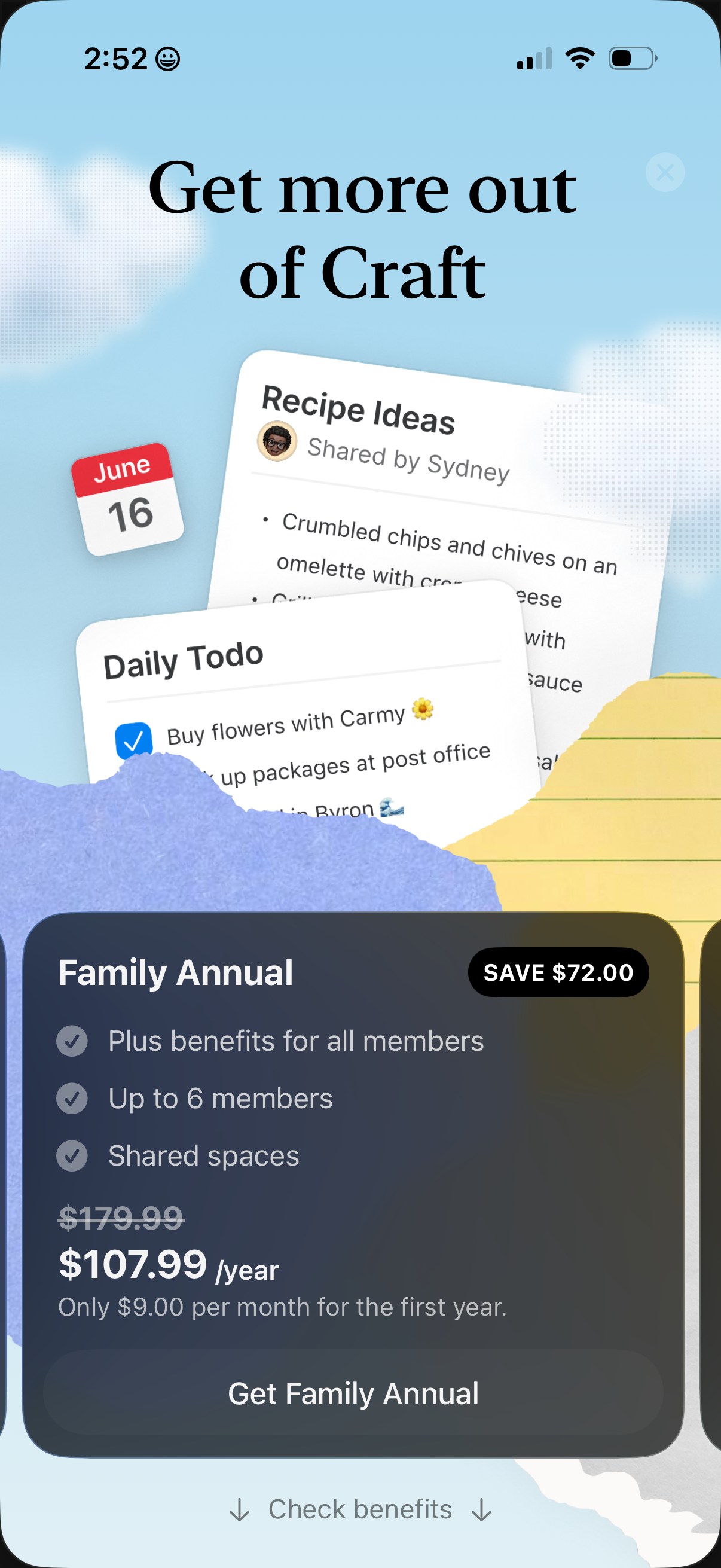
Subscription upsell screen promoting a “Family Annual” plan with a savings badge, feature checklist (benefits for all members, up to 6 members, shared spaces), discounted yearly price, and a primary CTA to purchase plus a link to check benefits. The hero background shows examples of app content like shared recipe notes and a daily to-do list to illustrate collaboration features.
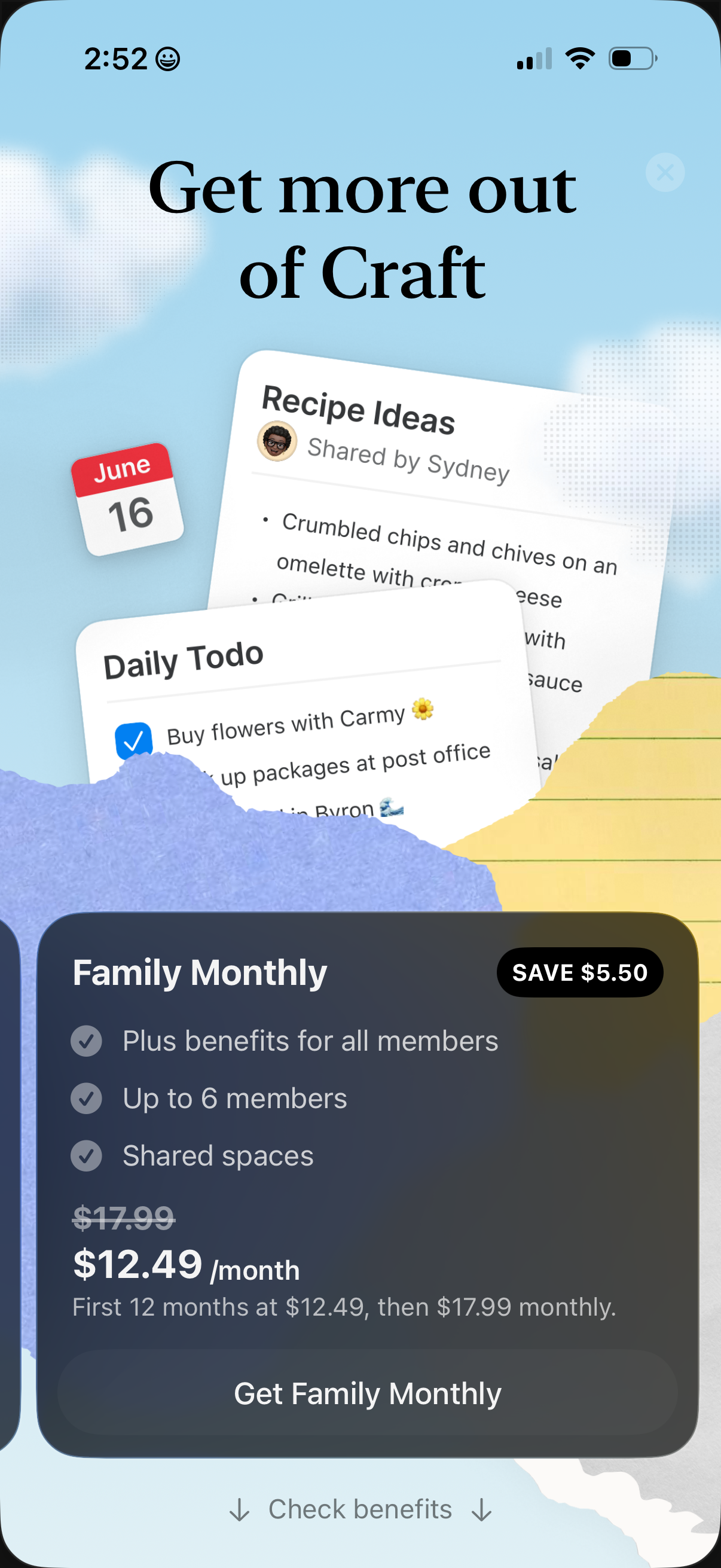
Subscription upsell/paywall screen promoting a “Family Monthly” plan, highlighting benefits like plus features for all members, up to 6 members, and shared spaces with a discounted monthly price and savings badge. Primary CTA is “Get Family Monthly” with a secondary option to check benefits and a close icon to dismiss.