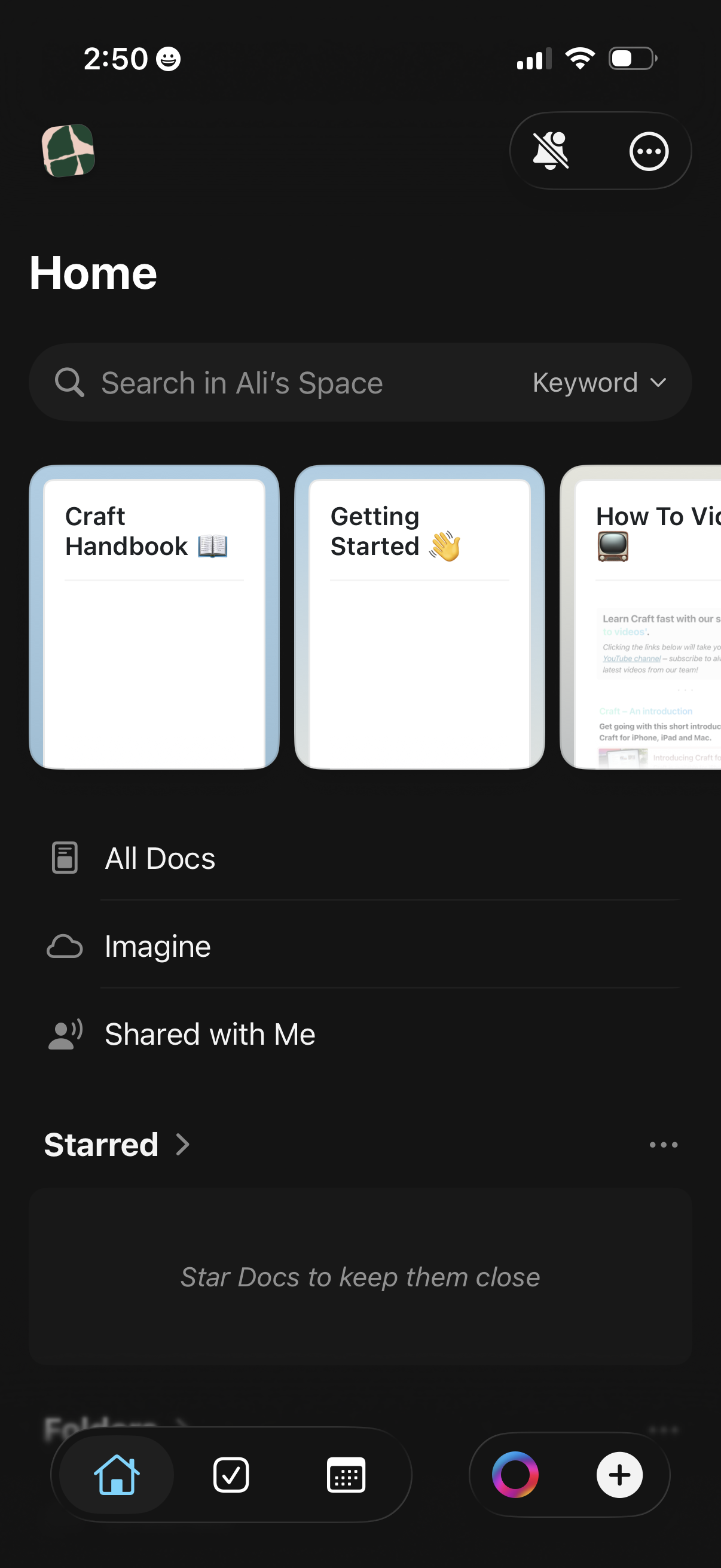
Dark-mode document workspace home screen with a global search bar and keyword filter, plus quick-access cards for recent docs. Provides navigation to All Docs, AI “Imagine,” Shared with Me, and Starred sections, with bottom tabs for home, tasks, grid view, and create/add new content.
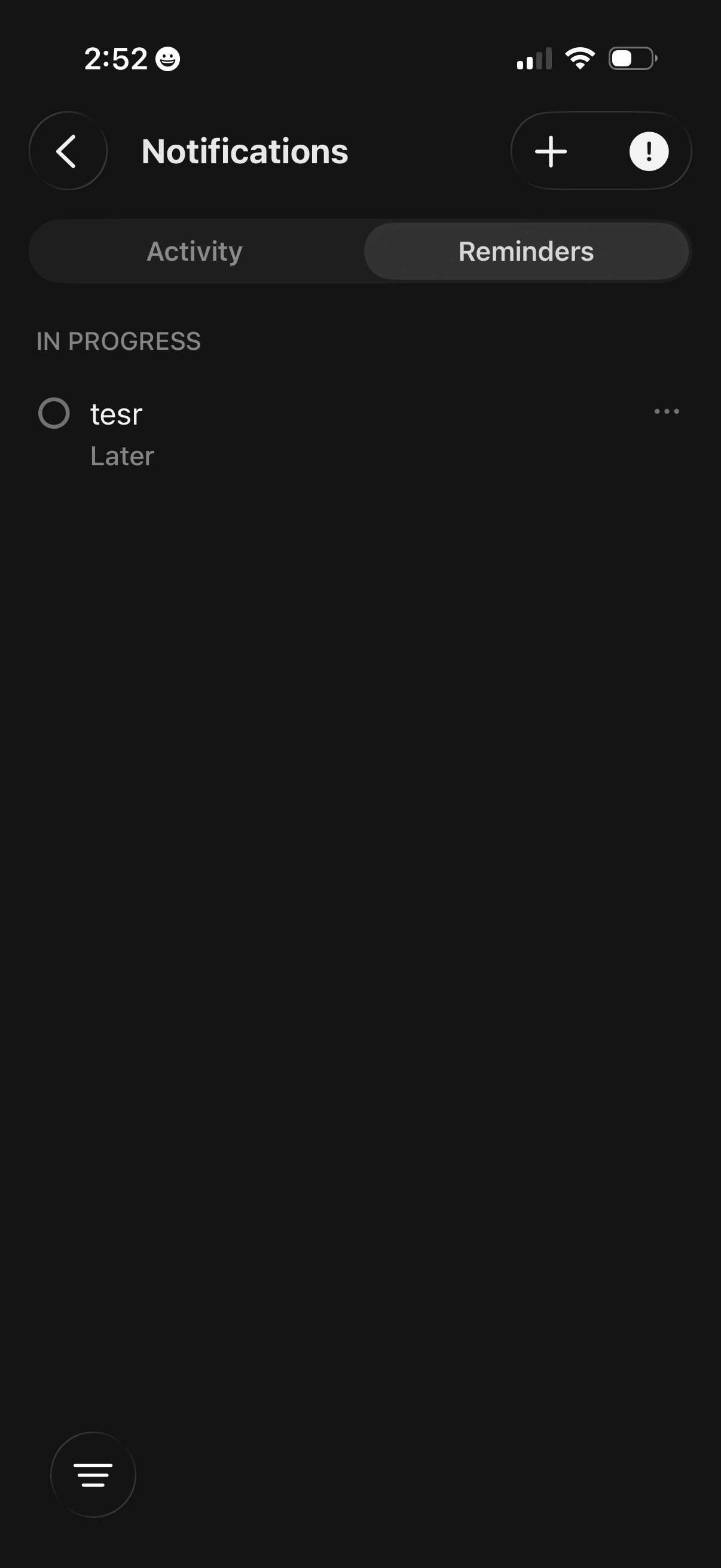
Notifications inbox screen with tabs to switch between Activity and Reminders, showing an in-progress reminder item with a status label and overflow actions. Top controls include back navigation and buttons to add a new notification/reminder and access notification options.
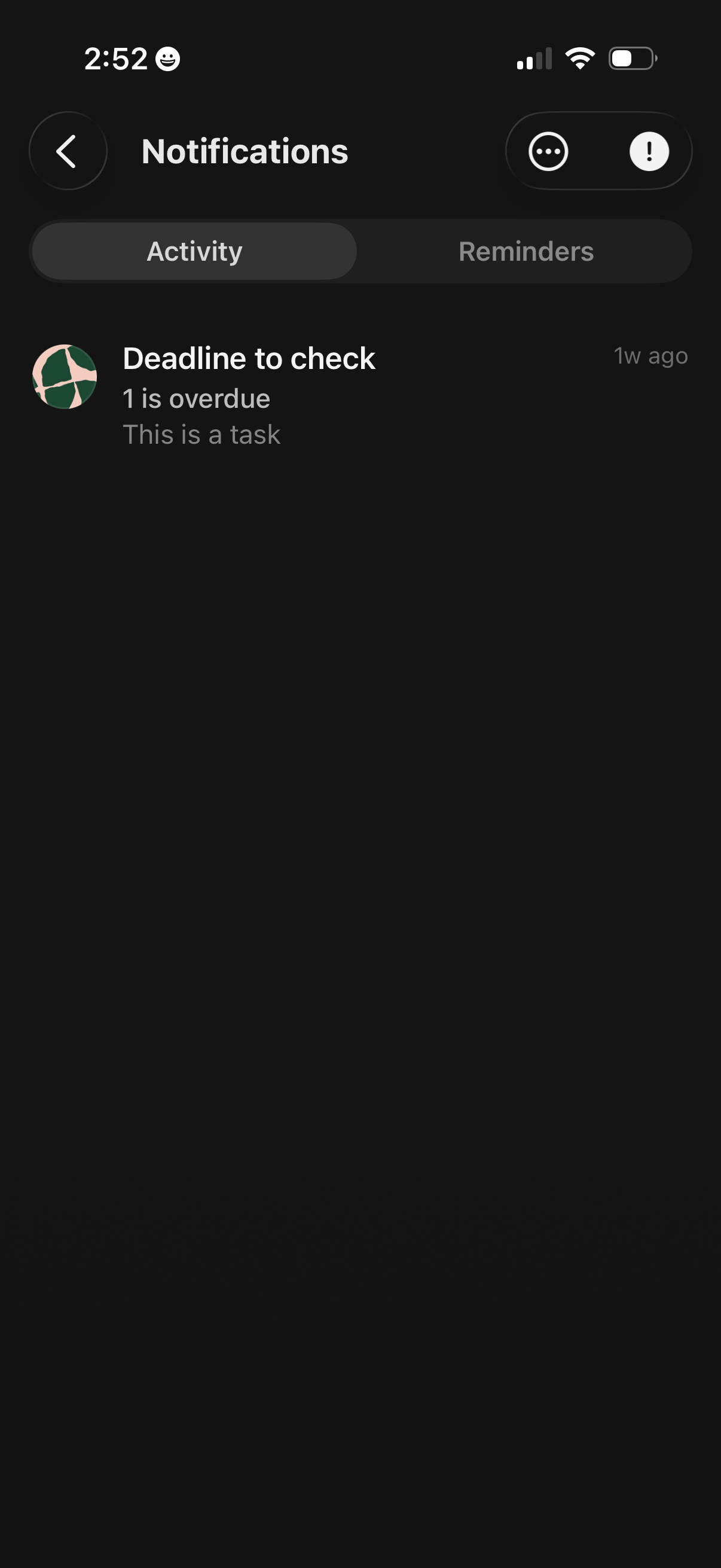
Notifications inbox screen for a productivity or task app with tabs for Activity and Reminders, showing an overdue task alert with timestamp. Includes navigation back plus overflow and settings/alert actions for managing notifications.
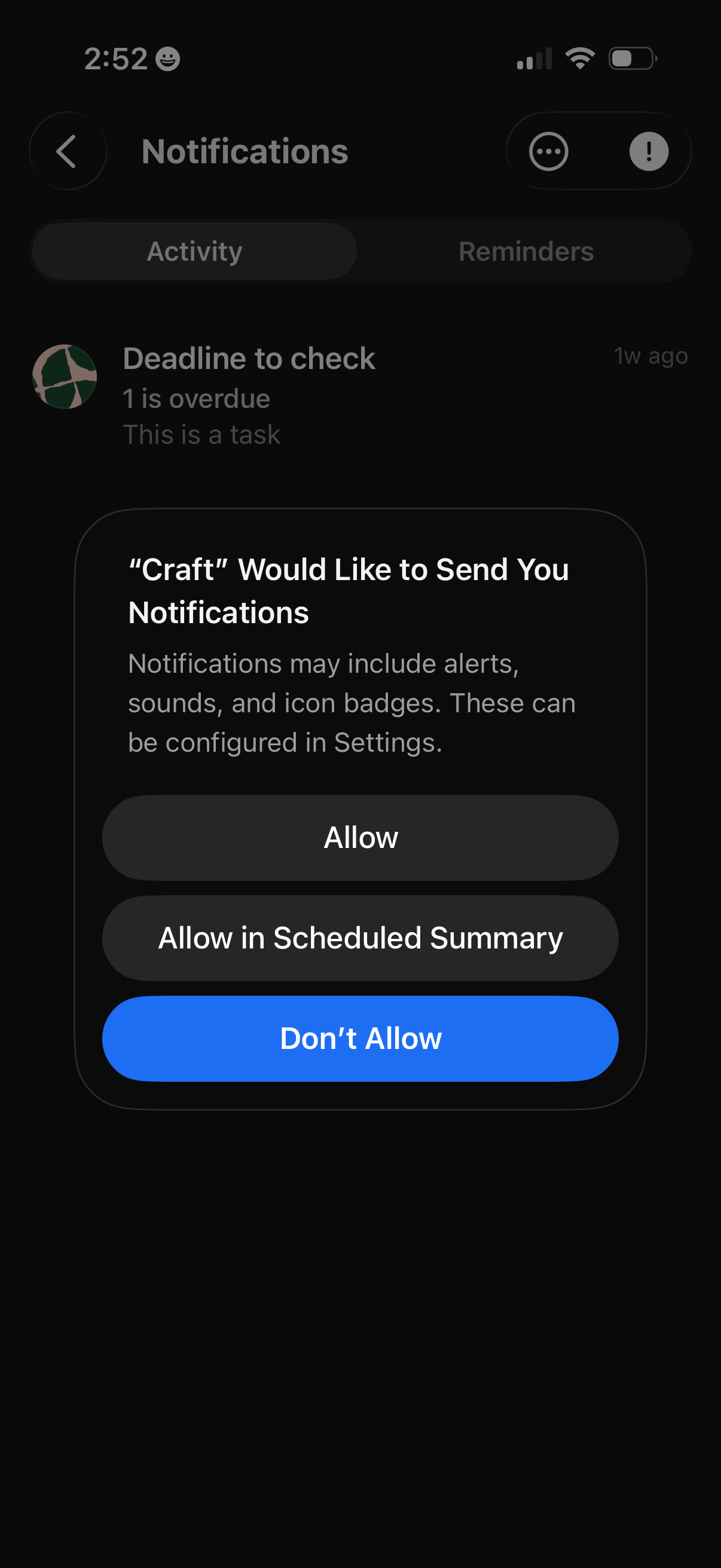
Notifications inbox screen with tabs for Activity and Reminders, showing a task alert like an overdue deadline. An iOS system permission modal overlays the page asking to enable push notifications with options to Allow, Allow in Scheduled Summary, or Don’t Allow.