create saved prompt
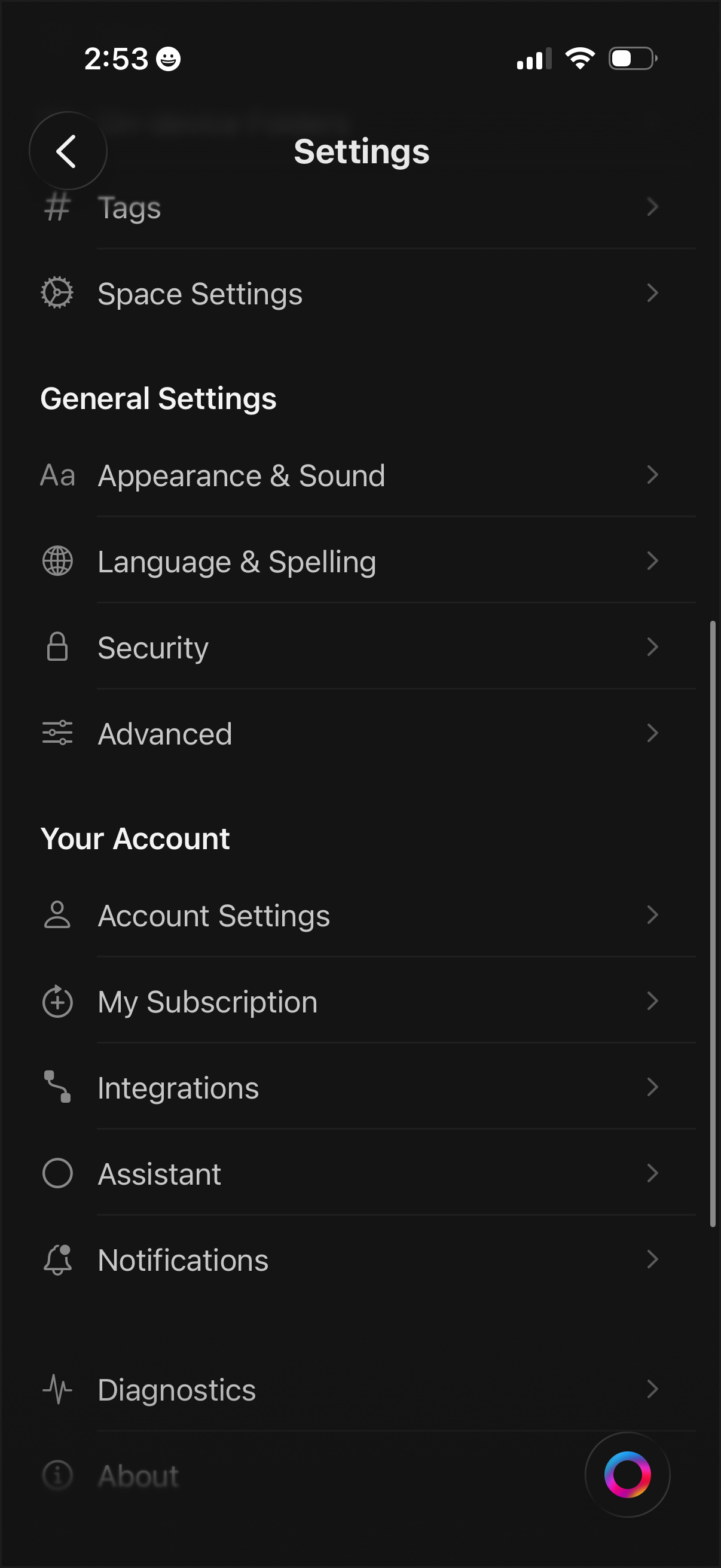
Settings menu screen with a categorized list for managing app and workspace preferences, including Tags, Space Settings, Appearance & Sound, Language & Spelling, Security, and Advanced options. Includes account-related sections to access Account Settings, subscription management, integrations, assistant, notifications, diagnostics, and about pages.
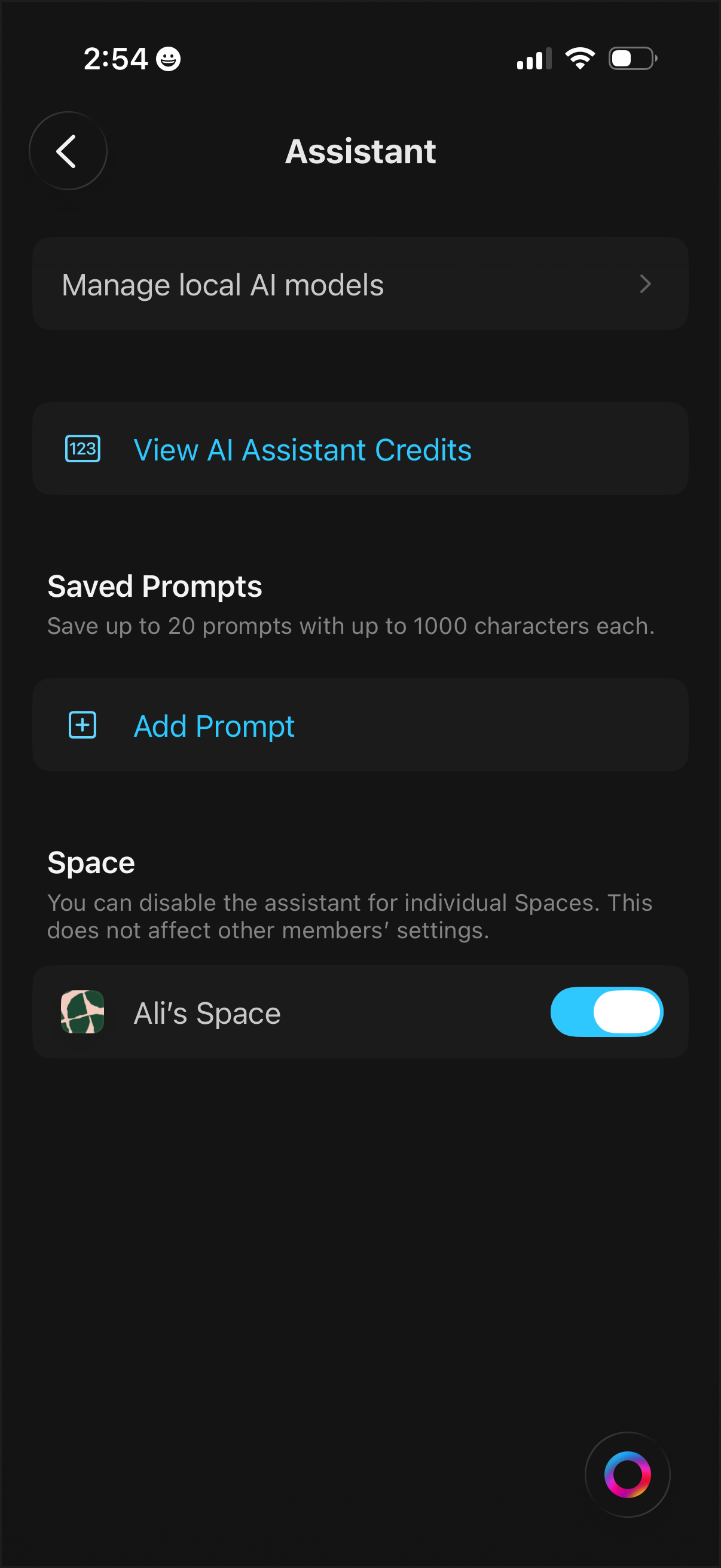
AI assistant settings screen with options to manage local AI models, view assistant credits/usage, and manage saved prompts including an “Add Prompt” action. Includes per-space controls with a toggle to enable or disable the assistant for an individual workspace.
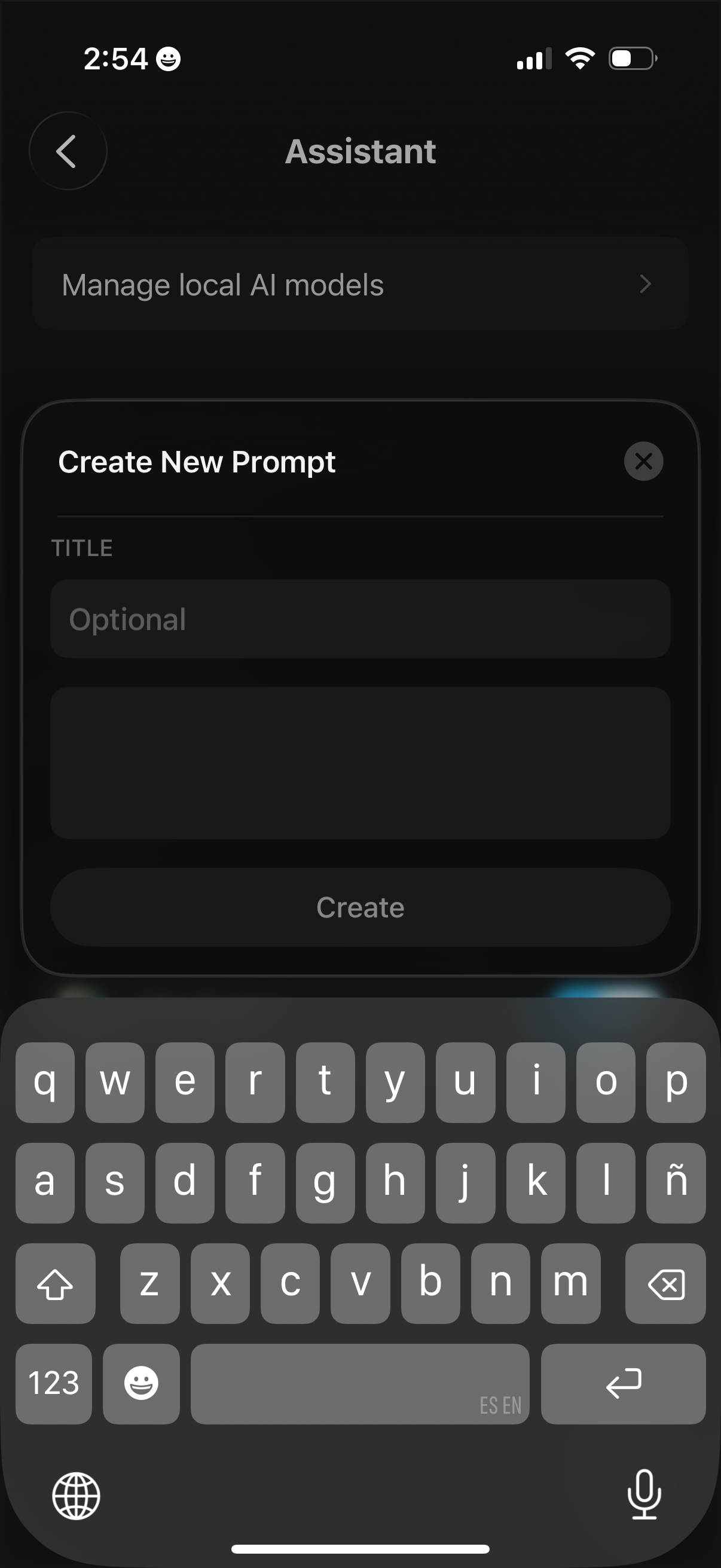
Assistant settings screen showing a modal to create a new AI prompt, with an optional title field, a prompt text input area, and a primary Create button plus a close icon. The background includes navigation to manage local AI models.
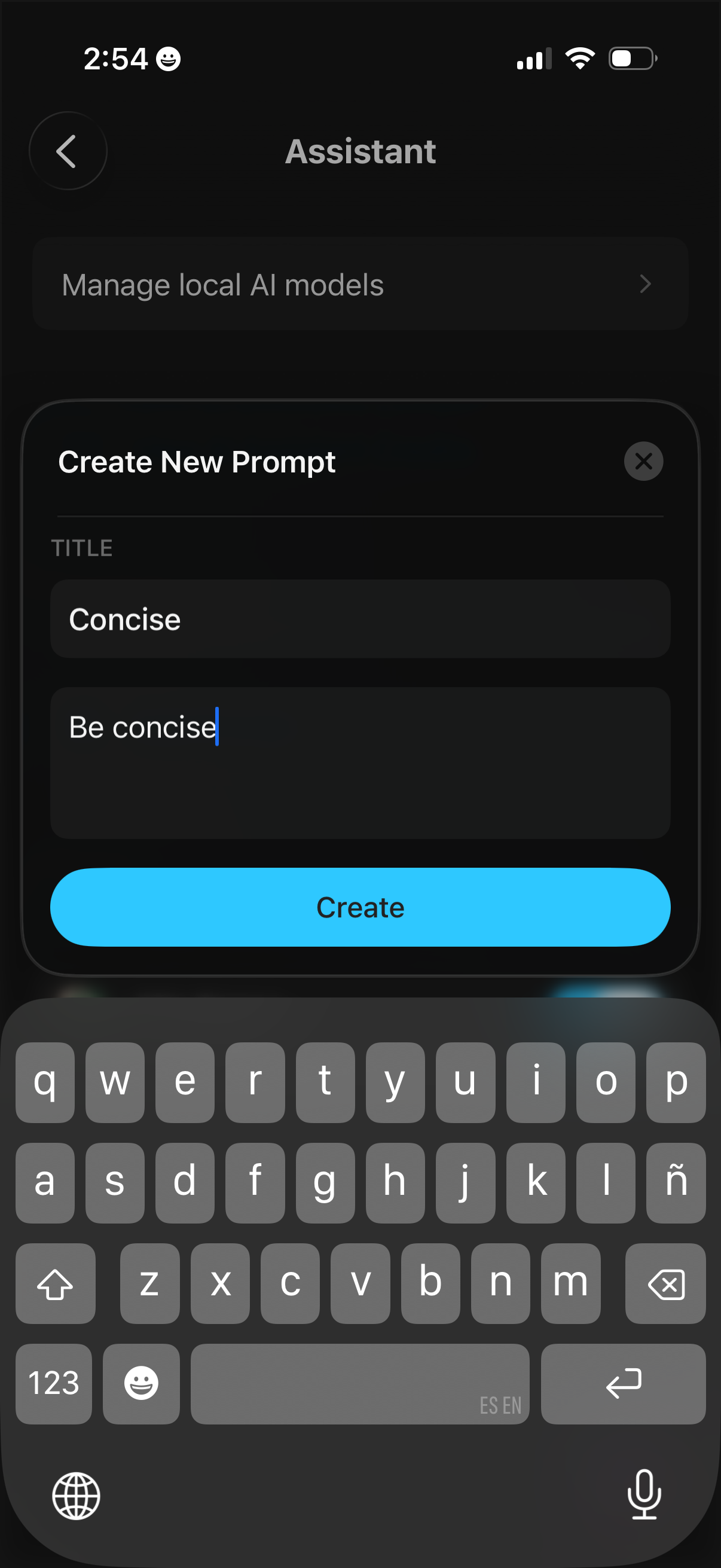
AI assistant settings screen showing a modal to create a new reusable prompt, with fields for prompt title and prompt text/instructions and a primary “Create” button plus a close control. The background includes an option to manage local AI models.
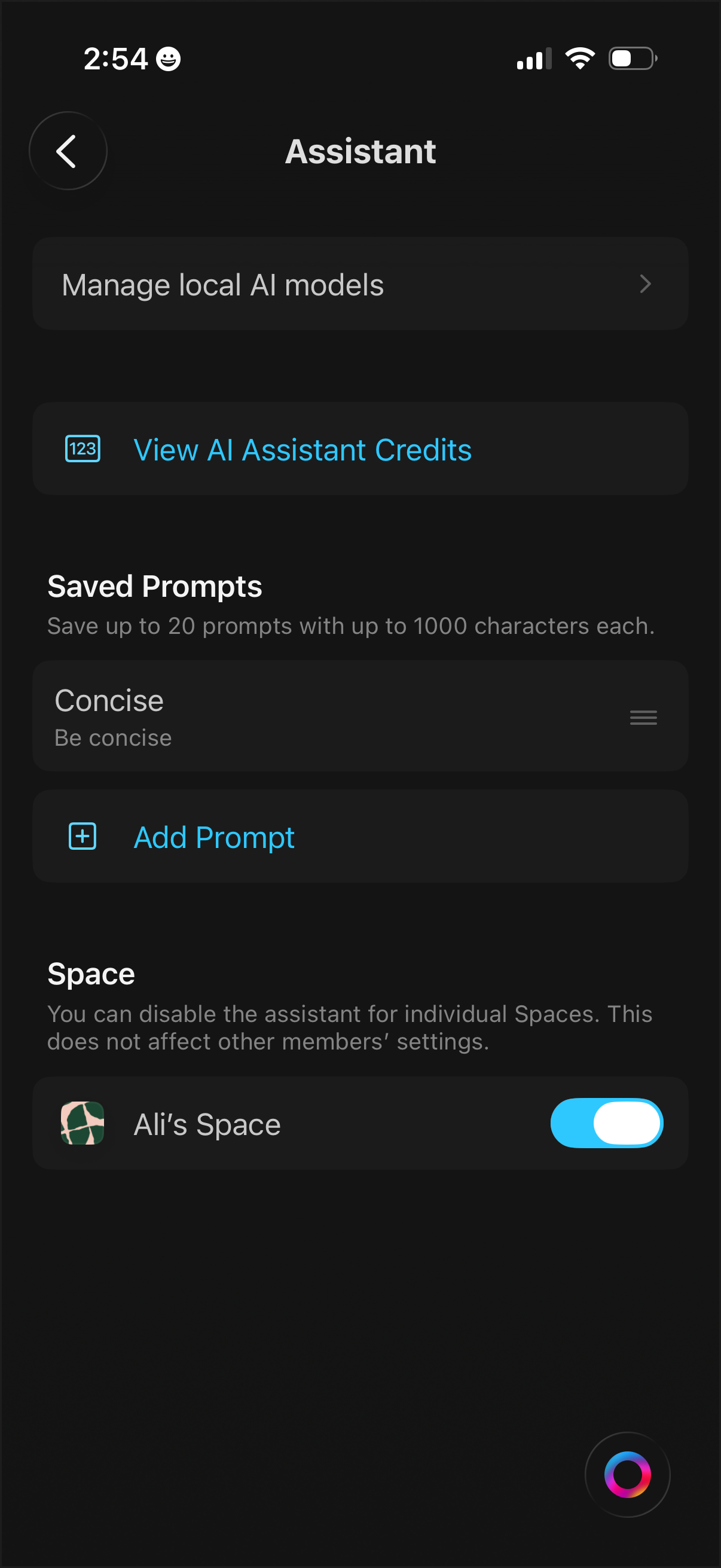
AI assistant settings screen that lets users manage local AI models, view assistant credit balance, and create or reorder saved prompt templates (with an option to add a new prompt). Includes per-space controls with a toggle to enable or disable the assistant for a specific workspace.