complete quick tutorial
Welcome onboarding screen that greets the user and introduces a quick guided tutorial to learn the app basics. Primary action is a prominent “Get Started” button to begin the onboarding walkthrough.
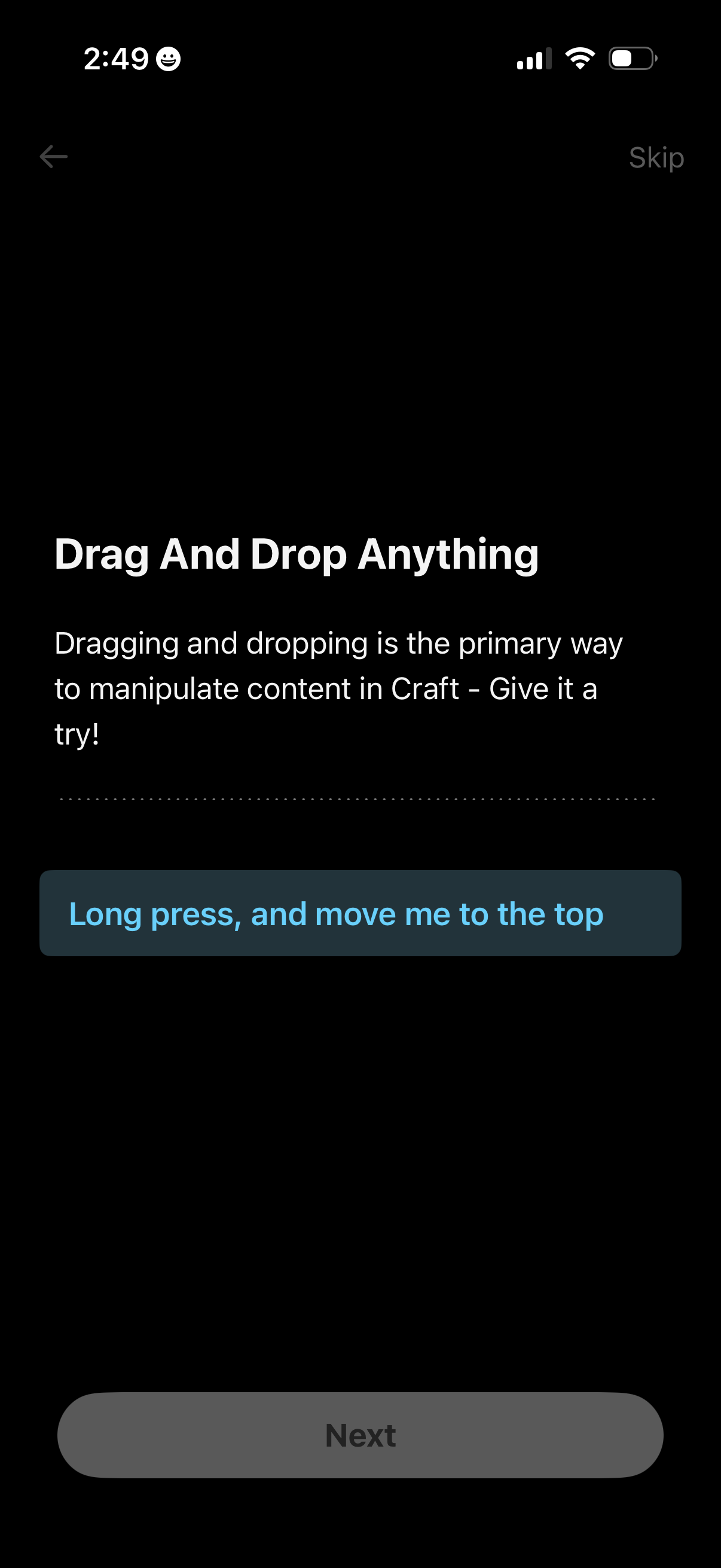
Onboarding tutorial screen explaining how to drag and drop to manipulate and reorder content, prompting the user to long-press an item and move it to the top. Includes back navigation, a Skip option, and a disabled Next button until the interaction is completed.
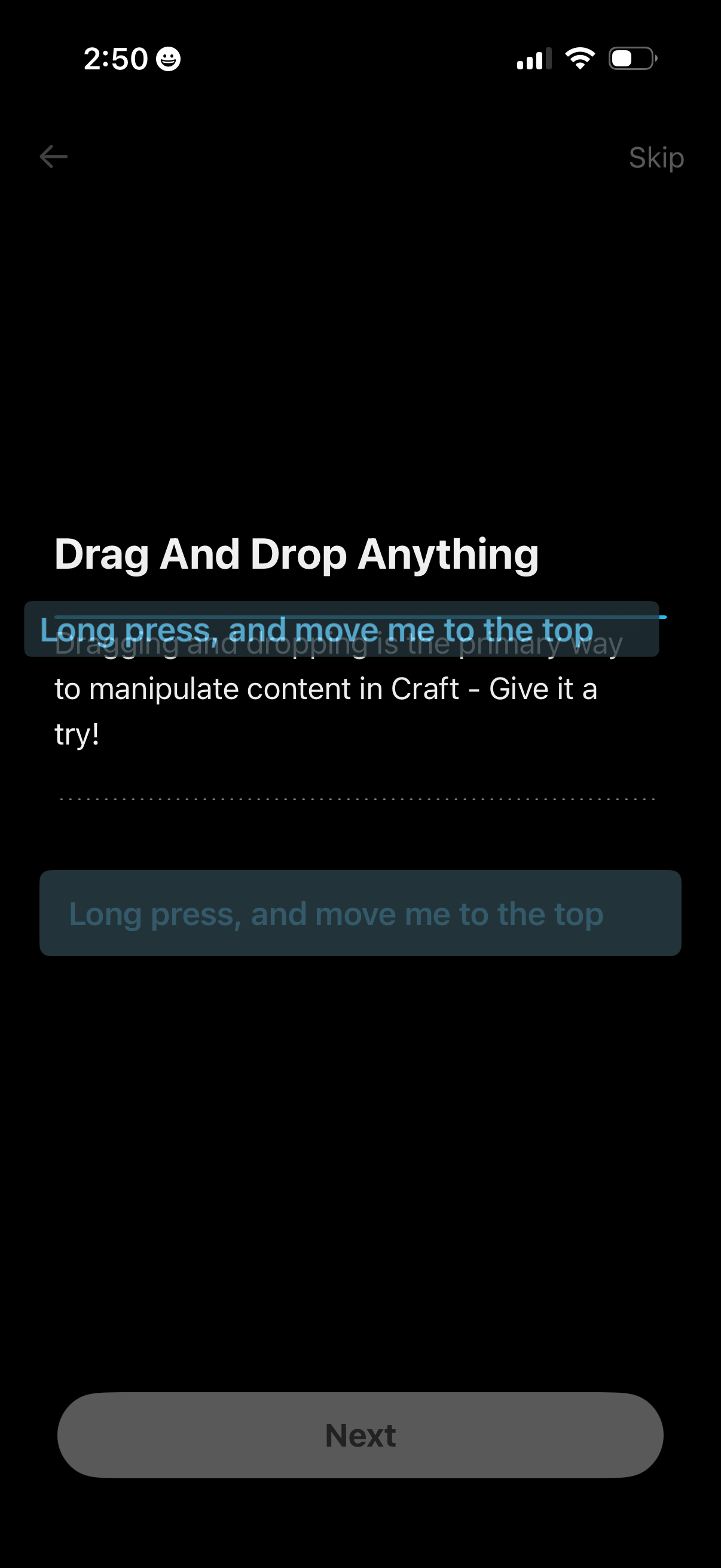
Onboarding tutorial screen teaching drag-and-drop reordering in a note or document editor, instructing users to long-press and move a block of content to the top. Includes navigation controls with Back, Skip, and a primary Next button to continue the walkthrough.
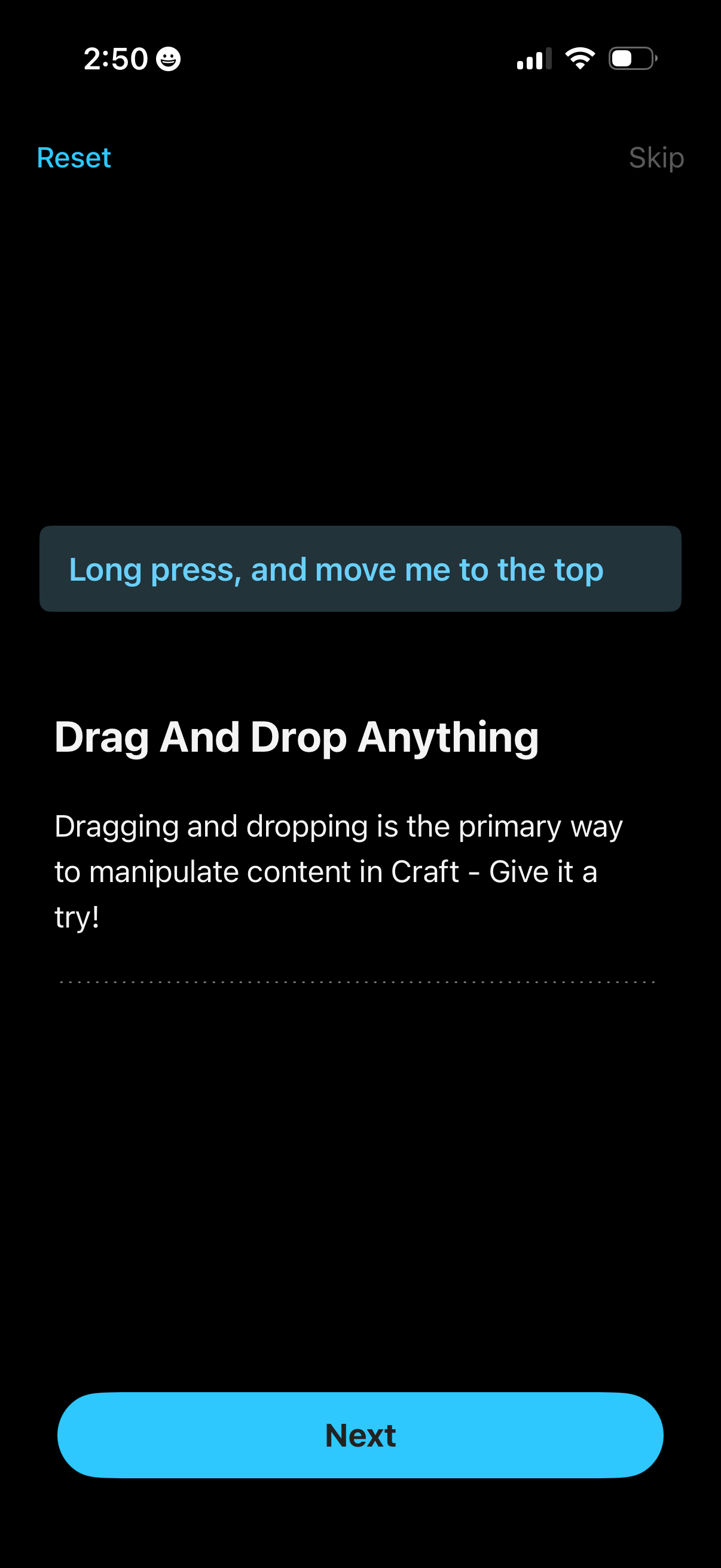
Onboarding tutorial screen teaching drag-and-drop reordering, prompting the user to long press and move an item to the top. Includes Reset and Skip options in the header and a primary “Next” button to continue.
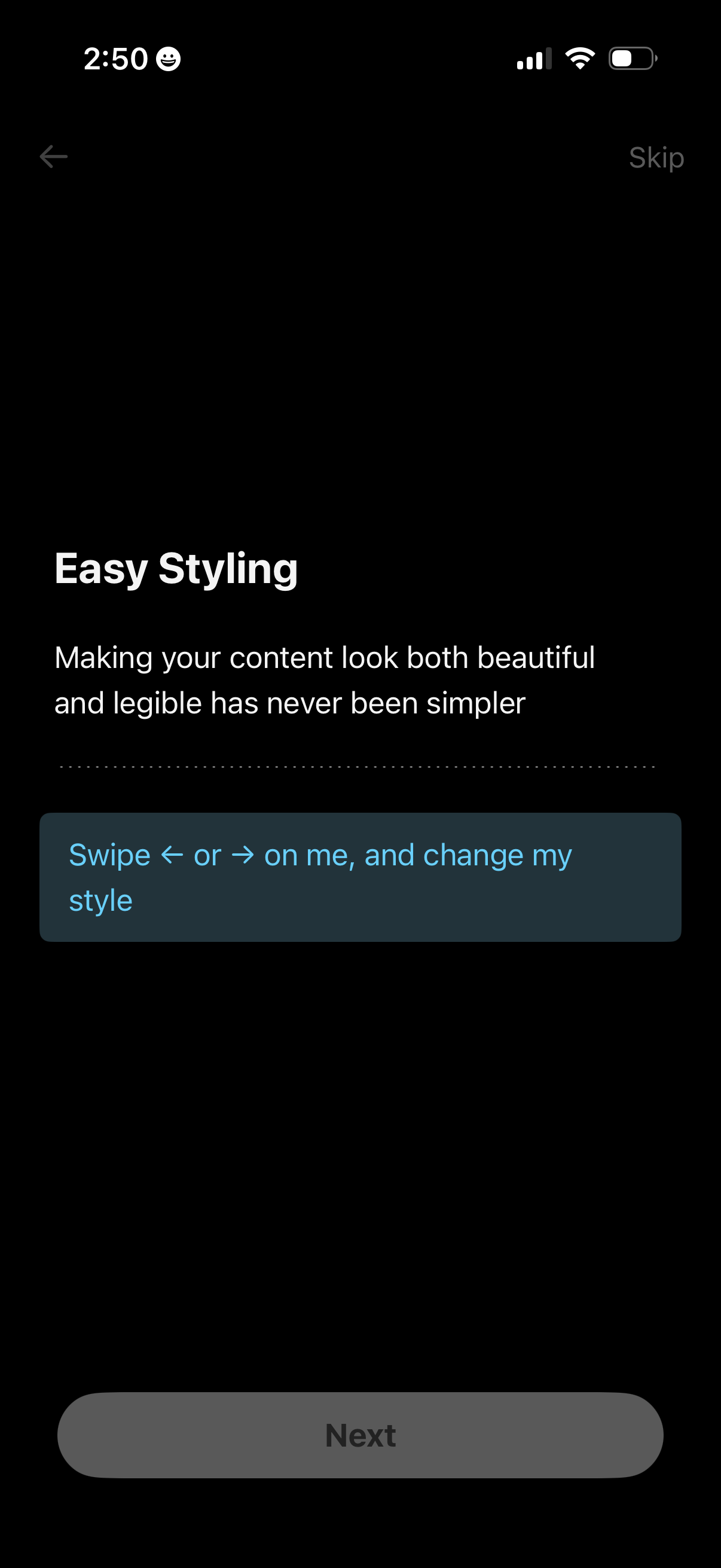
Onboarding tutorial screen introducing “Easy Styling,” explaining how to make content beautiful and legible and prompting users to swipe left or right on a sample text card to change its style. Includes back navigation, a Skip option, and a primary Next button to proceed.
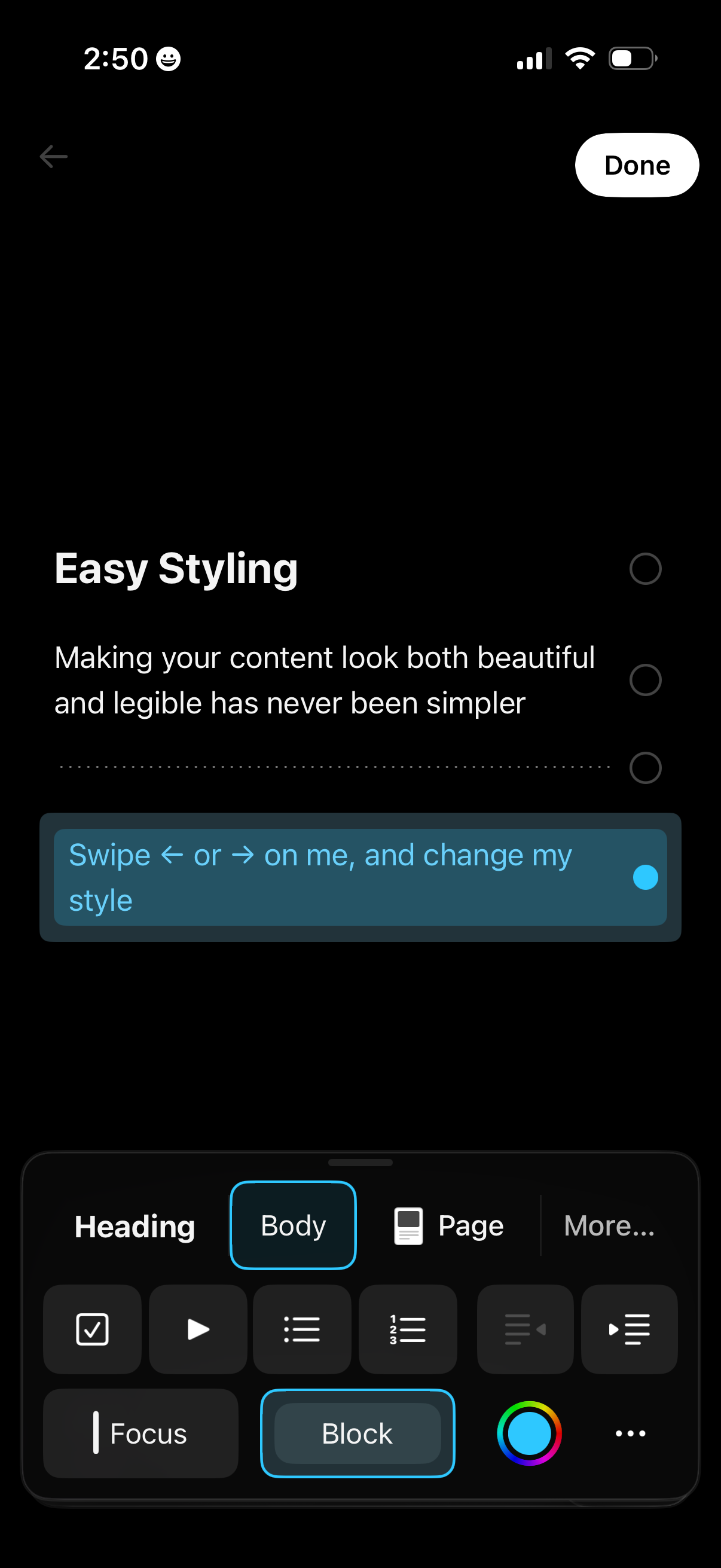
Mobile text editor styling screen showing a document preview with a selected text block and swipe-to-change style hint, plus formatting controls for heading/body styles, lists, focus mode, block formatting, and color picker. Includes back navigation and a Done button to finish editing.
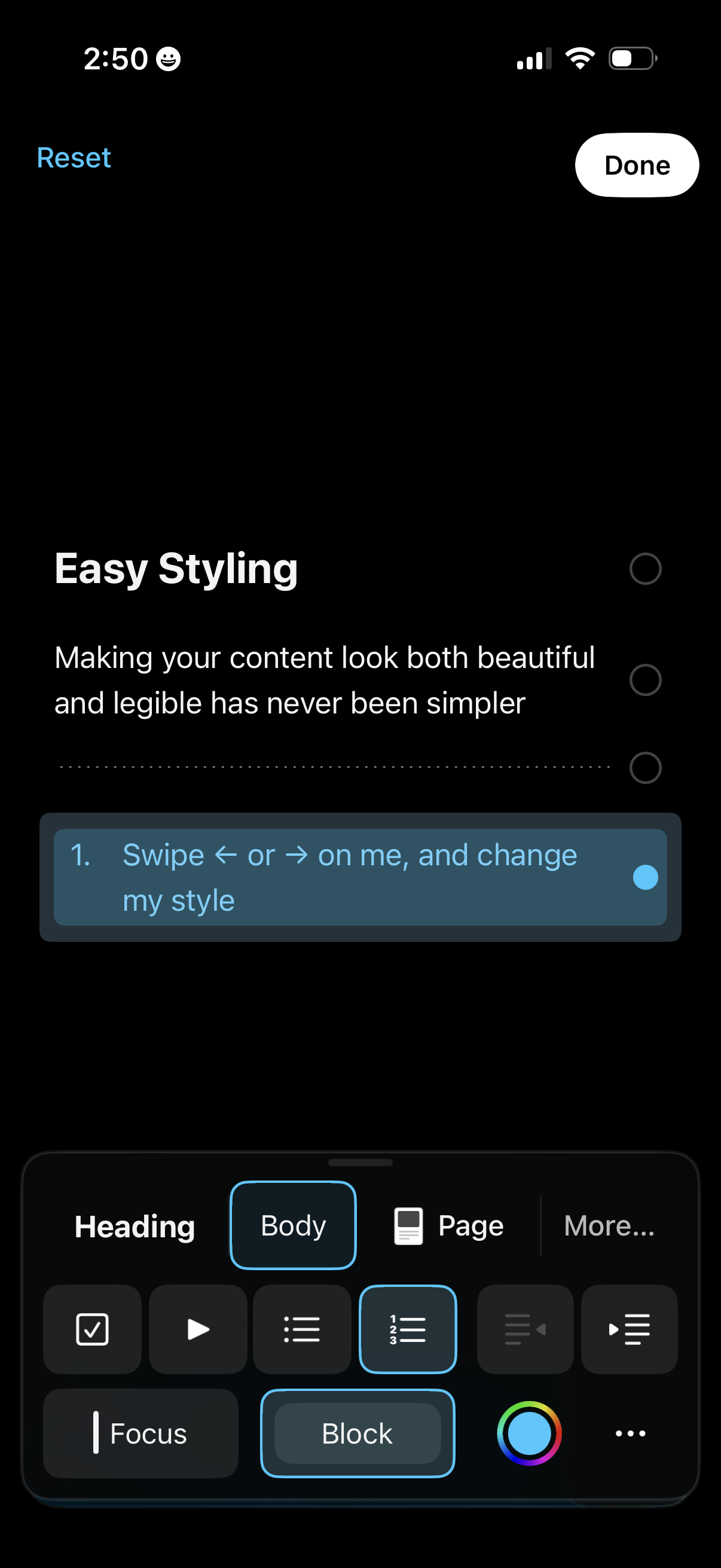
Mobile writing/editor screen with an “Easy Styling” tutorial panel showing a numbered text block and instructions to swipe to change its style. A bottom formatting toolbar lets users switch between heading/body/page options, apply list styles and other text formatting, pick colors, reset changes, and finish with a Done button.
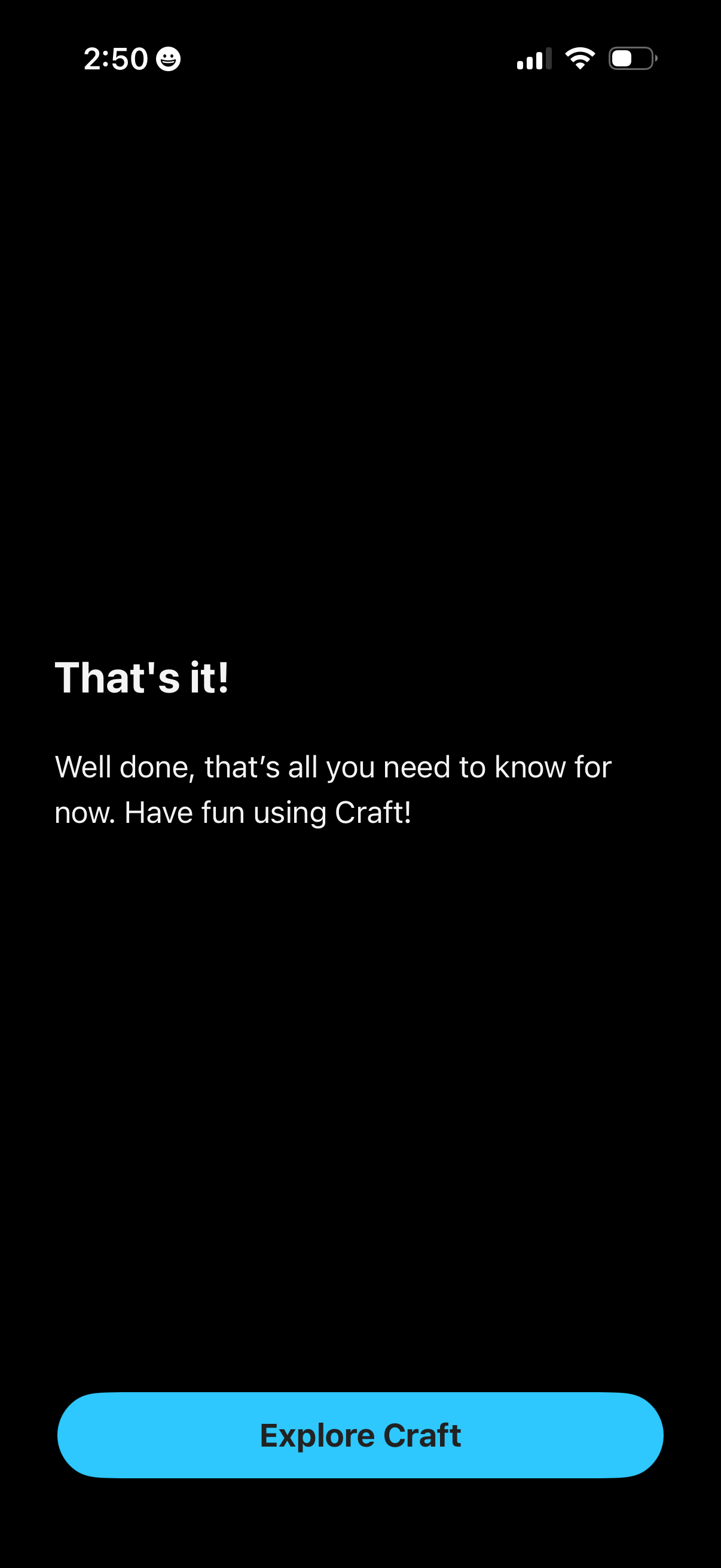
Onboarding completion screen confirming the user has finished the tutorial, with a brief congratulatory message and a primary CTA button to “Explore” and start using the app.
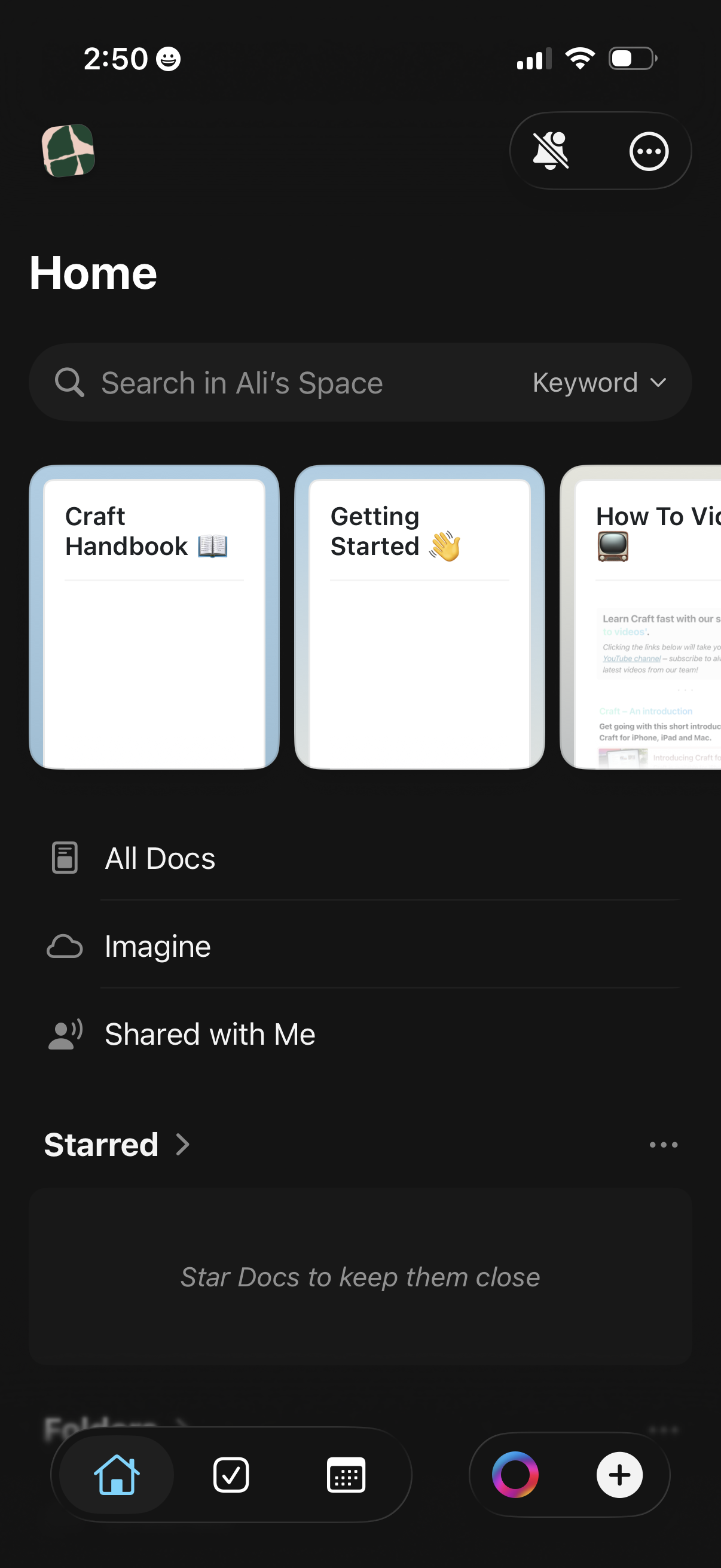
Dark-mode document workspace home screen with a global search bar and keyword filter, plus quick-access cards for recent docs. Provides navigation to All Docs, AI “Imagine,” Shared with Me, and Starred sections, with bottom tabs for home, tasks, grid view, and create/add new content.