1
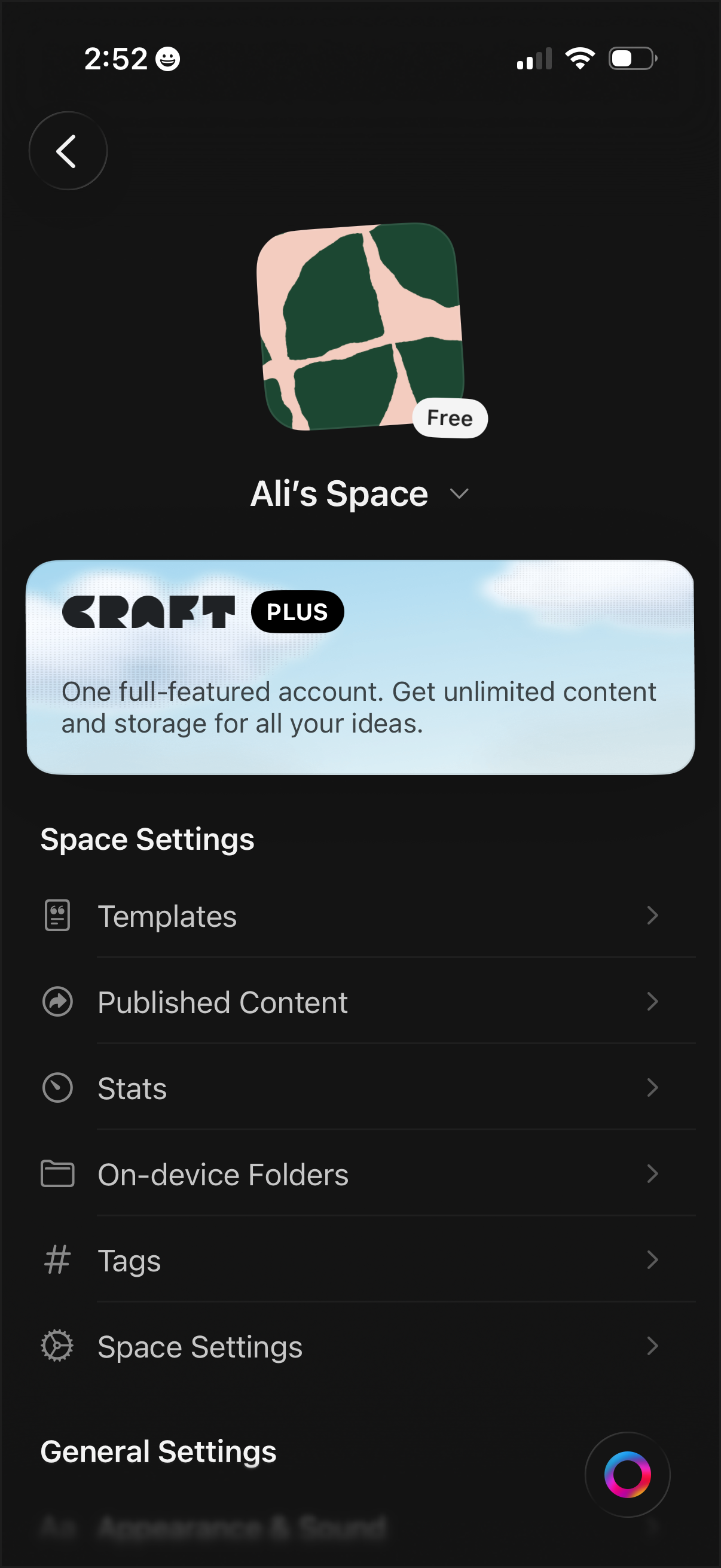
Workspace/space settings screen for a notes or document app showing the current space name, icon, and plan status, with an upsell banner for a premium subscription. Provides navigation to manage templates, published content, stats, on-device folders, tags, and additional space/general settings.
2
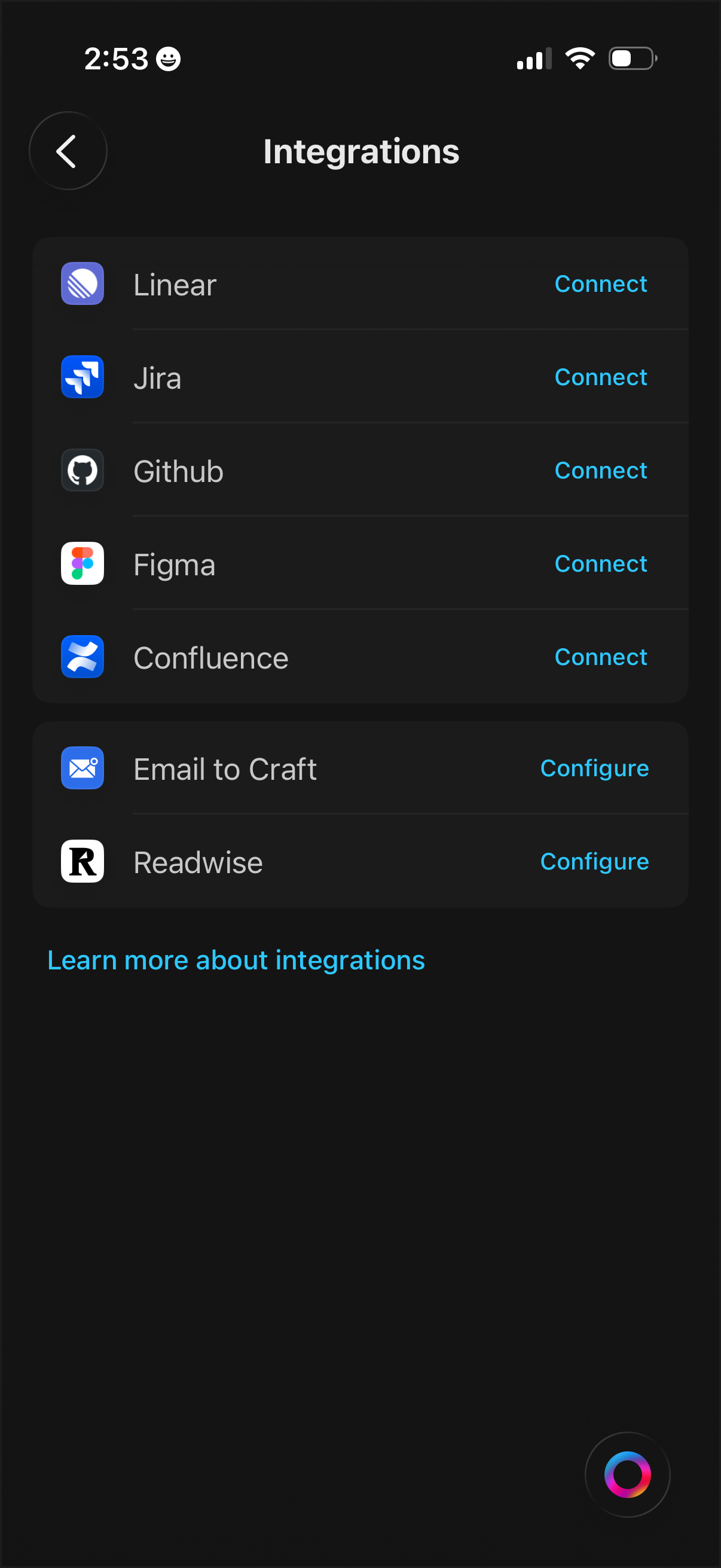
Integrations settings screen listing third-party services with icons and action buttons to Connect or Configure each integration (e. g.
3
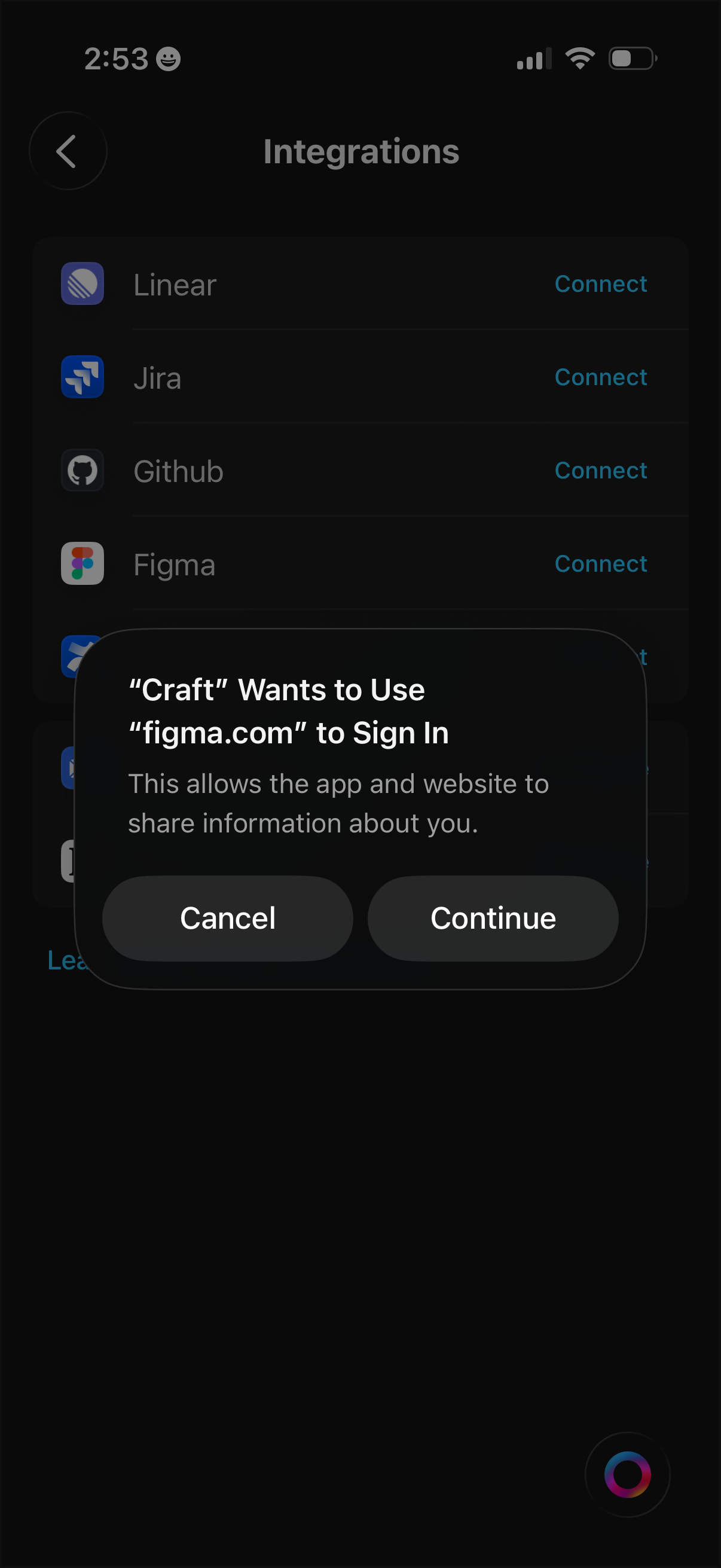
Integrations settings screen listing third‑party tools (e. g.
4
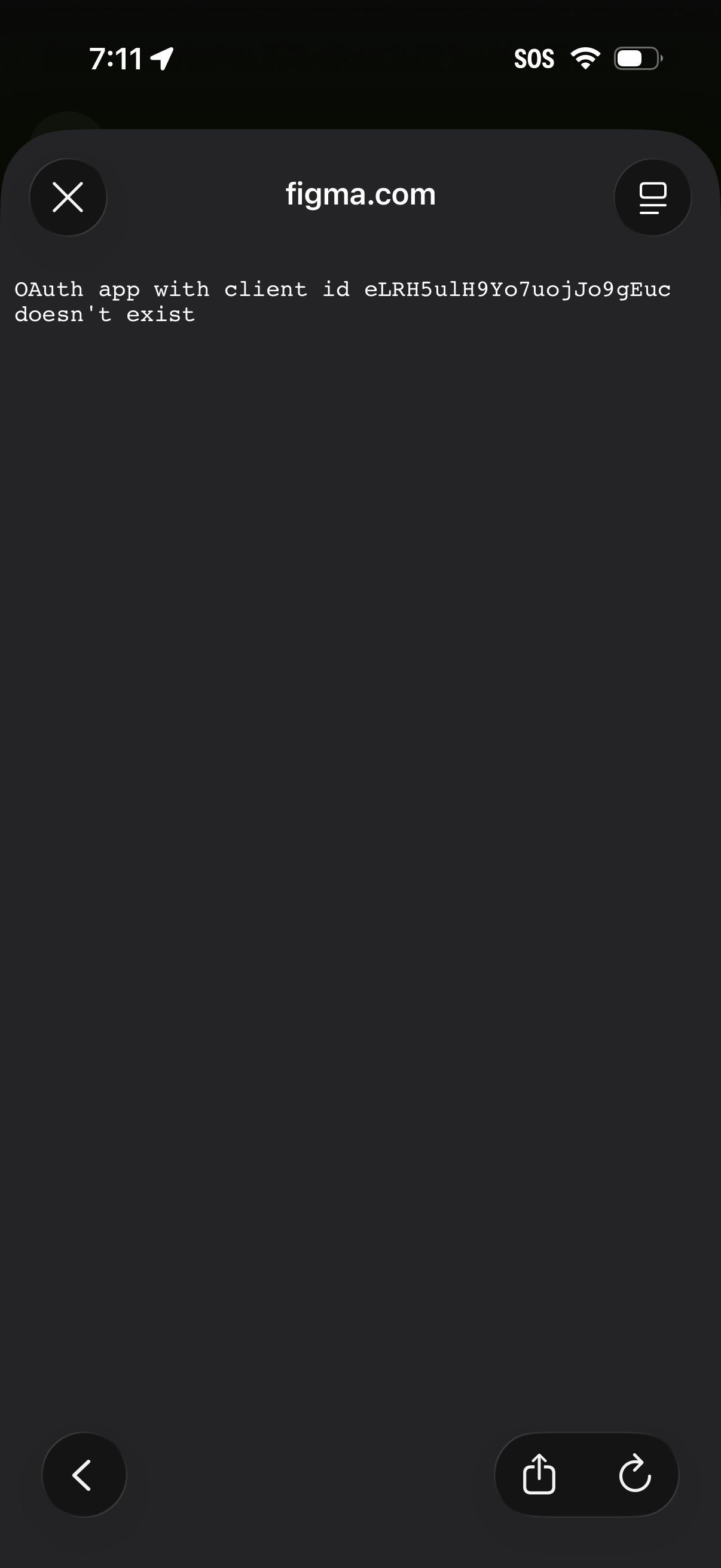
In-app browser error screen for an OAuth login/authorization attempt, showing a message that the OAuth app client ID doesn’t exist. Includes navigation controls to close or go back, plus share and reload actions.