choose assistant model
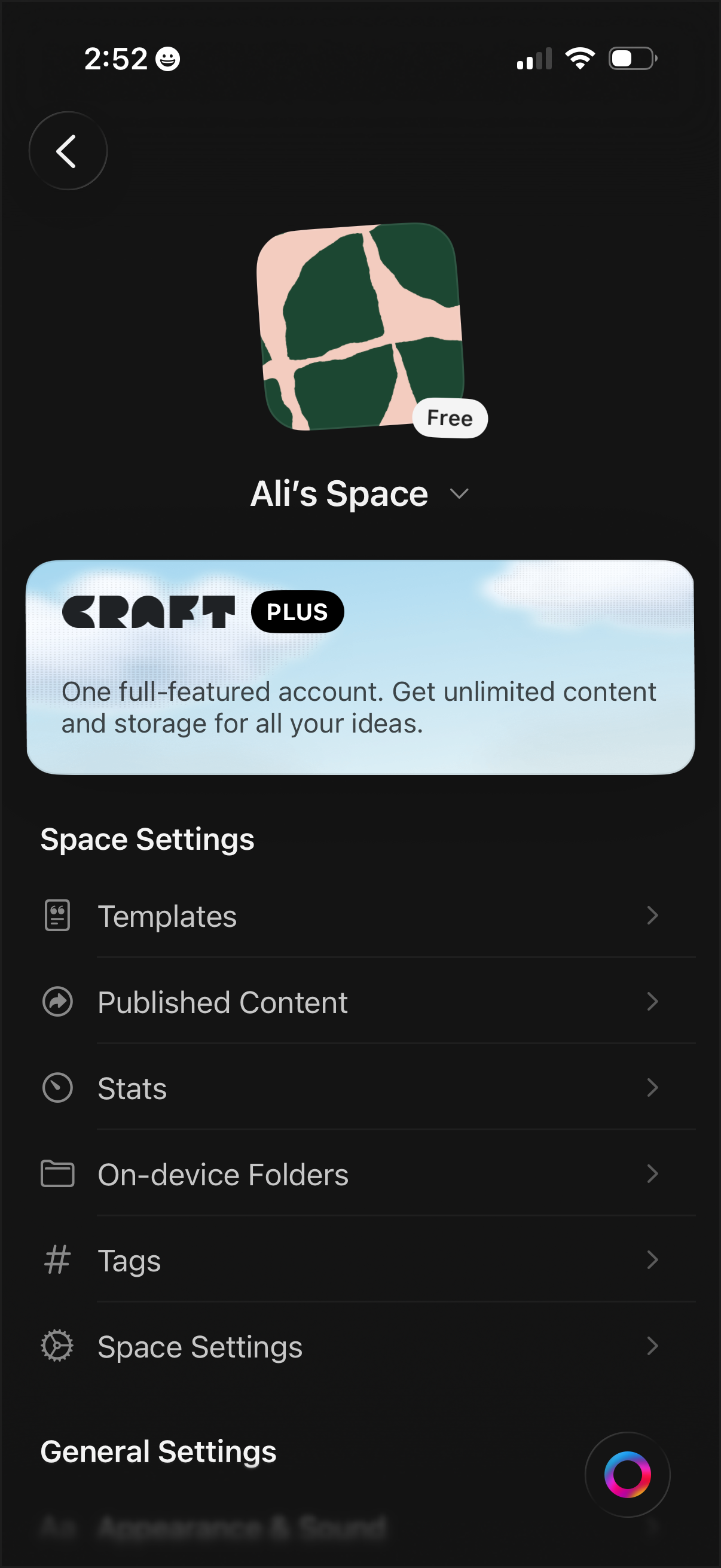
Workspace/space settings screen for a notes or document app showing the current space name, icon, and plan status, with an upsell banner for a premium subscription. Provides navigation to manage templates, published content, stats, on-device folders, tags, and additional space/general settings.
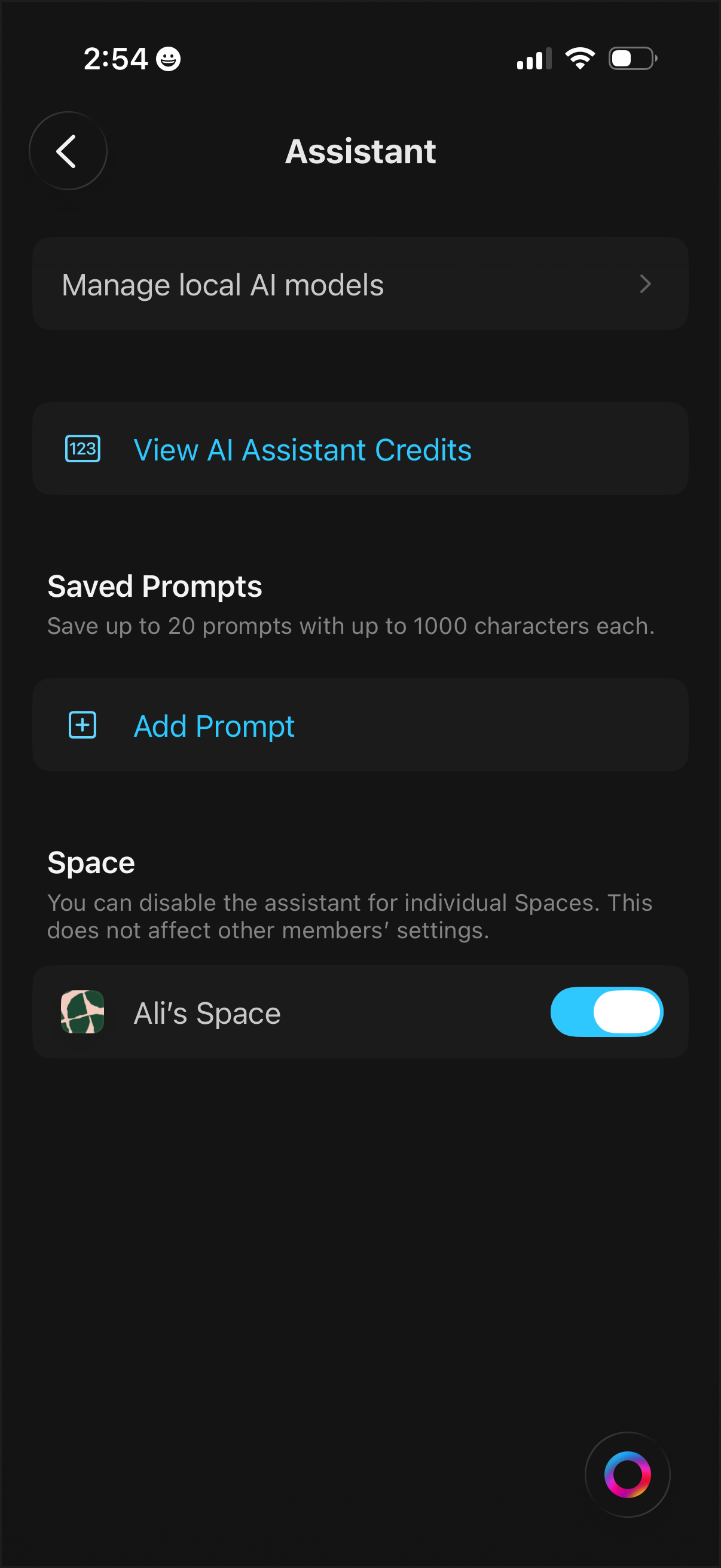
AI assistant settings screen with options to manage local AI models, view assistant credits/usage, and manage saved prompts including an “Add Prompt” action. Includes per-space controls with a toggle to enable or disable the assistant for an individual workspace.
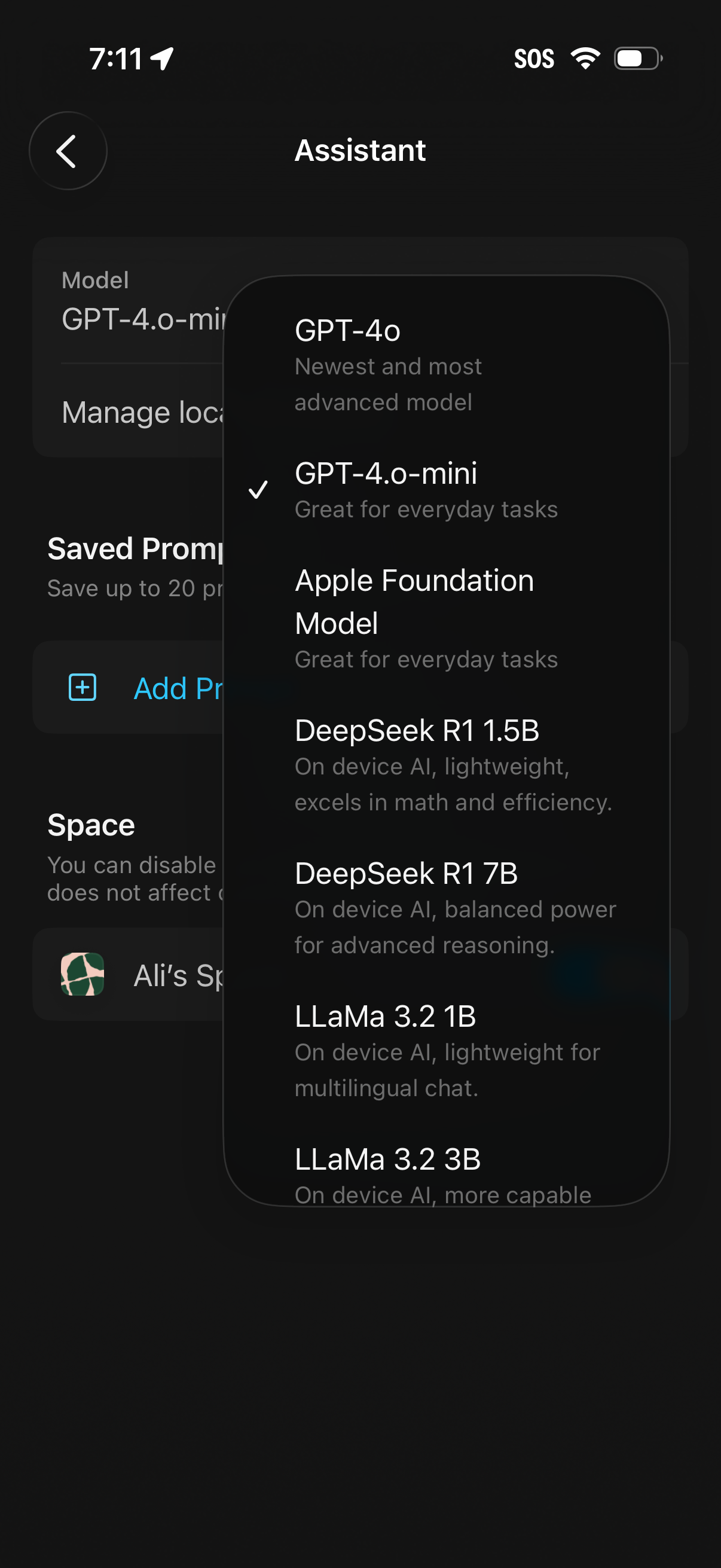
Assistant settings screen showing a modal model picker to select the AI model for chat, with options like GPT-4o, GPT-4o-mini (selected), Apple Foundation Model, DeepSeek, and LLaMa variants along with brief capability descriptions. The underlying page also includes sections for managing local/on-device settings, saved prompts, and space/workspace settings.