change language and spelling
1
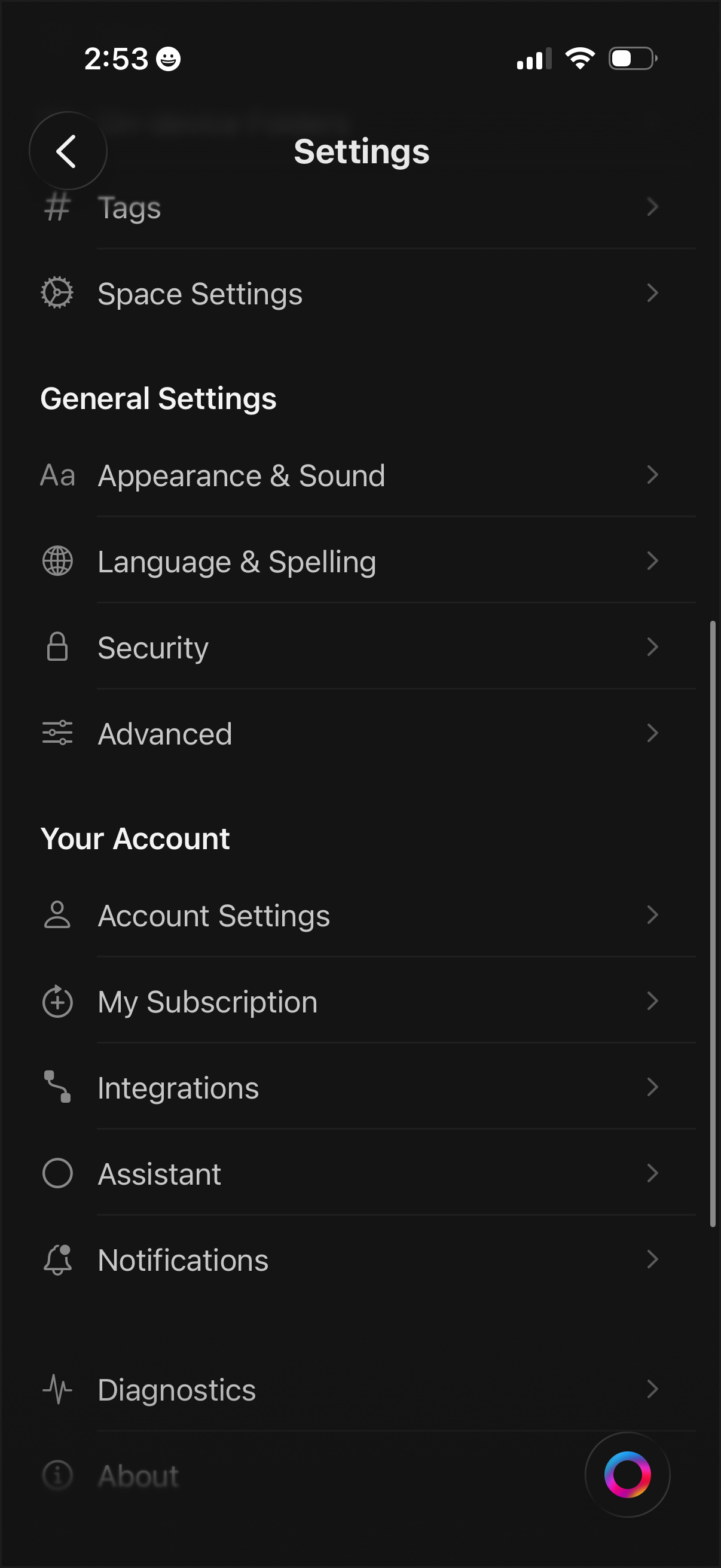
Settings menu screen with a categorized list for managing app and workspace preferences, including Tags, Space Settings, Appearance & Sound, Language & Spelling, Security, and Advanced options. Includes account-related sections to access Account Settings, subscription management, integrations, assistant, notifications, diagnostics, and about pages.
2
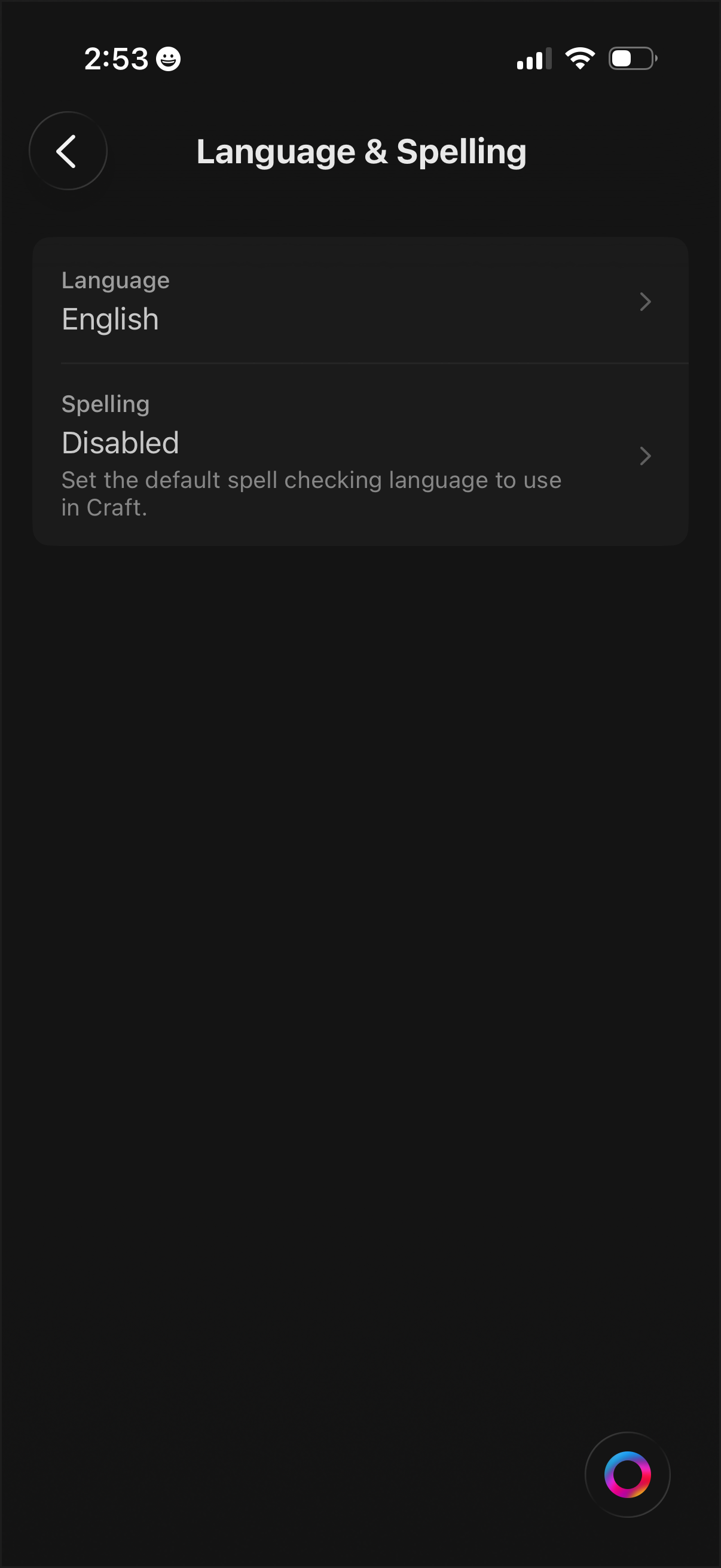
Settings screen for Language & Spelling where users can choose the app’s interface language and configure spell checking, including selecting a default spell check language or disabling spelling entirely. Tapping each row navigates to detailed language or spelling options.