change document color theme
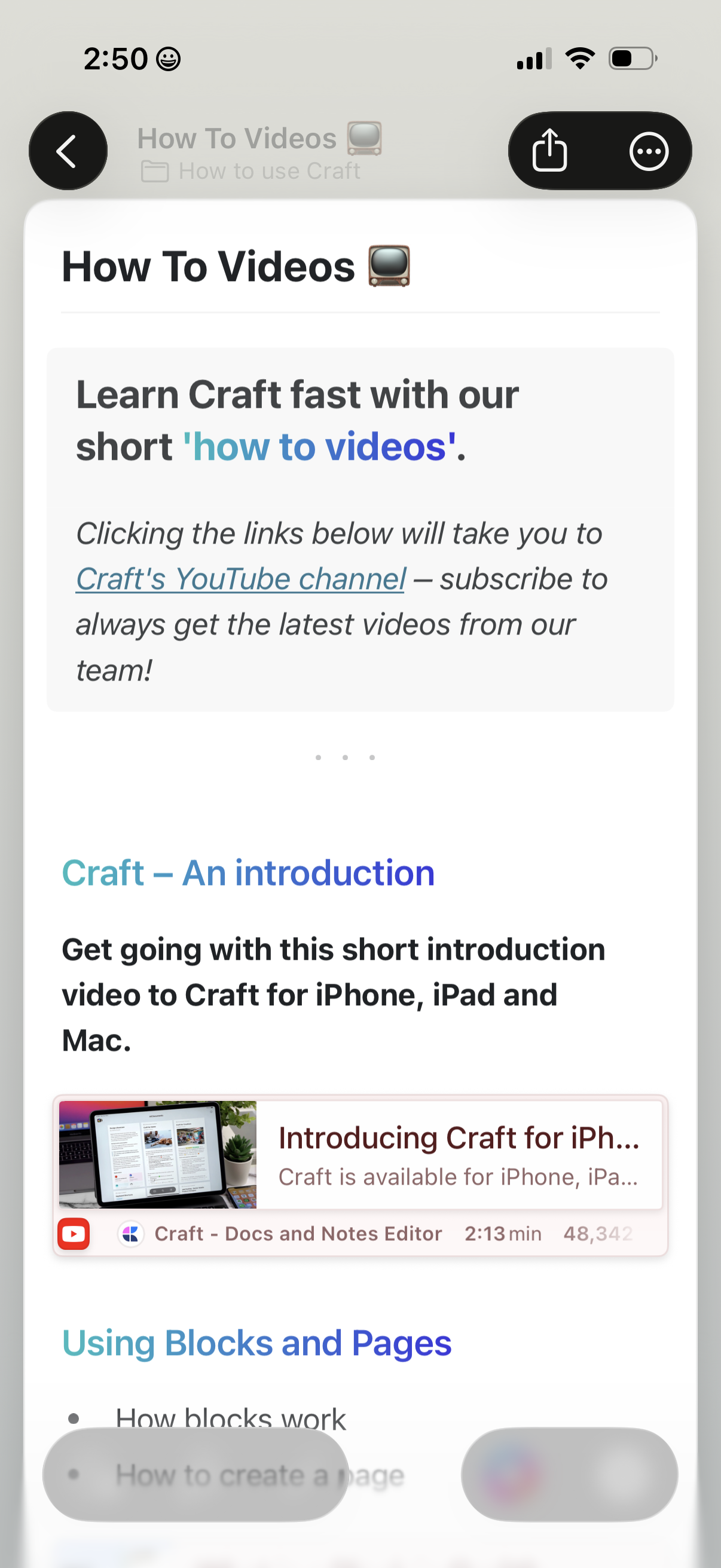
In-app help and learning hub showing a “How To Videos” page with an introduction and links that open the product’s YouTube tutorial channel. Users can browse tutorial sections and tap a video card to watch an introductory video, with back navigation and share/more actions in the header.
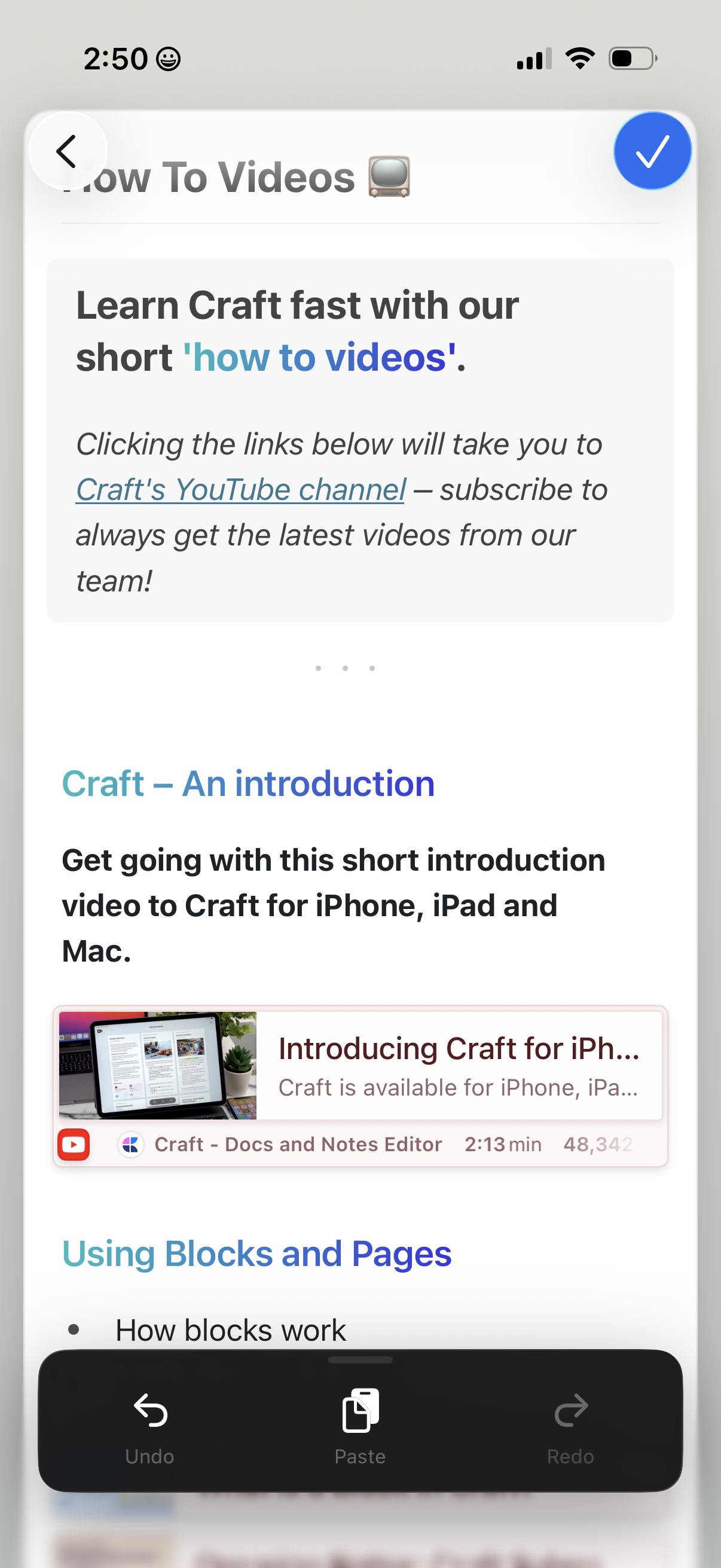
In-app “How To Videos” help page showing a list of tutorial sections with brief descriptions and embedded YouTube video previews, including links to the app’s YouTube channel. Navigation includes a back button and a primary checkmark action to close or confirm.
A help and learning resources page titled “How To Videos” that explains how to learn the product through short tutorial videos and provides a link out to the app’s YouTube channel. The screen includes standard navigation controls like a back button and share/more actions.
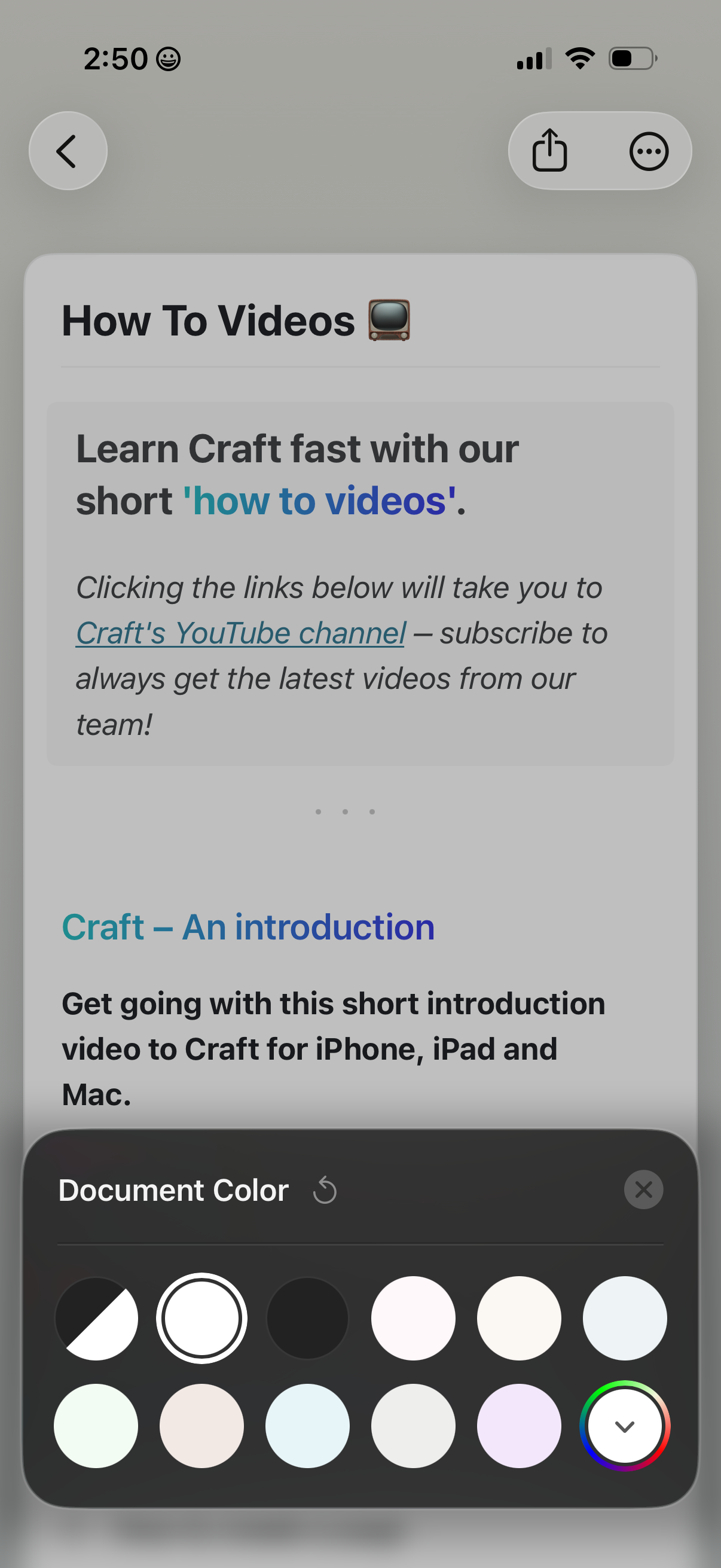
Help and learning screen listing “How To Videos” tutorials, with descriptive text and links to an external YouTube channel plus an introductory video entry. A bottom sheet modal is open for customizing document appearance, offering document color/theme swatches and a close control.
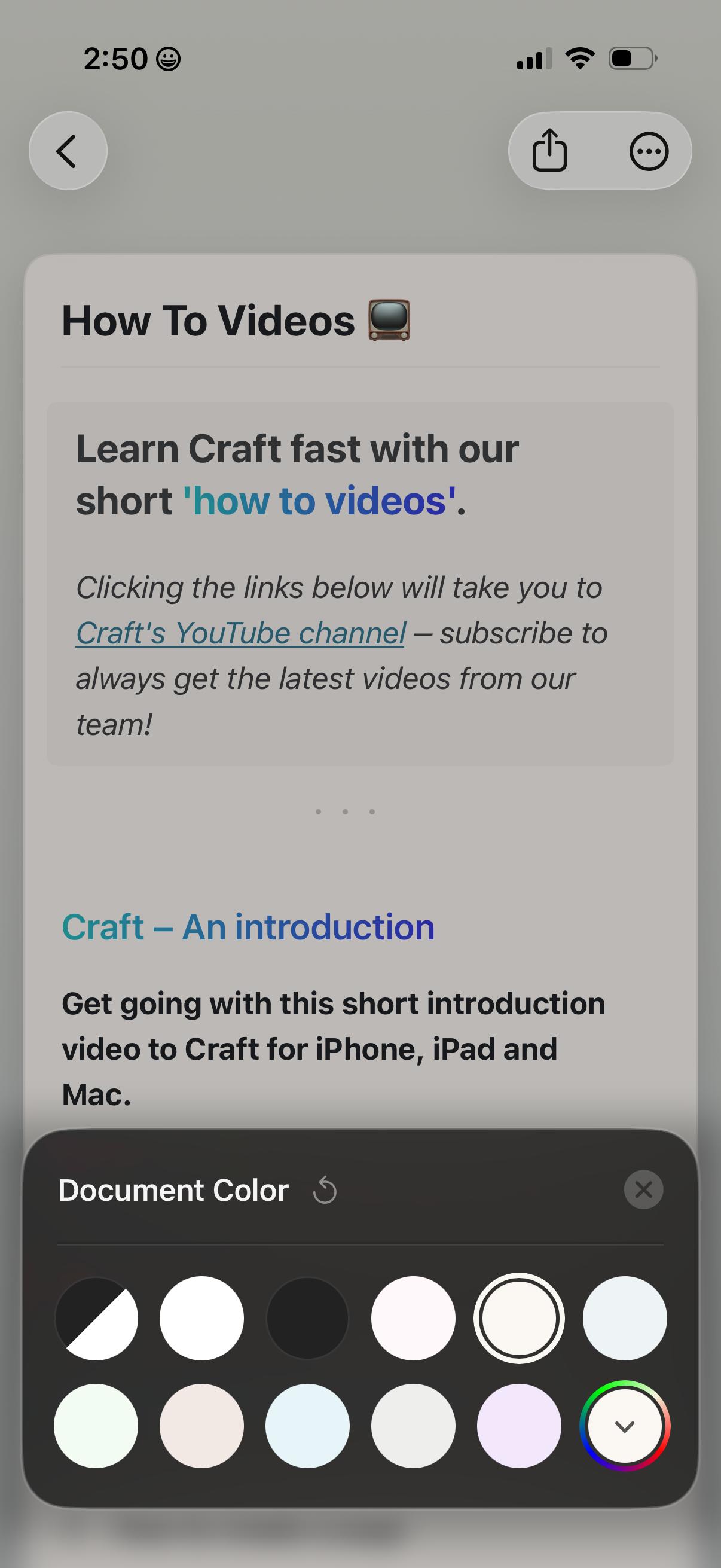
Help or onboarding “How To Videos” screen showing an introduction and links to tutorial content on a YouTube channel, with navigation back and share/more actions. A bottom sheet “Document Color” picker is open, letting users choose from preset color swatches or a custom color wheel and close the panel.
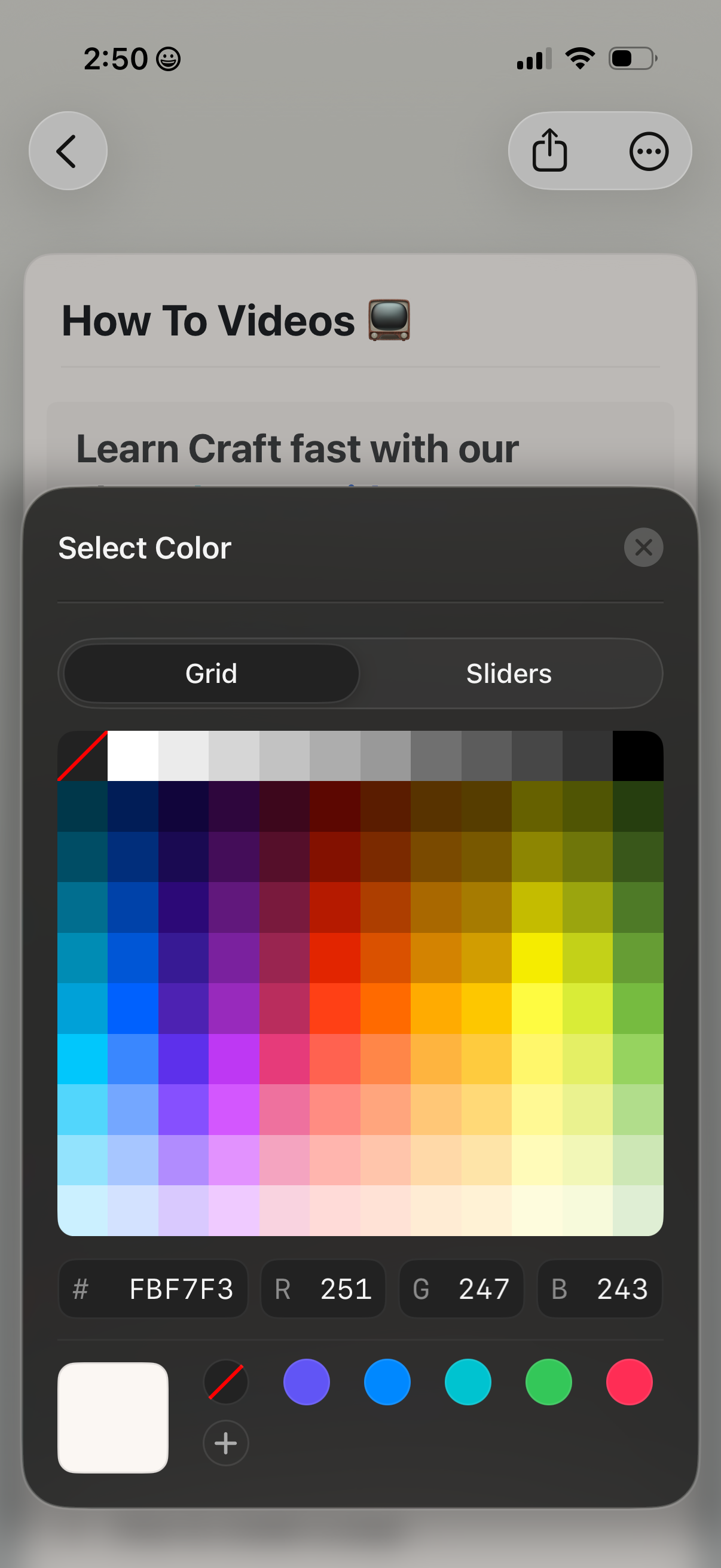
A modal color picker overlay for customizing an element’s color, offering Grid and Sliders selection modes with a multi-shade color grid. Includes hex and RGB value fields, current color preview, quick color swatches, and a close button while dimming the underlying content page.
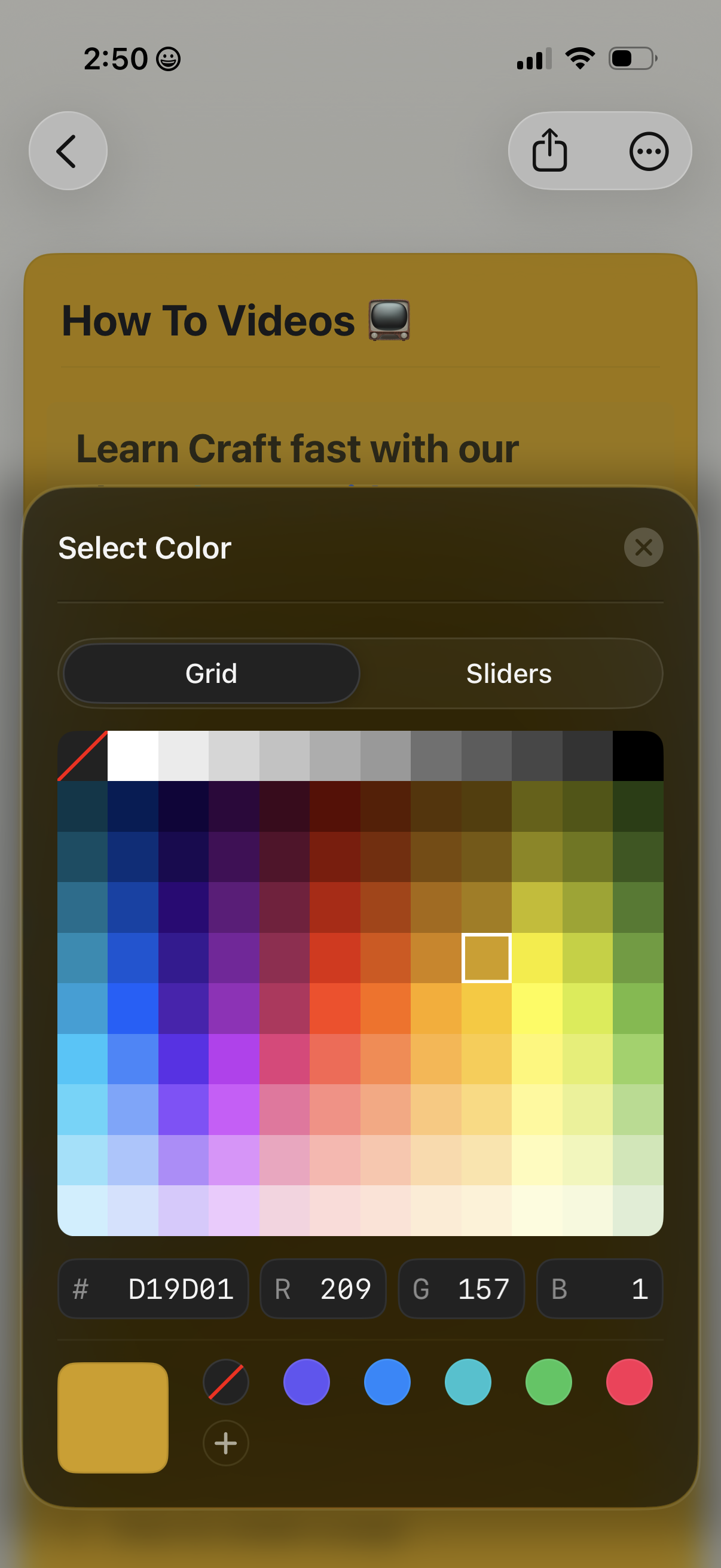
A color picker bottom-sheet modal for customizing a UI element, featuring Grid and Sliders tabs and a full spectrum color grid with a current selection indicator. Includes hex input plus RGB value fields, a preview swatch, and quick color presets with a close button.
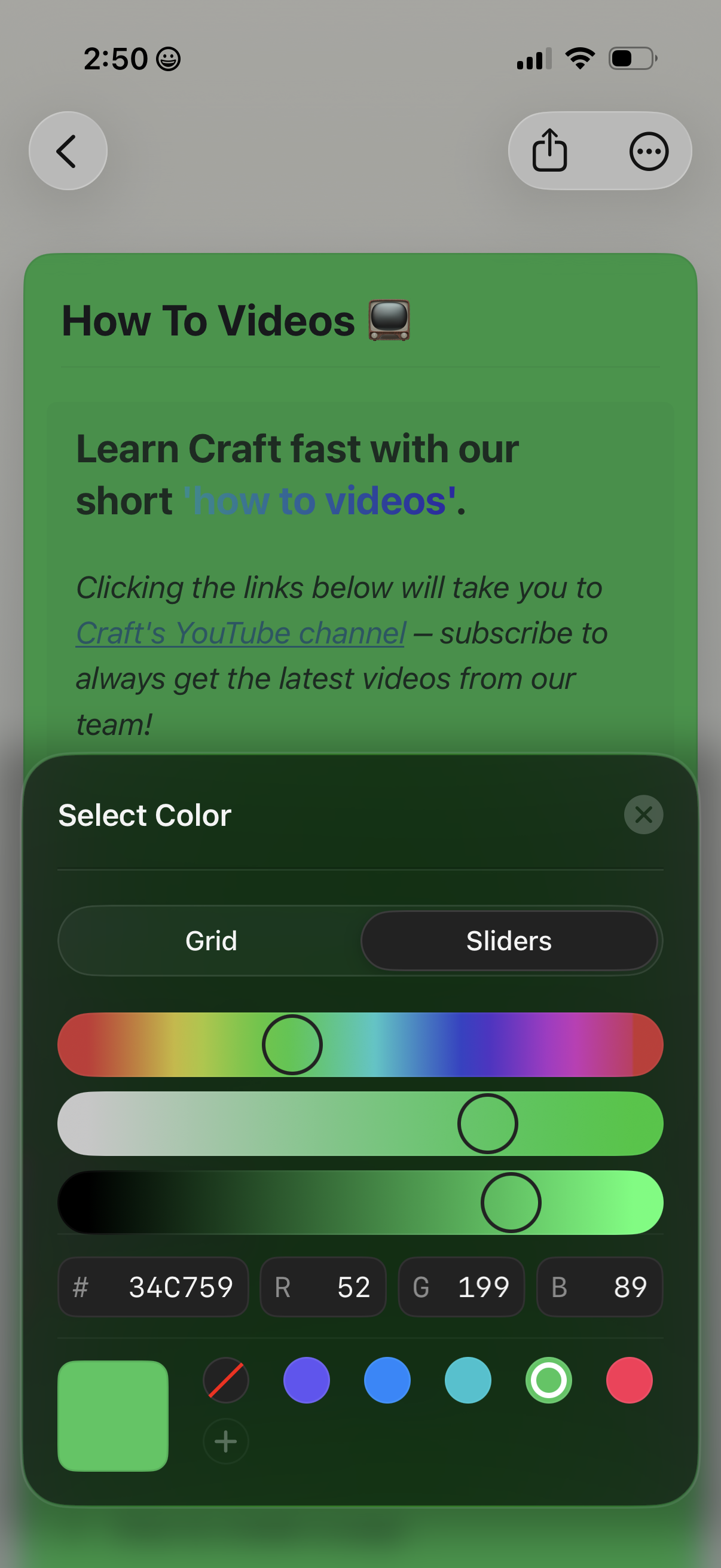
A content page titled “How To Videos” with descriptive text and a link to a YouTube channel, overlaid by a “Select Color” bottom sheet. The modal lets users pick a color using grid or slider tabs, adjust a hue slider and RGB/hex values, choose from preset swatches, and close the picker.
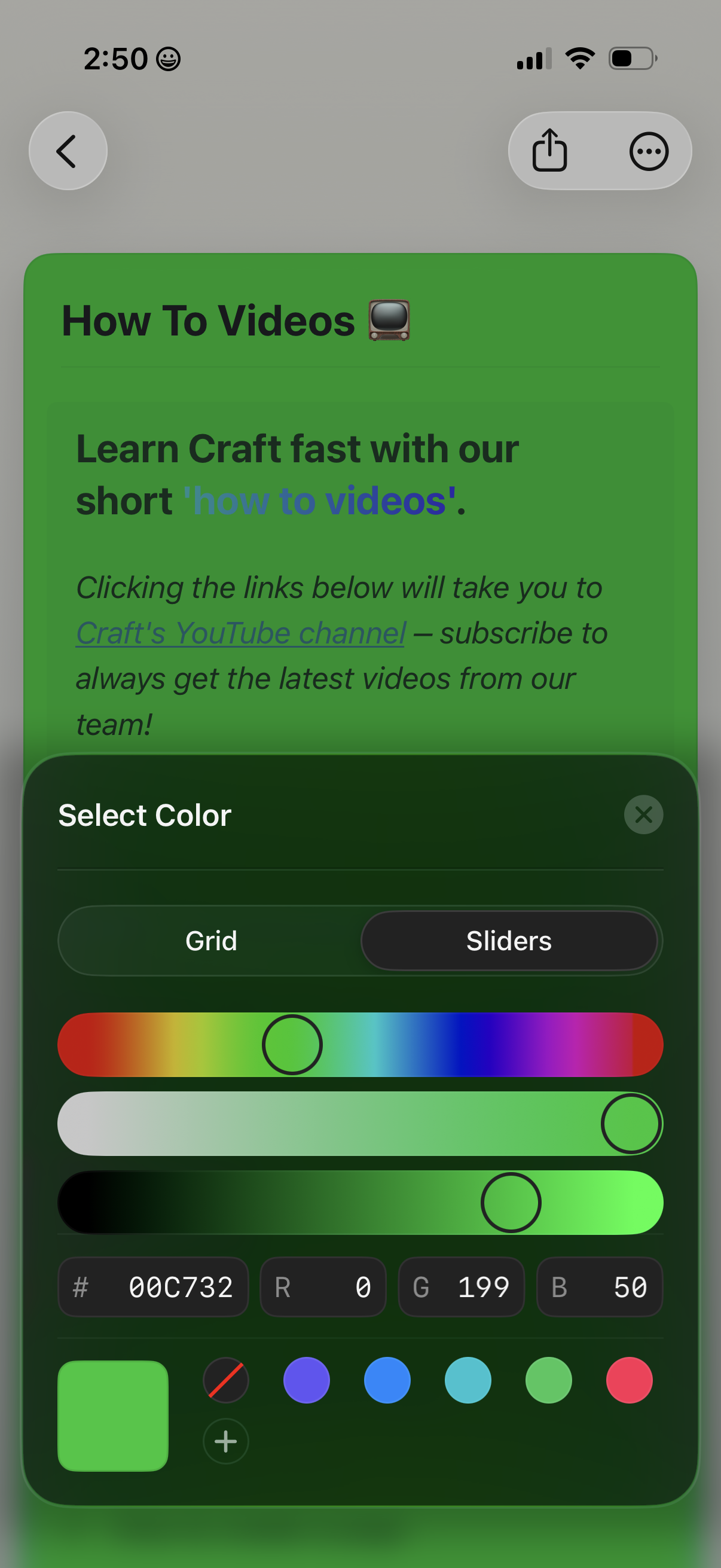
A content detail page titled “How To Videos” with descriptive text and a link to a YouTube channel is shown while an iOS color picker modal overlays the screen. The modal lets users select a color using grid or slider modes with spectrum sliders, RGB/hex input fields, a preview swatch, and a close button.
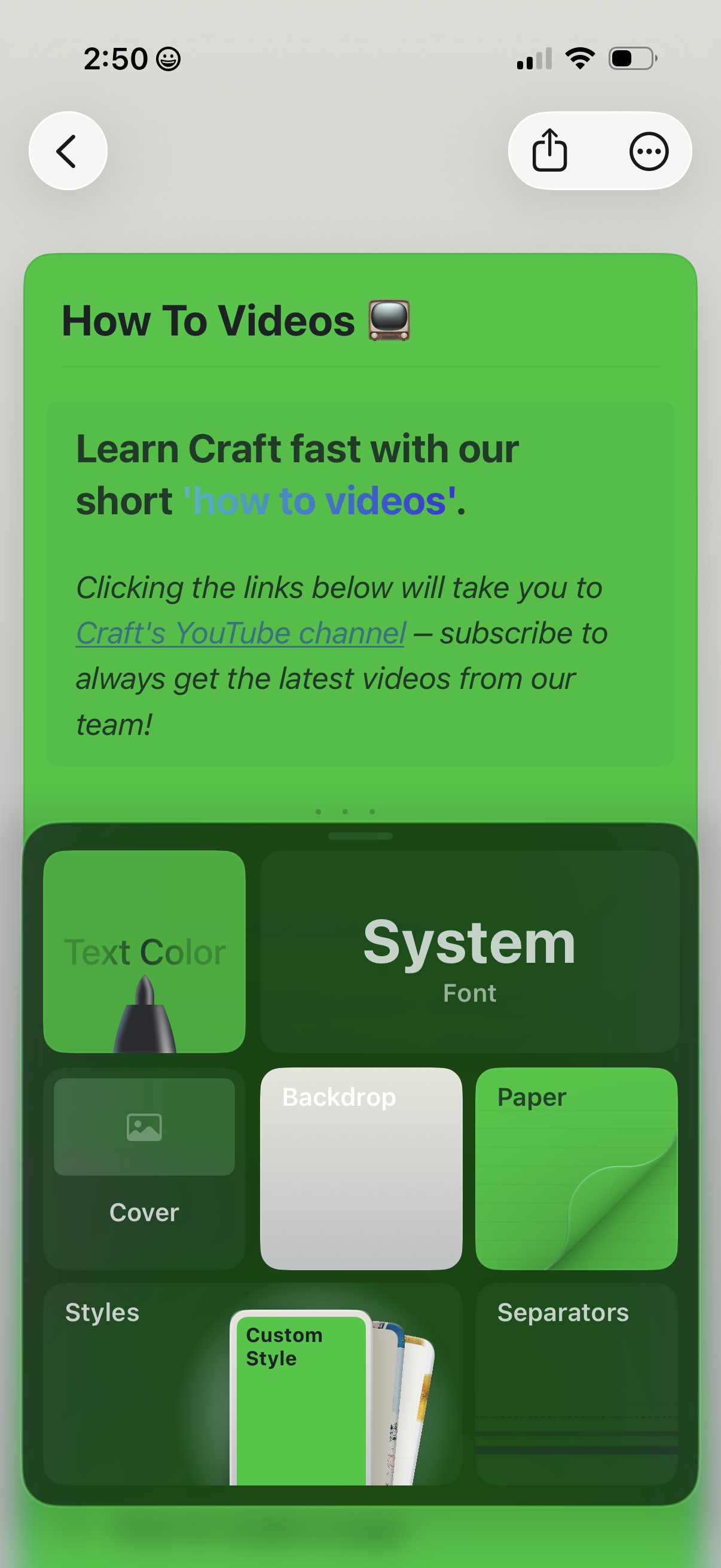
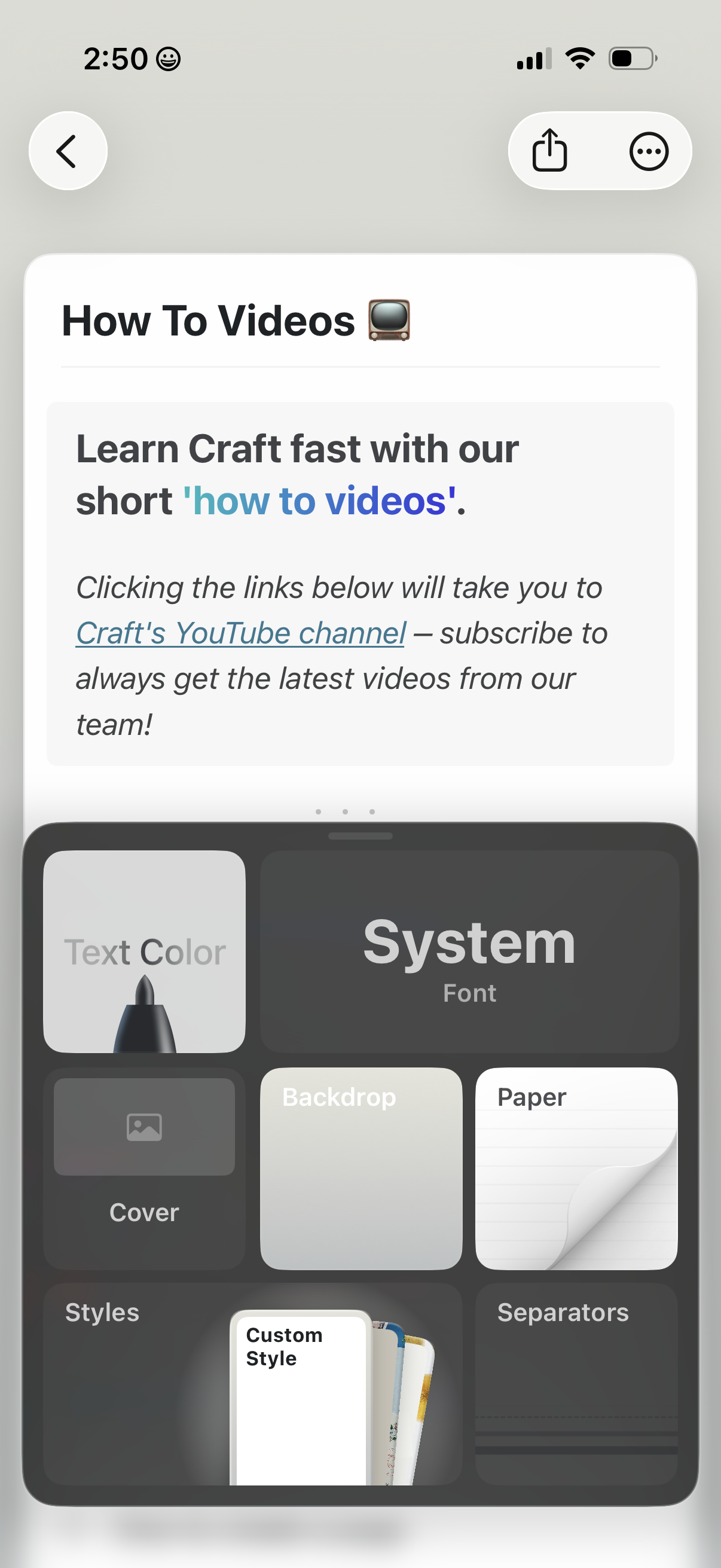
A document/note editor screen showing a “How To Videos” page with formatted text and a link to an external YouTube channel, plus top navigation for back, share, and more options. A style customization panel is open at the bottom with controls for text color, font, cover image, backdrop/paper themes, and other layout styles.
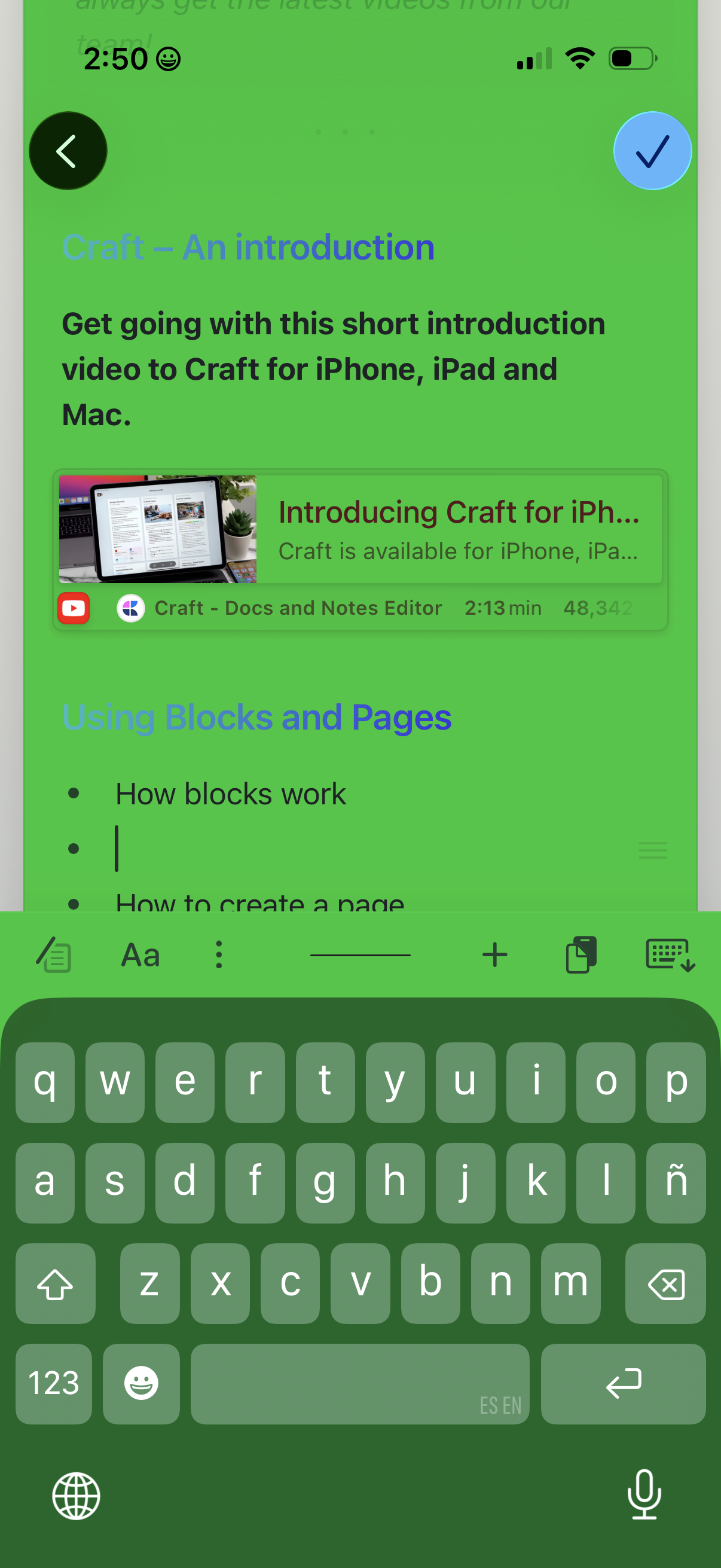
Document editor onboarding screen showing a “Craft – An introduction” page with embedded tutorial video preview and a section outline for learning blocks and pages. Includes navigation back, a checkmark to finish/confirm, and a bottom formatting toolbar with the keyboard open for editing the note.
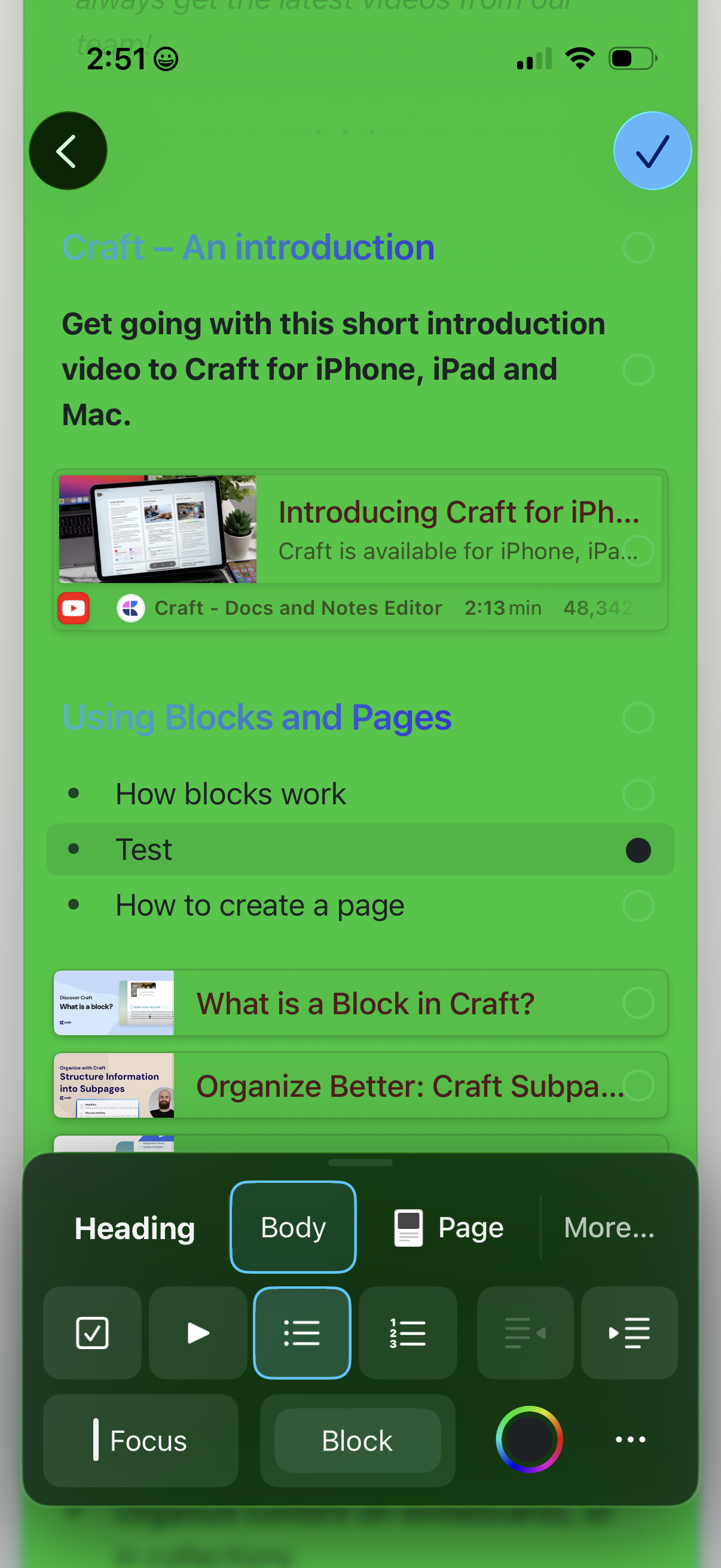
In-app help and onboarding screen for a docs/notes editor showing a tutorial outline with sections and selectable lessons, including embedded video cards for introductions and how-to topics. A rich text editor formatting toolbar is open at the bottom with options to change heading/body style, insert blocks or pages, and access more editing tools.
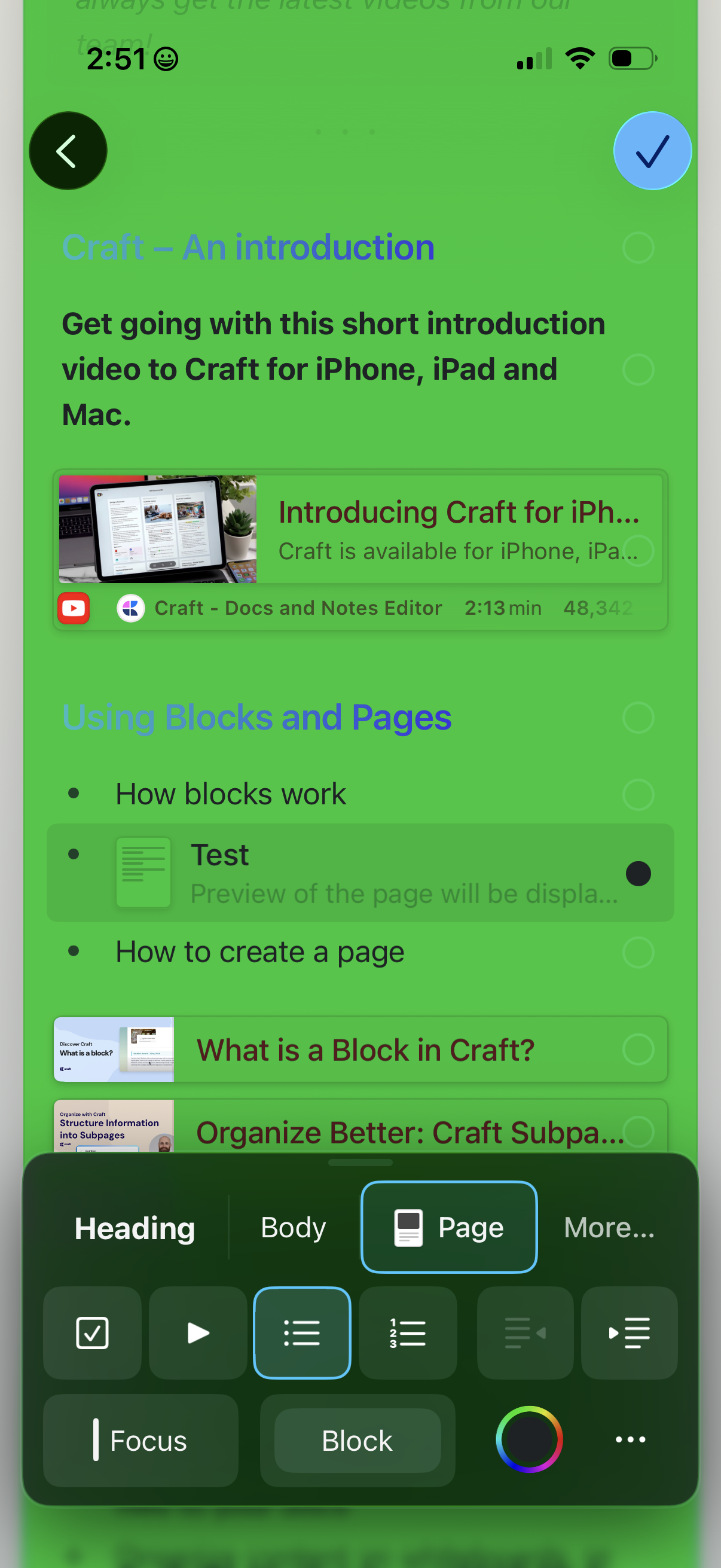
In-app help and onboarding screen in a document editor showing tutorial sections and embedded video cards (e. g.
Document or note viewing screen showing a single page titled “Test,” with a back button and a top-right share menu for exporting or more options. A bottom editing toolbar provides actions like comments/feedback, paint/formatting tools, and adding new elements.