change appearance and sound
1
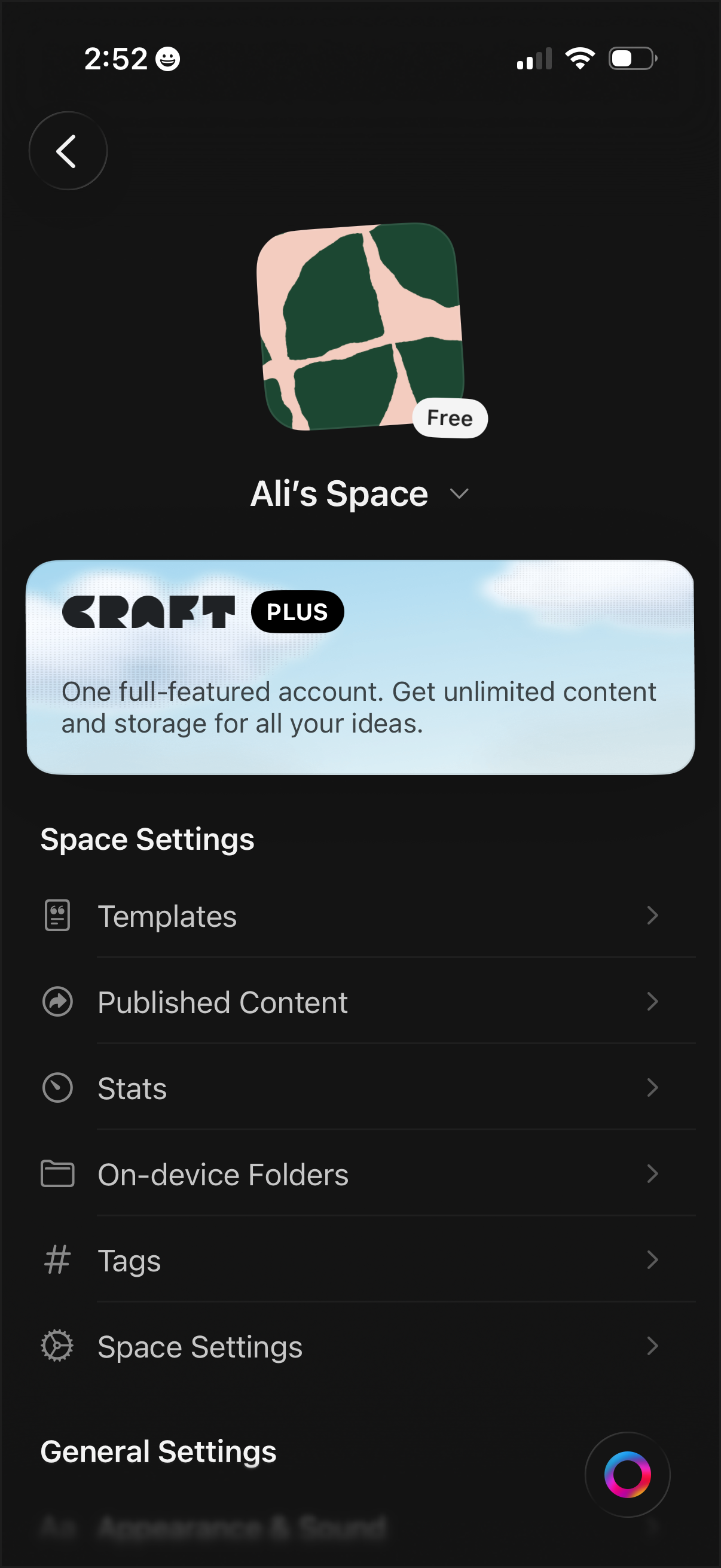
Workspace/space settings screen for a notes or document app showing the current space name, icon, and plan status, with an upsell banner for a premium subscription. Provides navigation to manage templates, published content, stats, on-device folders, tags, and additional space/general settings.
2
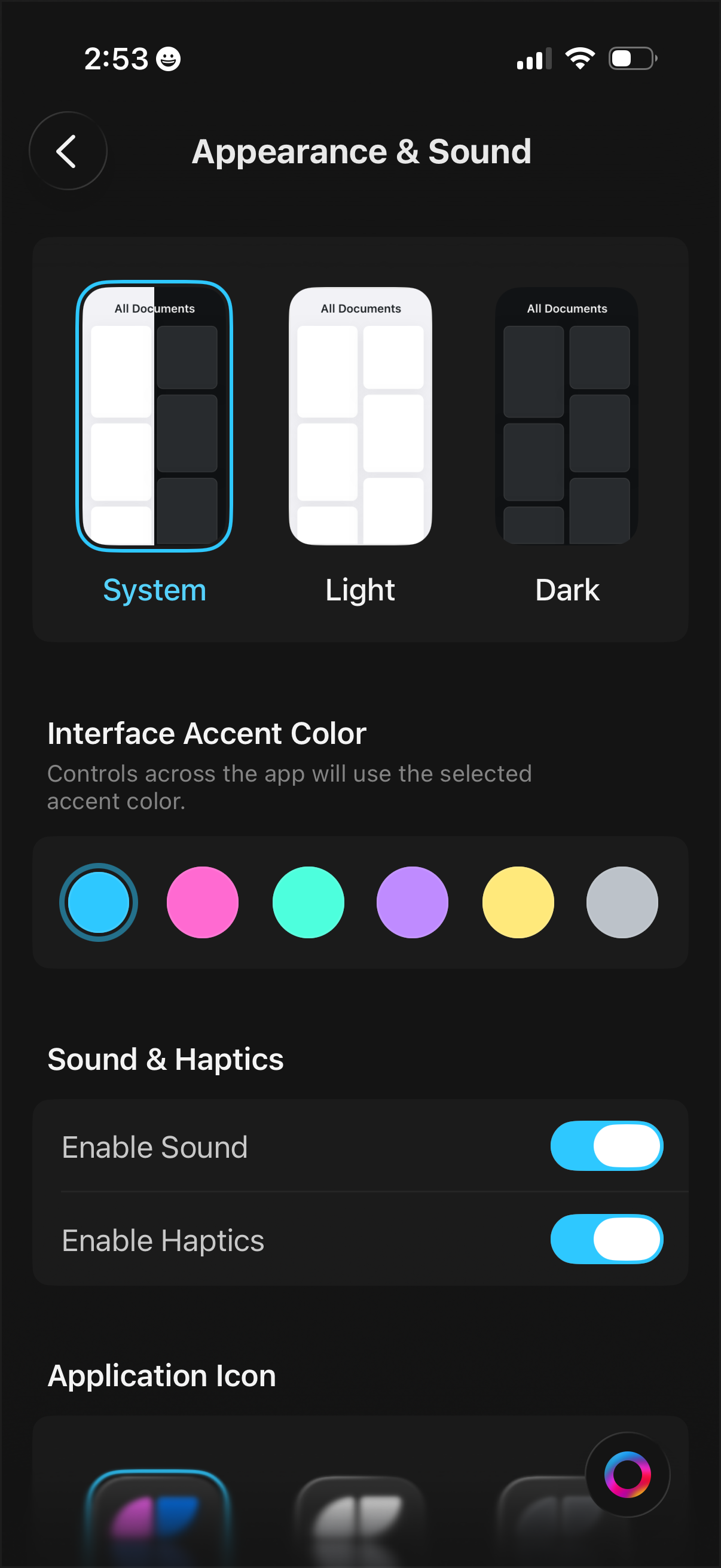
Settings screen for Appearance & Sound that lets users choose the app theme (follow system, light, or dark mode), pick an interface accent color from a color palette, and toggle sound and haptics on or off, with an additional section to customize the application icon.