adjust advanced settings
1
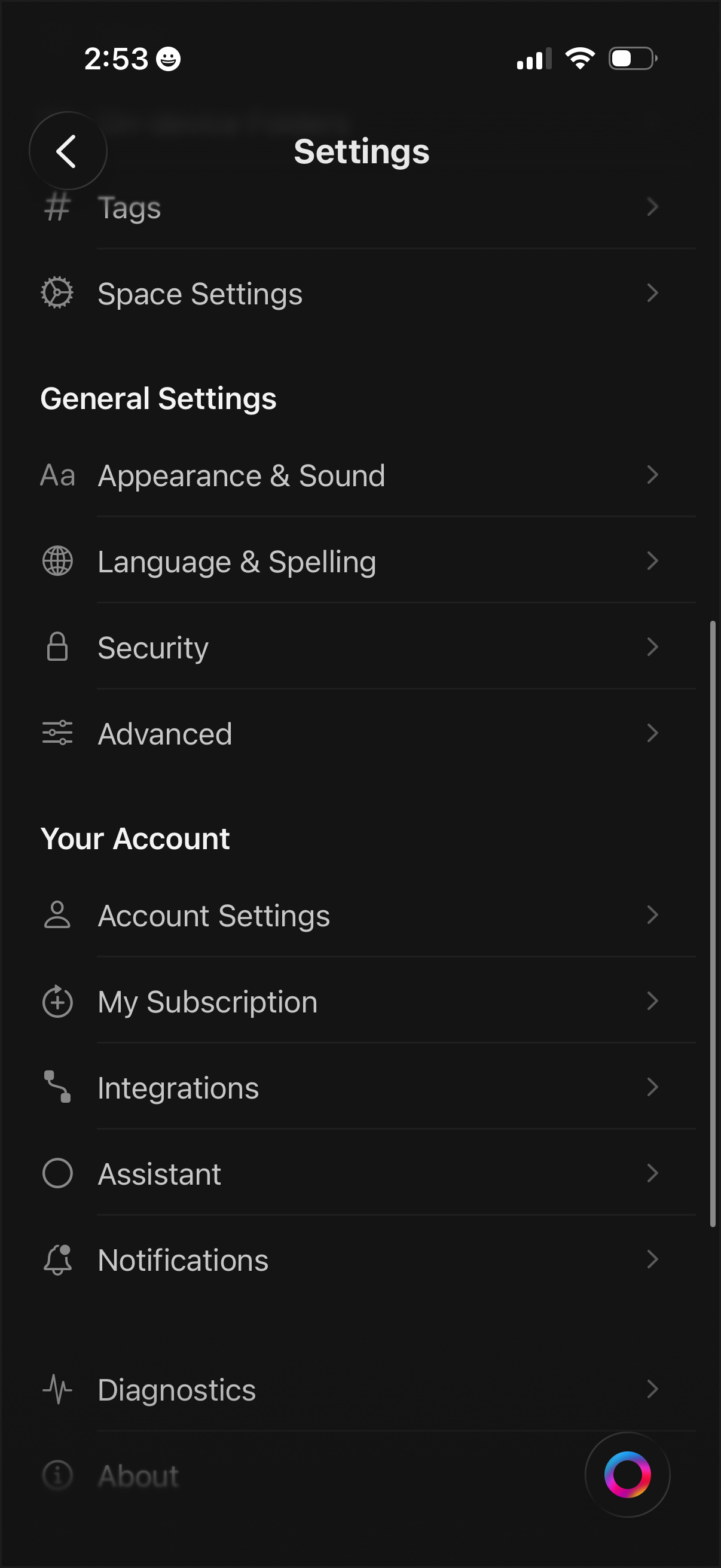
Settings menu screen with a categorized list for managing app and workspace preferences, including Tags, Space Settings, Appearance & Sound, Language & Spelling, Security, and Advanced options. Includes account-related sections to access Account Settings, subscription management, integrations, assistant, notifications, diagnostics, and about pages.
2
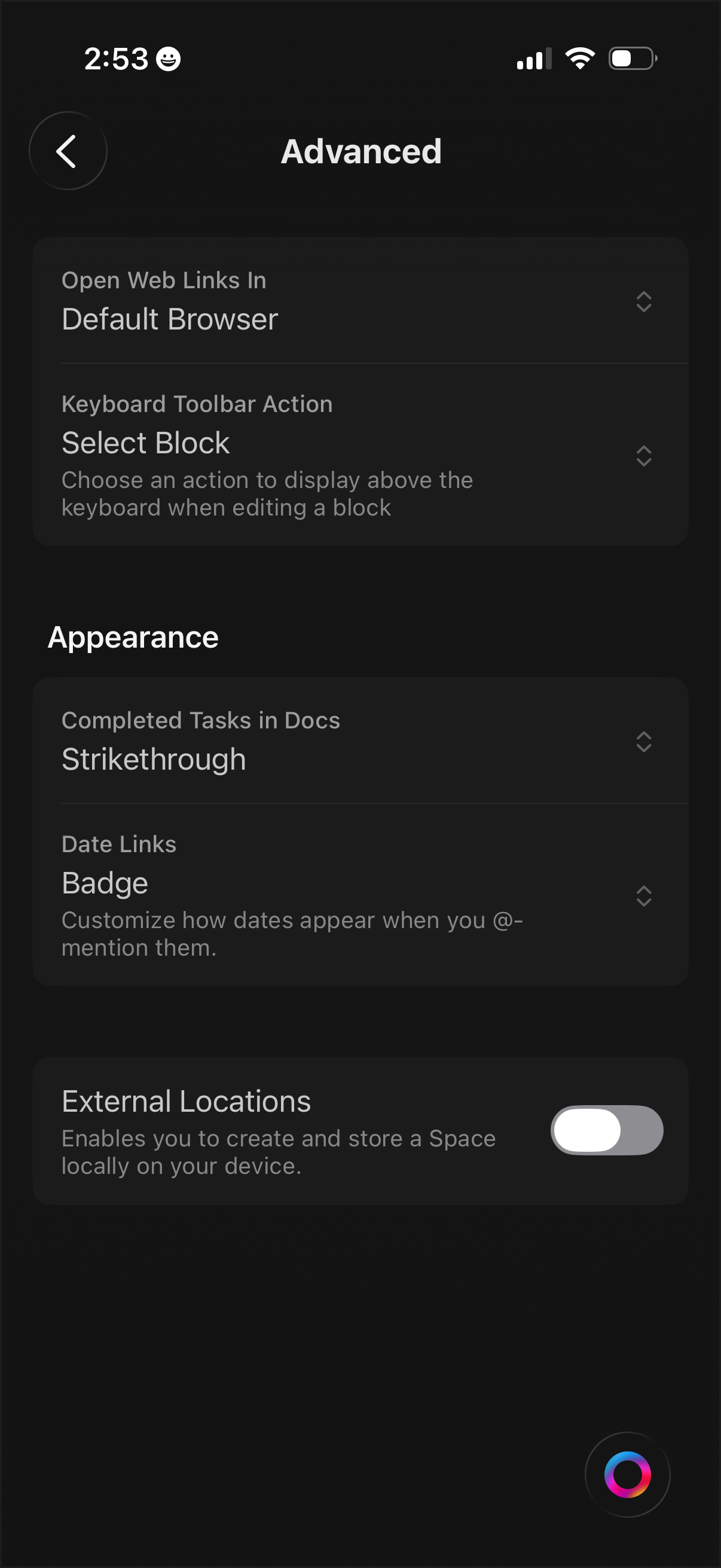
Advanced settings screen for a productivity/doc editor app, letting users choose how web links open (default browser) and configure keyboard toolbar actions while editing blocks. Appearance options include how completed tasks are displayed (strikethrough), how date links appear (badge), and a toggle to enable external/local storage locations.