view rewards tour
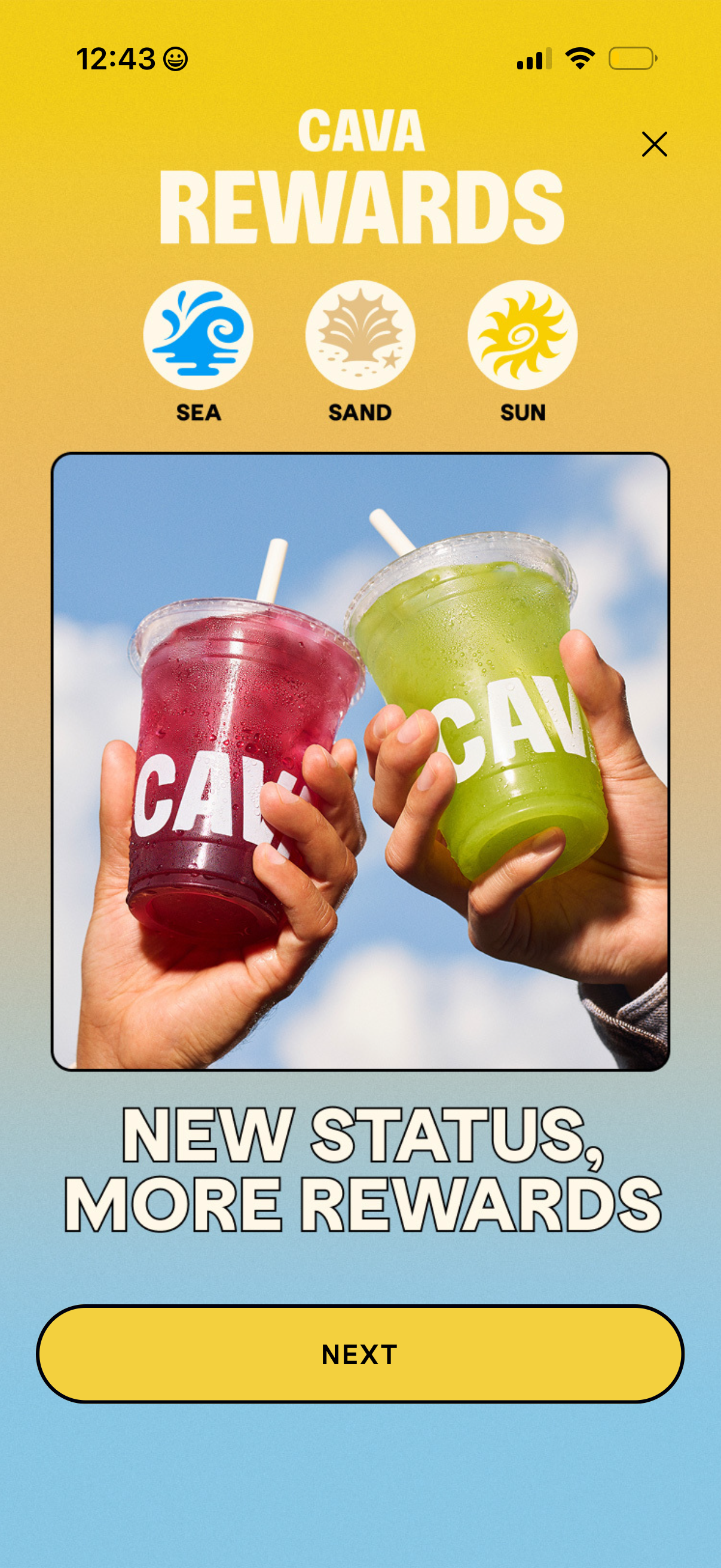
Loyalty rewards onboarding screen introducing a tiered status program with three levels (Sea, Sand, Sun) and a promotional message about earning more rewards. Includes a primary “Next” button to continue the walkthrough and a close icon to dismiss.
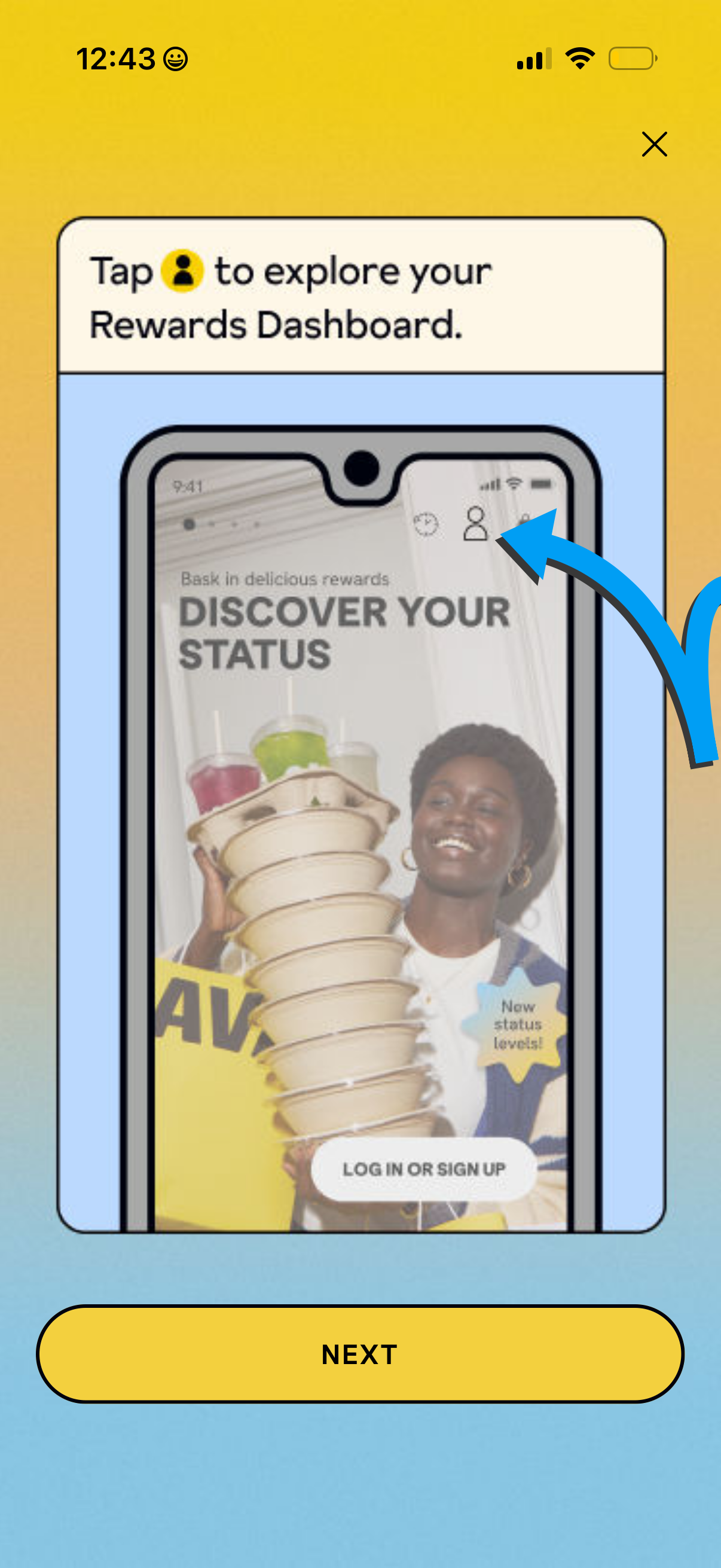
Onboarding tutorial overlay introducing the Rewards Dashboard, instructing users to tap the profile/account icon to explore their rewards and status. Includes a dismiss close button and a prominent “Next” button to continue the walkthrough.
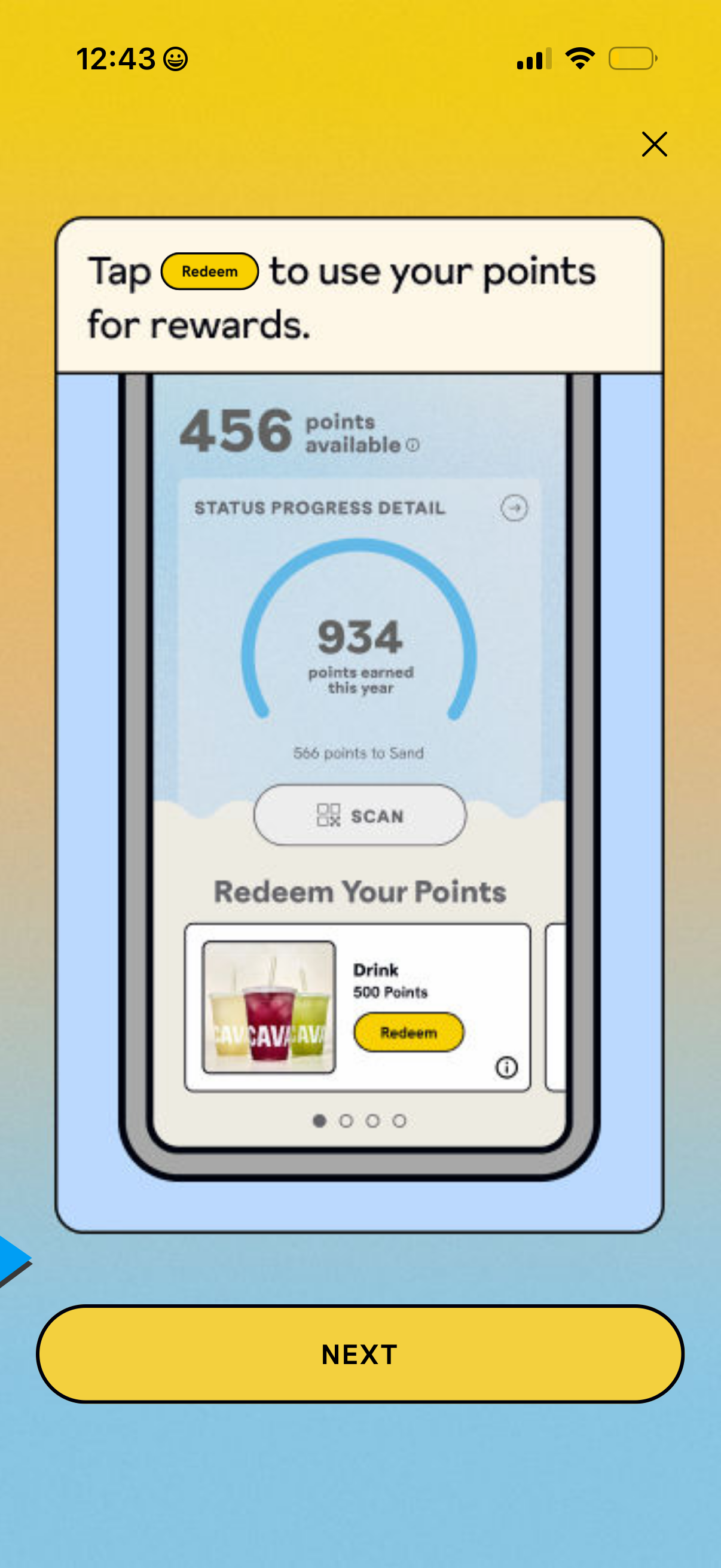
Loyalty rewards walkthrough screen showing how to redeem points, with a points balance and progress ring, a scan button, and a reward card featuring a Redeem CTA. Includes a Next button to continue the onboarding tutorial and a close icon to exit.
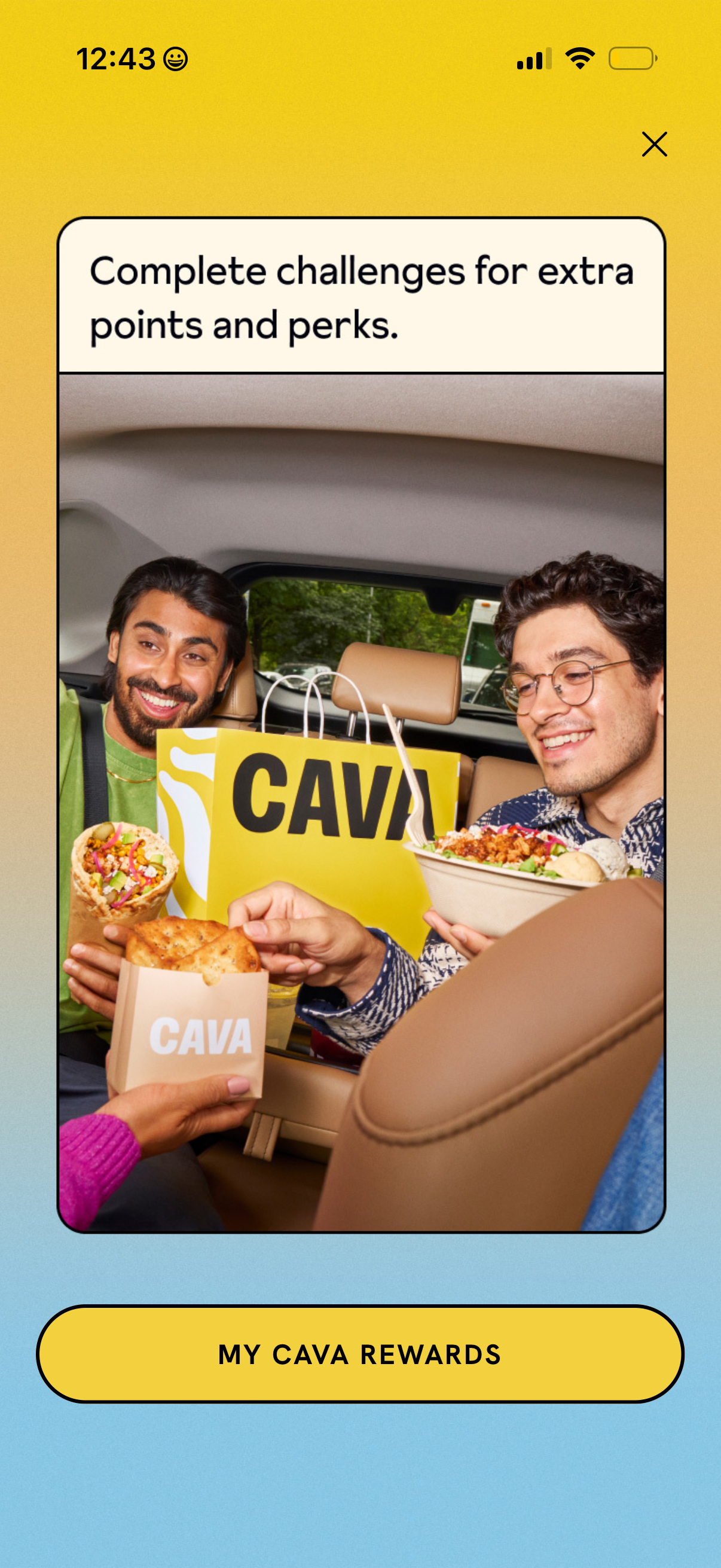
Promotional rewards upsell screen encouraging users to complete challenges to earn extra points and perks, with a large lifestyle image and a dismiss (X) control. Primary call to action button takes users to view their loyalty account/rewards hub (“My Rewards”).
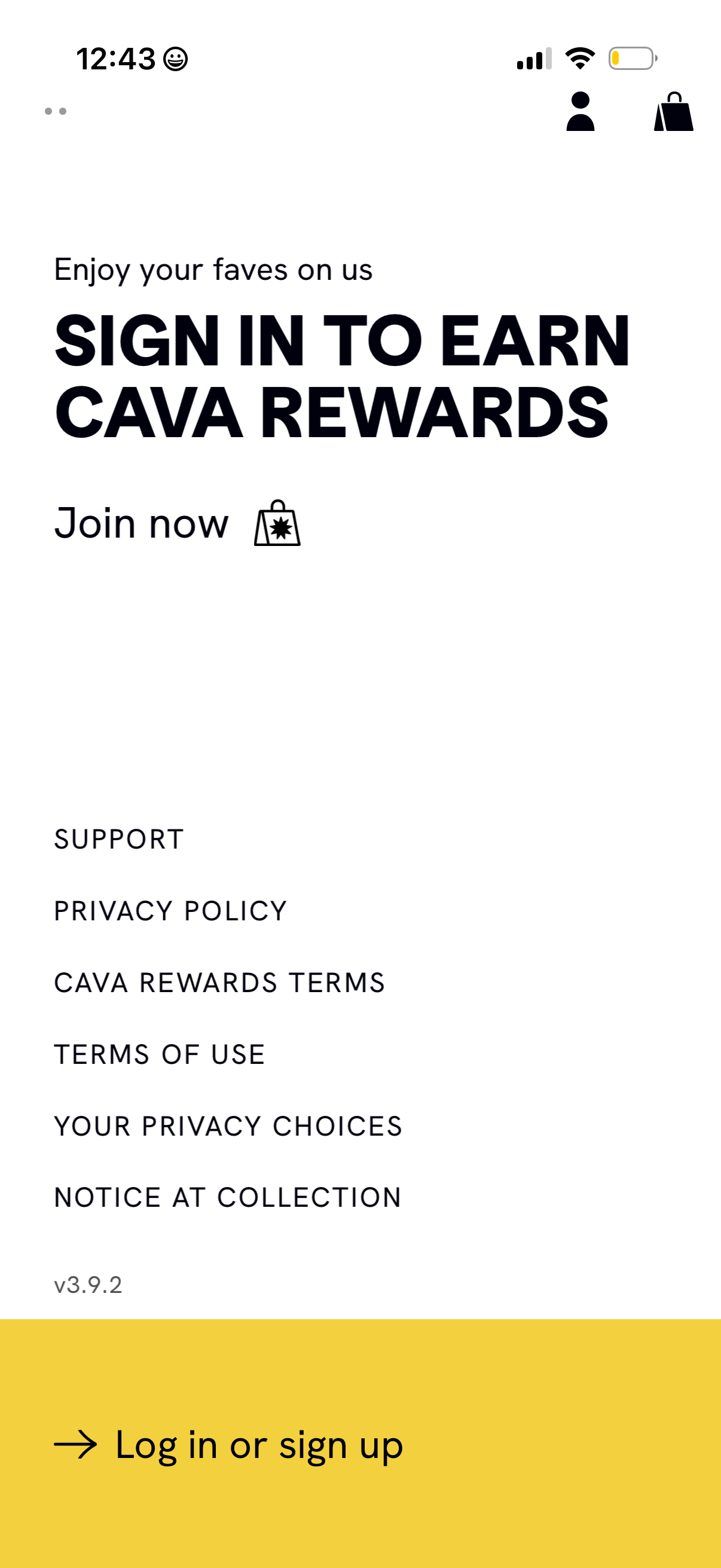
Rewards program landing screen prompting users to sign in to earn loyalty rewards, with a prominent “Log in or sign up” CTA and “Join now” messaging. Includes links to support, privacy policy, rewards terms, terms of use, and privacy choices.