Your agent can search this library too. Lazyweb CLI →
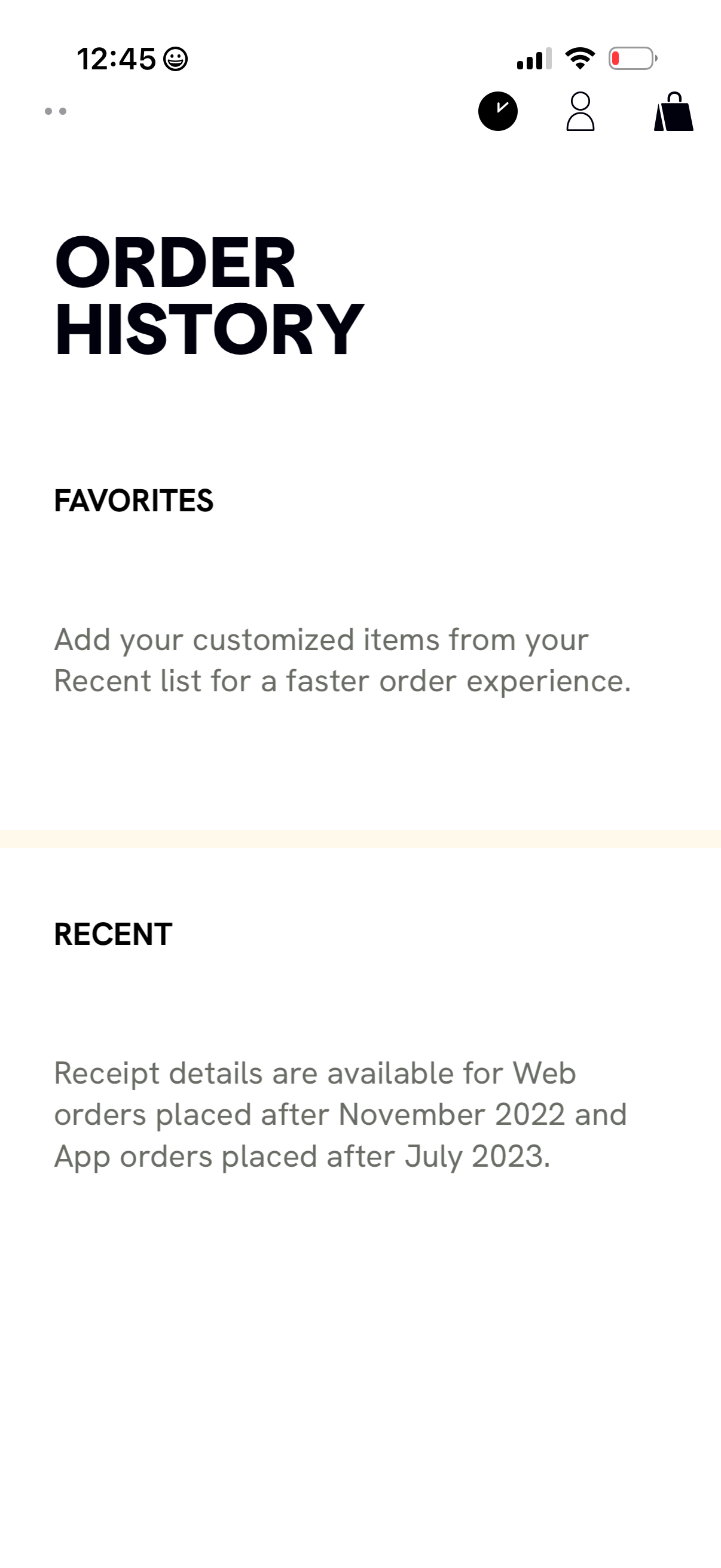
Order history screen for an ecommerce app with sections for Favorites and Recent
cava
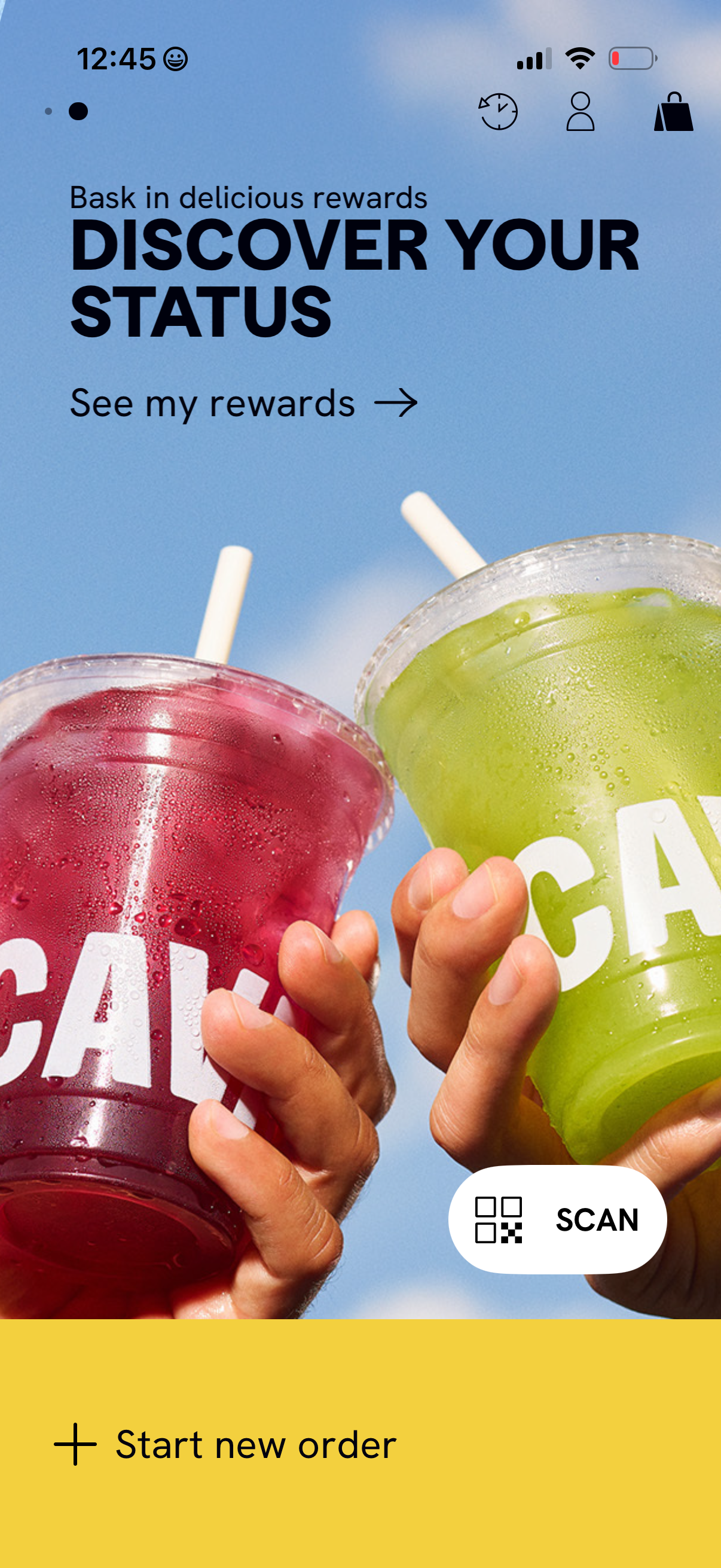
Home screen for a food/drink ordering app promoting the loyalty program, highlig
cava
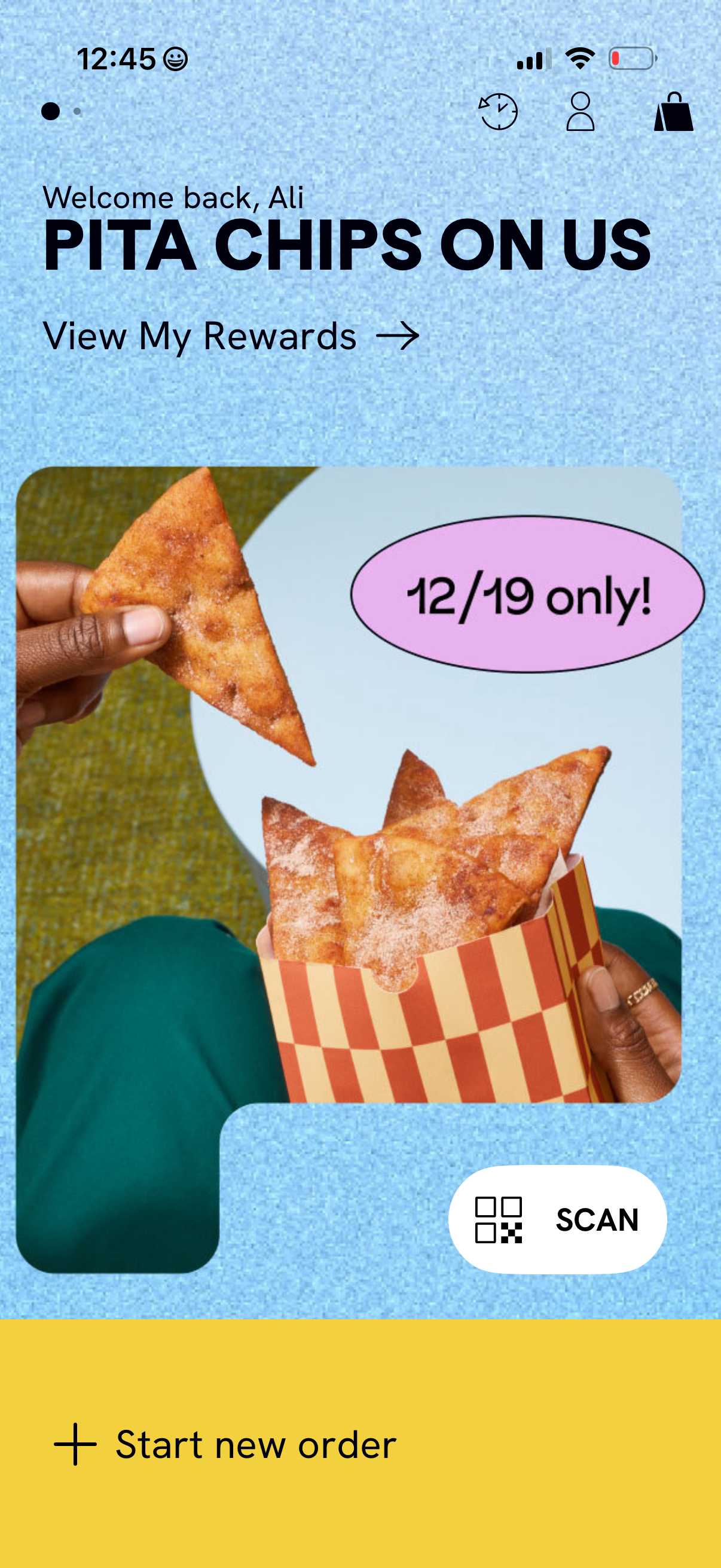
Restaurant/food ordering app home screen highlighting a limited-time rewards pro
cava
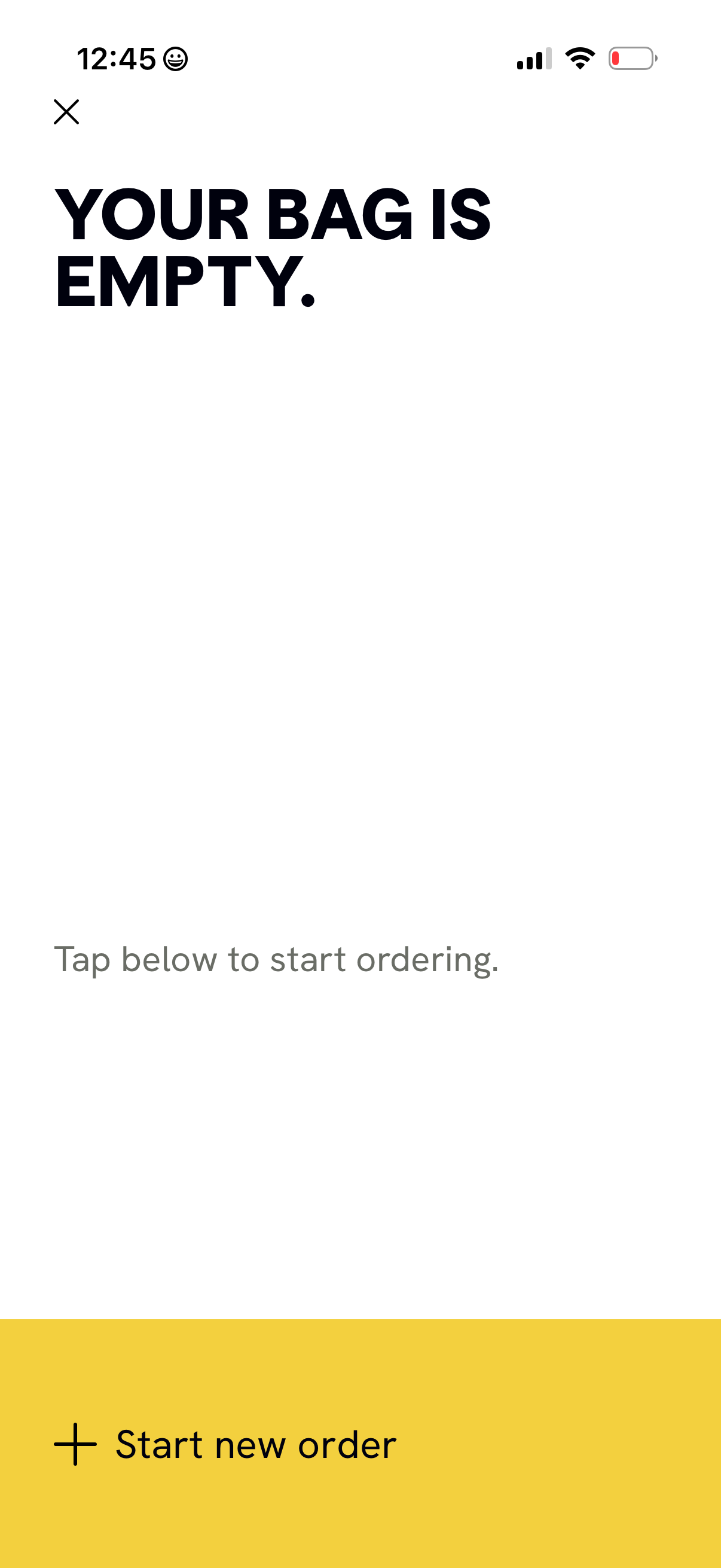
Empty shopping bag/cart screen in a mobile ordering app, showing an empty state
cava
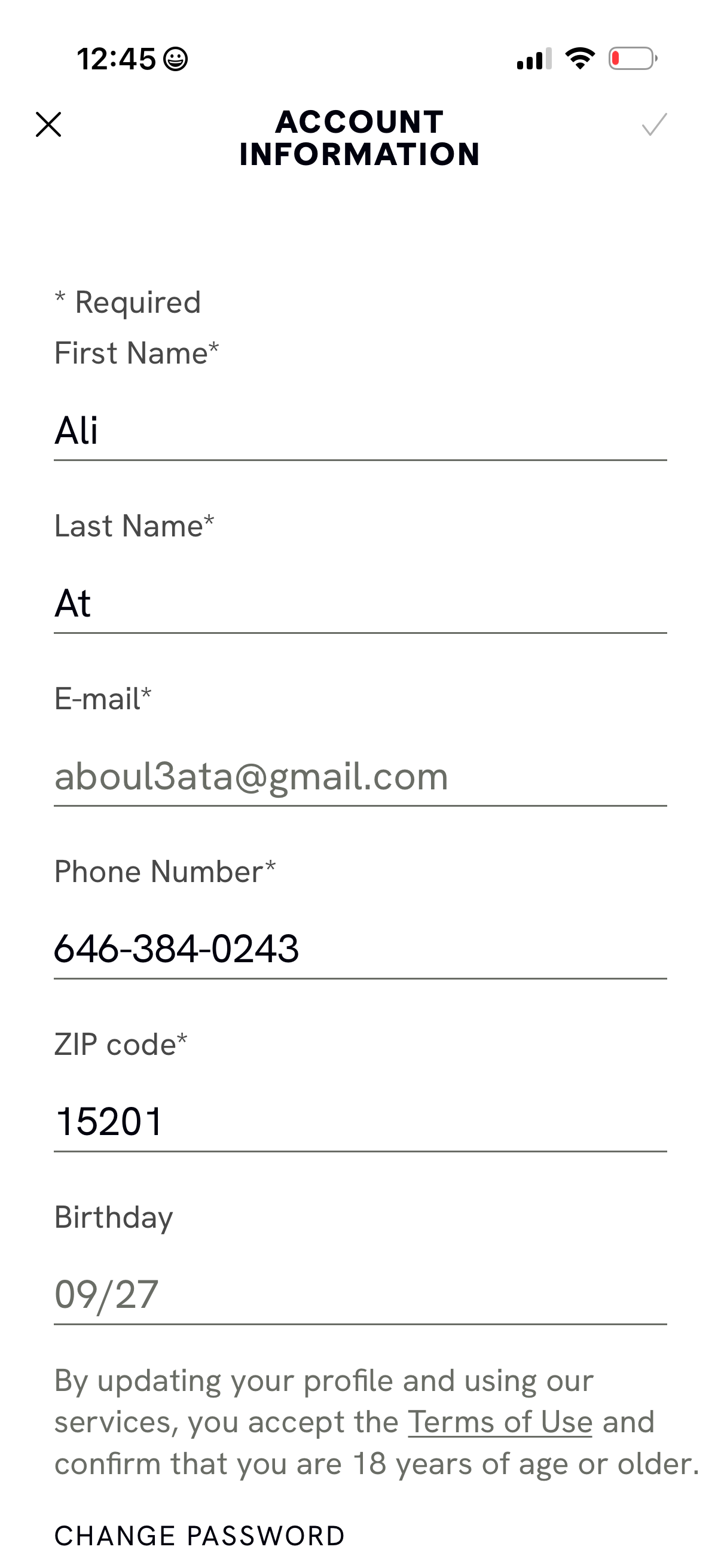
Account information form for editing a user profile with required fields for fir
cava
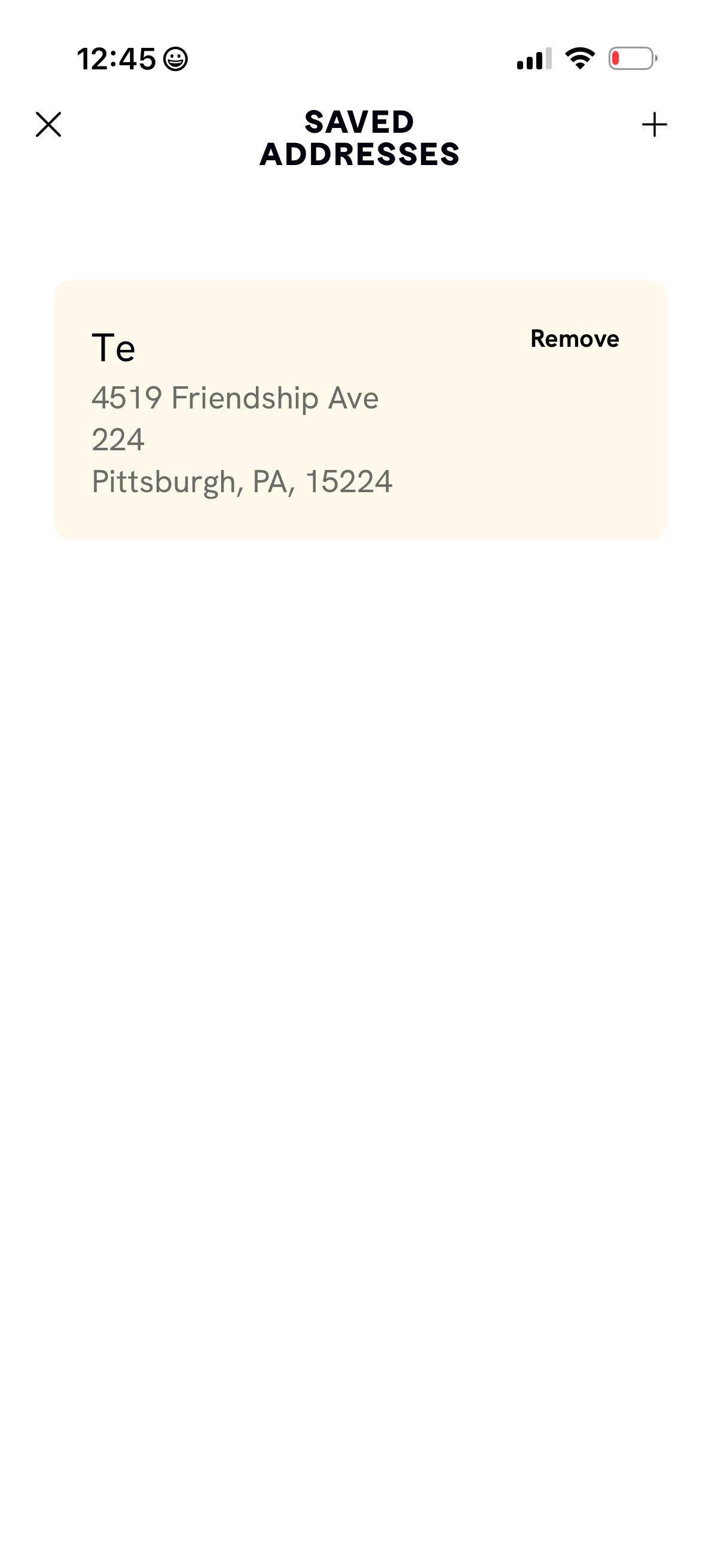
Saved Addresses management screen showing a list of stored delivery locations wi
cava
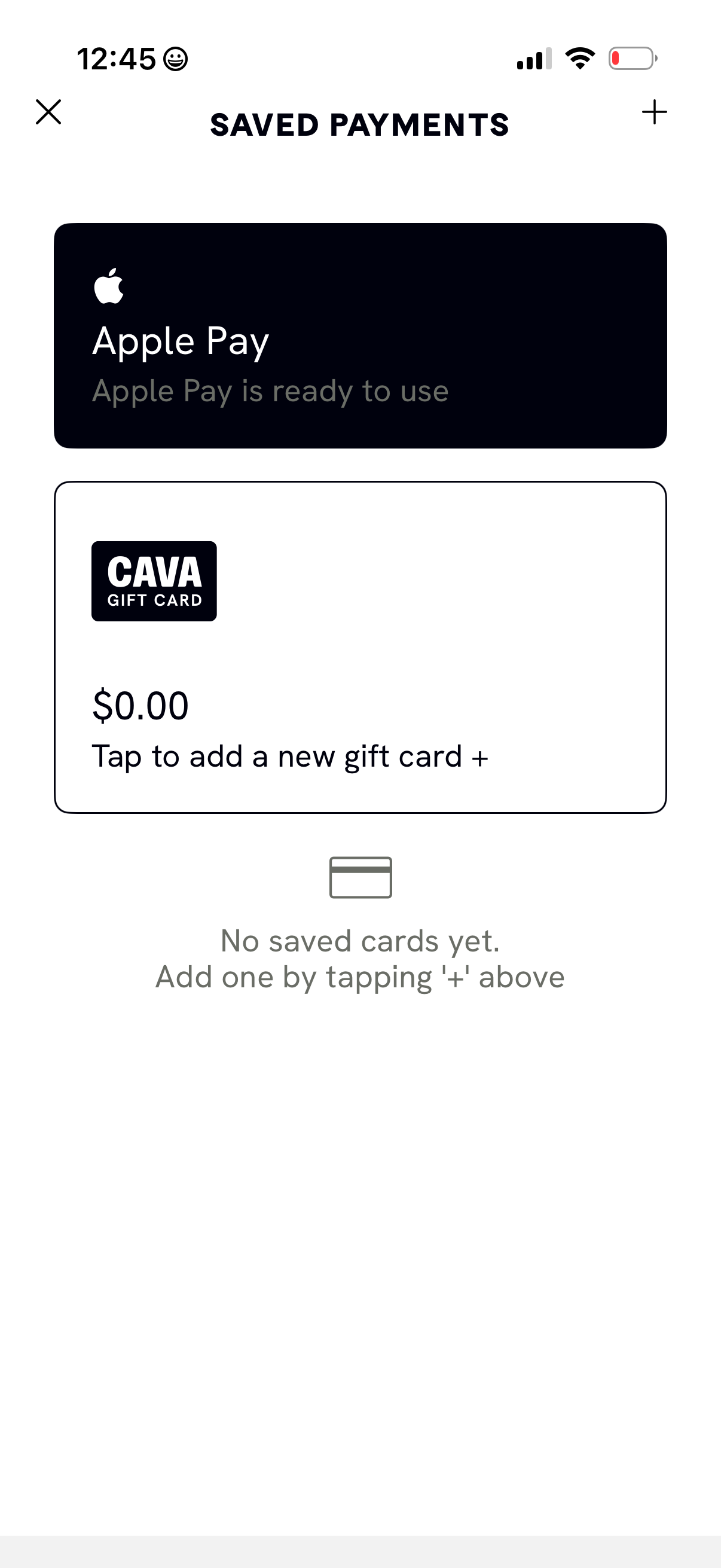
Saved payments management screen showing available payment methods, including Ap
cava
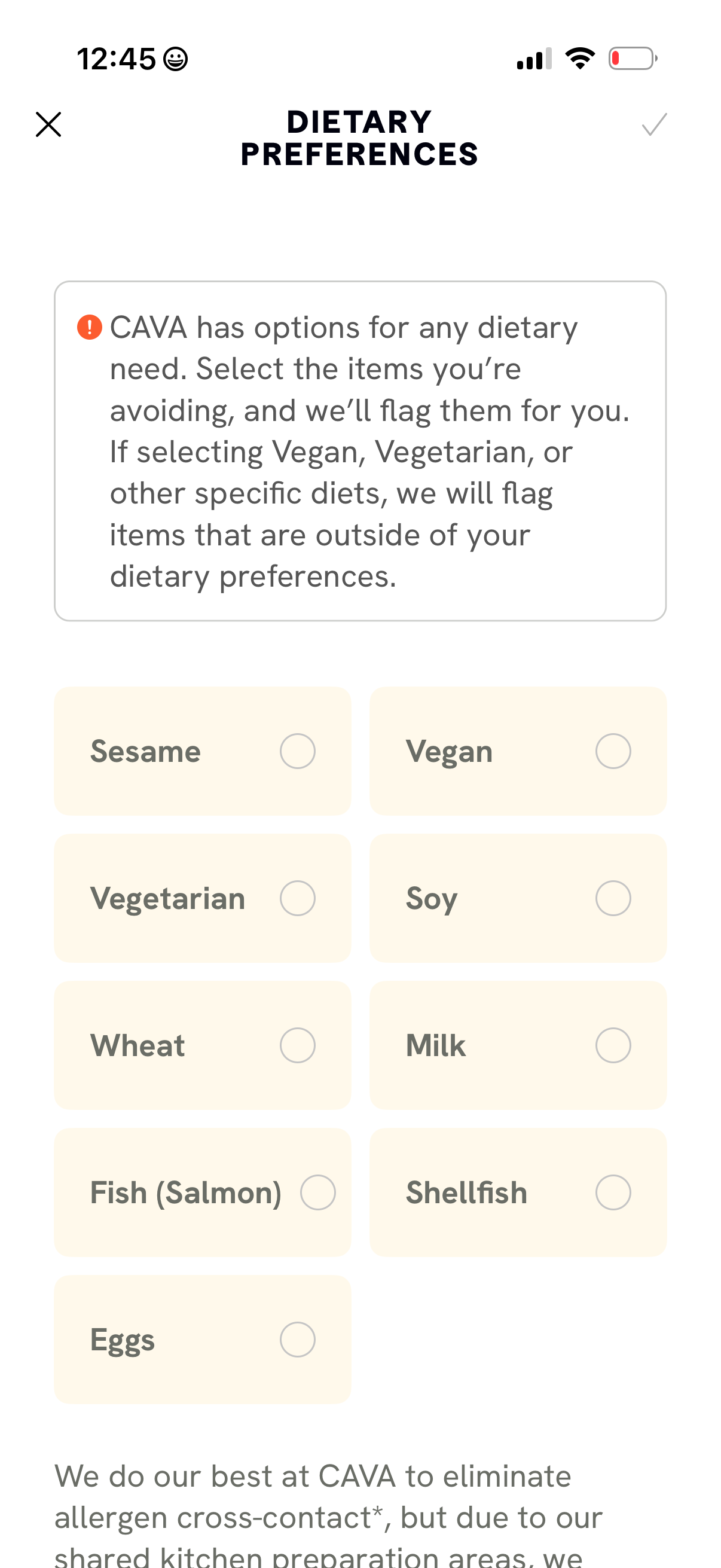
Dietary preferences selection screen for a food ordering app, letting users choo
cava
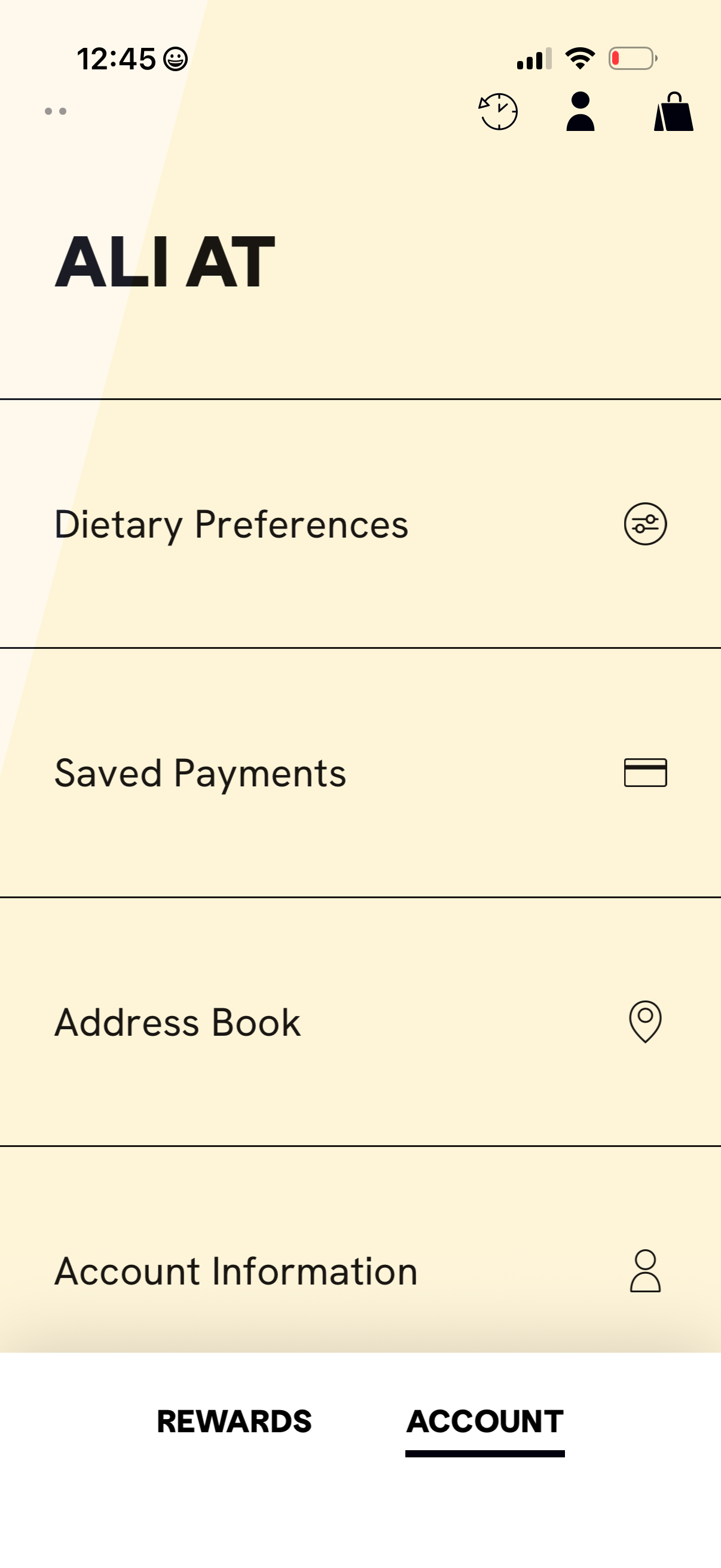
Account settings screen for a food ordering app showing a menu of profile and ch
cava
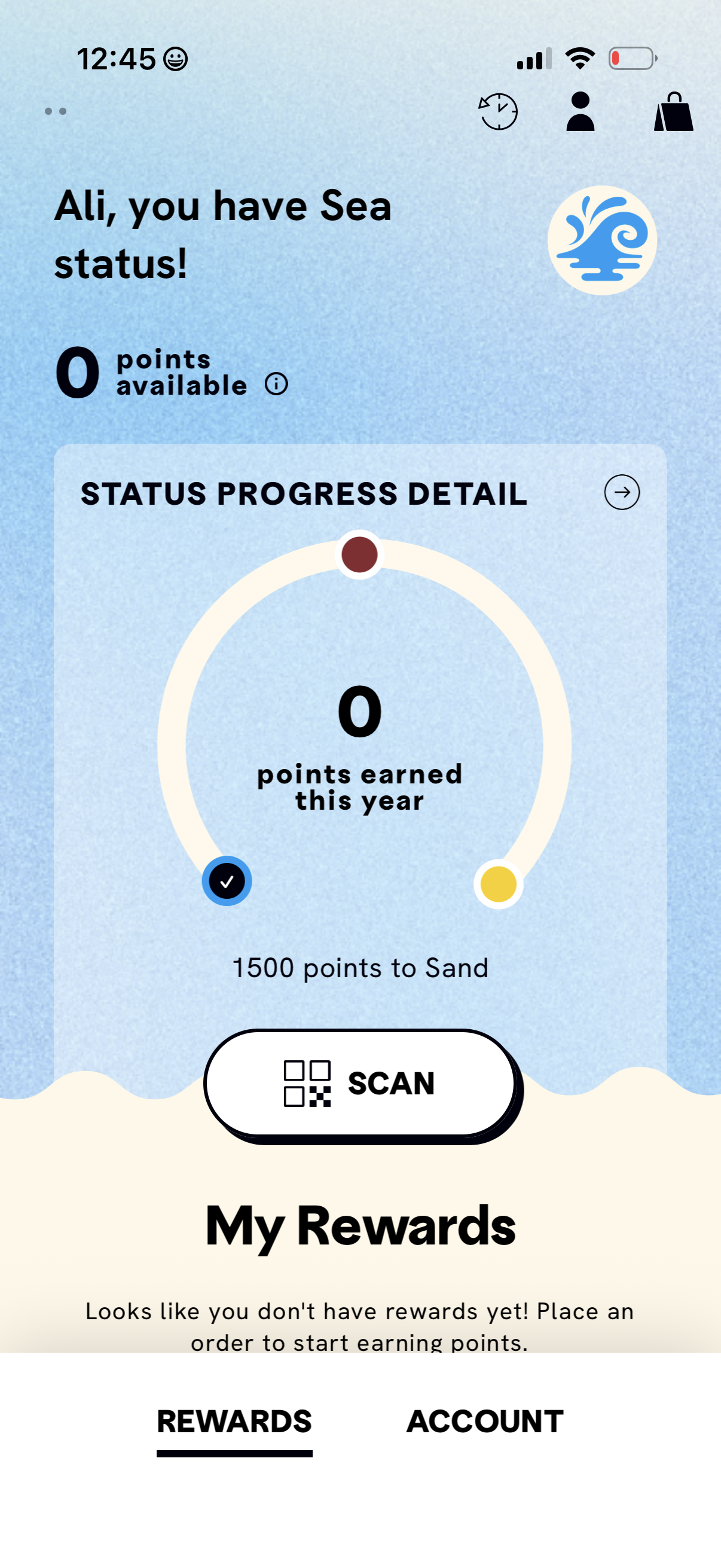
Rewards loyalty dashboard showing the user’s current tier status, available poin
cava
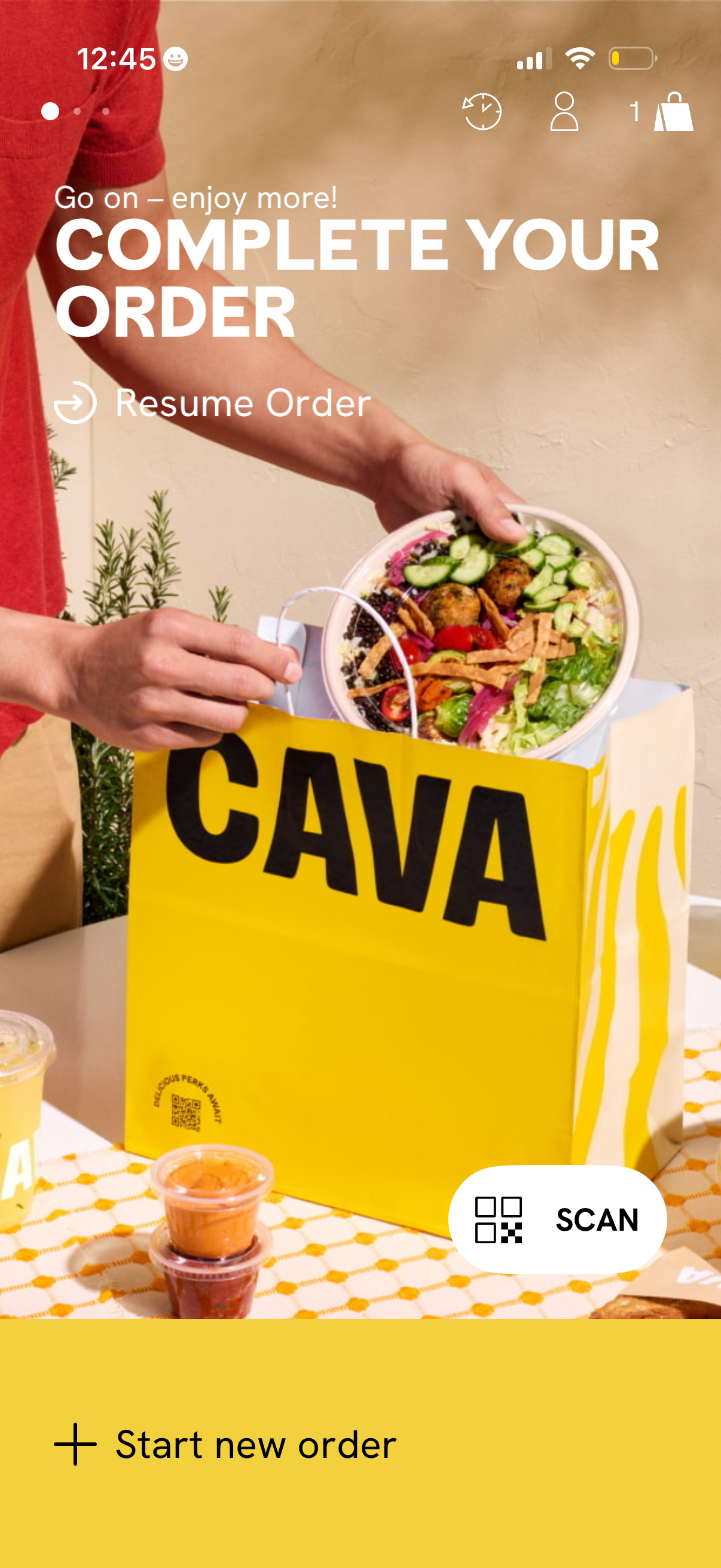
Food ordering app home/landing screen prompting the user to “Complete your order
cava
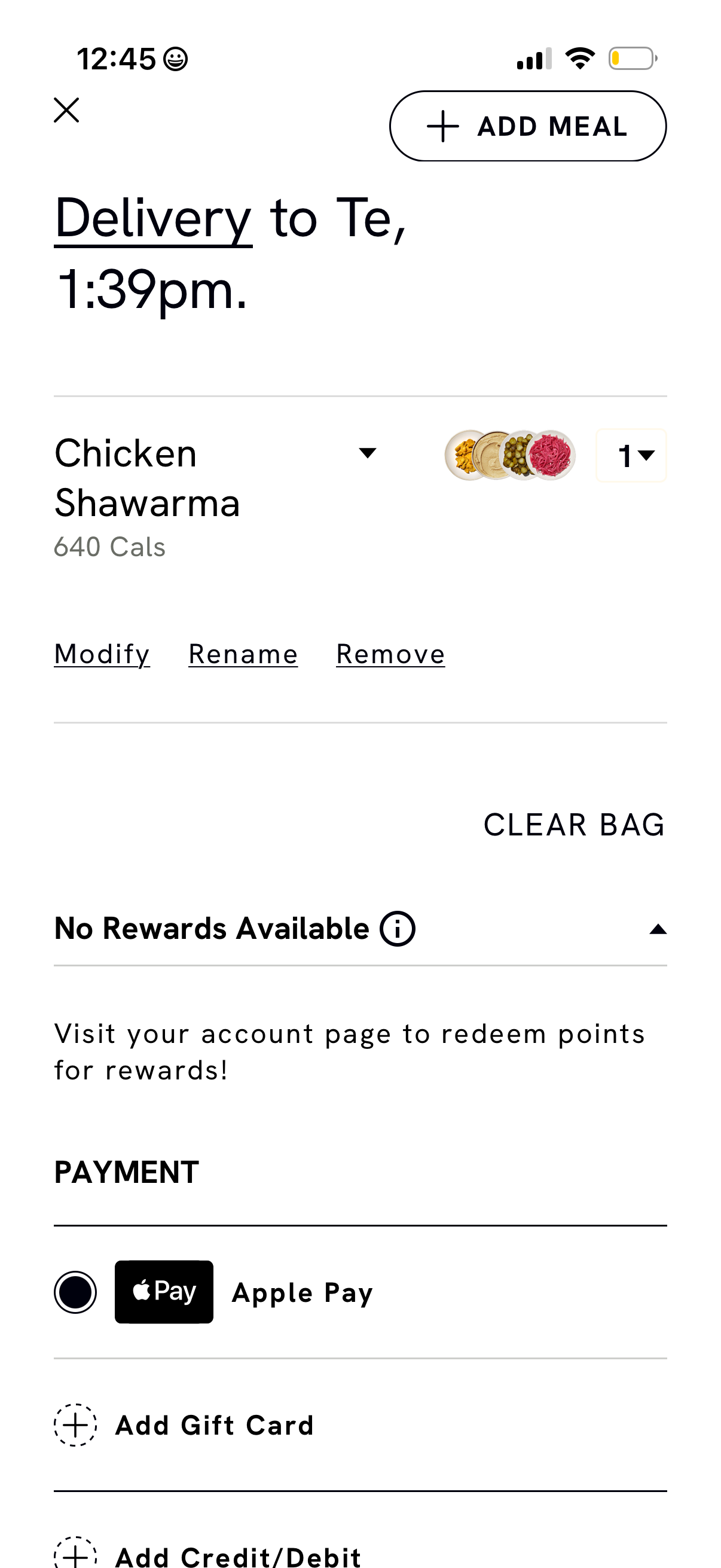
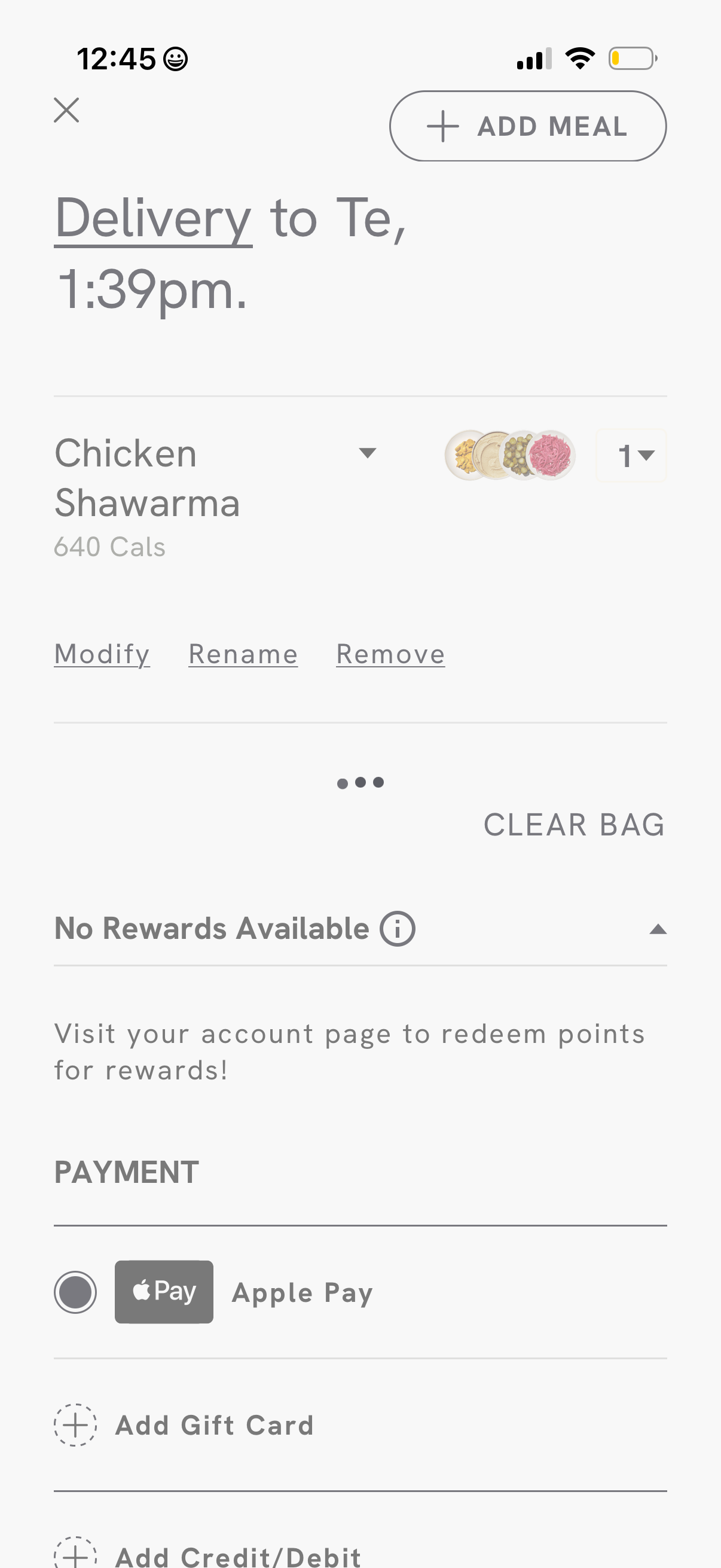
Food delivery bag and checkout screen showing delivery time, an item in the cart
cava
Food delivery checkout screen showing the delivery recipient and ETA, an order i
cava
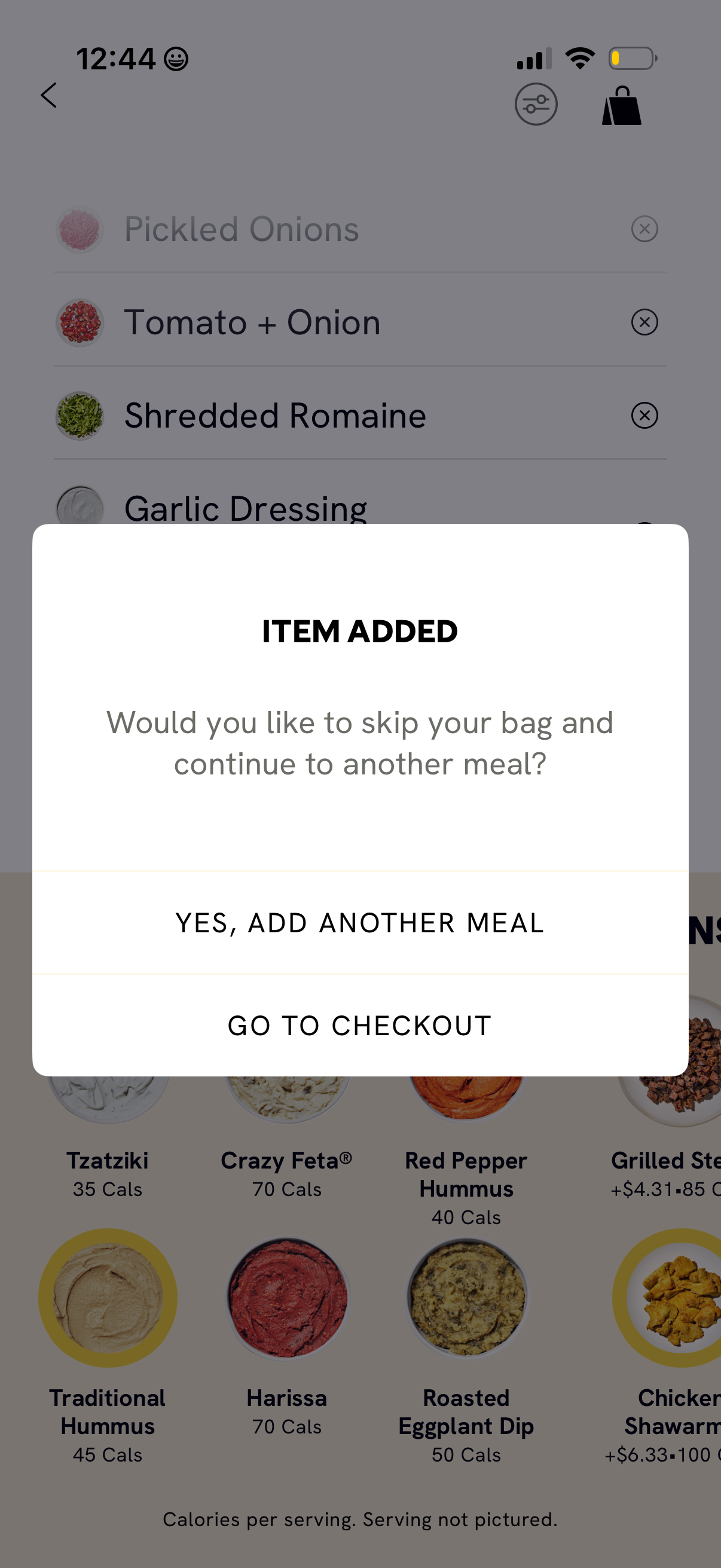
Food ordering app modal confirmation after an item is added, asking whether to s
cava
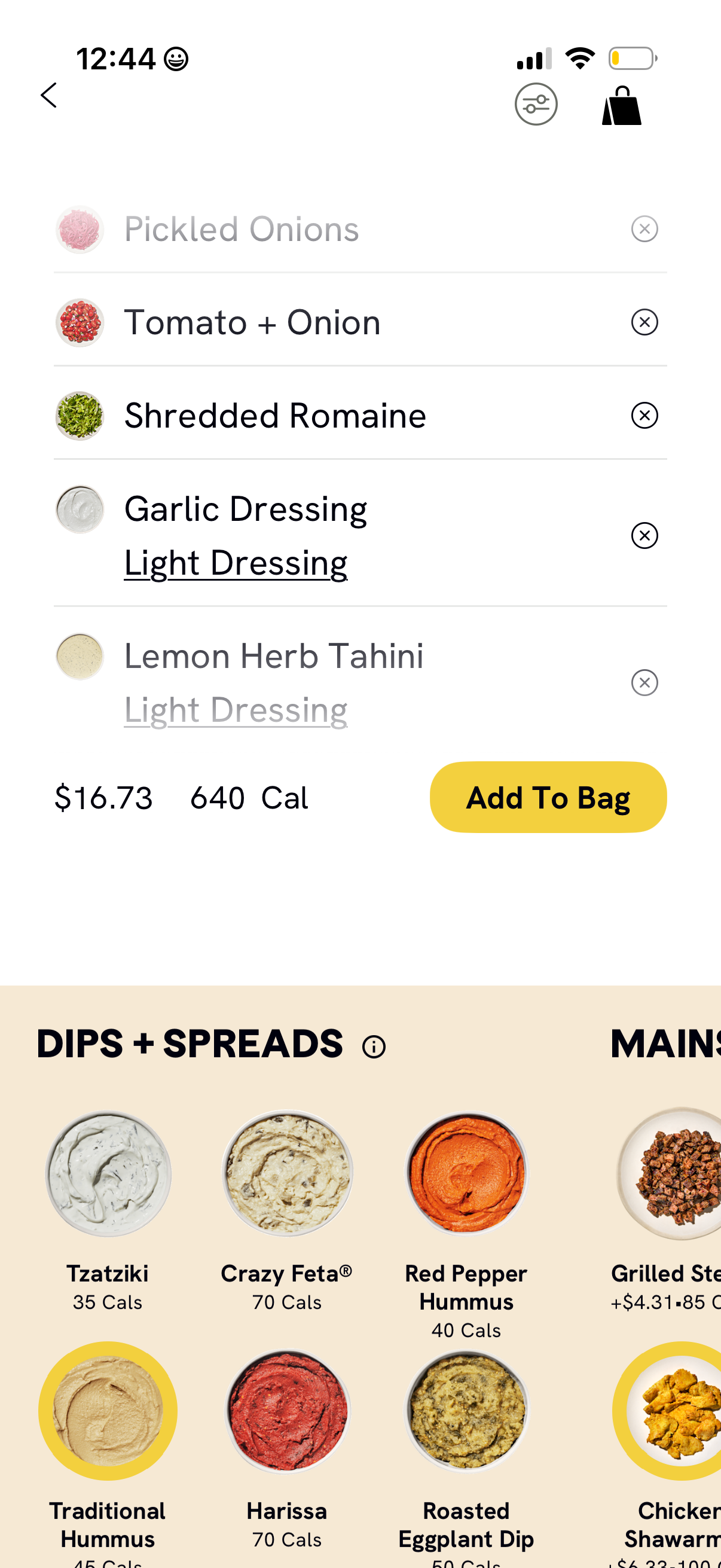
Food ordering customization screen for a bowl or salad showing selected toppings
cava
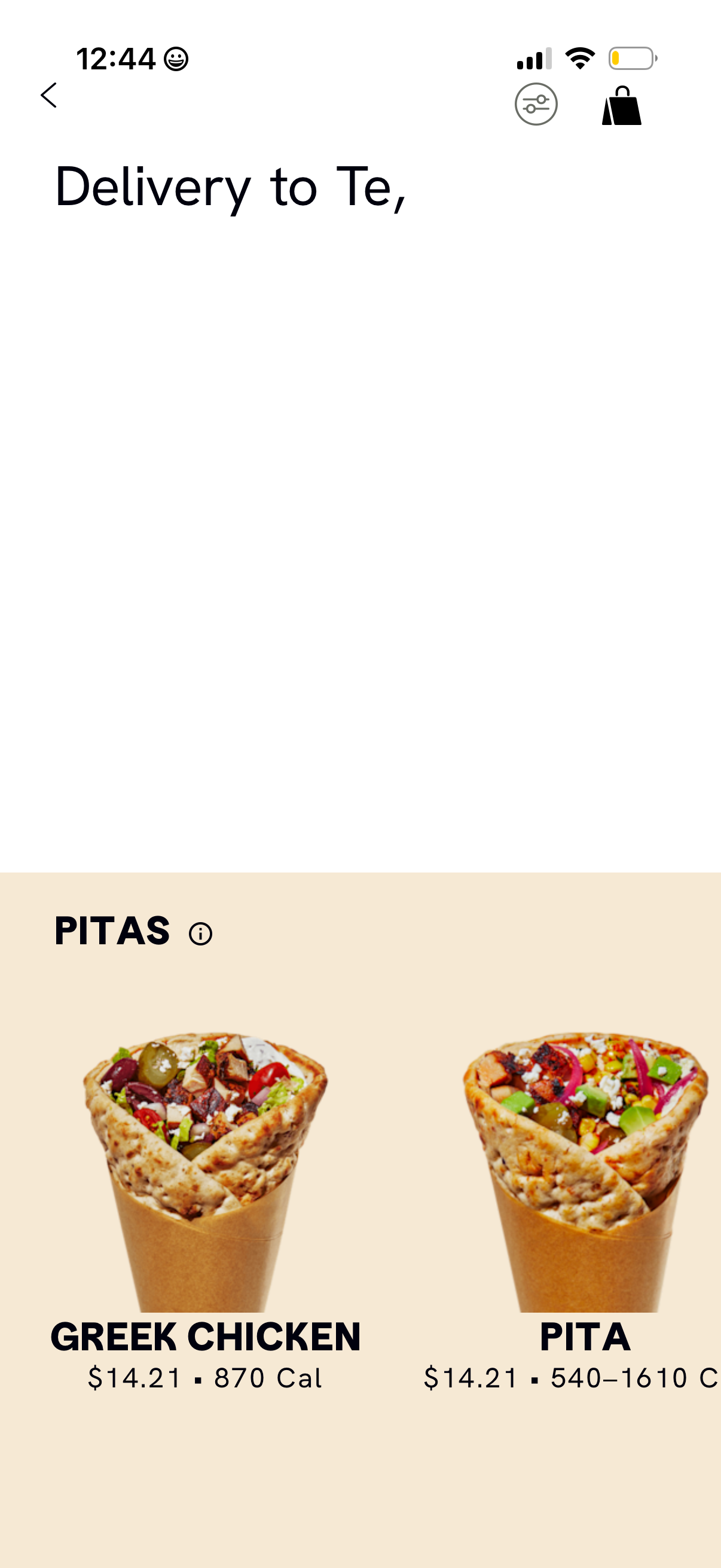
Food delivery restaurant menu screen showing the “Pitas” category with large ite
cava
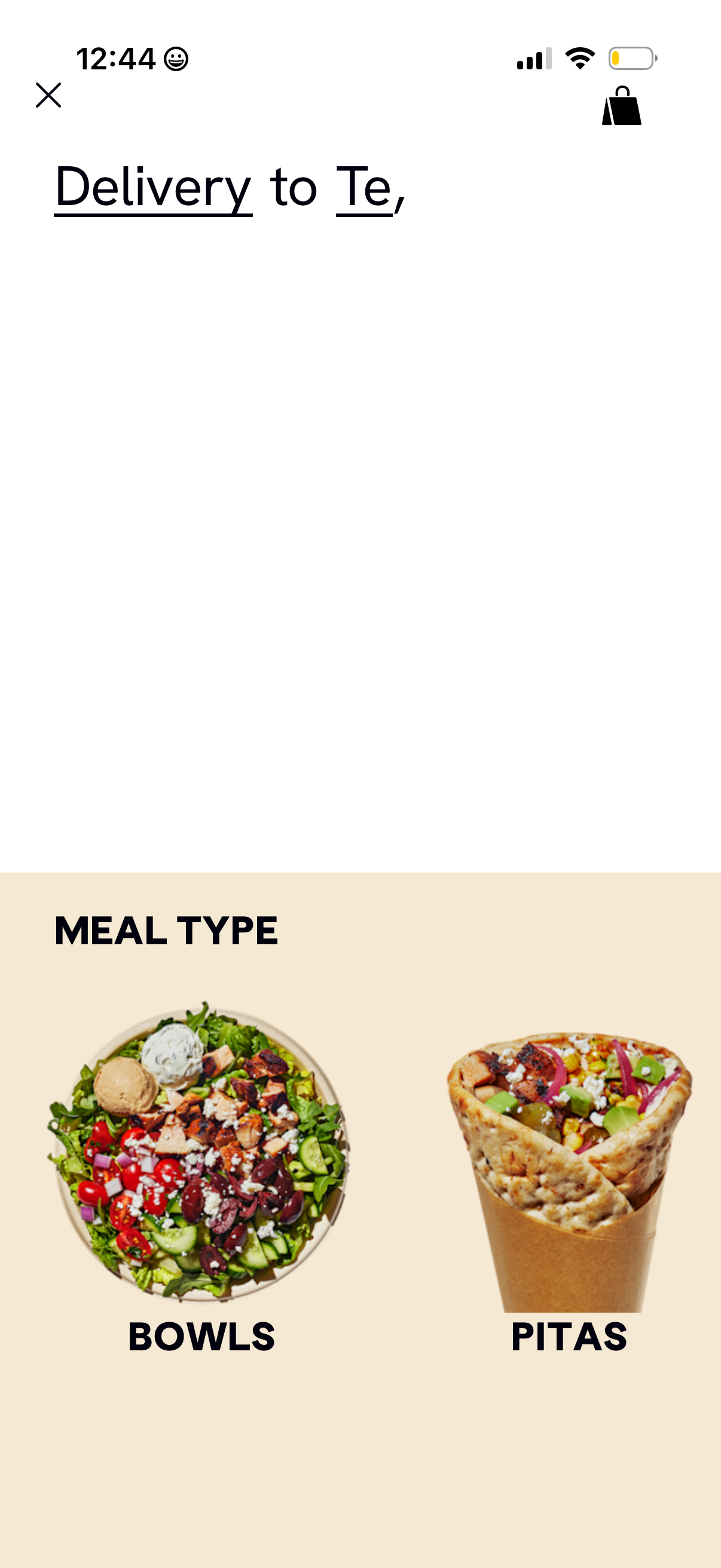
Food delivery app browse screen that lets users choose a meal type category for
cava
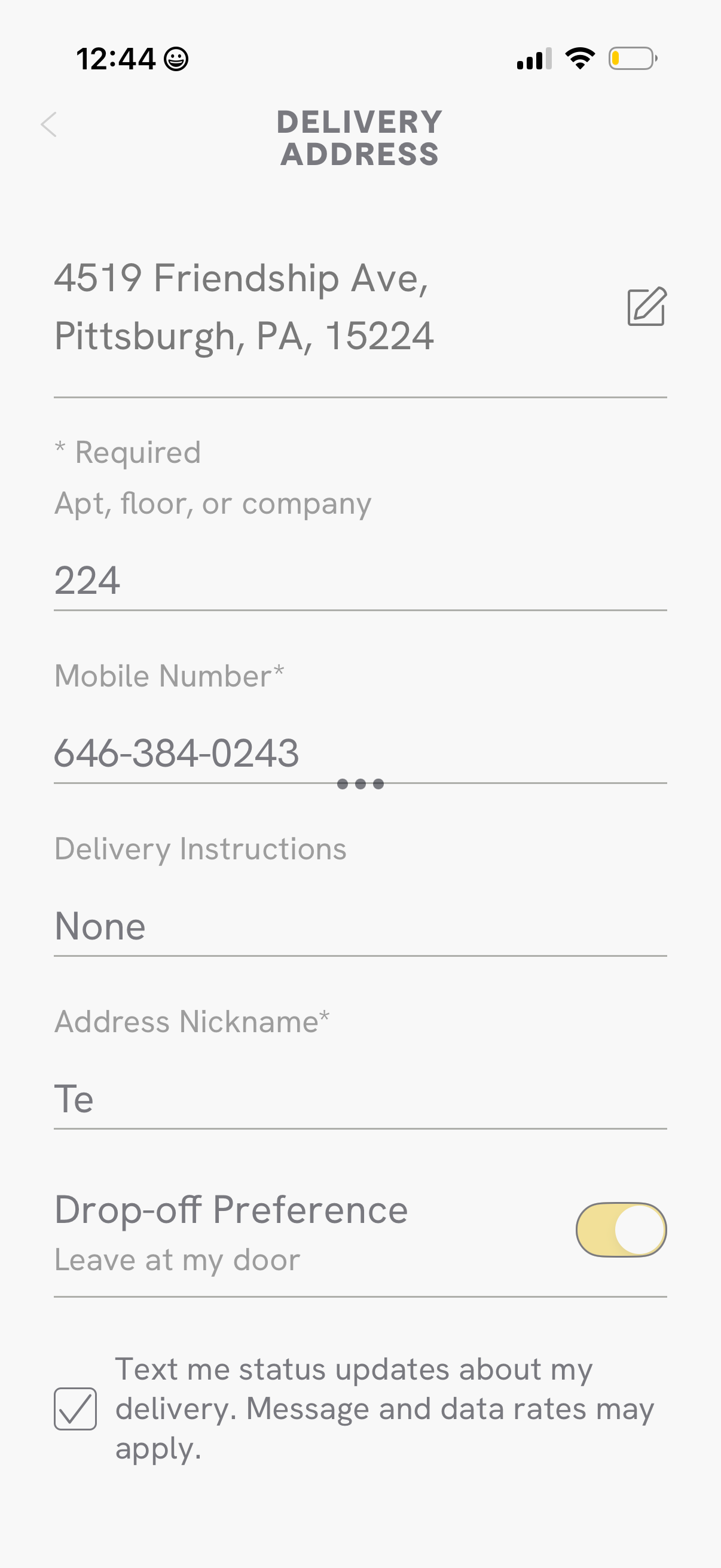
Delivery address form screen for a checkout flow where users edit their address
cava
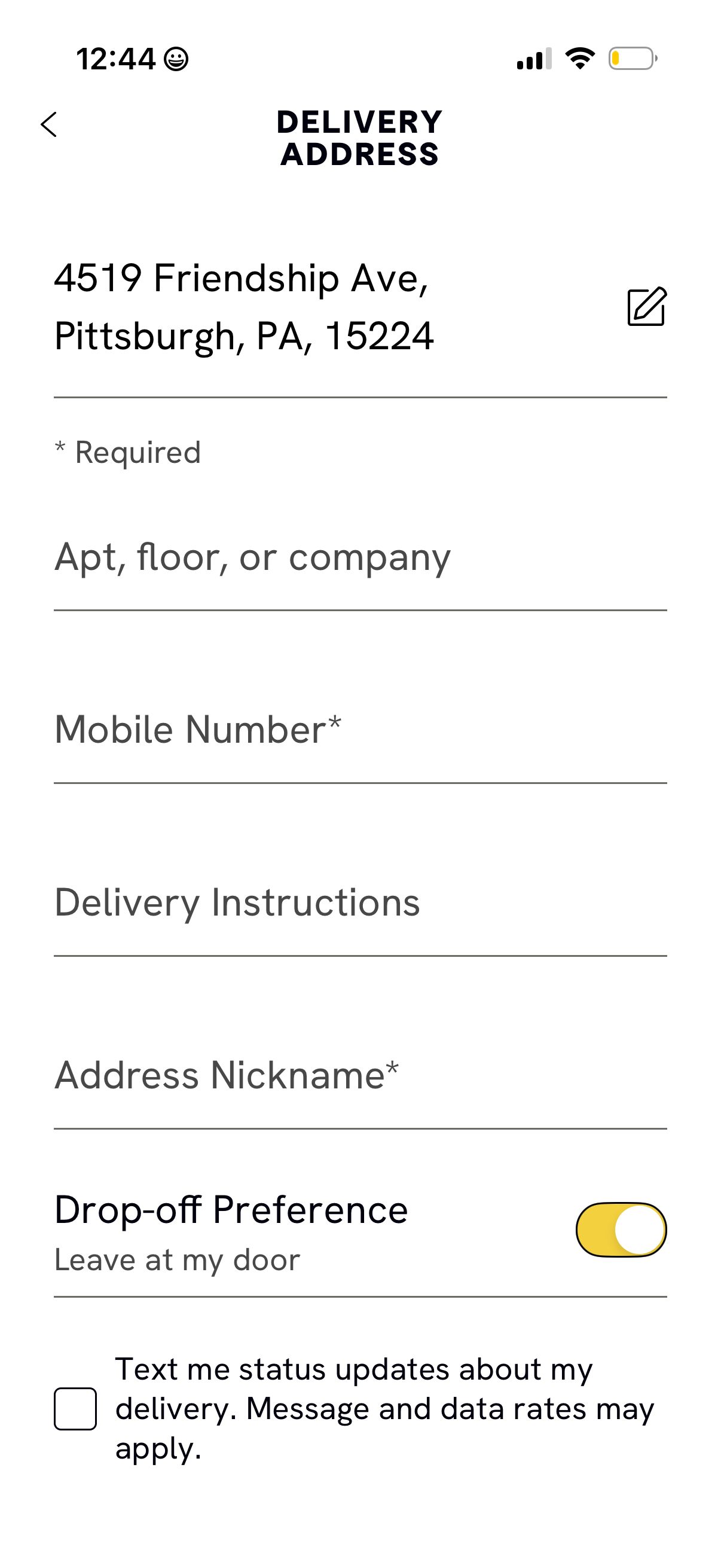
Delivery address form screen for a checkout flow, showing the selected address w
cava
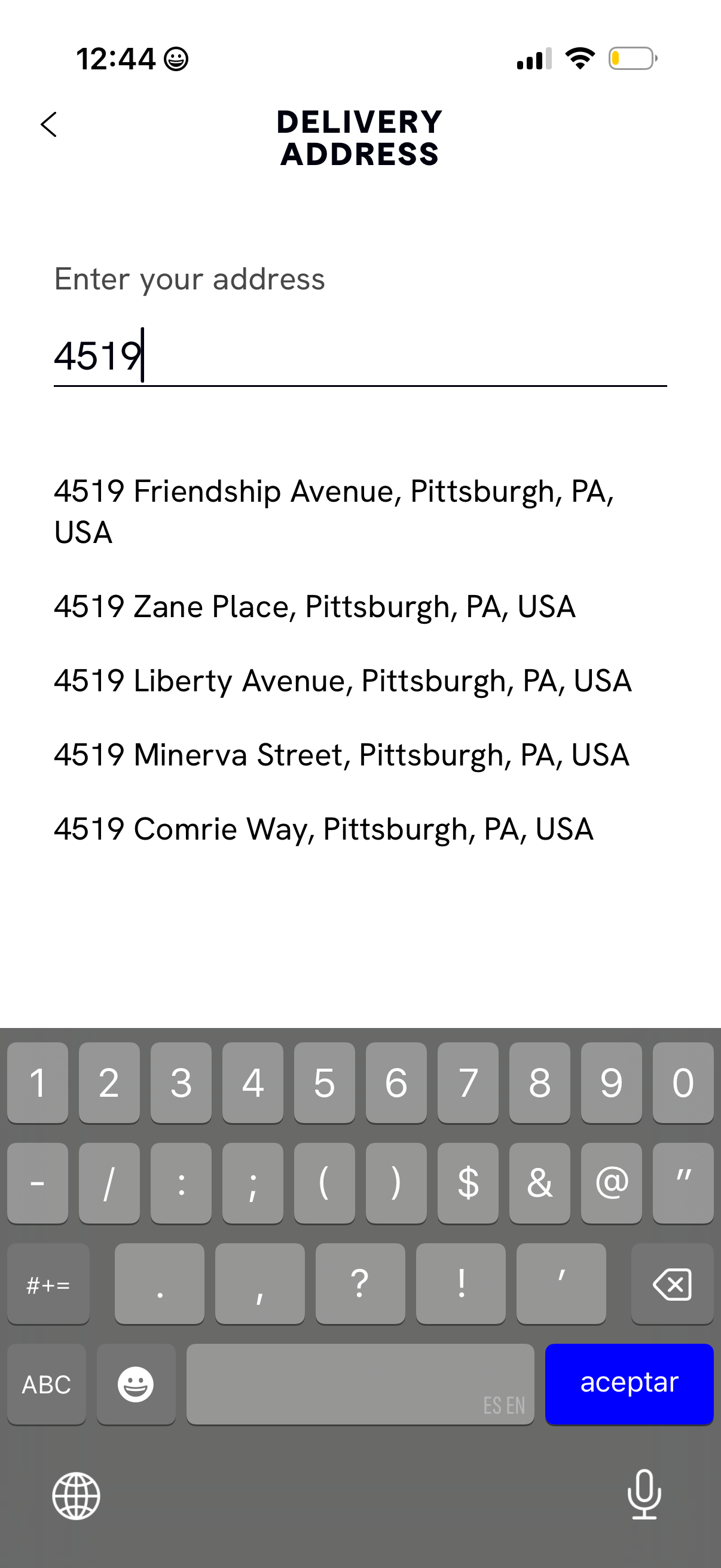
Delivery address entry screen with a single text field for typing an address and
cava
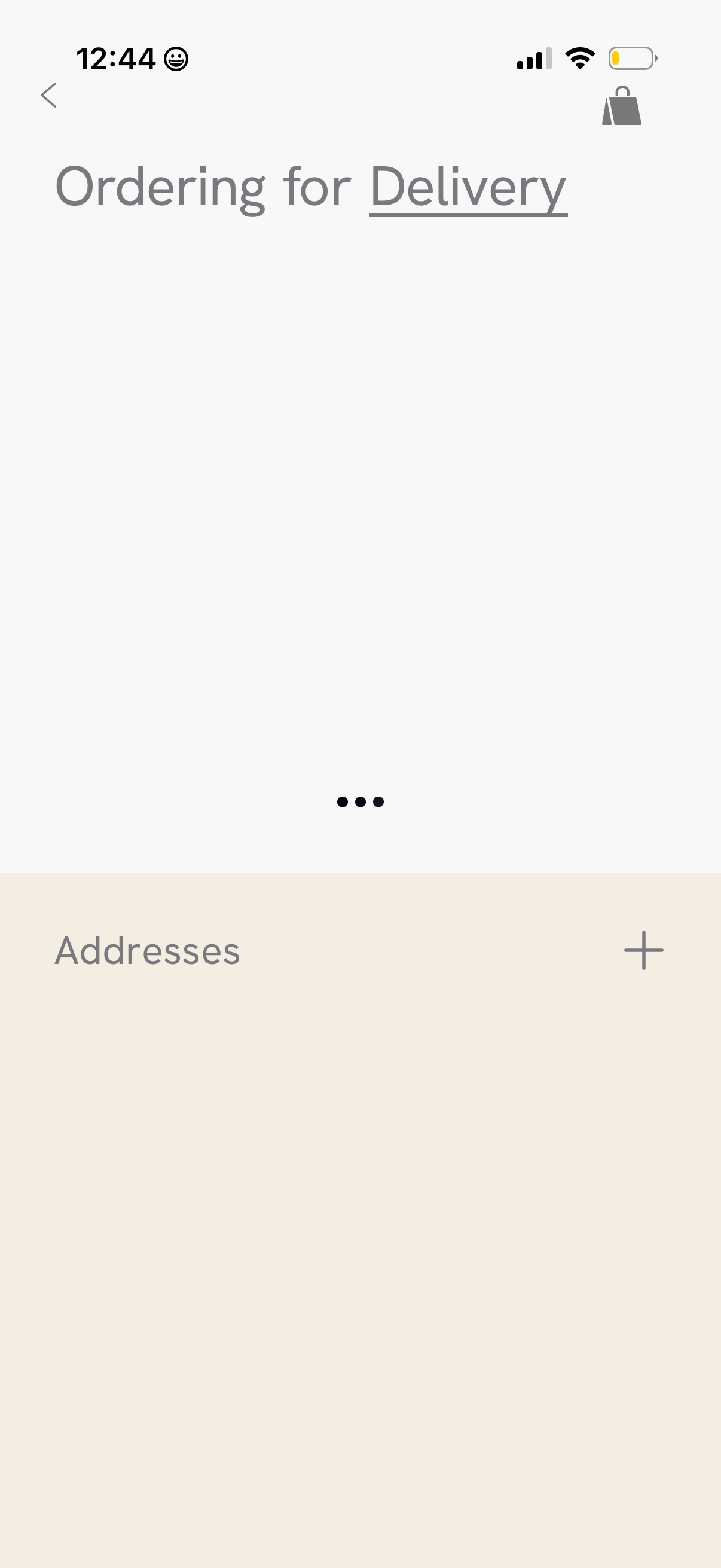
Delivery ordering settings screen focused on managing shipping addresses, with a
cava
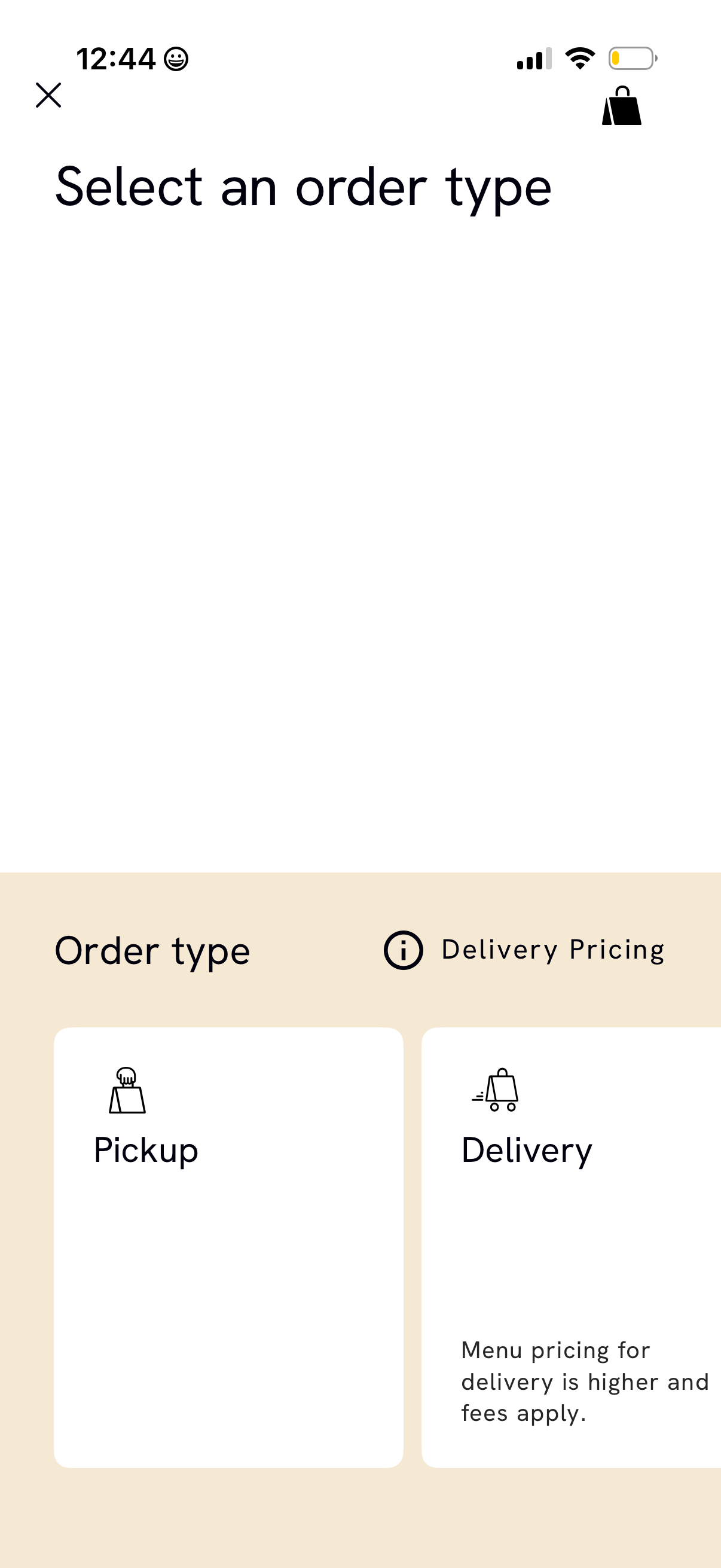
Order type selection screen in a food ordering app prompting users to choose bet
cava
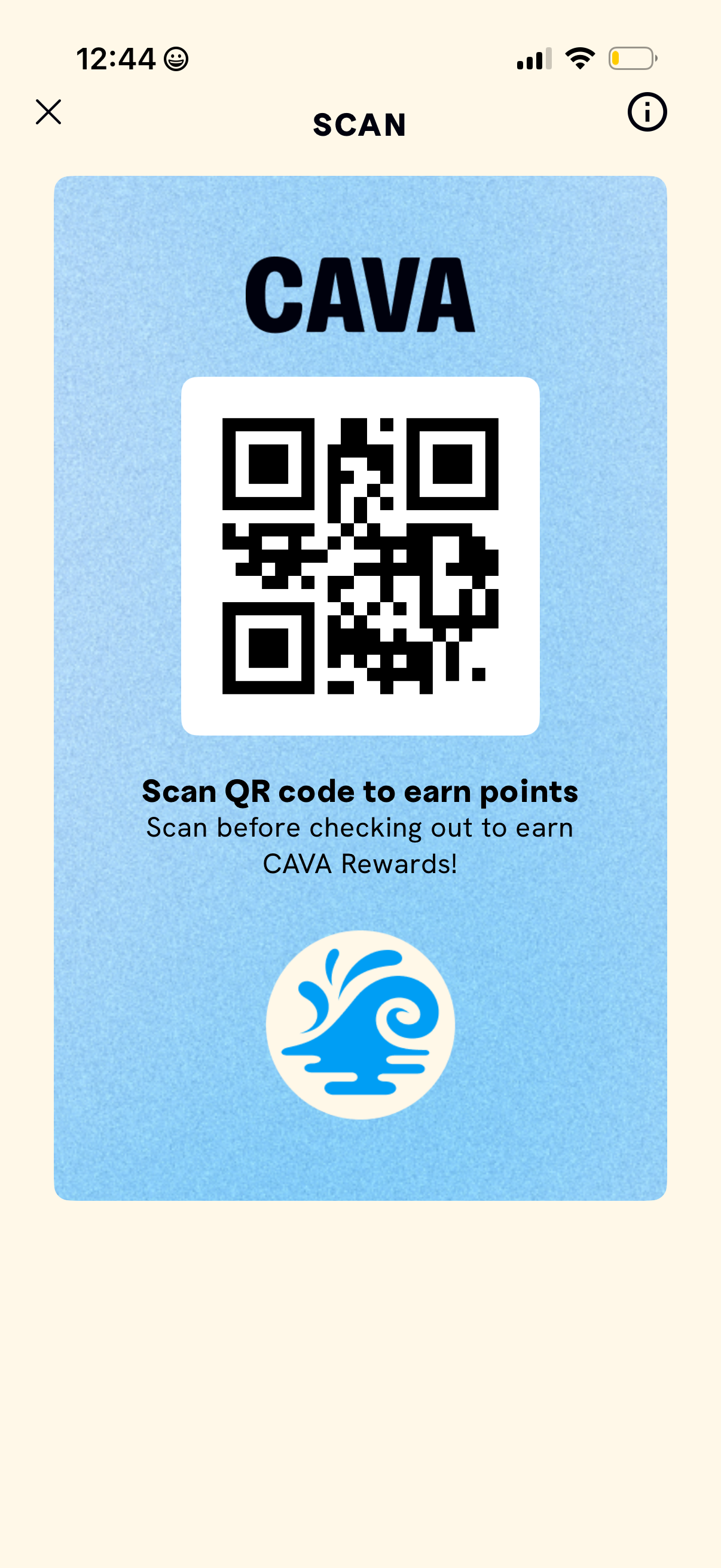
Rewards QR code screen that displays a scannable code for earning loyalty points
cava
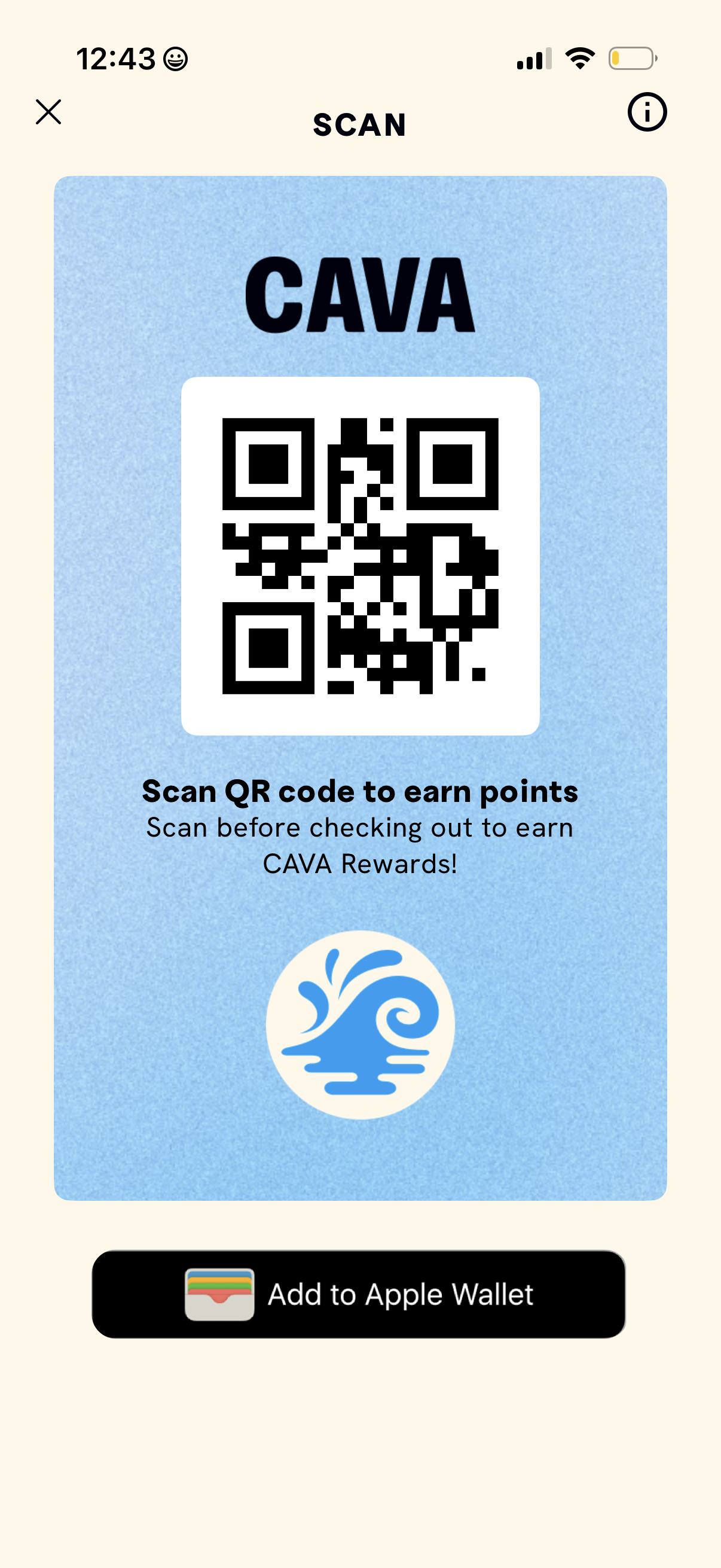
Rewards QR code screen showing a scannable code to earn loyalty points before ch
cava
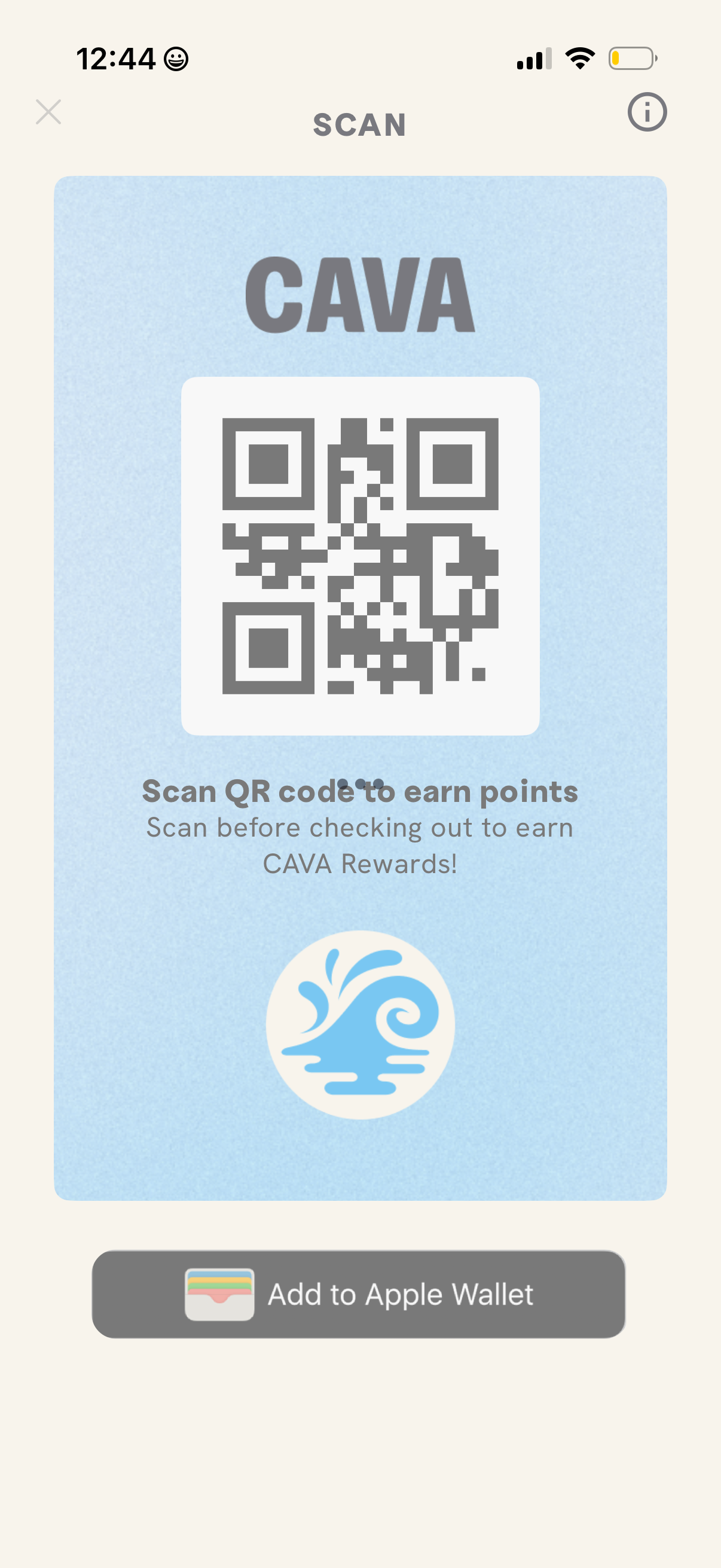
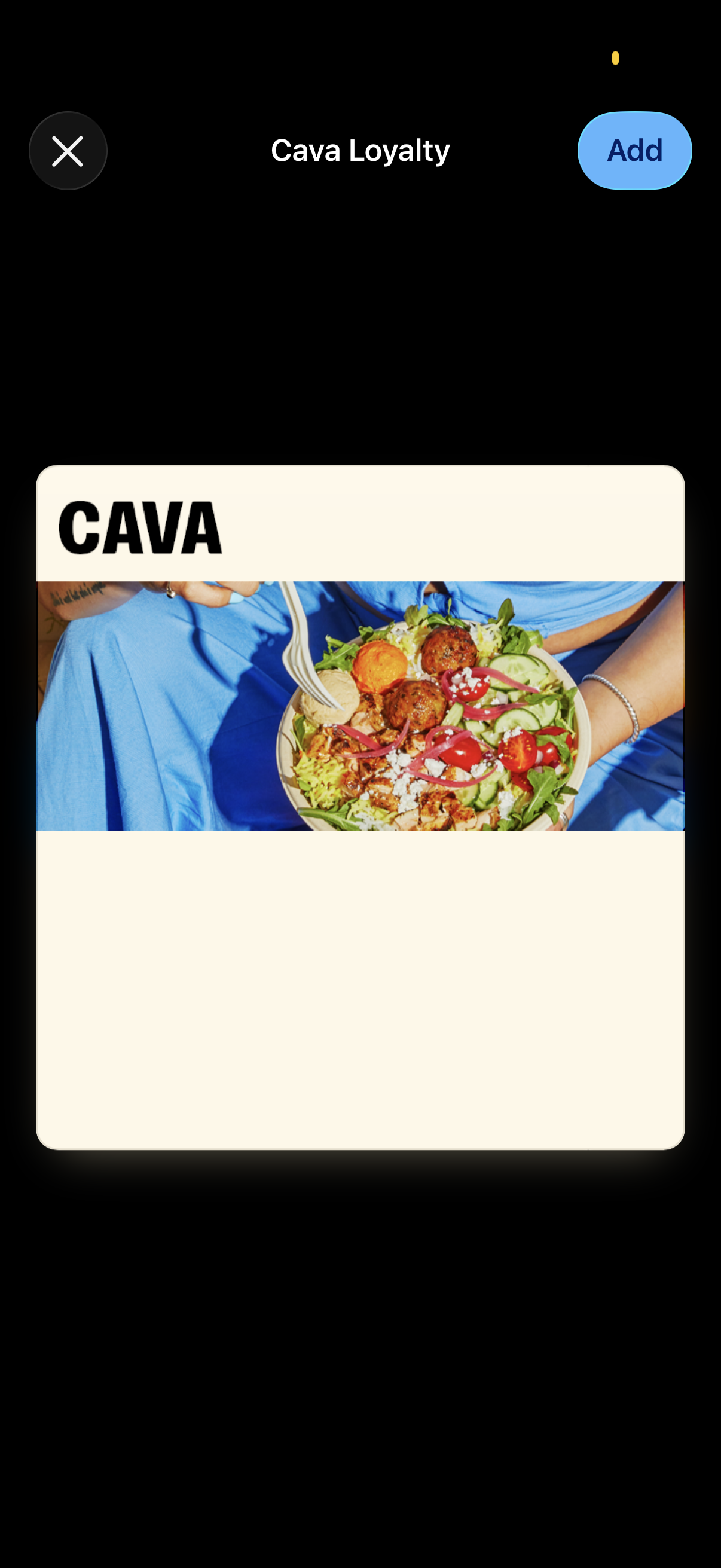
Modal screen for adding a restaurant loyalty card to a digital wallet, titled “C
cava
Rewards QR code screen for a restaurant loyalty program, showing a large scannab
cava
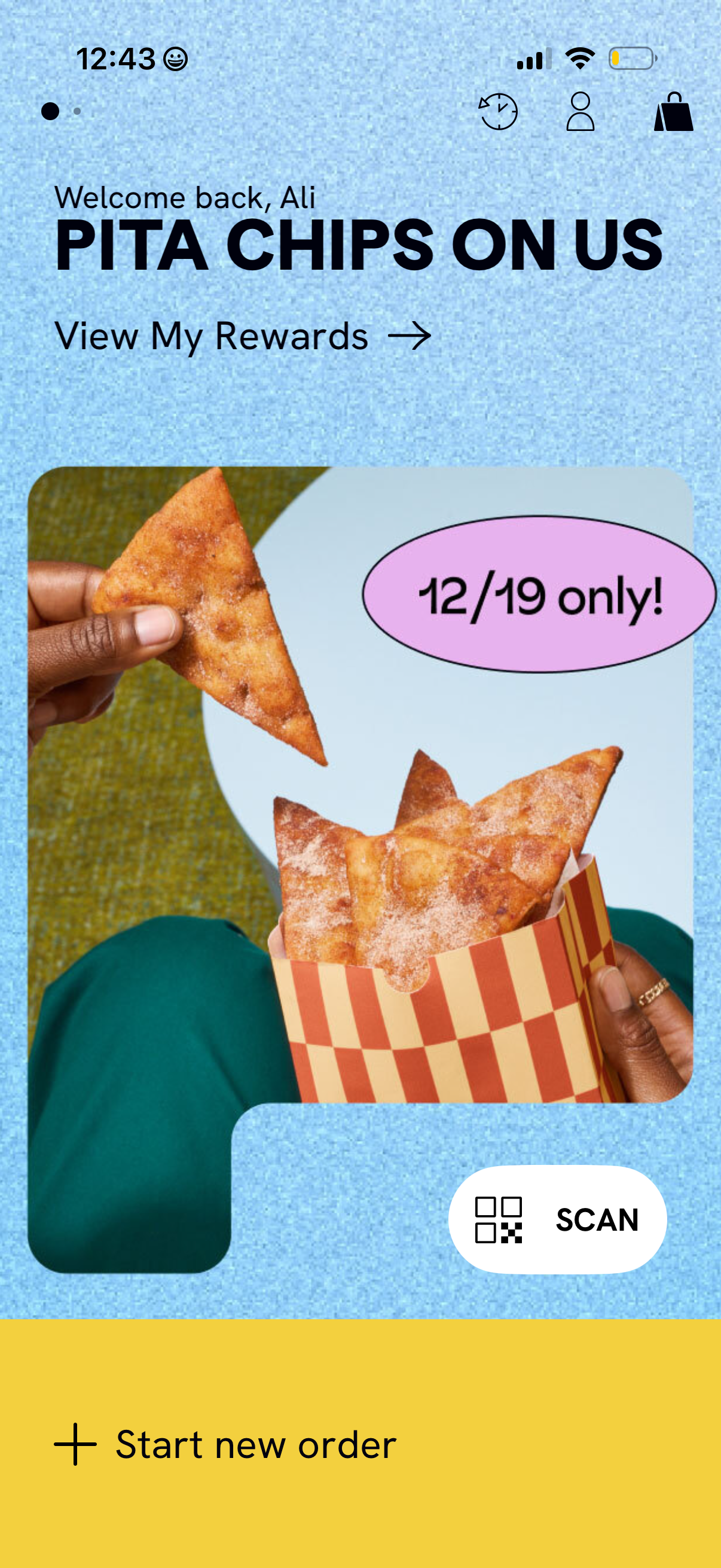
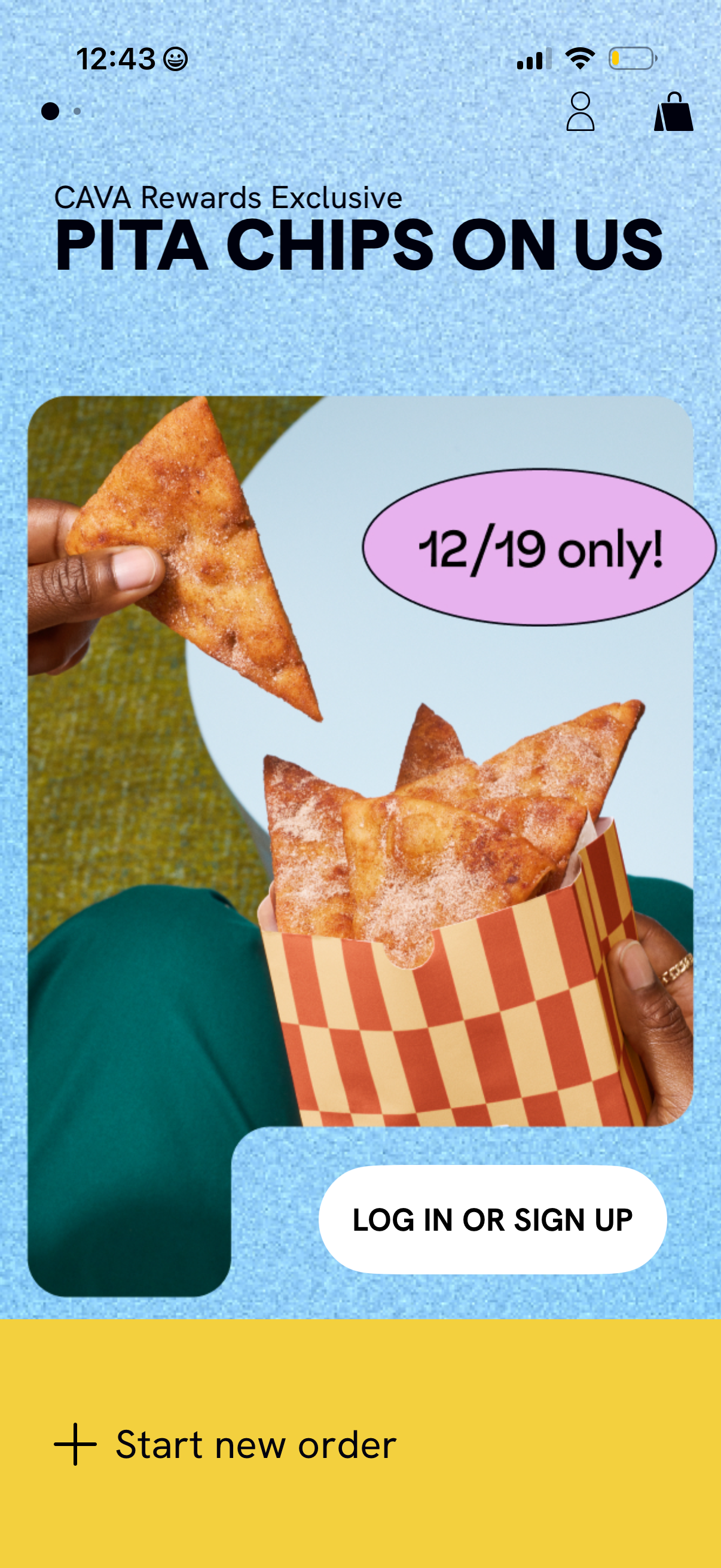
Home screen of a restaurant ordering app highlighting a limited-time rewards pro
cava
Loading screen overlay with a centered three-dot progress indicator while an ord
cava
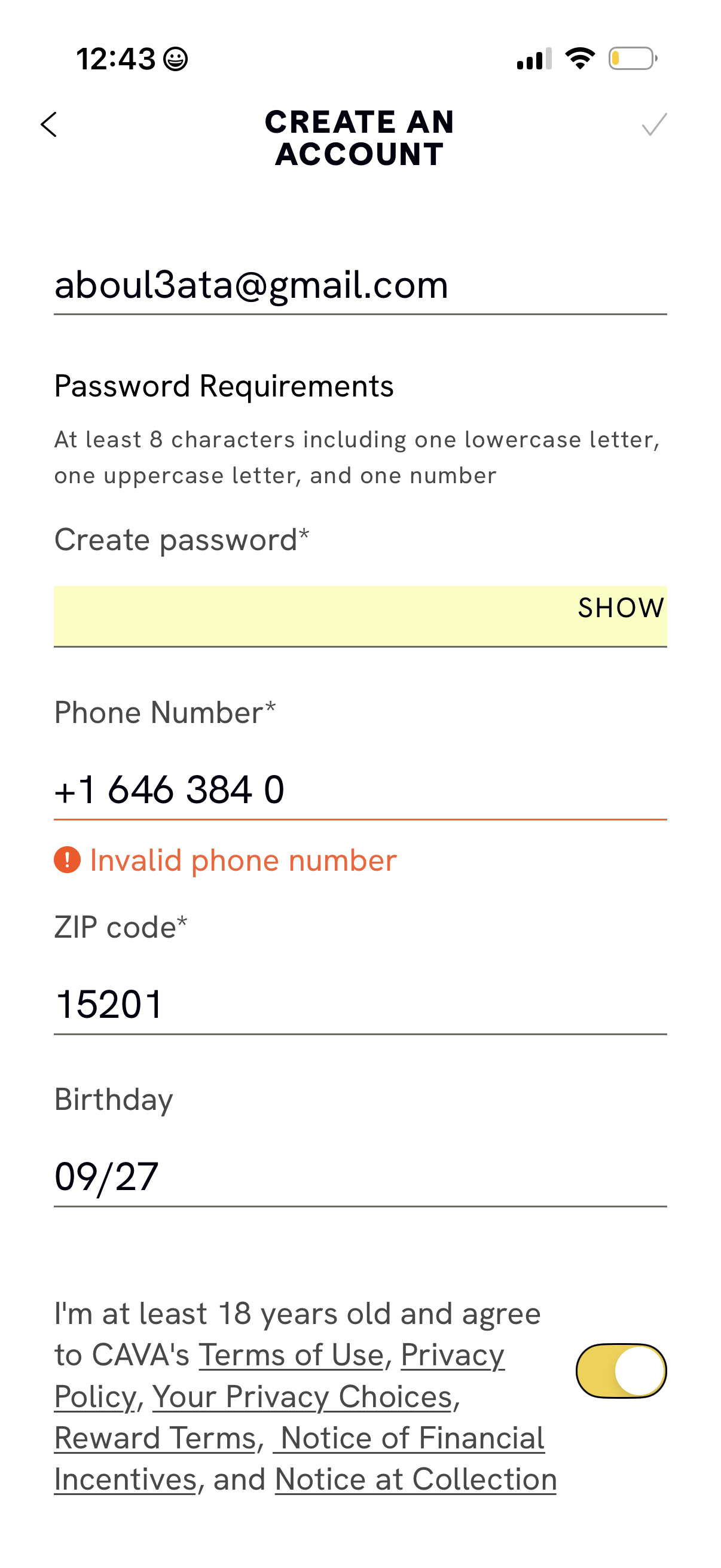
Account creation form screen where users enter email, create a password with sta
cava
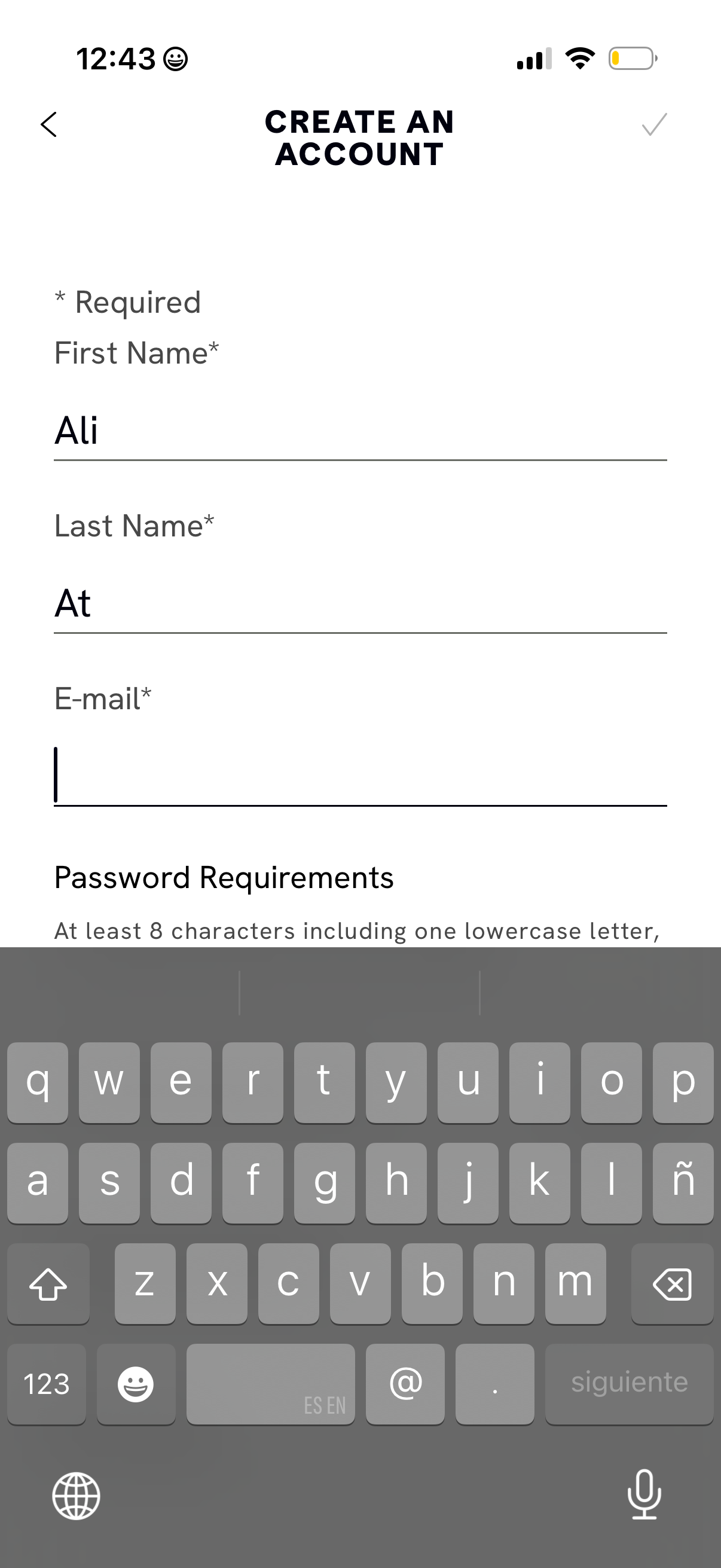
Account creation form screen prompting required personal details including first
cava
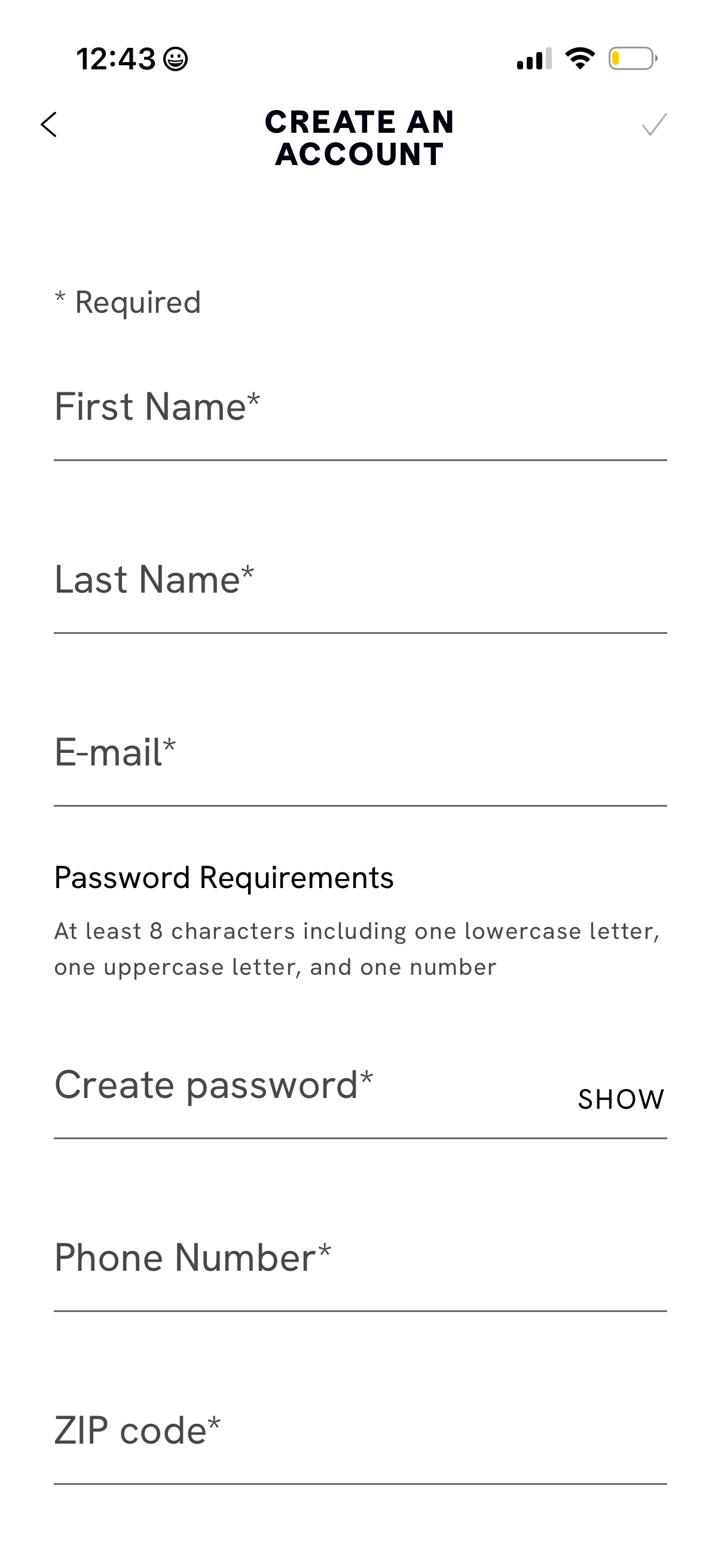
Account creation form screen prompting users to sign up by entering required det
cava
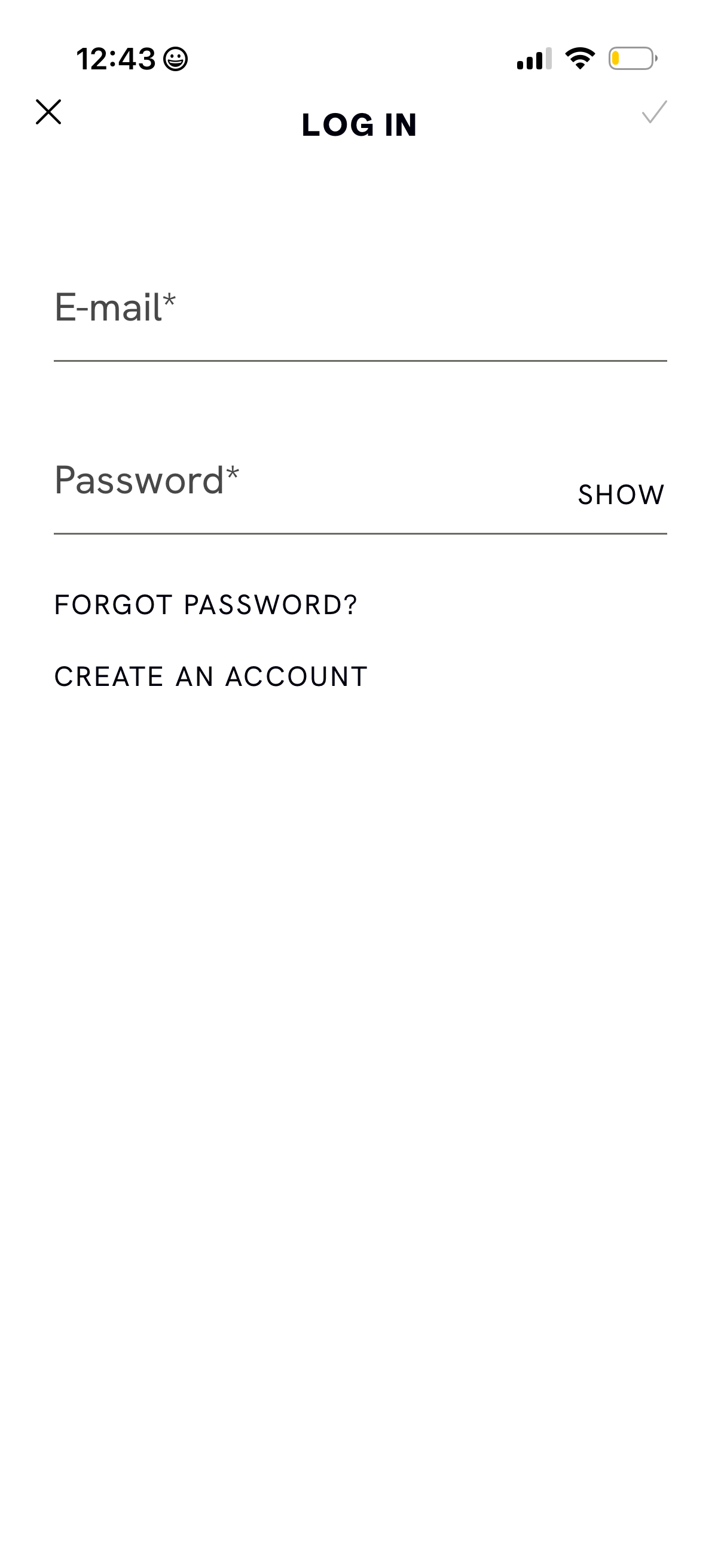
Minimal login screen with required email and password fields, including a passwo
cava
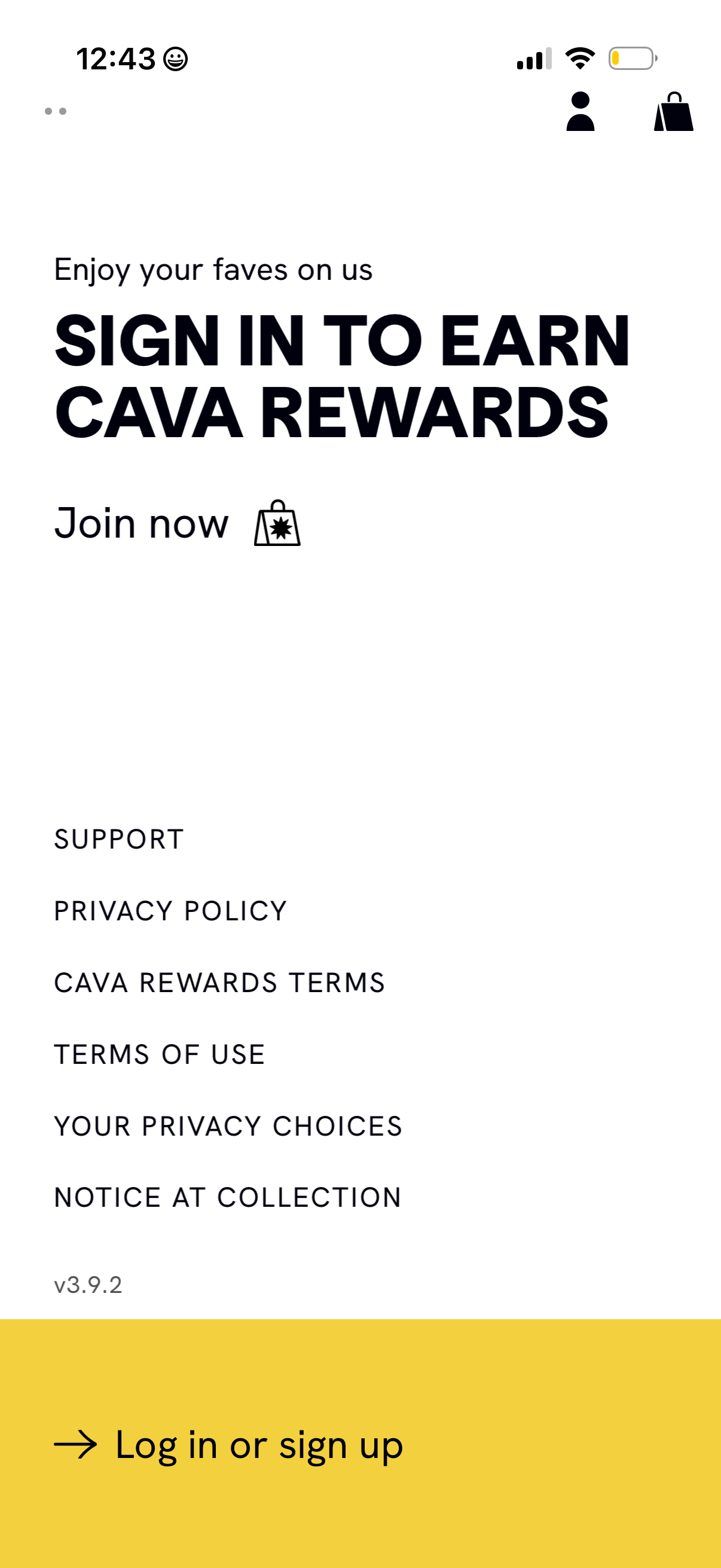
Rewards program landing screen prompting users to sign in to earn loyalty reward
cava
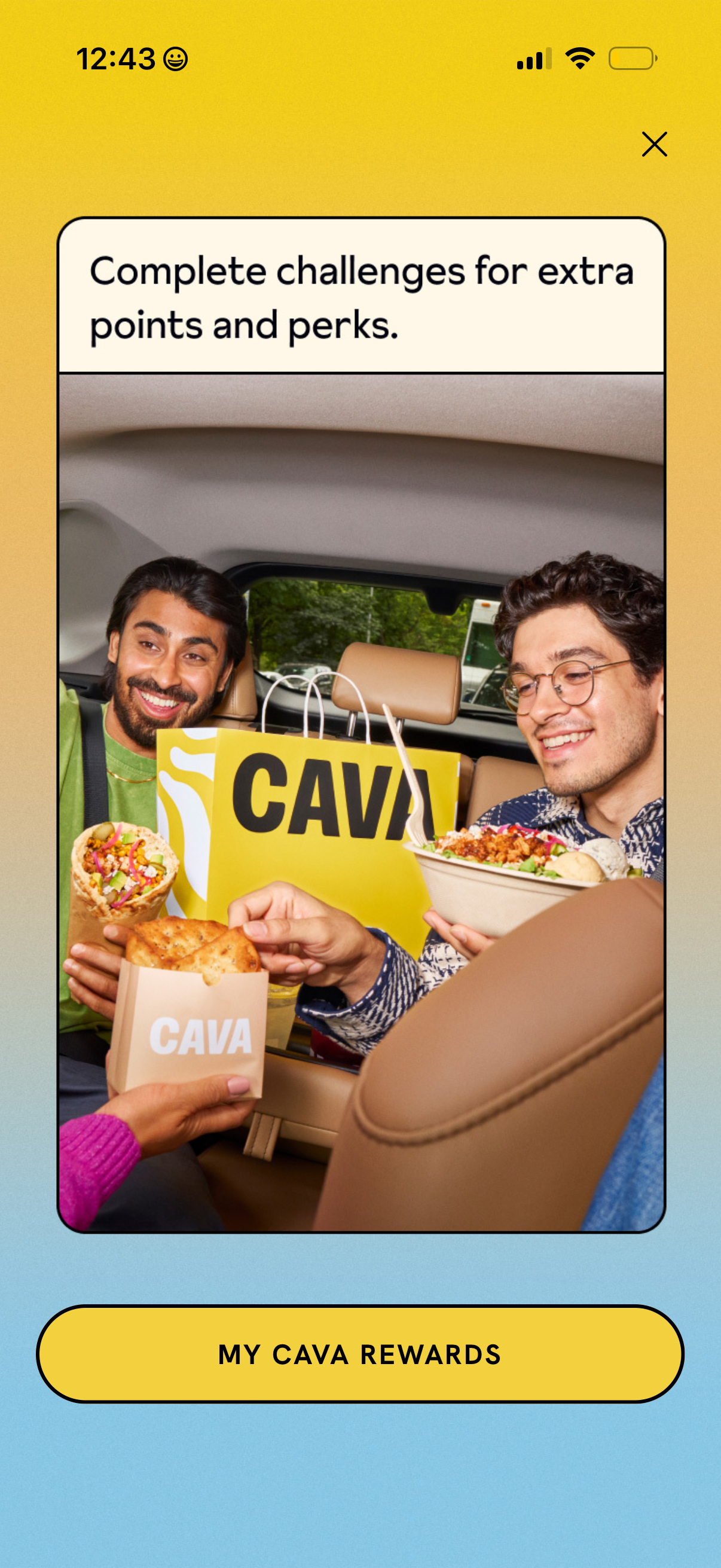
Promotional rewards upsell screen encouraging users to complete challenges to ea
cava
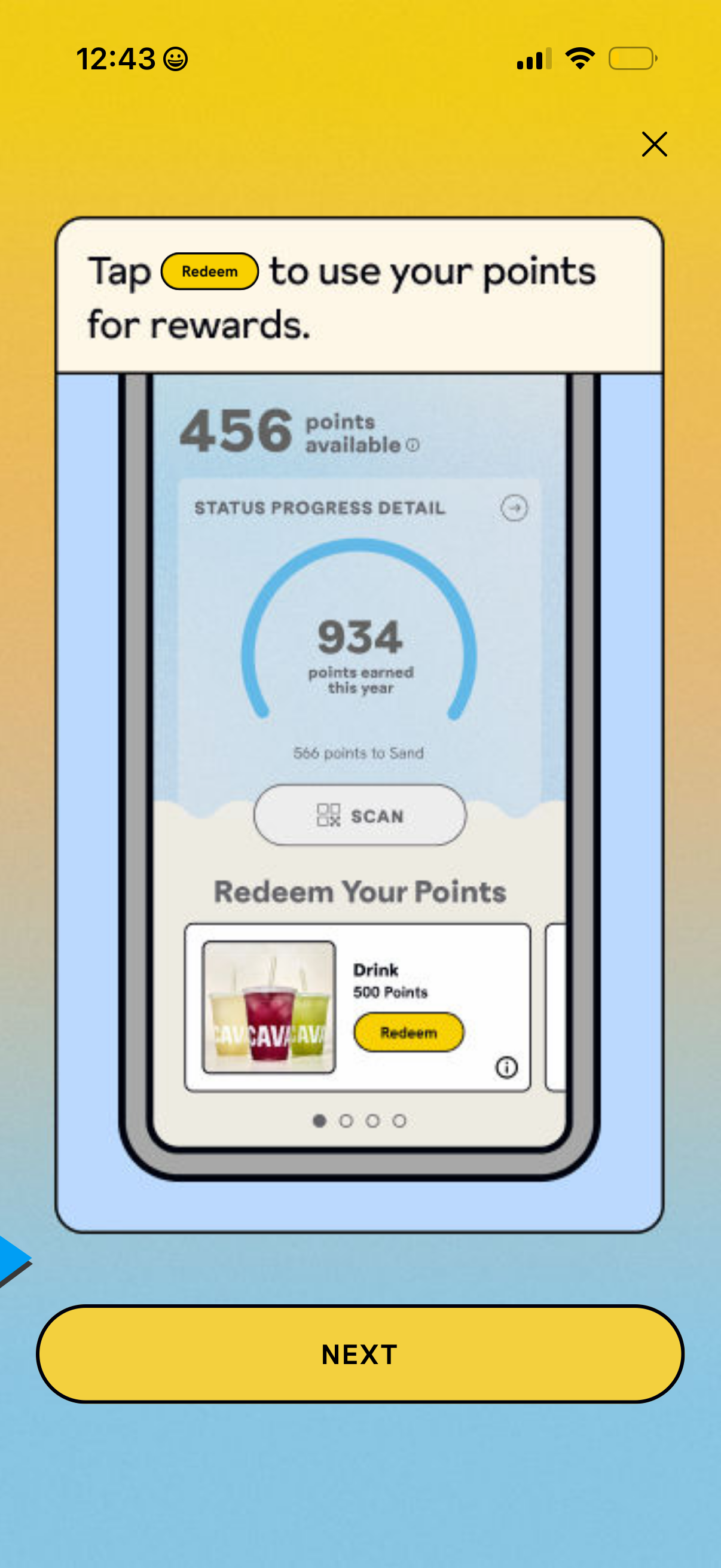
Loyalty rewards walkthrough screen showing how to redeem points, with a points b
cava
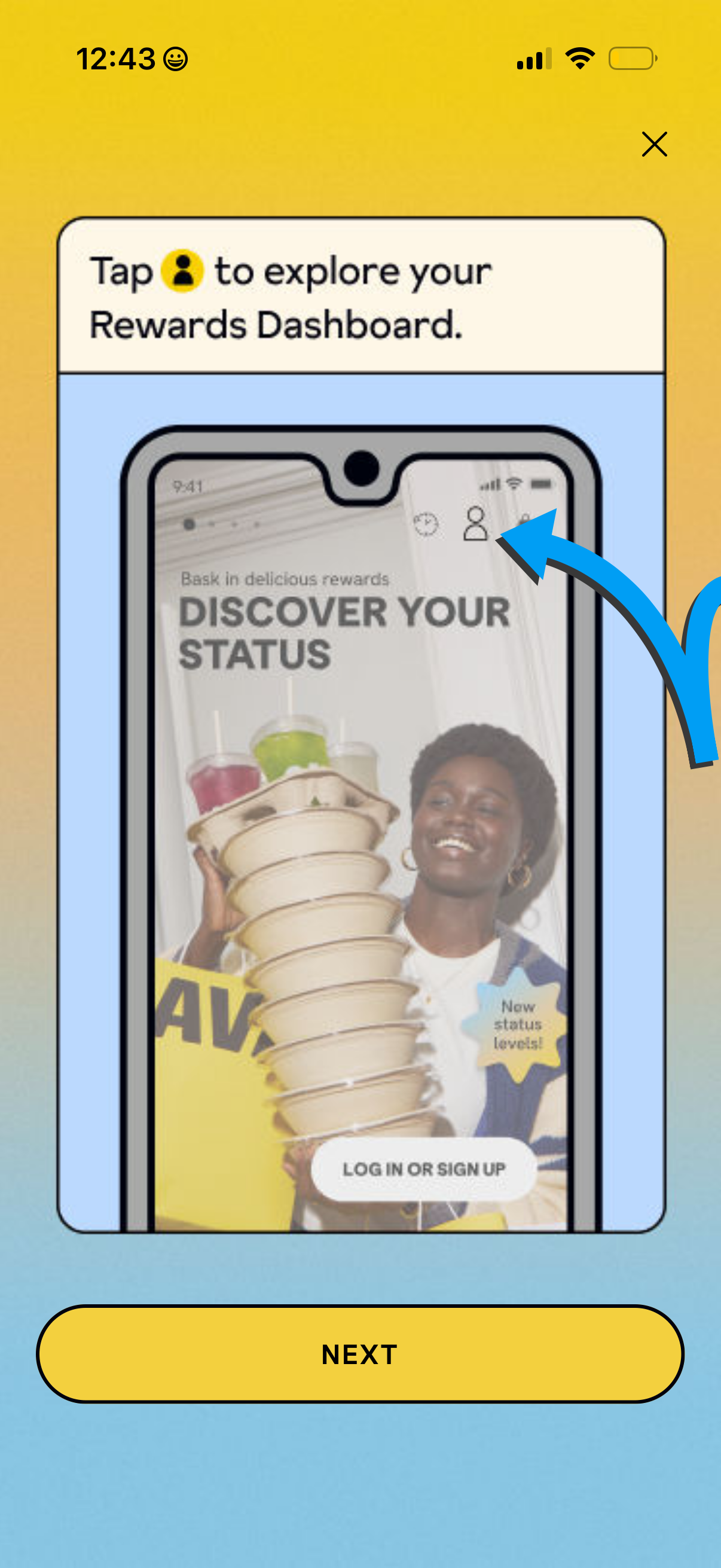
Onboarding tutorial overlay introducing the Rewards Dashboard, instructing users
cava
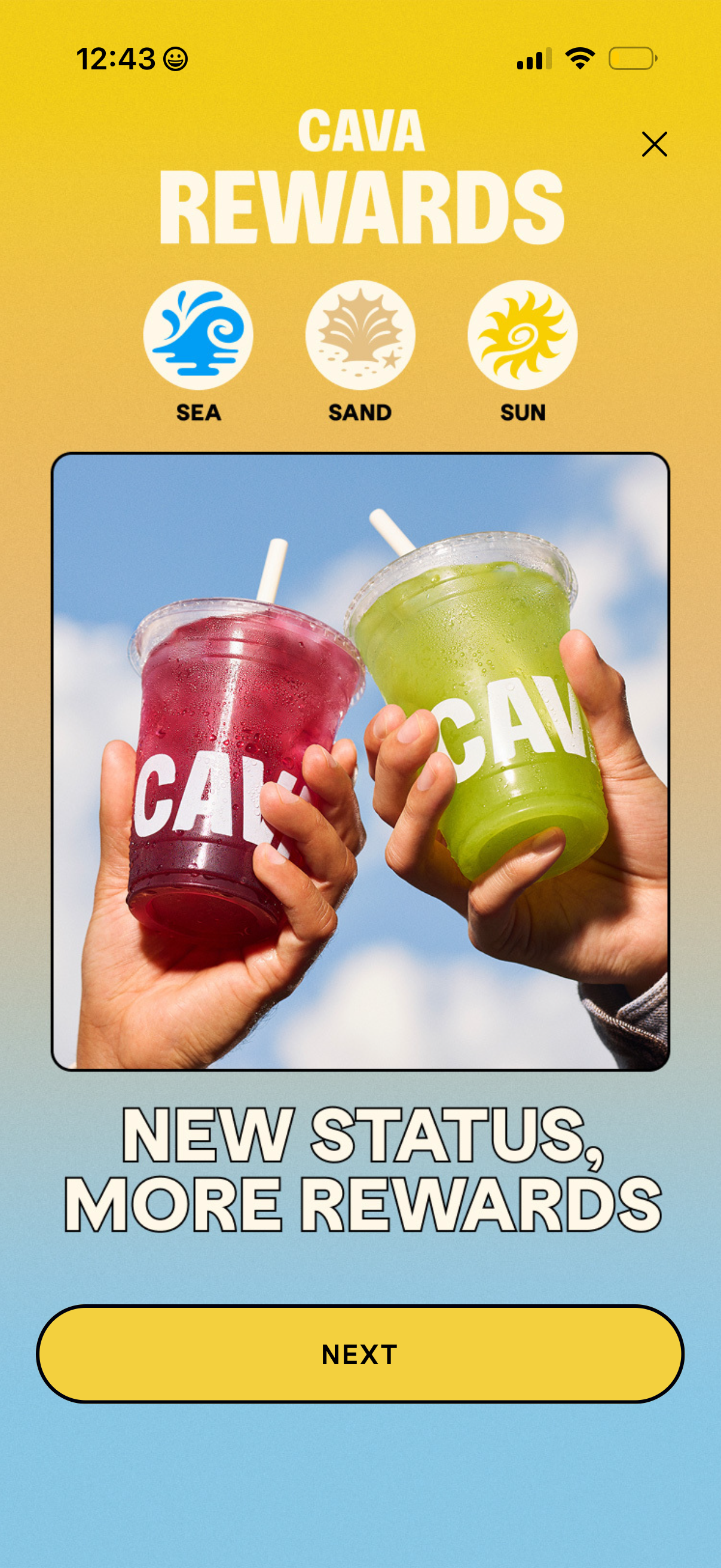
Loyalty rewards onboarding screen introducing a tiered status program with three
cava
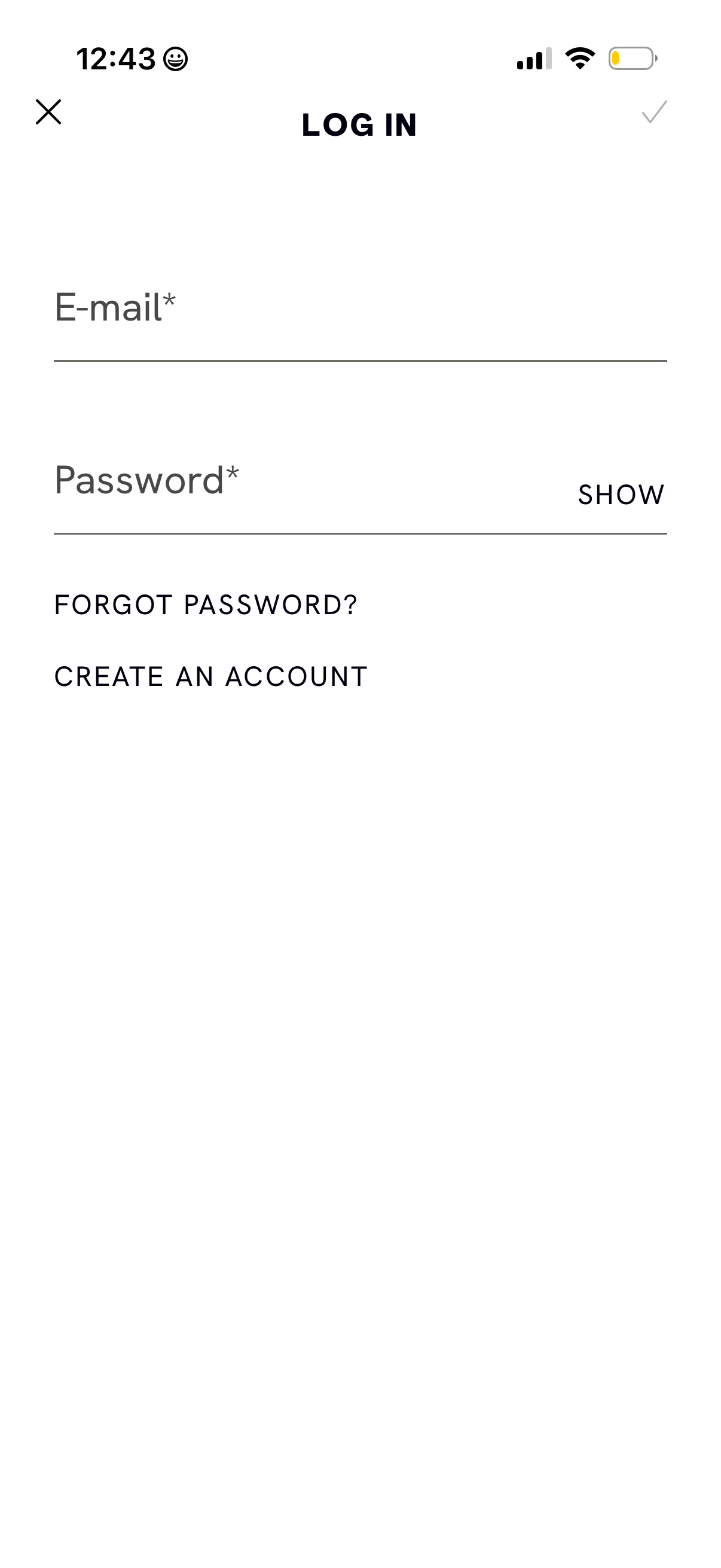
Email and password login screen with required input fields, a password visibilit
cava
Restaurant app home/promo screen highlighting a limited-time rewards offer (“Pit
cava
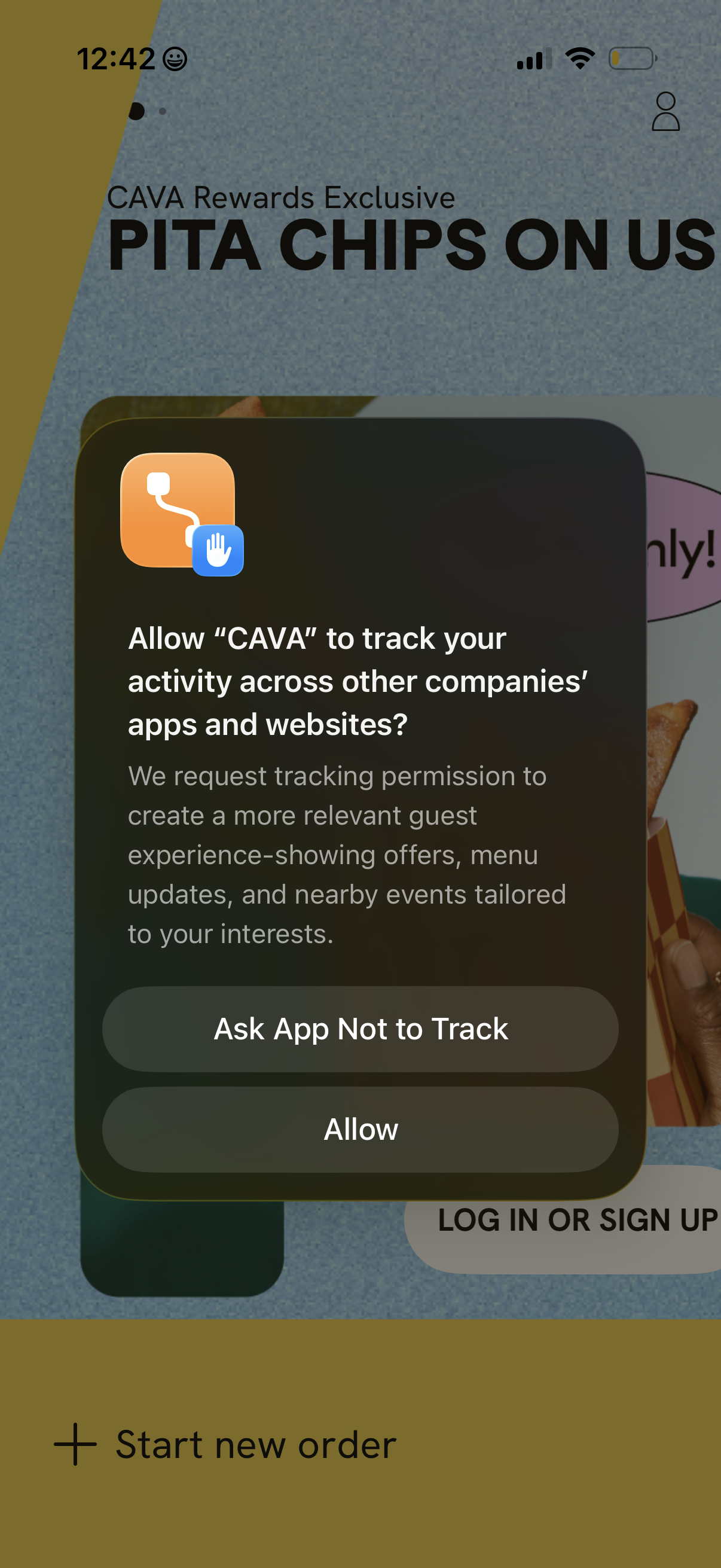
iOS App Tracking Transparency permission prompt asking to allow the app to track
cava
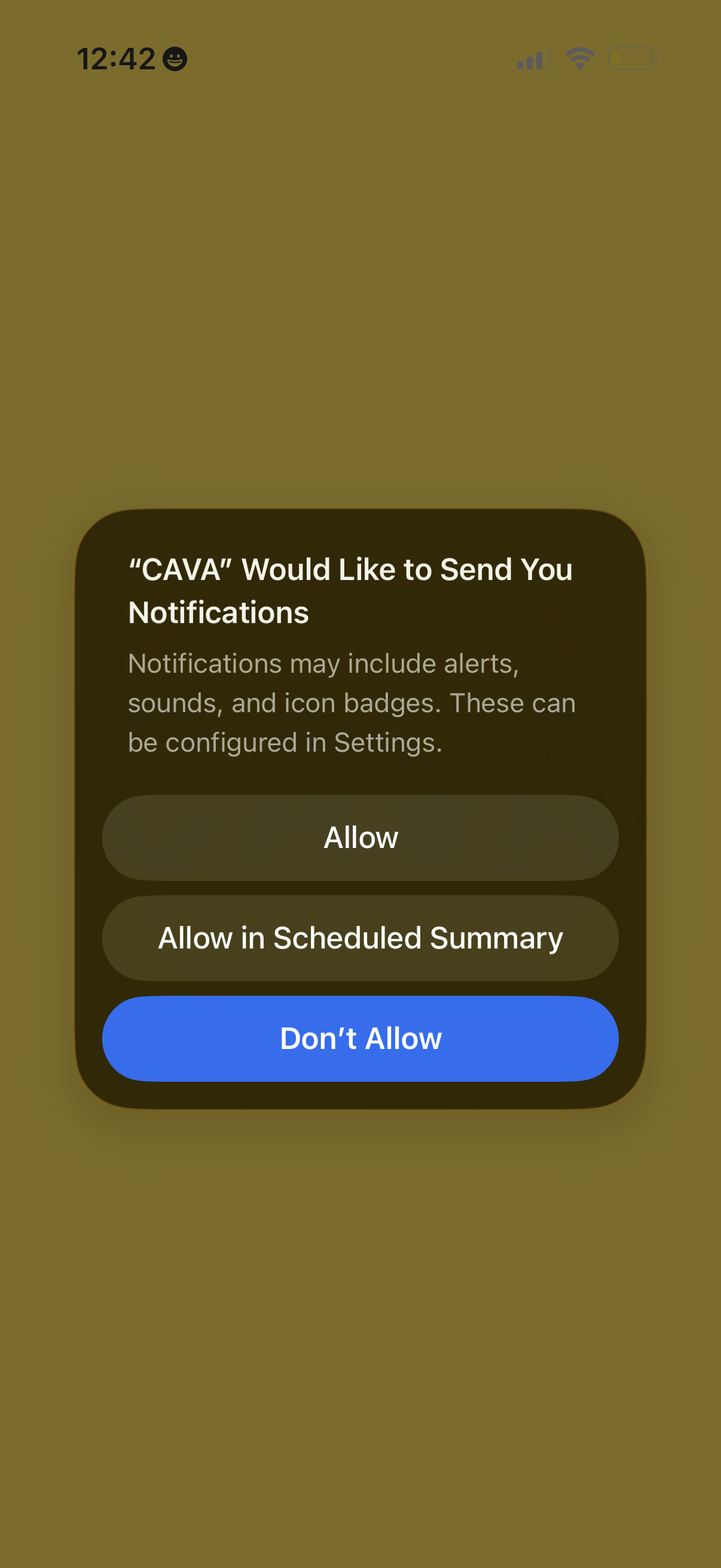
iOS system permission prompt asking the user to enable push notifications for an
cava