set delivery address
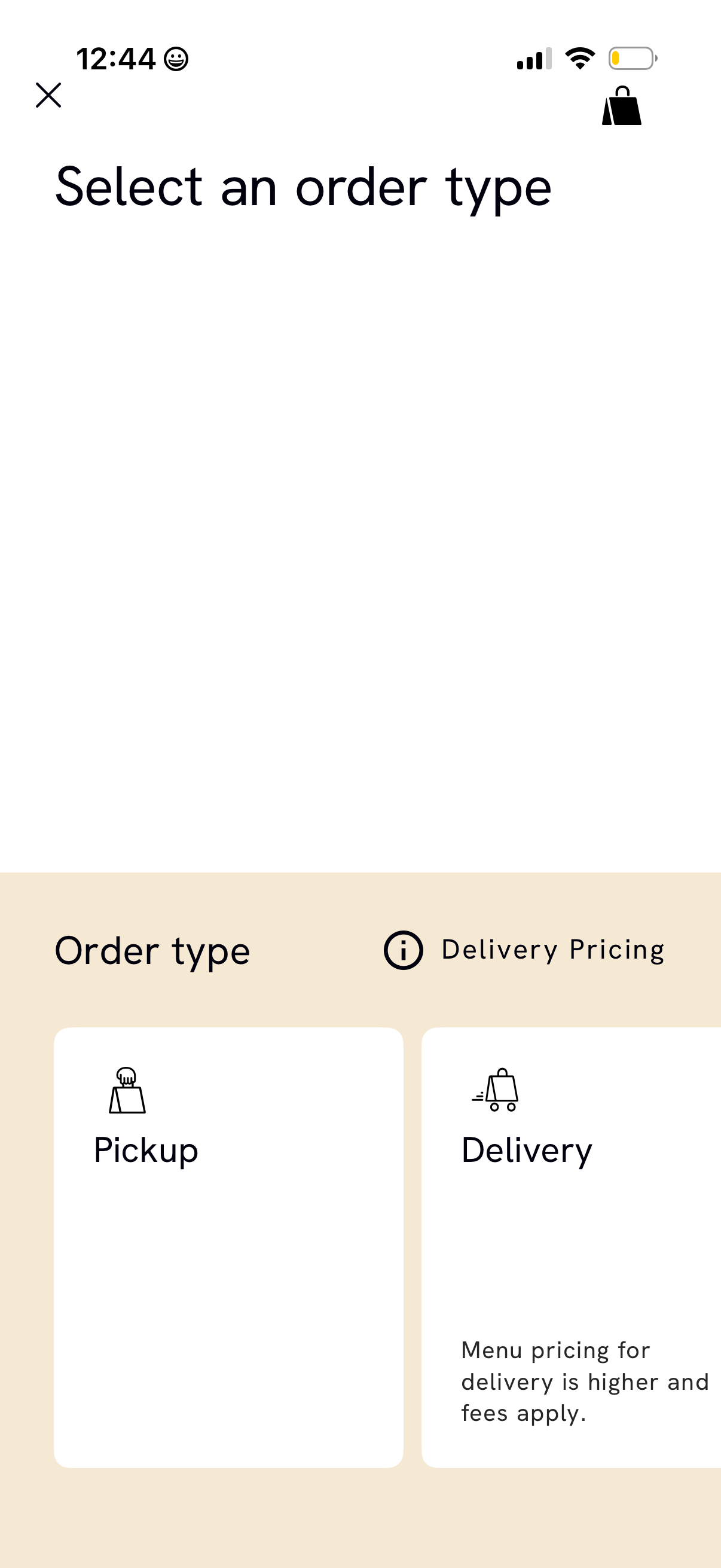
Order type selection screen in a food ordering app prompting users to choose between Pickup or Delivery. Includes an info link for delivery pricing and notes that delivery has higher menu prices and additional fees, with close and bag/cart icons in the header.
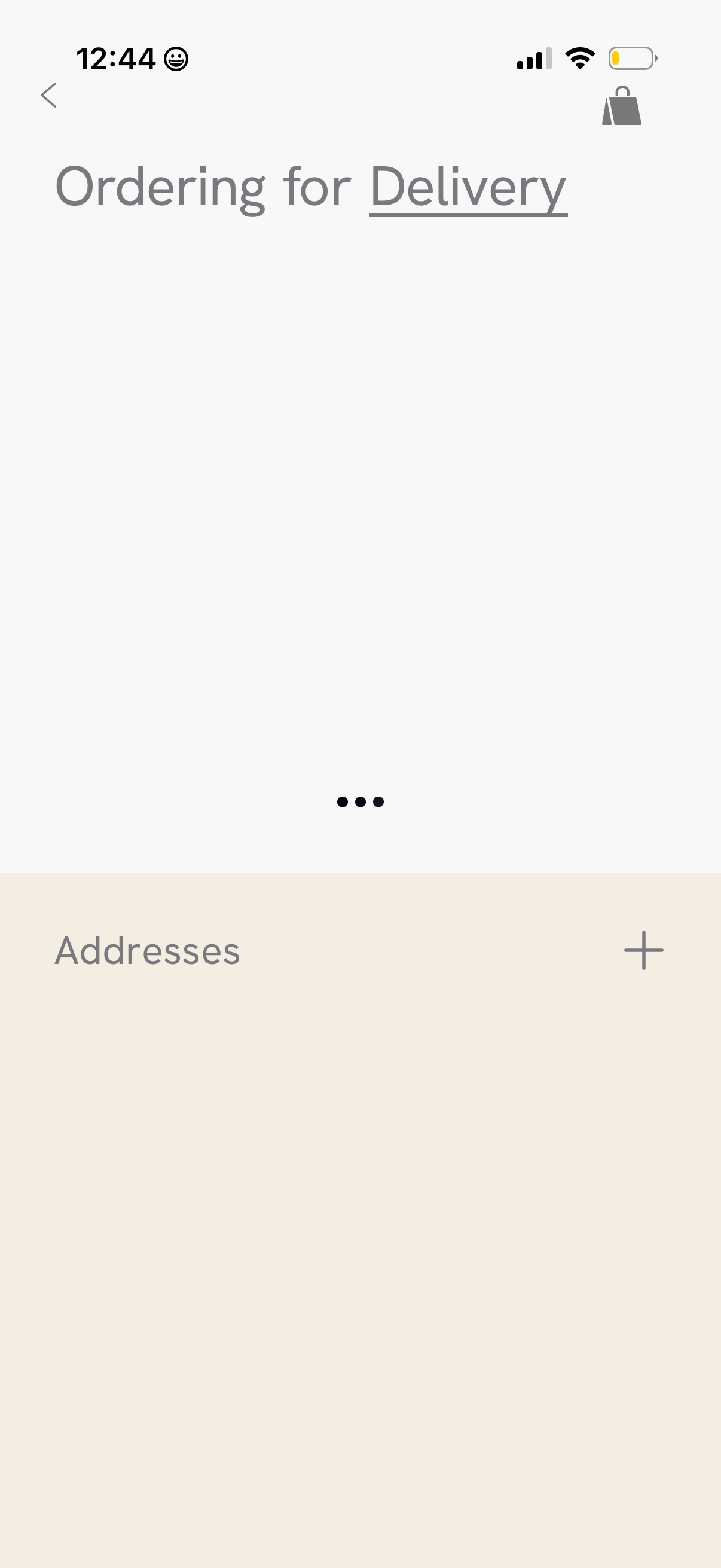
Delivery ordering settings screen focused on managing shipping addresses, with an “Addresses” section and a plus button to add a new address. Includes back navigation and a cart/bag icon for returning to the shopping cart.
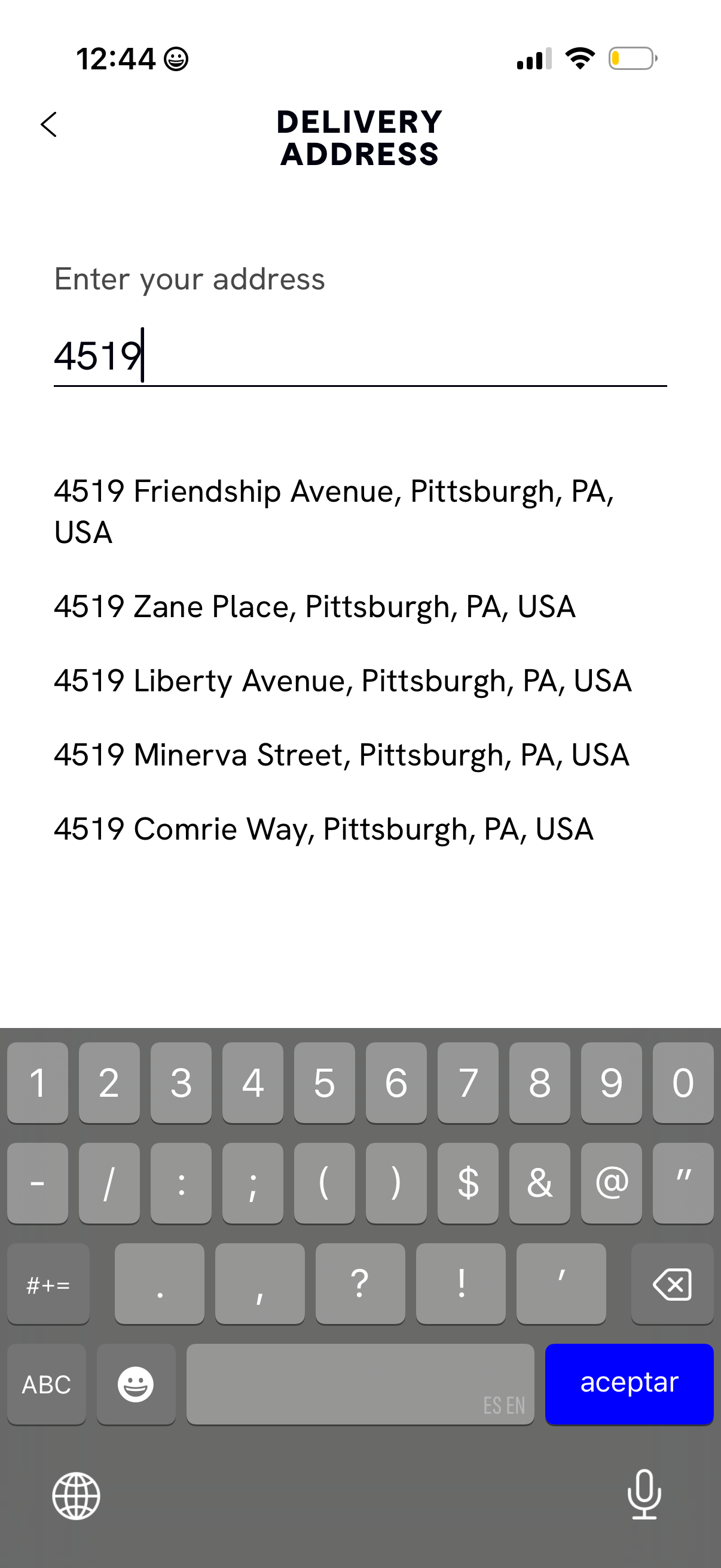
Delivery address entry screen with a single text field for typing an address and an autocomplete list of suggested matches below to select the correct location for shipping or delivery. Includes a back navigation control and focuses on searching by street number/address.
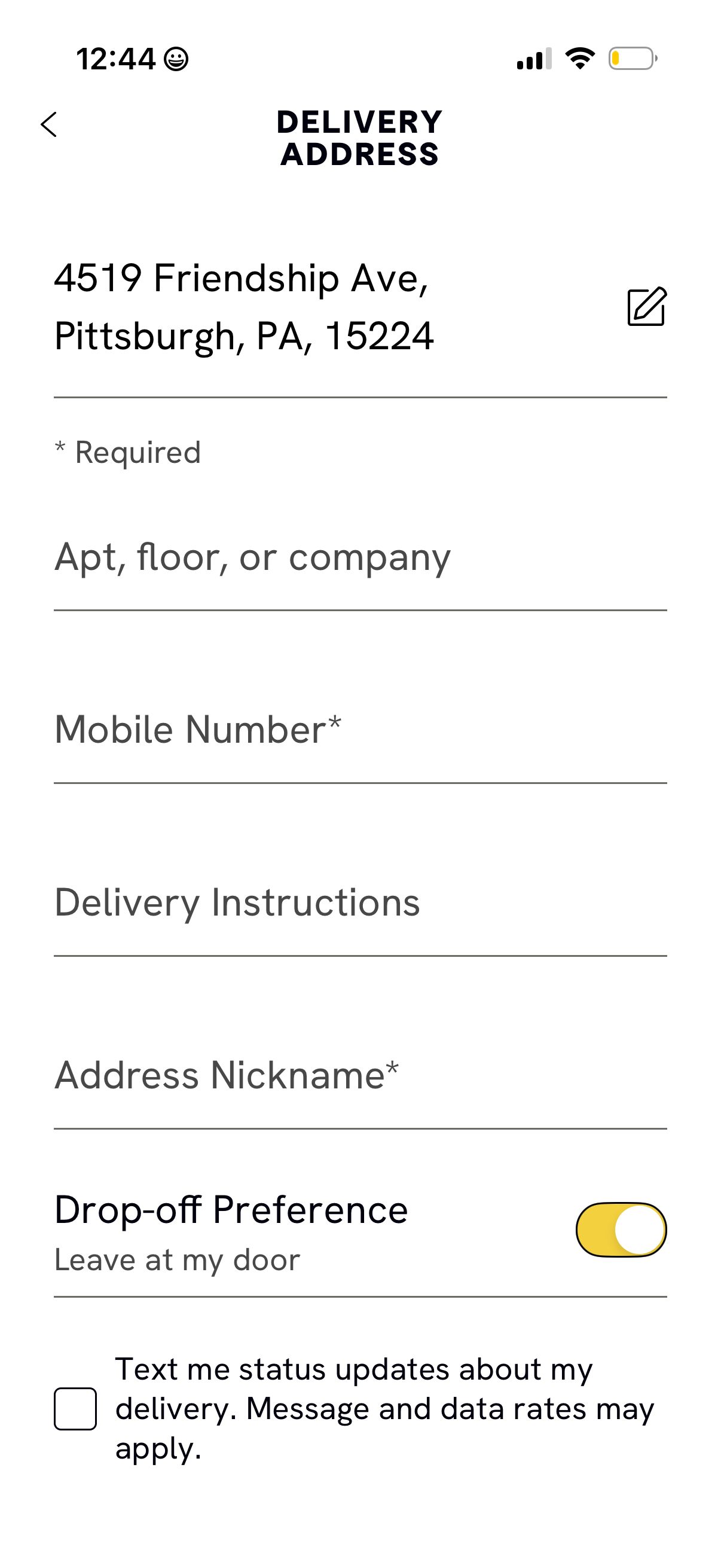
Delivery address form screen for a checkout flow, showing the selected address with an edit option and fields to add apartment/floor/company, required mobile number, delivery instructions, and an address nickname. Includes a drop-off preference toggle (e.
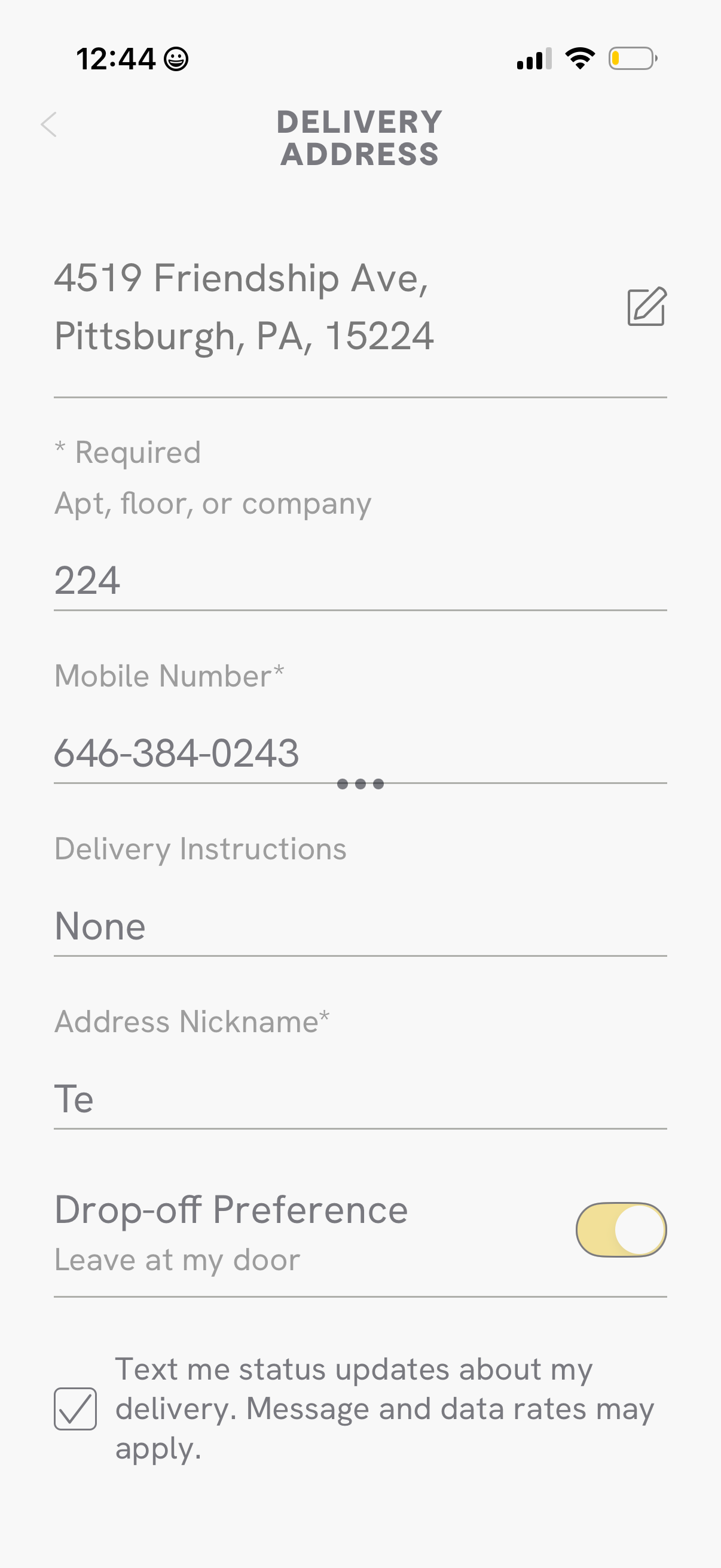
Delivery address form screen for a checkout flow where users edit their address and enter apartment/floor, required mobile number, delivery instructions, and an address nickname. Includes a toggle for drop-off preference (leave at my door) and a checkbox to opt in to SMS delivery status updates.
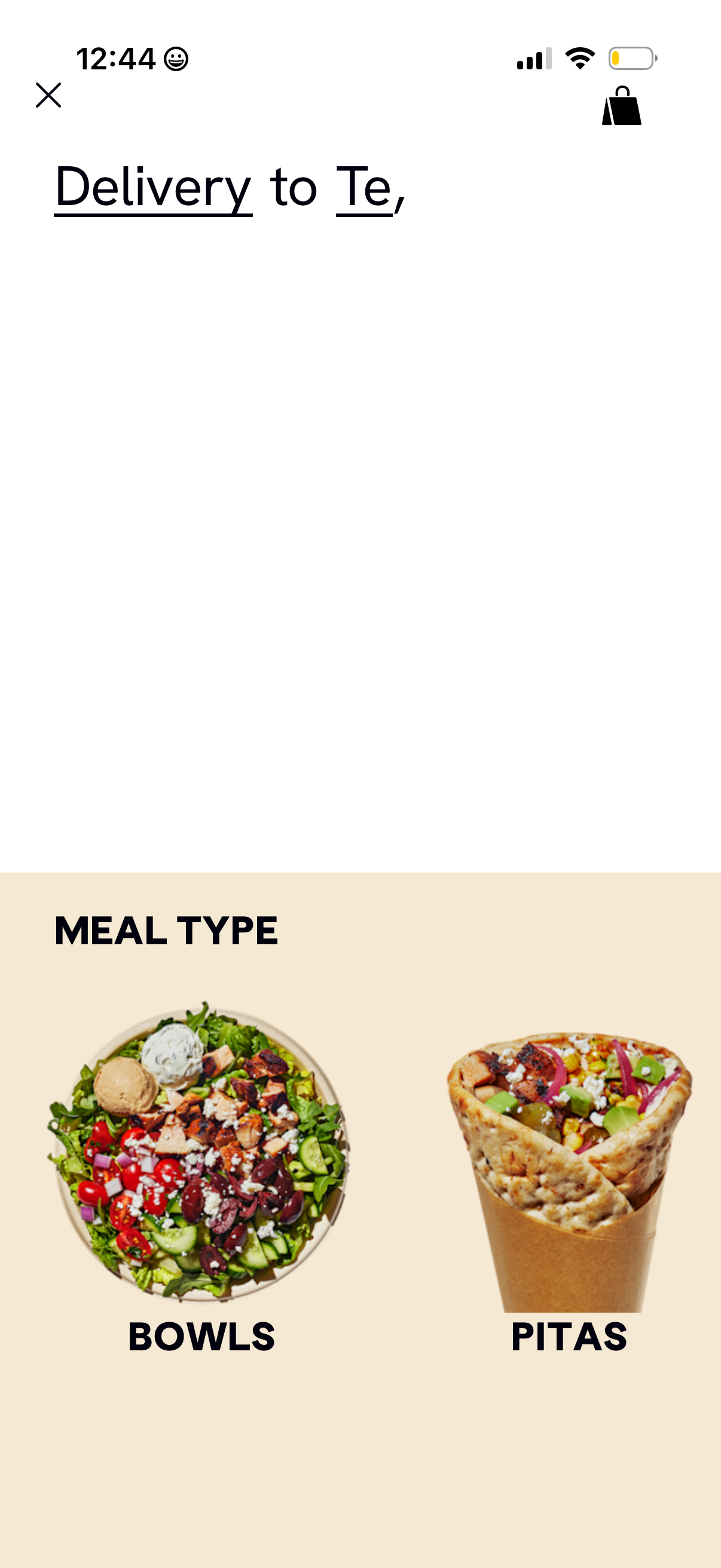
Food delivery app browse screen that lets users choose a meal type category for delivery to a specified address. The page highlights large image tiles for selecting between Bowls and Pitas, with close/back and cart icons in the header.