show loyalty qr code
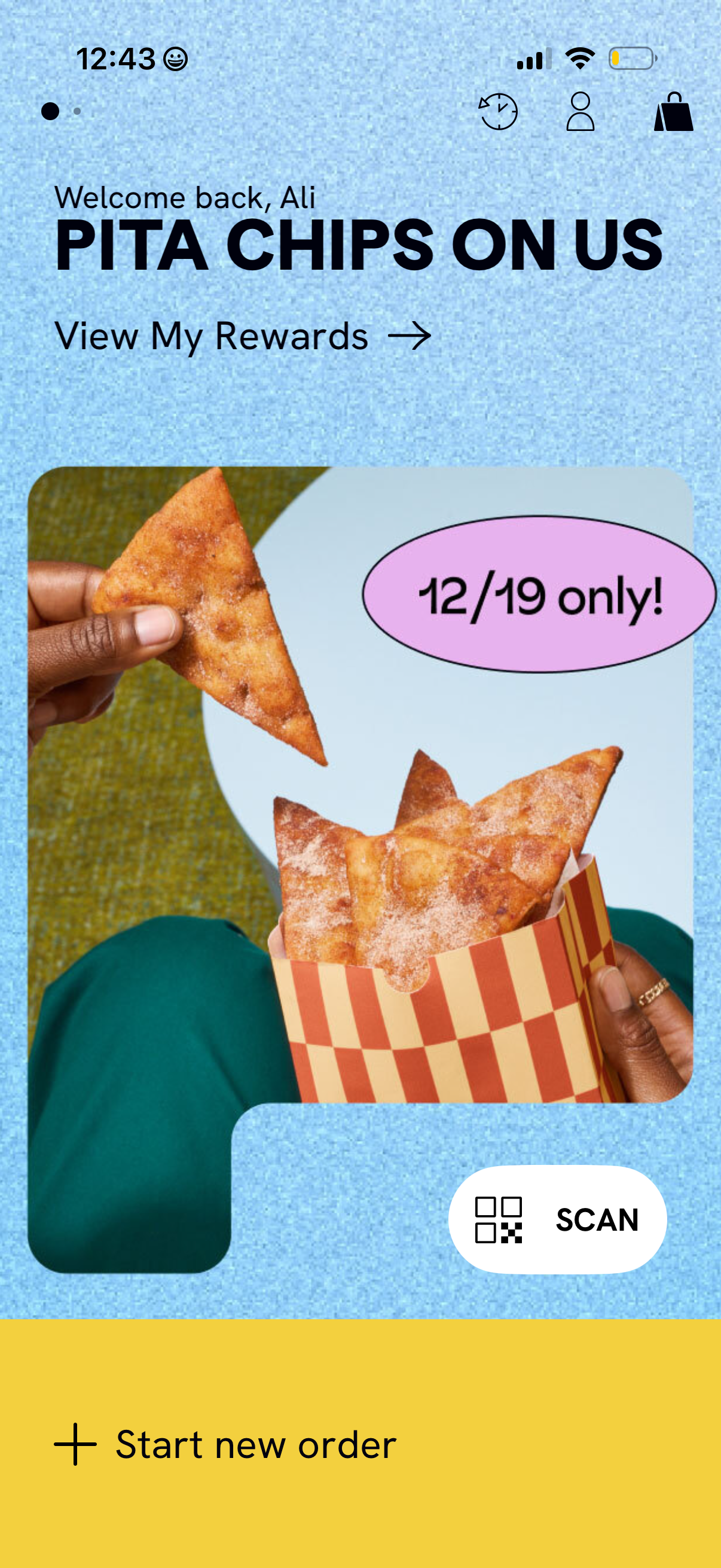
Home screen of a restaurant ordering app highlighting a limited-time rewards promotion with a hero image and a “View My Rewards” link. Top icons provide access to account and cart, while primary actions include a prominent “Scan” button for in-store QR/receipt scanning and a bottom “Start new order” CTA.
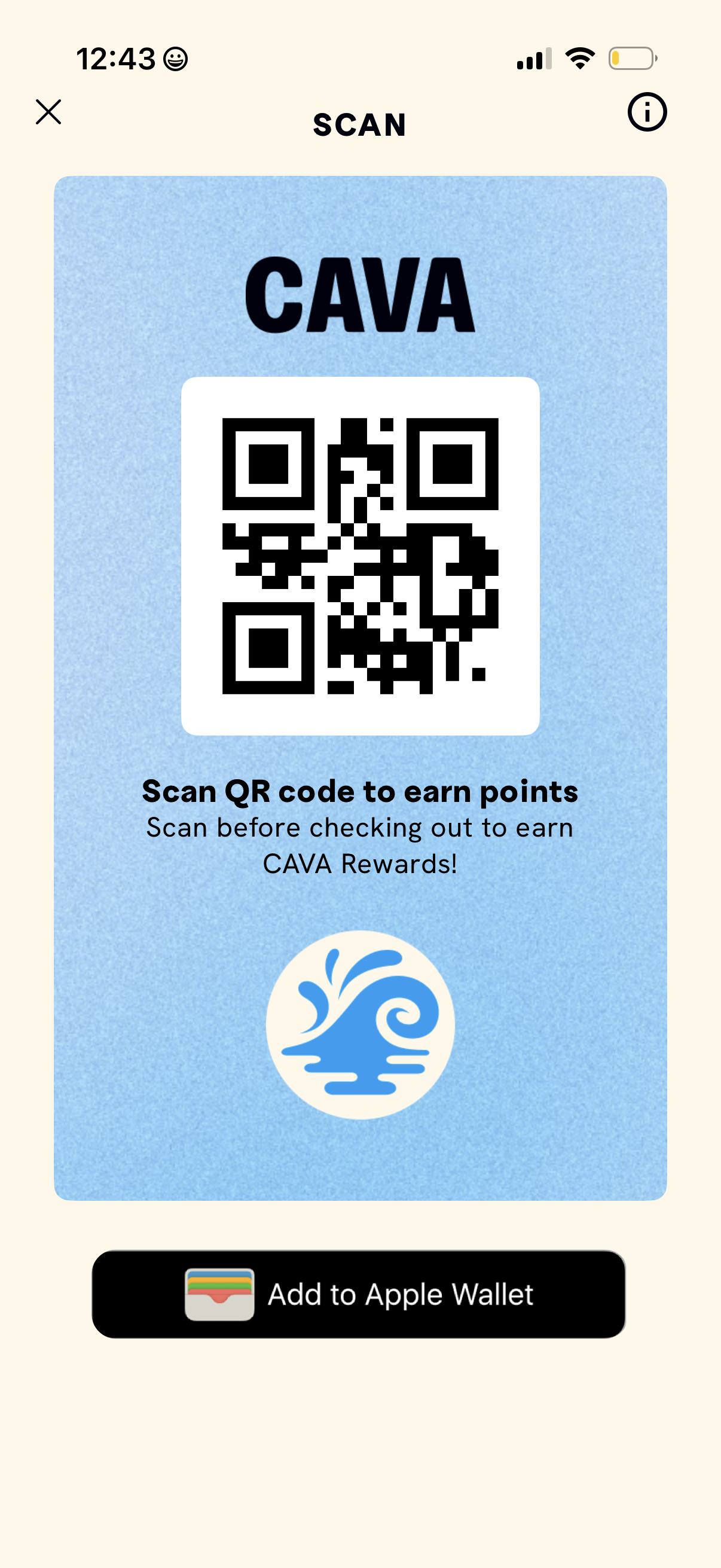
Rewards QR code screen for a restaurant loyalty program, showing a large scannable code with instructions to scan before checkout to earn points. Includes close and info icons plus a primary action to add the rewards pass to Apple Wallet.
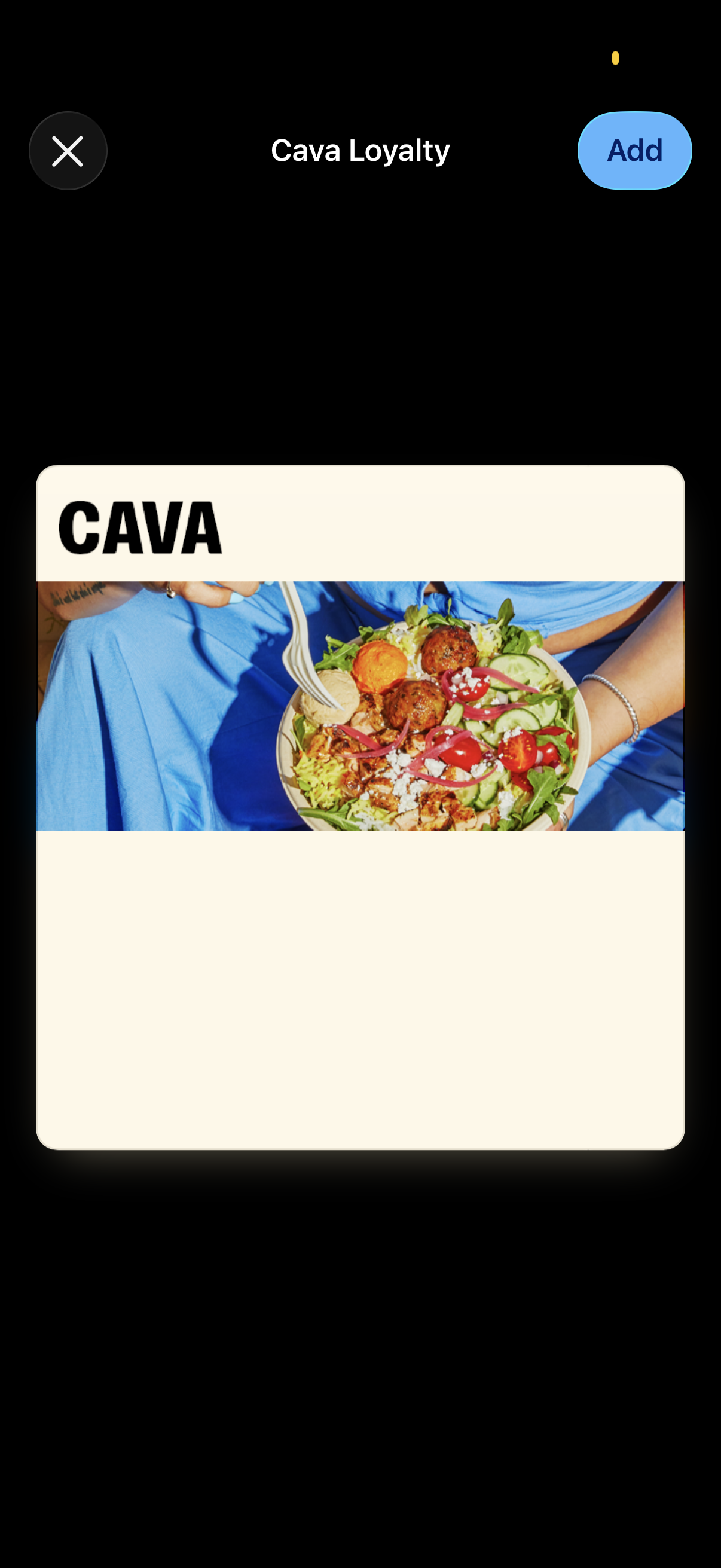
Modal screen for adding a restaurant loyalty card to a digital wallet, titled “Cava Loyalty,” showing a branded card preview image with a prominent Add button and a close (X) control. Designed for quickly saving the loyalty pass to Apple Wallet or a similar pass manager.
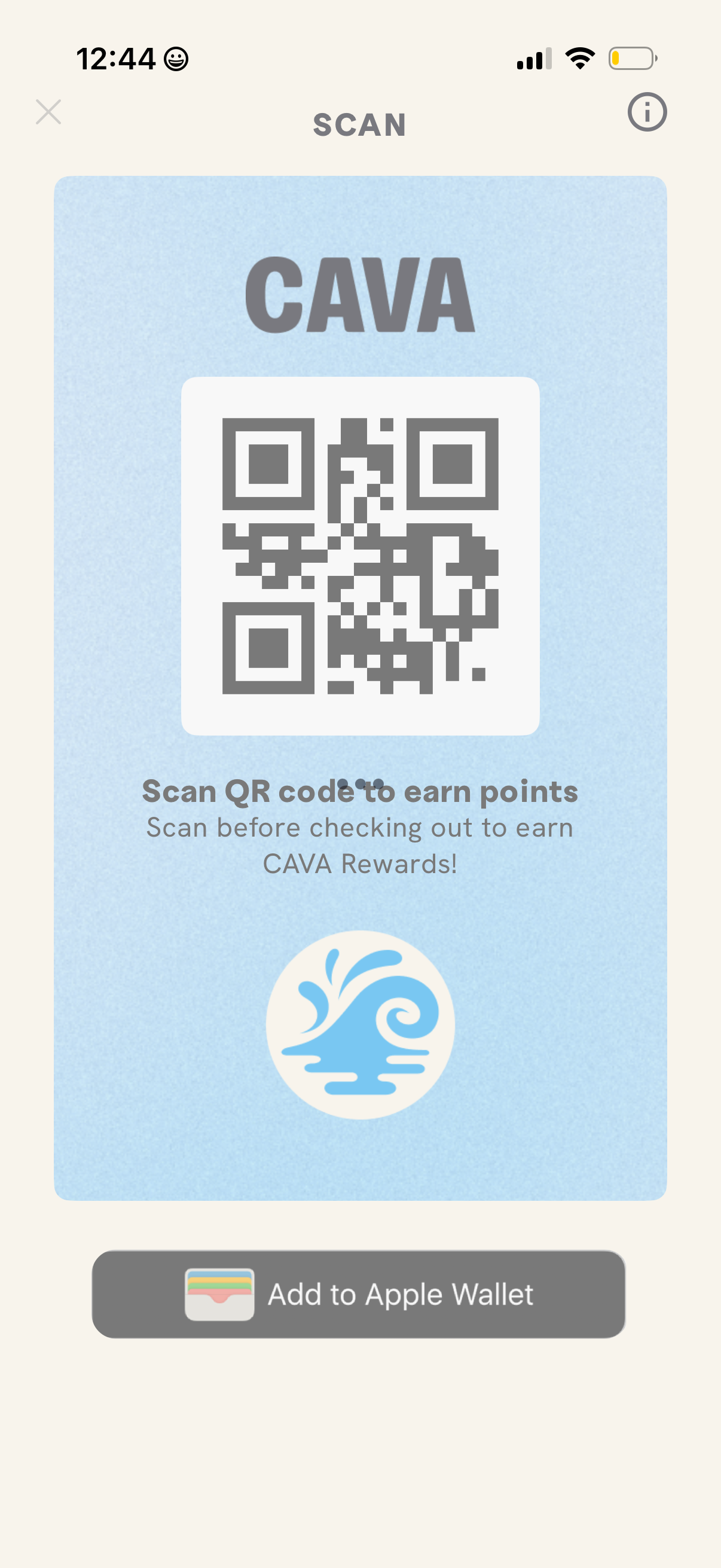
Rewards QR code screen showing a scannable code to earn loyalty points before checkout, with an info icon and close button. Includes a primary action to add the rewards pass to Apple Wallet.
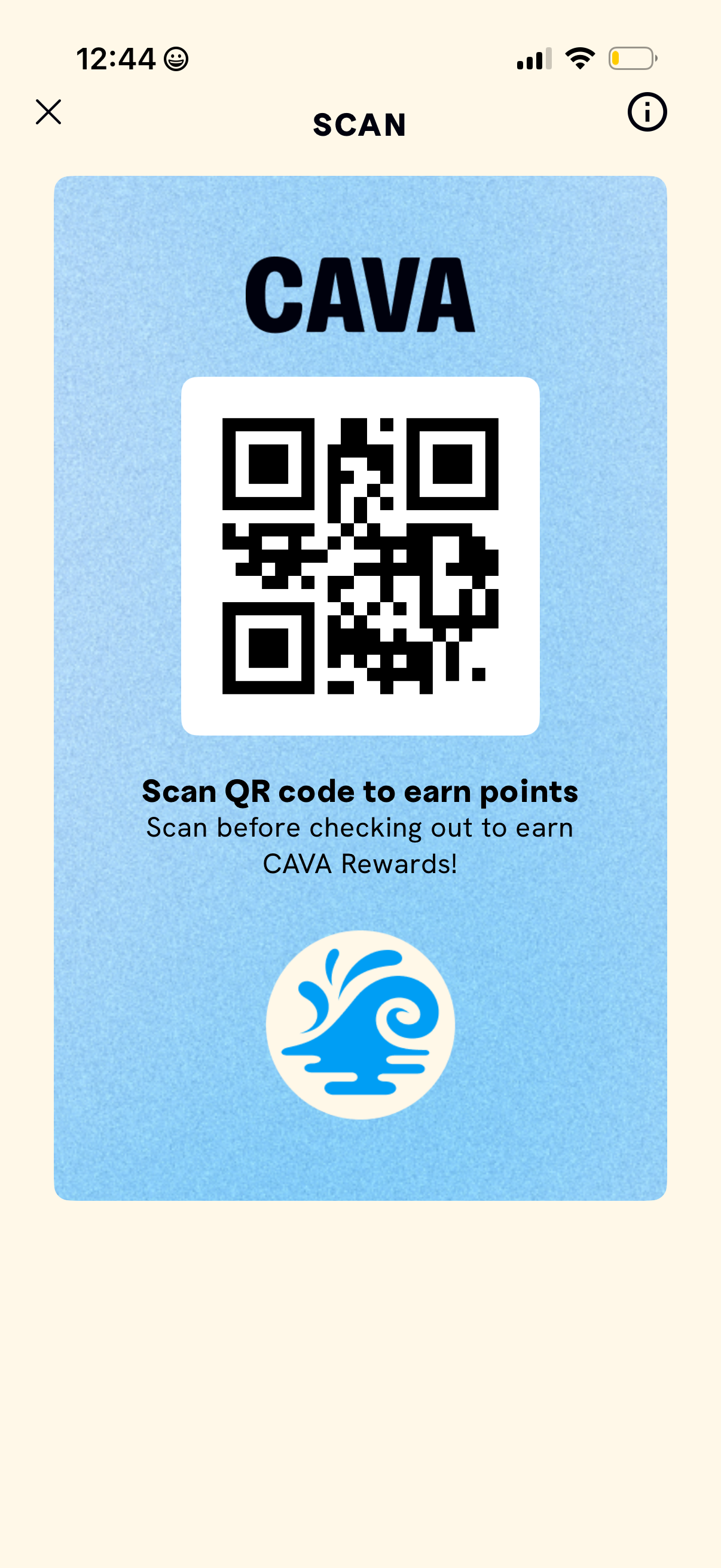
Rewards QR code screen that displays a scannable code for earning loyalty points, with instructions to scan before checkout. Includes close and info buttons for dismissing the screen or learning more about the rewards program.