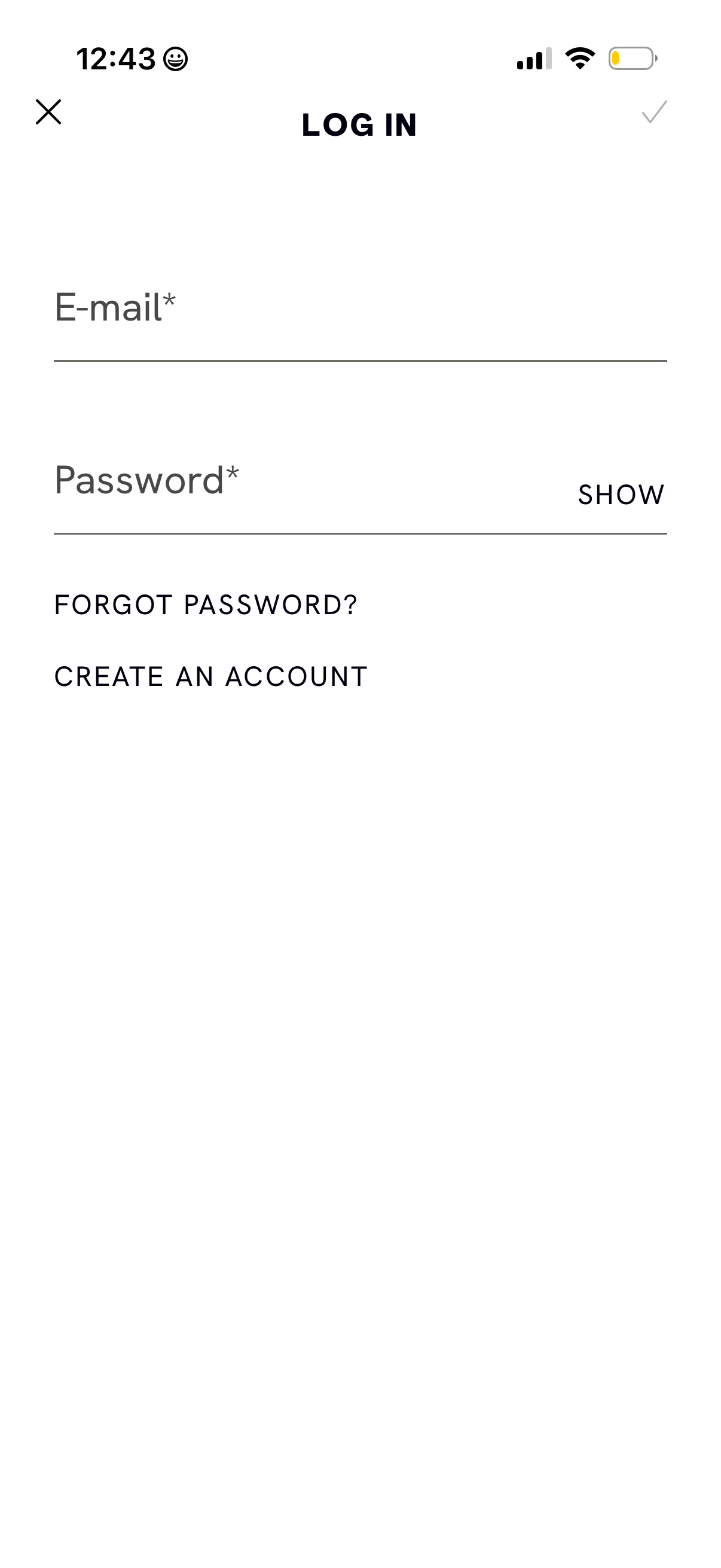
Email and password login screen with required input fields, a password visibility toggle, and a submit checkmark in the top navigation. Includes links to reset a forgotten password and to create a new account, plus a close/back icon to exit.
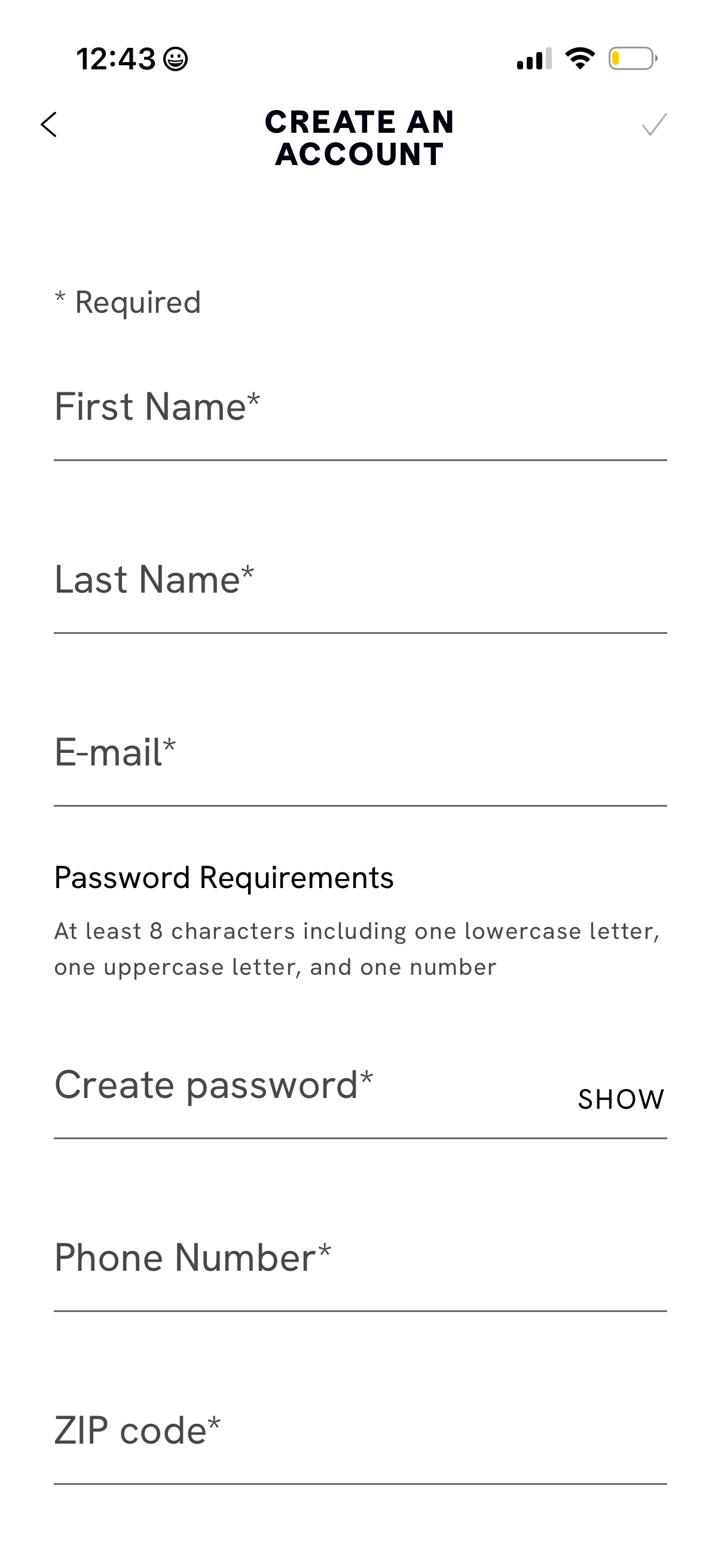
Account creation form screen prompting users to sign up by entering required details including first name, last name, email, password, phone number, and ZIP code. Includes password requirement guidance and a “show password” toggle, with back navigation and a confirm/submit action in the header.
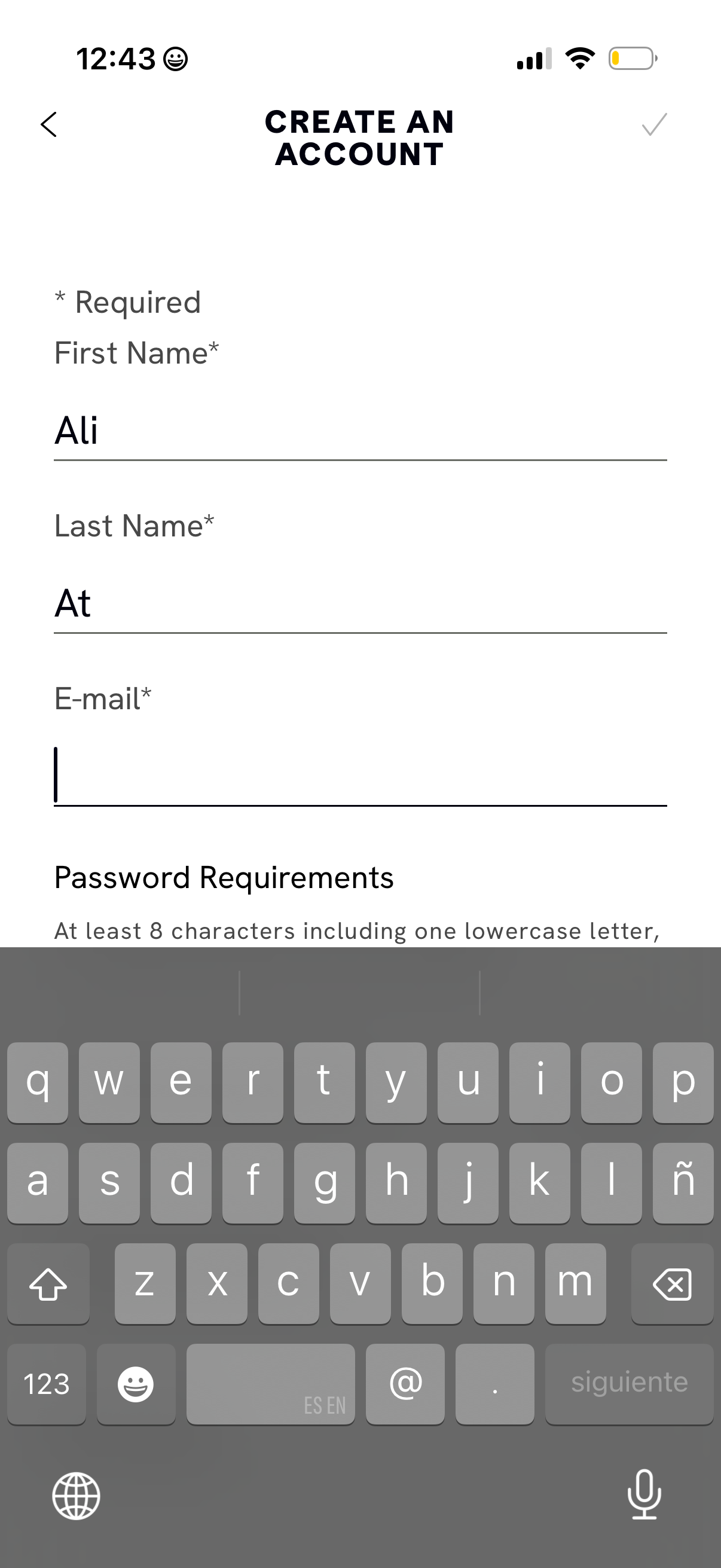
Account creation form screen prompting required personal details including first name, last name, and email address, with inline password requirements shown below. Includes back navigation and a confirm/submit action in the top bar for completing sign up.
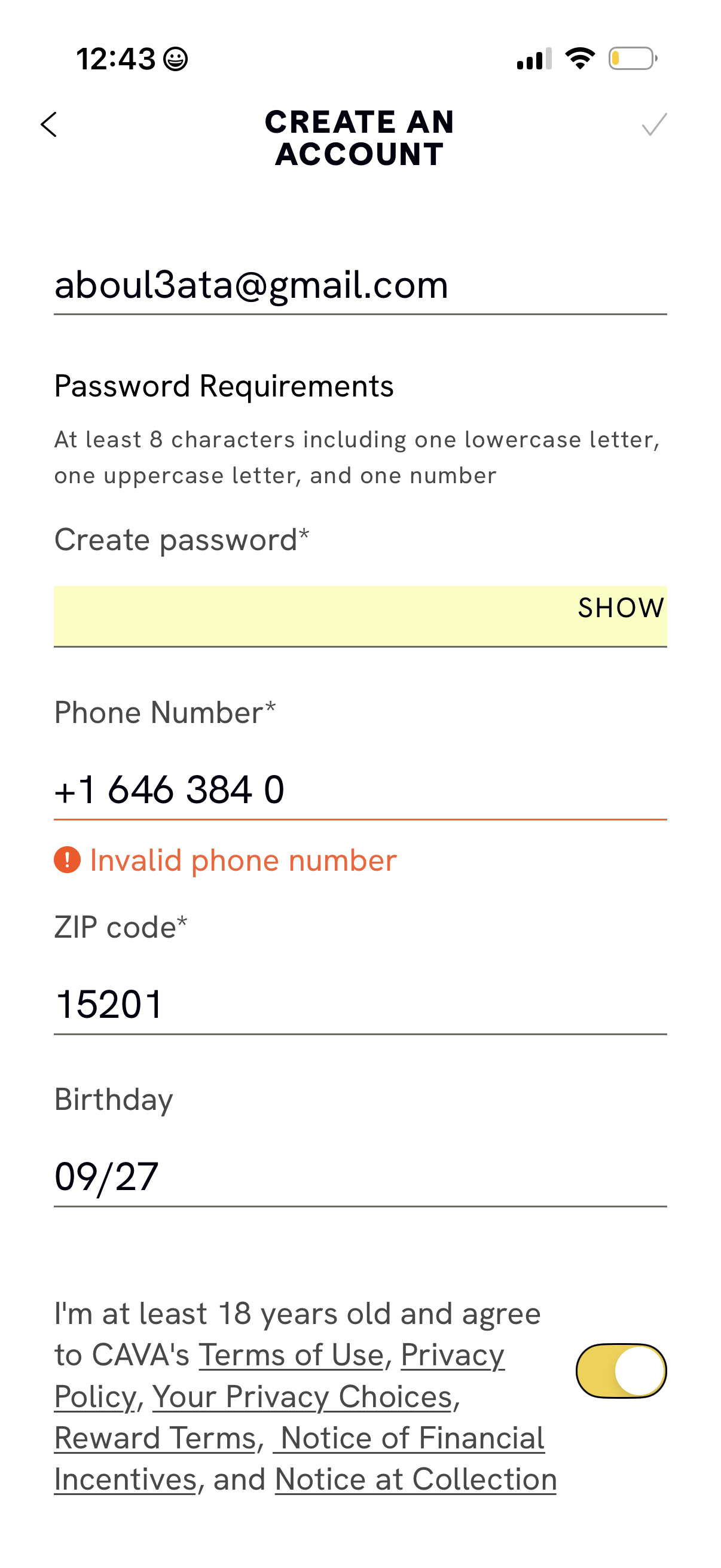
Account creation form screen where users enter email, create a password with stated requirements and a show/hide toggle, and provide phone number, ZIP code, and birthday. Includes inline validation error for an invalid phone number and an age/terms agreement toggle with links to privacy and rewards policies.

Loading screen overlay with a centered three-dot progress indicator while an order creation page is dimmed in the background, showing primary actions like Start new order and a Scan button temporarily unavailable. This screen communicates a pending state during navigation or data fetching in a commerce/order workflow.