start daily review
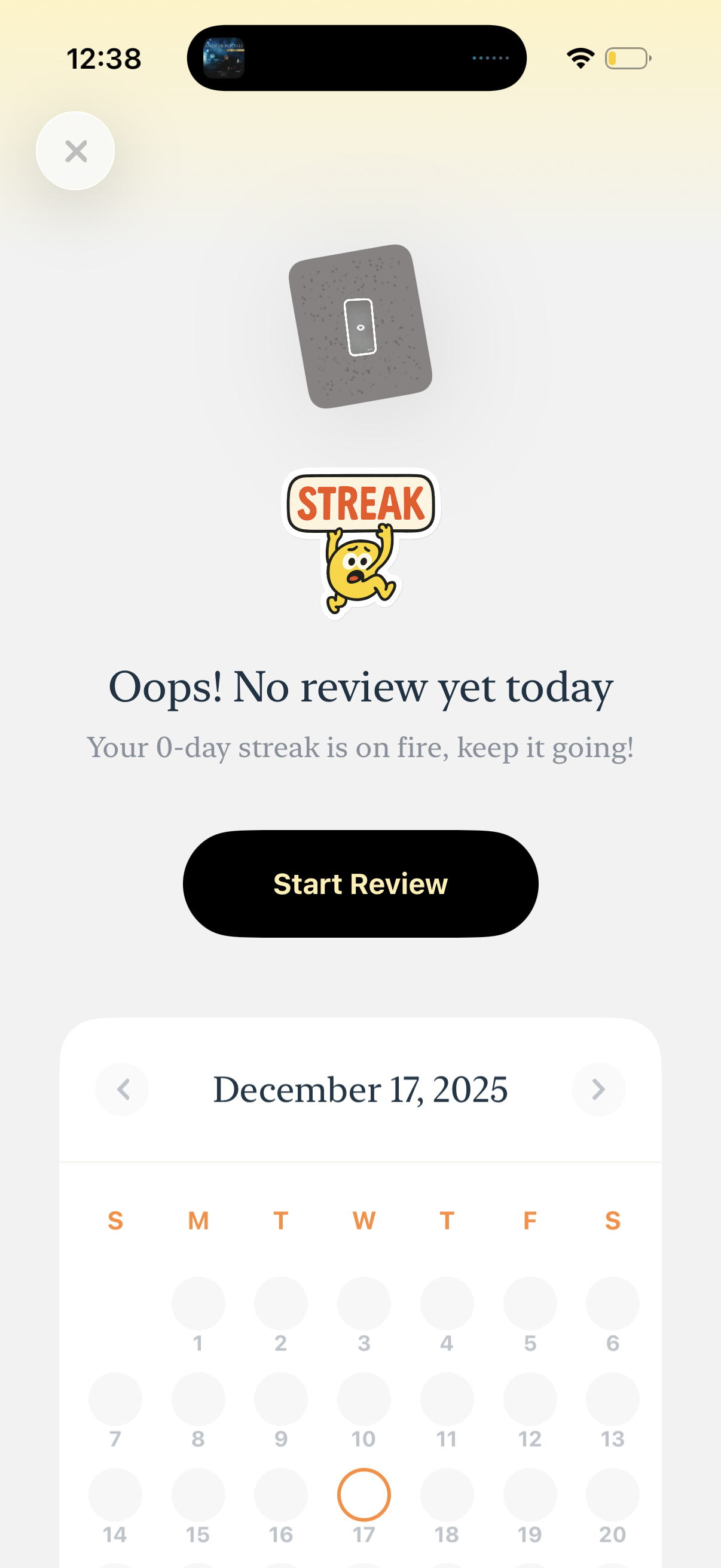
Daily review/streak status screen showing an empty state message (“No review yet today”) with motivation text and a prominent Start Review button to begin the day’s session. A calendar view below lets users navigate dates to track review activity and streak progress.

Daily review reminder screen for a habit or learning app showing that no review has been completed today and displaying the current streak status. Provides a primary “Start Review” call-to-action and a monthly calendar view with date navigation and an option to set a daily review count.

Minimal flashcard detail screen showing a single card with pronunciation and an option to join a study pack, with navigation back and an overflow menu. Includes a prompt and microphone button to enable voice mode for speaking or listening practice.
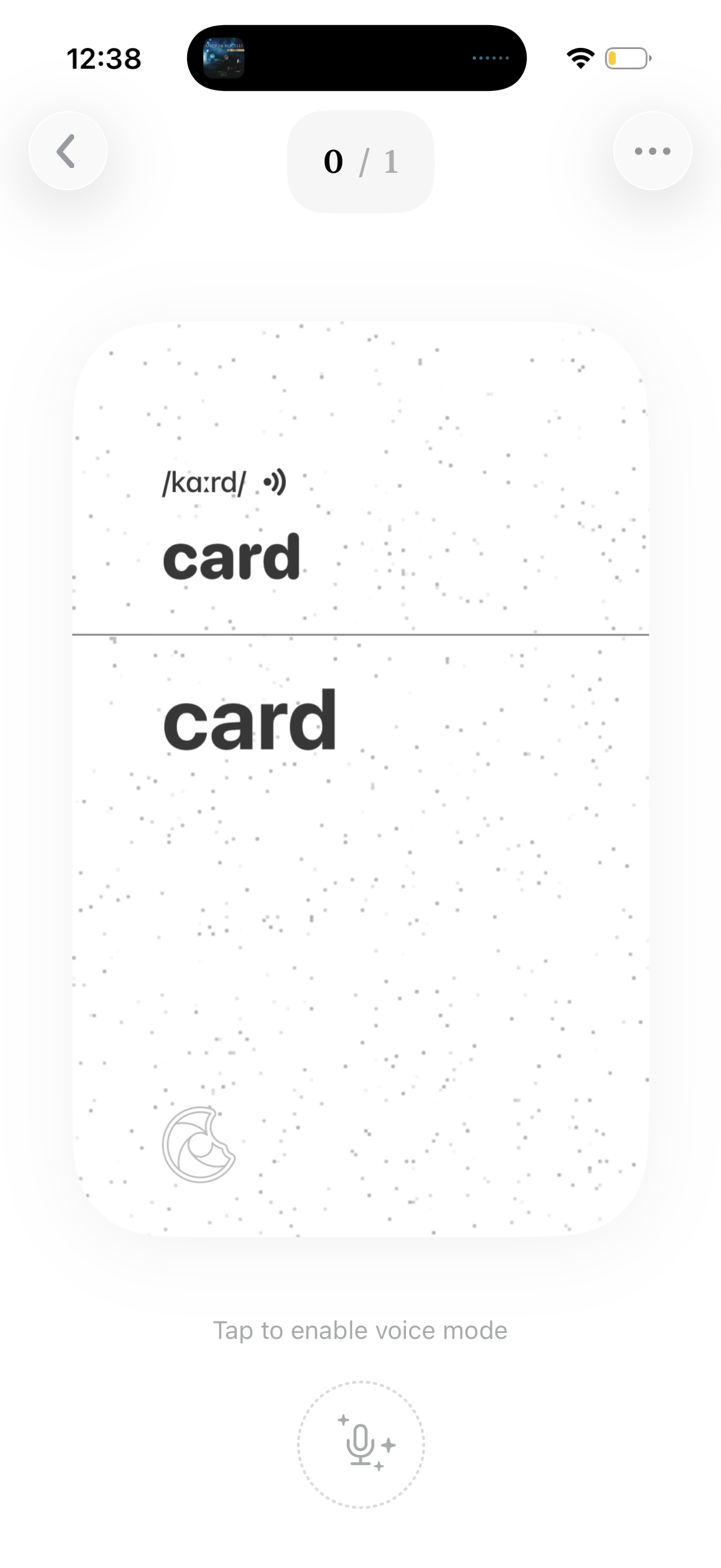
Flashcard study screen showing a vocabulary card with pronunciation and the word on front and back, including progress indicator (0/1). Users can navigate back, open more options, and tap the microphone to enable voice mode for speaking or pronunciation practice.
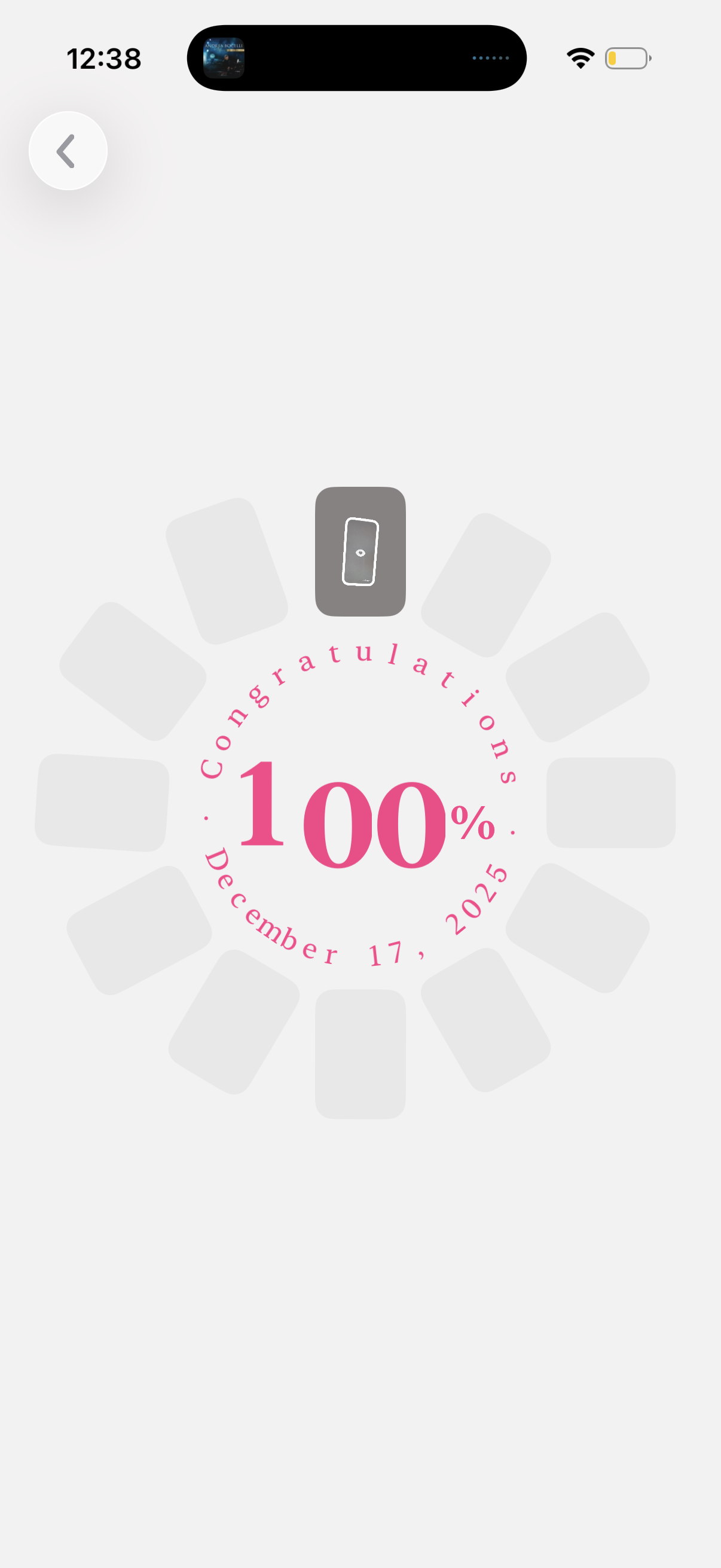
A minimalist progress completion celebration screen showing “Congratulations” with a large “100%” and completion date, using a circular badge/medallion layout. Includes a back button for returning to the previous screen.
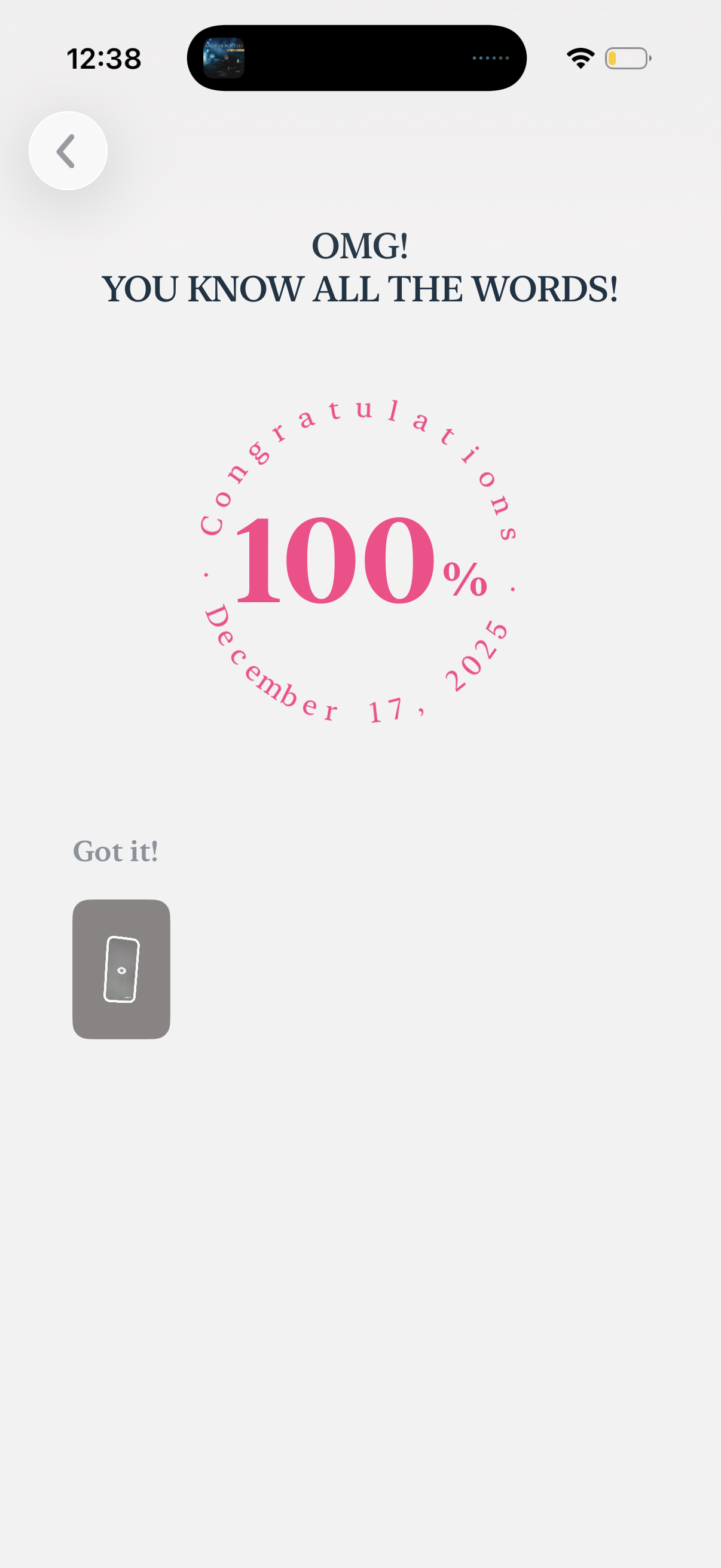
Completion and congratulations screen for a vocabulary or word-learning quiz showing “You know all the words” with a 100% score badge and date. Provides a primary “Got it!

Celebratory lesson completion screen for a language learning app showing a 1-day streak and summary stats like words learned, accuracy rate, items mastered, and items needing review, with a primary “Review Again” call to action. Includes a monthly calendar view with date navigation to track streak/activity history and a close button to exit.