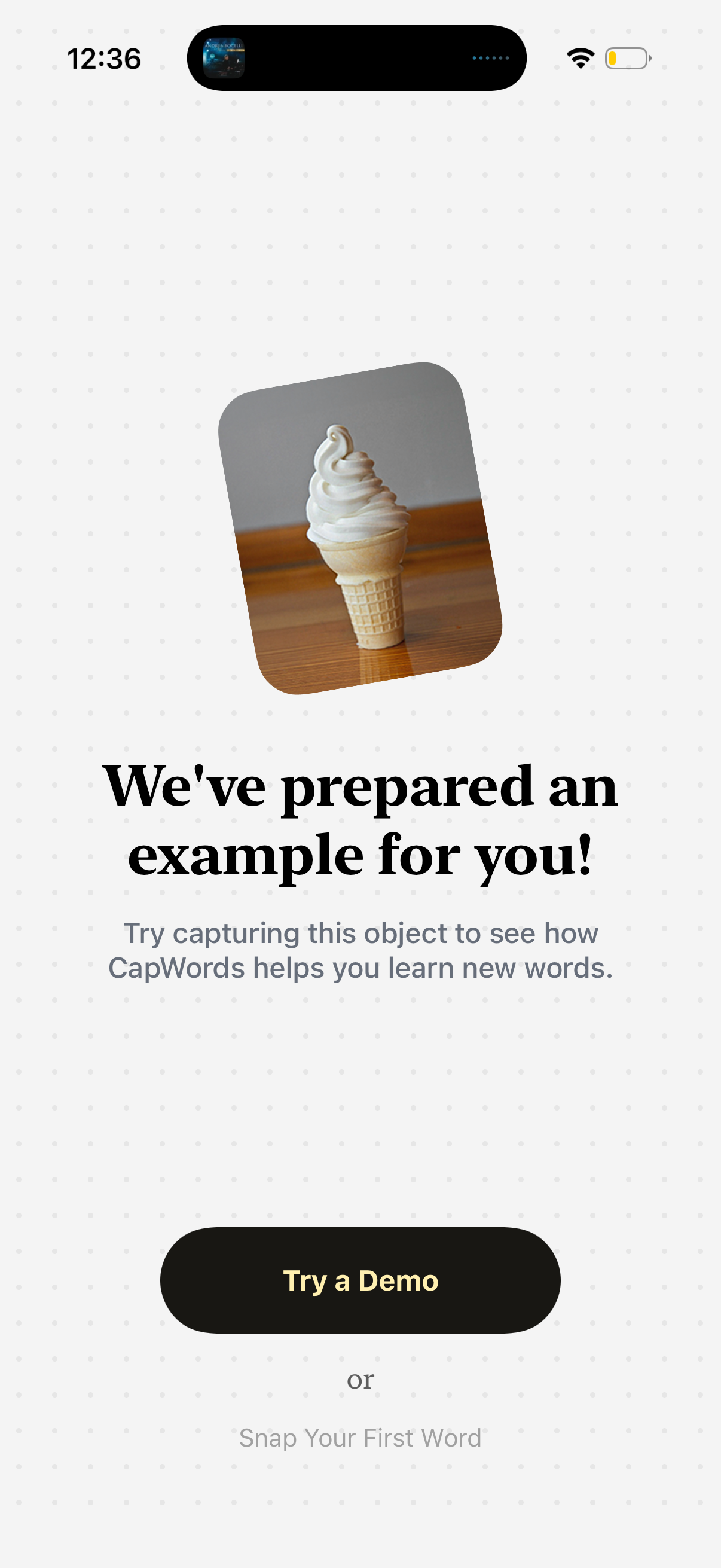
Onboarding/demo prompt screen for a visual vocabulary learning app that invites users to capture an example object (shown with an image) to see how the app teaches new words. Primary CTA button is “Try a Demo,” with an alternate option to “Snap Your First Word.

Camera-based translation screen with a live viewfinder and shutter button that prompts users to snap a photo to learn how to say an object in English. Includes an option to pick an image from the photo gallery and a minimal overlay for framing the subject.

Full-screen lock screen wallpaper preview with the date at the top and a large image centerpiece. Bottom actions include cancel/redo, confirm/apply, and crop/edit to adjust or set the wallpaper.
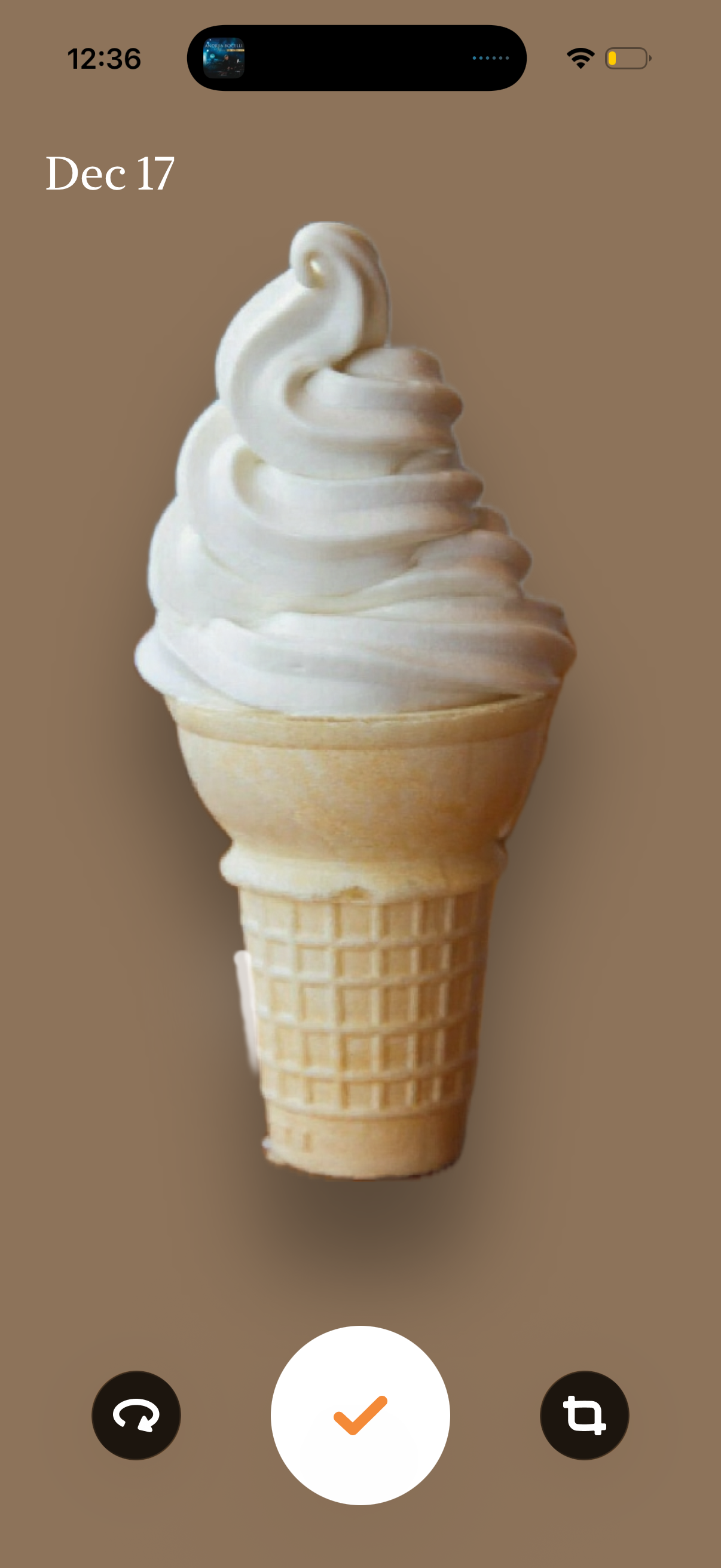
Full-screen camera capture screen showing a centered photo preview with a date overlay and three main actions: retake/undo on the left, confirm/accept in the center, and crop/edit on the right. Minimal UI emphasizes reviewing the captured image before saving or editing.

Full-screen AR camera capture preview showing a cutout object (ice cream cone) on a plain background, with controls to retake/undo, confirm/save the result, or crop/adjust the selection. The screen is focused on approving an AR scan/photo extraction before proceeding.
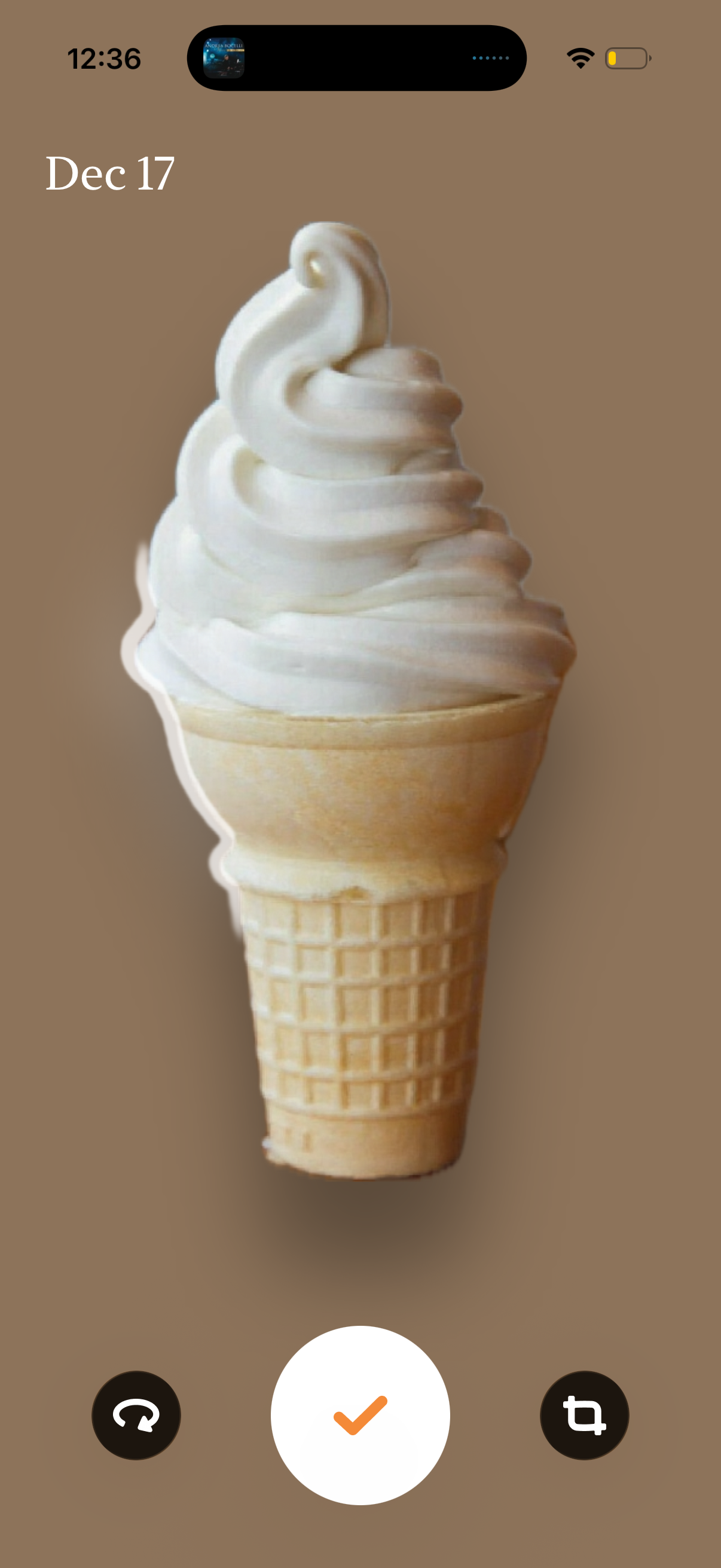
Camera capture confirmation screen showing a photo preview with actions to retake, accept/use the photo, or crop/edit before saving or sending. Minimal UI with large central confirm button and secondary retake and edit controls.
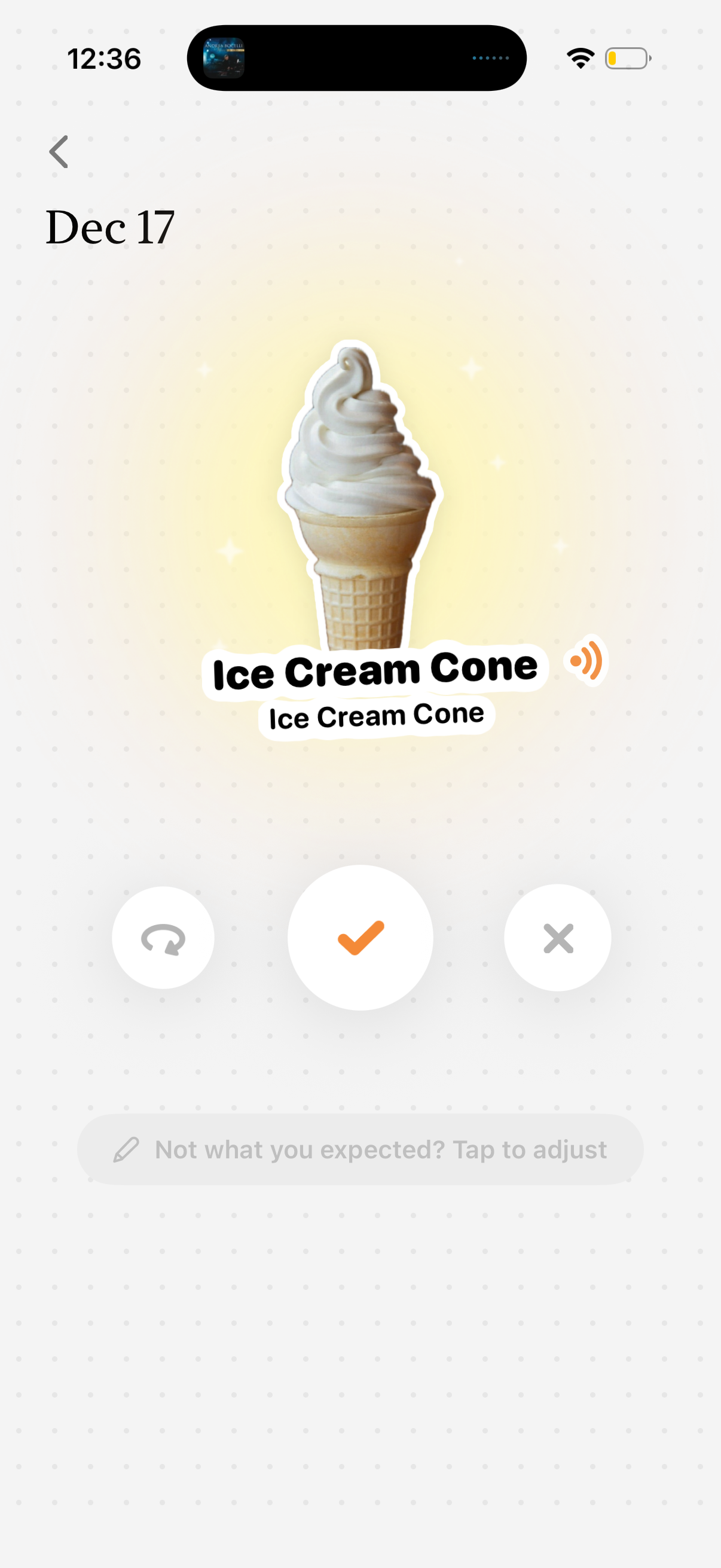
Daily flashcard vocabulary review screen showing a word with an illustration and audio pronunciation button. Users can mark the card as correct/known, dismiss as incorrect/unknown, or repeat/redo, with an option to adjust the card if it’s not what they expected.

Full-screen loading or transition state with a dark blurred gradient background and minimal navigation, showing only a back arrow in the top-left and no content or actions on the page.
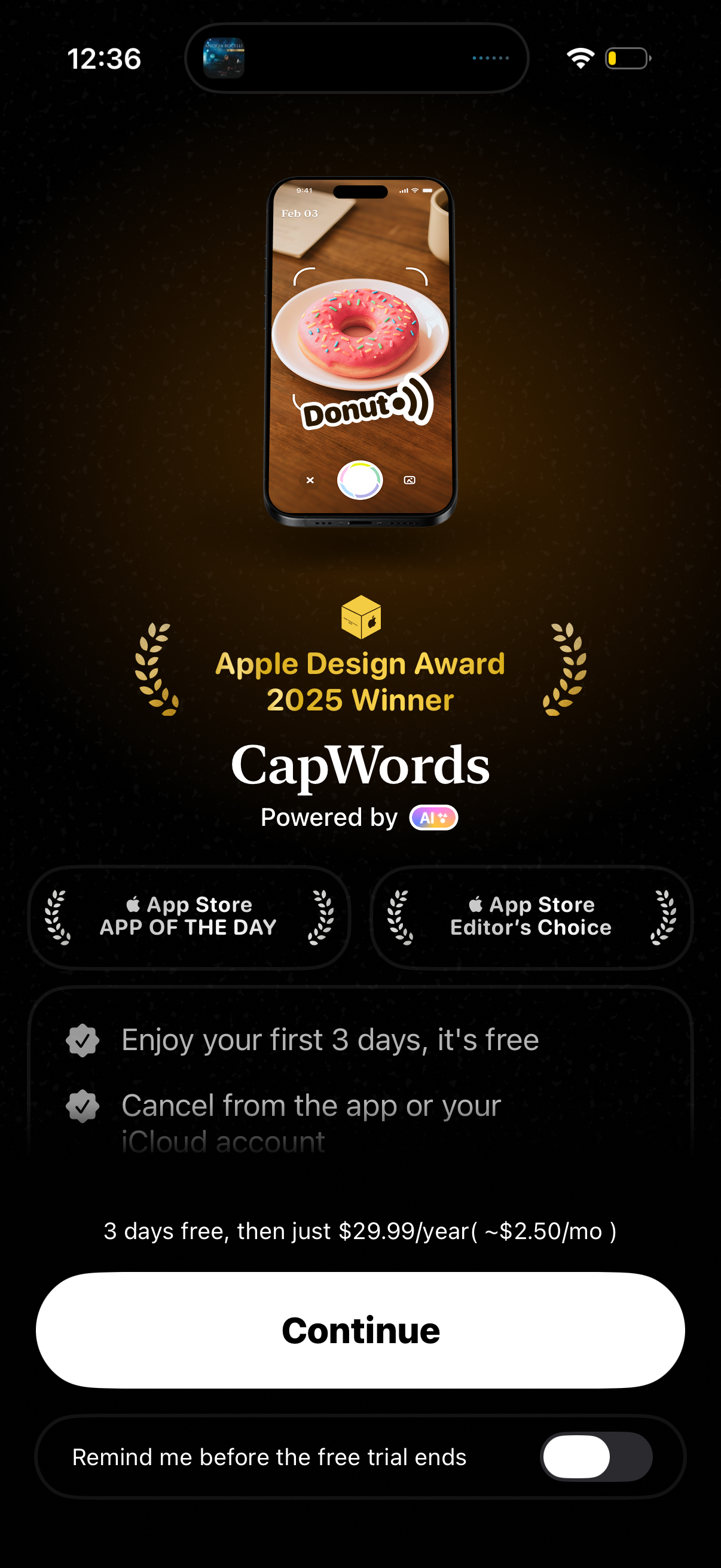
Subscription paywall screen for an AI-powered camera word recognition app, highlighting awards and value props with a 3-day free trial then annual pricing. Primary action is a large “Continue” button, with supporting copy about canceling and a toggle to enable a reminder before the free trial ends.

Daily vocabulary flashcard screen showing the word of the day for a specific date with an illustrated sticker image and the term (“Ice Cream Cone”). Includes a back navigation arrow and a floating action button for camera/scan input.