review memory cards
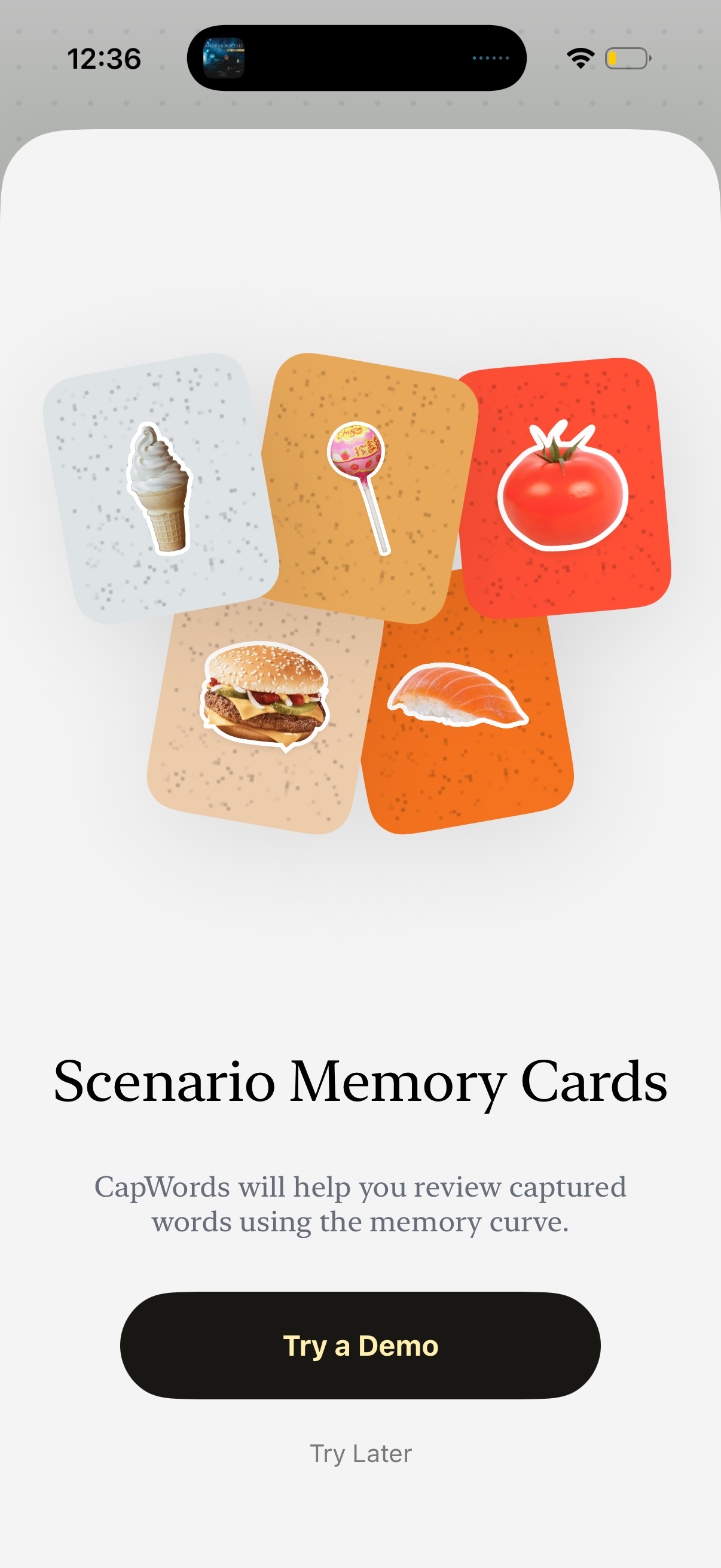
Onboarding introduction screen for a vocabulary/learning app explaining “Scenario Memory Cards” and how captured words are reviewed with a memory curve. Provides primary CTA to “Try a Demo” and a secondary option to “Try Later” to skip.
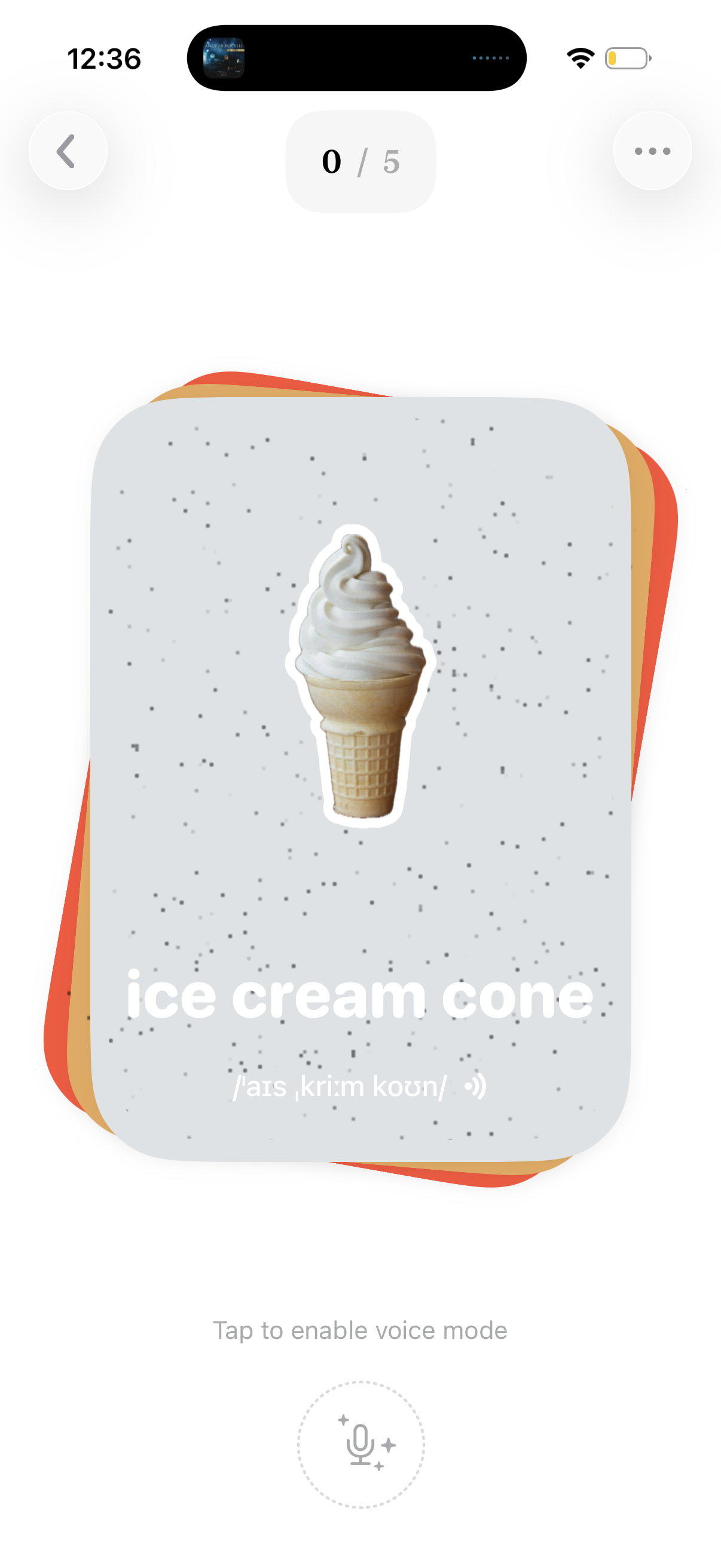
Flashcard-style vocabulary learning screen showing an illustrated “ice cream cone” card with the word, pronunciation, and a play-audio icon for listening. Includes lesson progress (0/5), back and overflow menu buttons, and a microphone button to enable voice/speaking practice mode.

Vocabulary flashcard screen for language learning showing the word “ice cream cone” with phonetic pronunciation and an audio play button, plus a separate card breaking the phrase into individual words. Includes a progress indicator (0/5), back and more options controls, and a microphone prompt to enable voice mode for speaking practice.

Flashcard-style vocabulary screen showing a word with an illustration, phonetic spelling, and a speaker icon to play pronunciation audio. Includes page progress (1/5), back and overflow menu controls, and a microphone button prompting the user to enable voice mode for speaking practice.
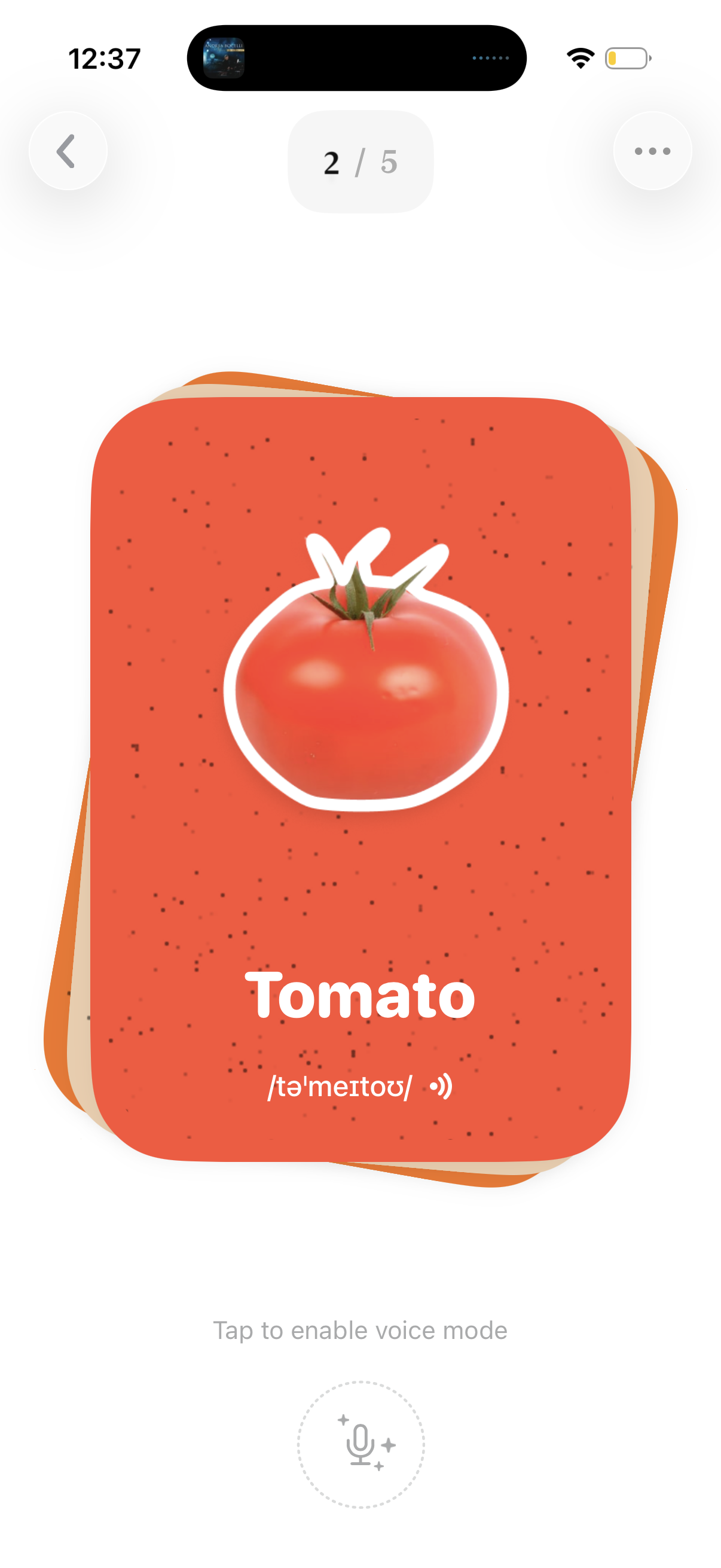
Flashcard learning screen for vocabulary showing an illustrated tomato card with the word “Tomato” and its pronunciation, including a progress indicator (2/5). Users can navigate back, open a more options menu, and tap a microphone button to enable voice mode for speaking or listening practice.
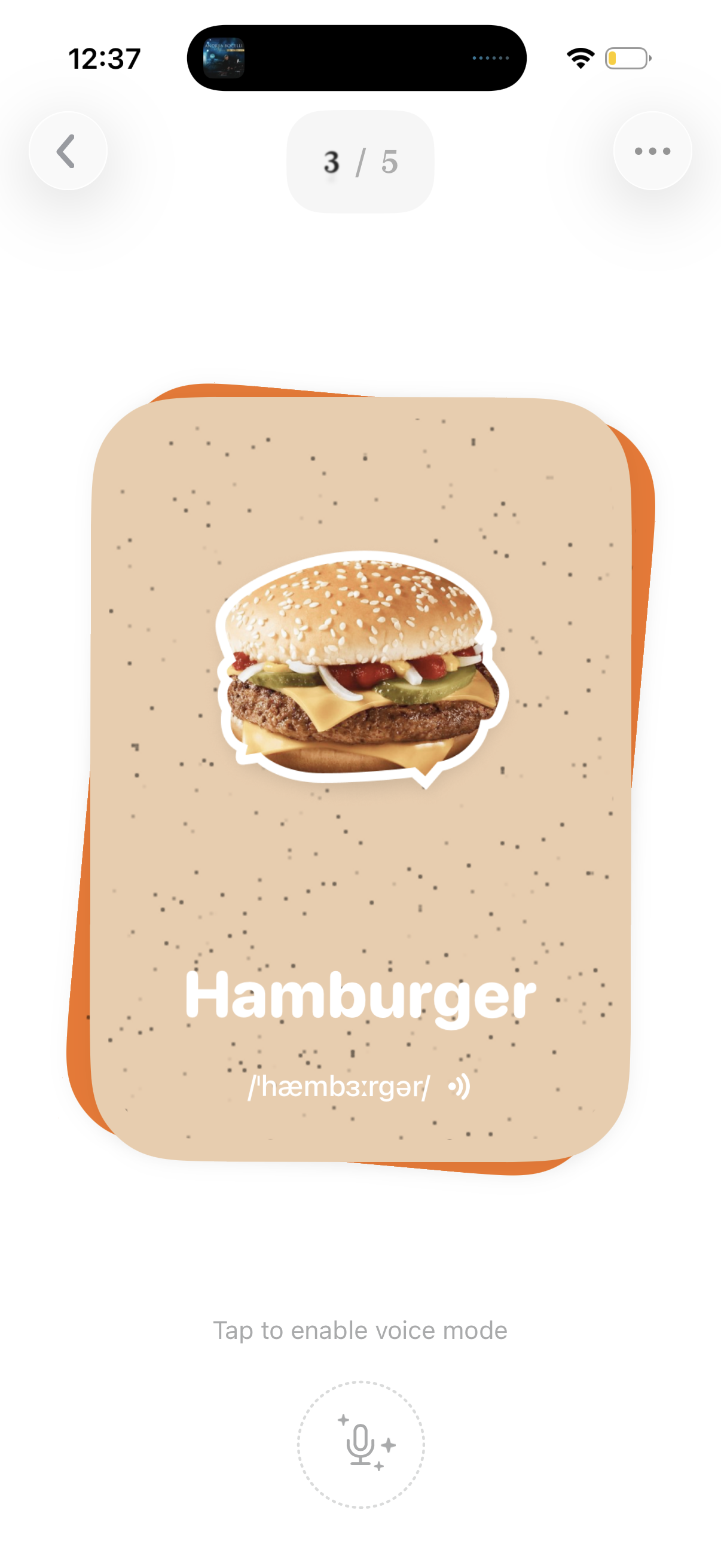
Flashcard-style vocabulary learning screen showing a food item (hamburger) with image, word label, phonetic pronunciation, and an audio/voice button to listen or enable voice mode for speaking practice. Includes lesson progress indicator (3/5), back navigation, and an overflow menu for additional options.
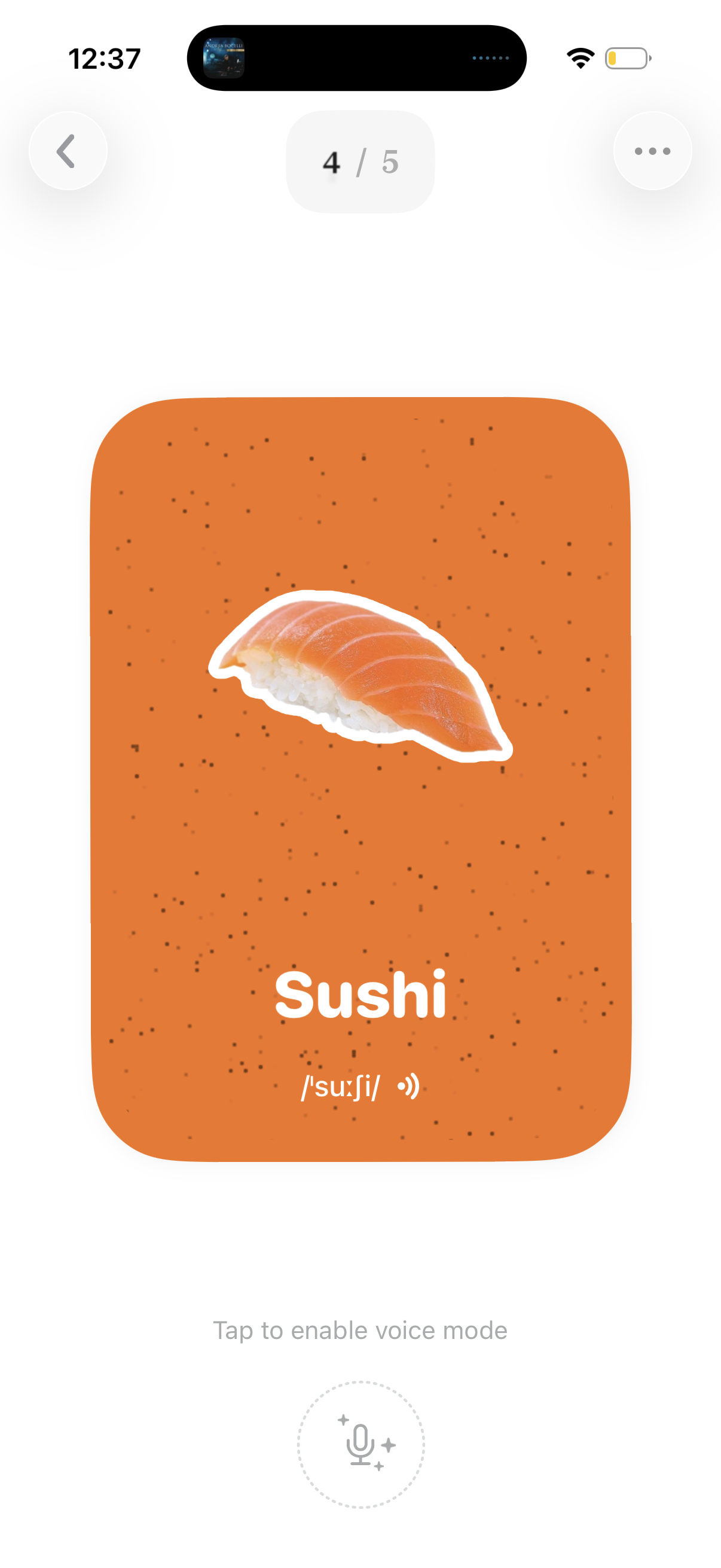
Flashcard-style language learning screen showing a vocabulary word (“Sushi”) with an illustration, pronunciation phonetics, and an audio/listen icon. Includes swipe or step navigation (4/5), back and more options, and a microphone button to enable voice mode for speaking practice.
Celebratory progress or achievement screen showing a large percentage completion with a “Congratulations” message and date, surrounded by collectible food-themed cards/icons. Includes a back navigation button, suggesting a milestone in a gamified tracking or rewards experience.
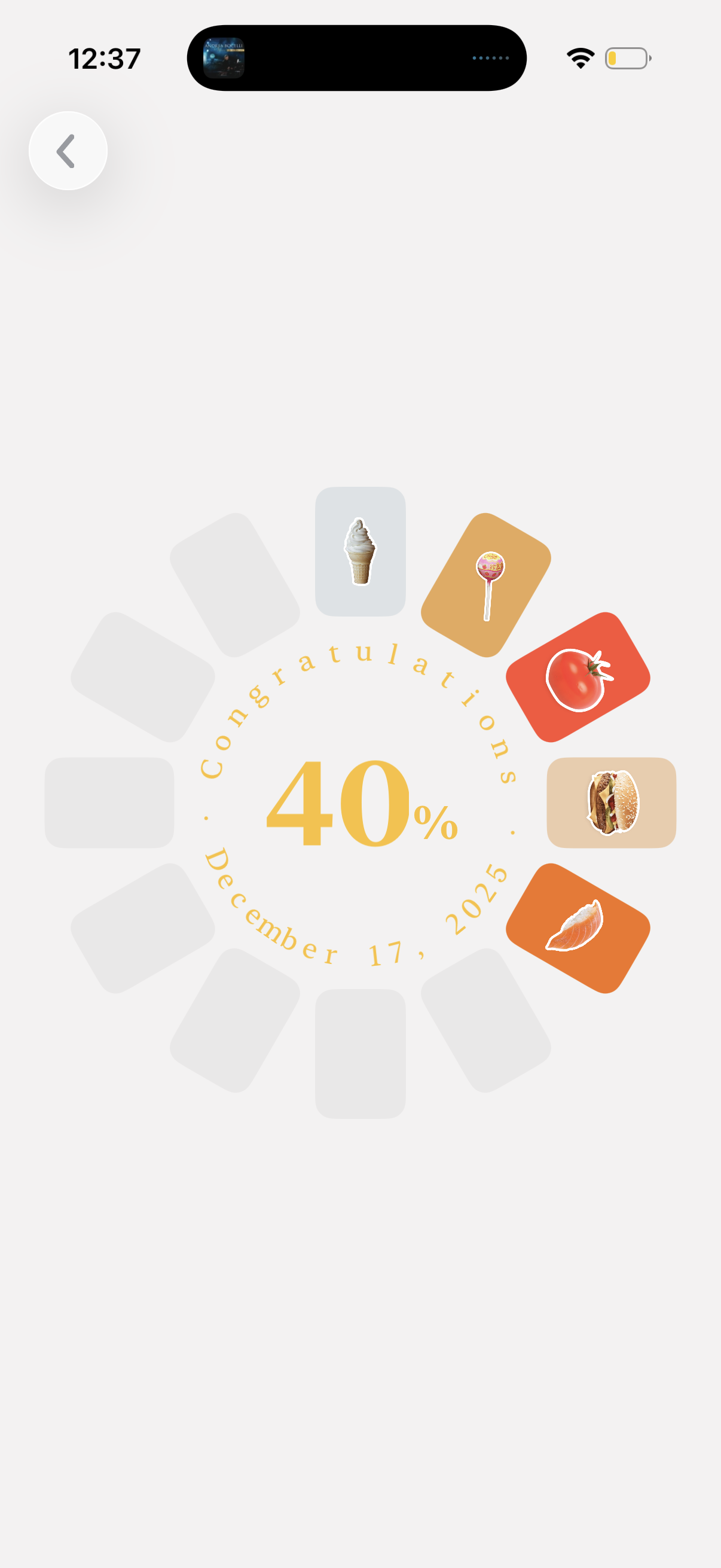
A gamified progress or achievement screen showing a “Congratulations” message with a large 40% completion indicator and date, surrounded by a circular wheel of collectible food icons/cards. Includes a back button to return to the previous screen.
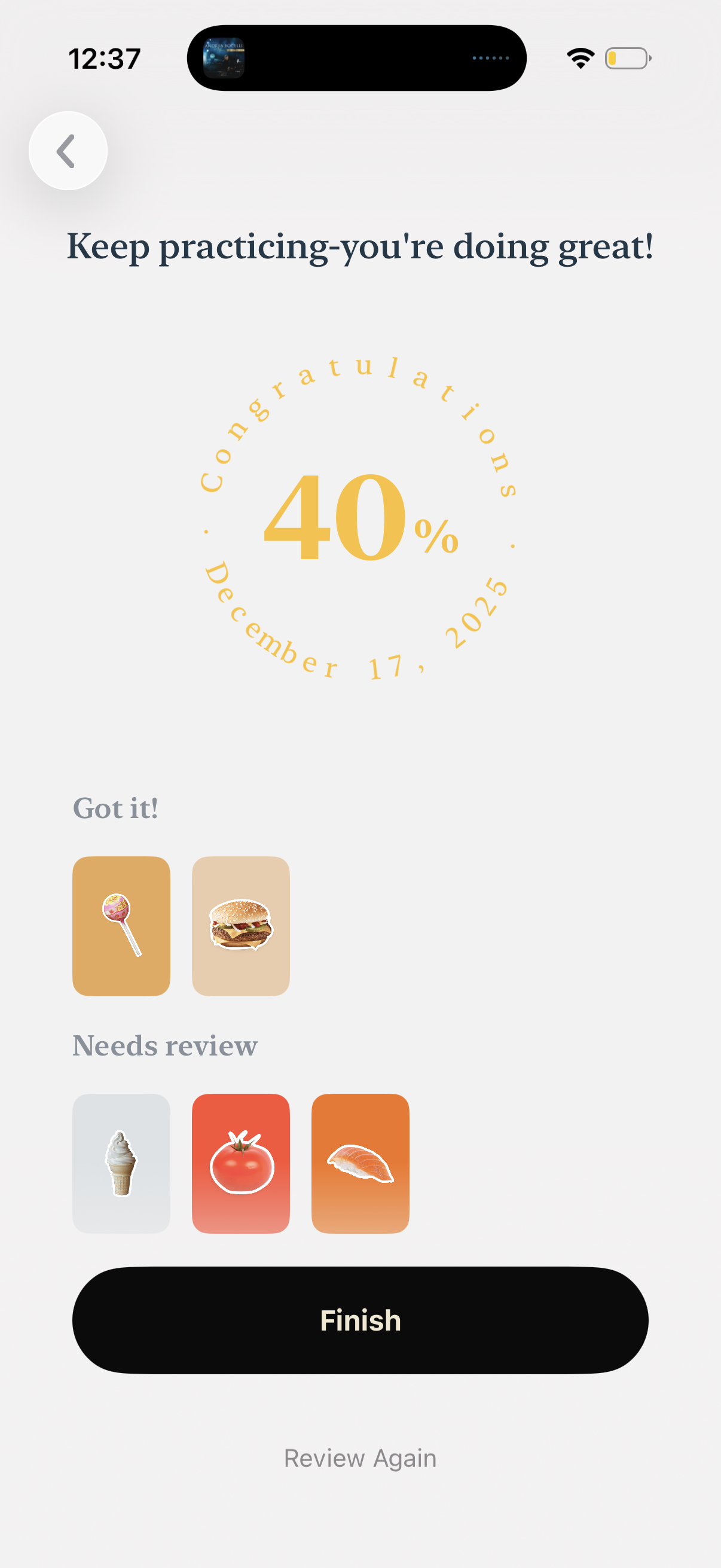
Practice session results screen showing encouragement messaging and a circular progress indicator with completion percentage and date. It summarizes items the user “Got it” versus “Needs review” with thumbnail cards, and provides primary actions to Finish or Review Again.