accept bill pay terms

Mobile banking checking account overview screen showing available and current balance with an info tooltip, plus quick actions to pay bills, transfer funds, send money with Zelle, deposit, lock card, and view statements. Includes a promotional banner, an upcoming transactions section with “view all,” and a bottom tab bar for Home, Pay/Move, Help, Offers, and Profile.

Bill Pay terms and conditions screen showing a scrollable electronic communications disclosure, with a required checkbox to agree to the terms before proceeding. Users can close the modal via an X or tap Continue to move forward after consent.
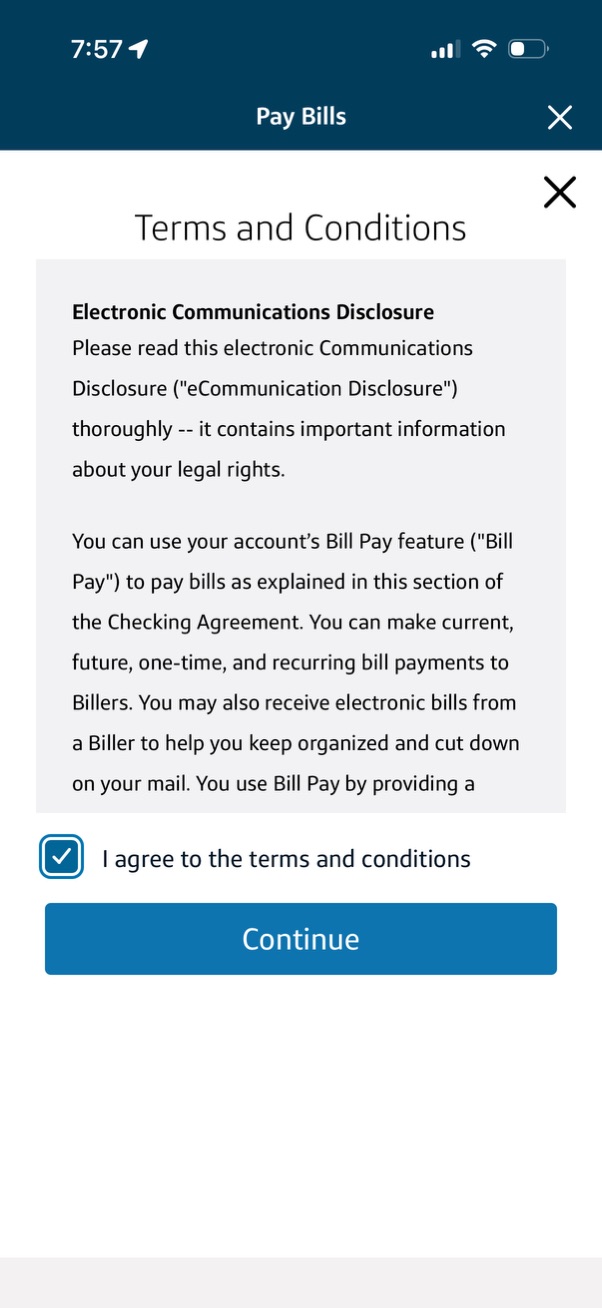
Bill pay onboarding screen showing Terms and Conditions/Electronic Communications Disclosure in a scrollable modal for a banking app. Users must check “I agree to the terms and conditions” and tap Continue, with an option to close/dismiss the screen.
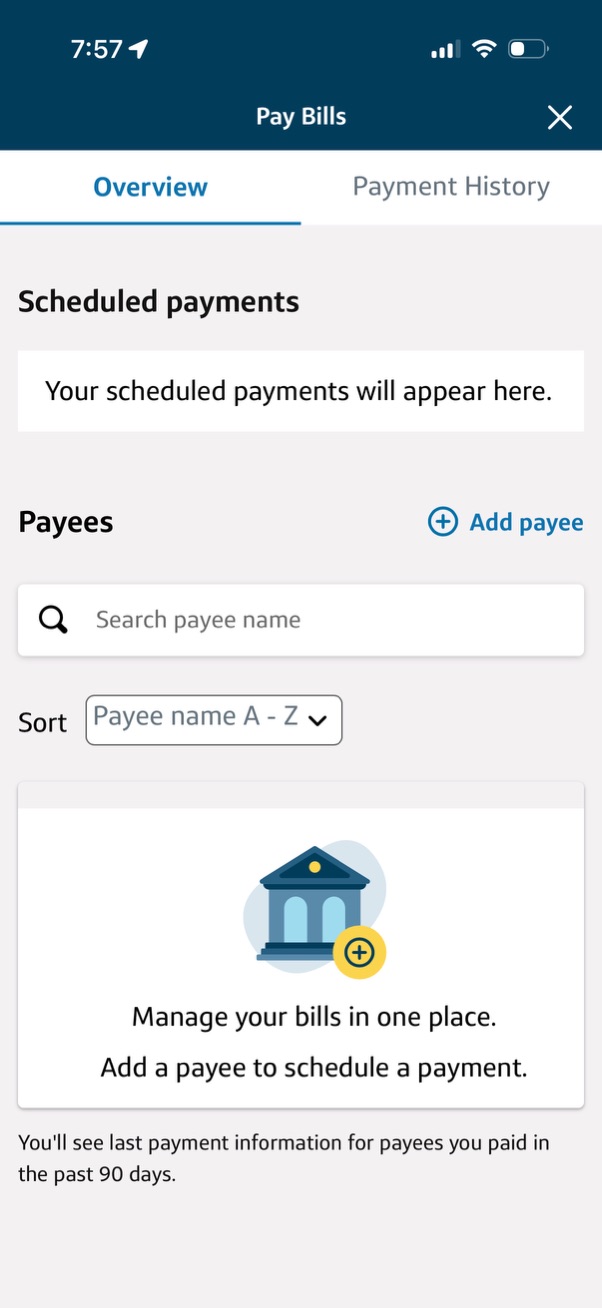
Bill pay overview screen showing an empty state for scheduled payments and a payees section with a search field, sort dropdown (A–Z), and an “Add payee” action to set up and schedule bill payments. Includes tabs to switch between Overview and Payment History and messaging prompting users to add a payee to manage bills in one place.