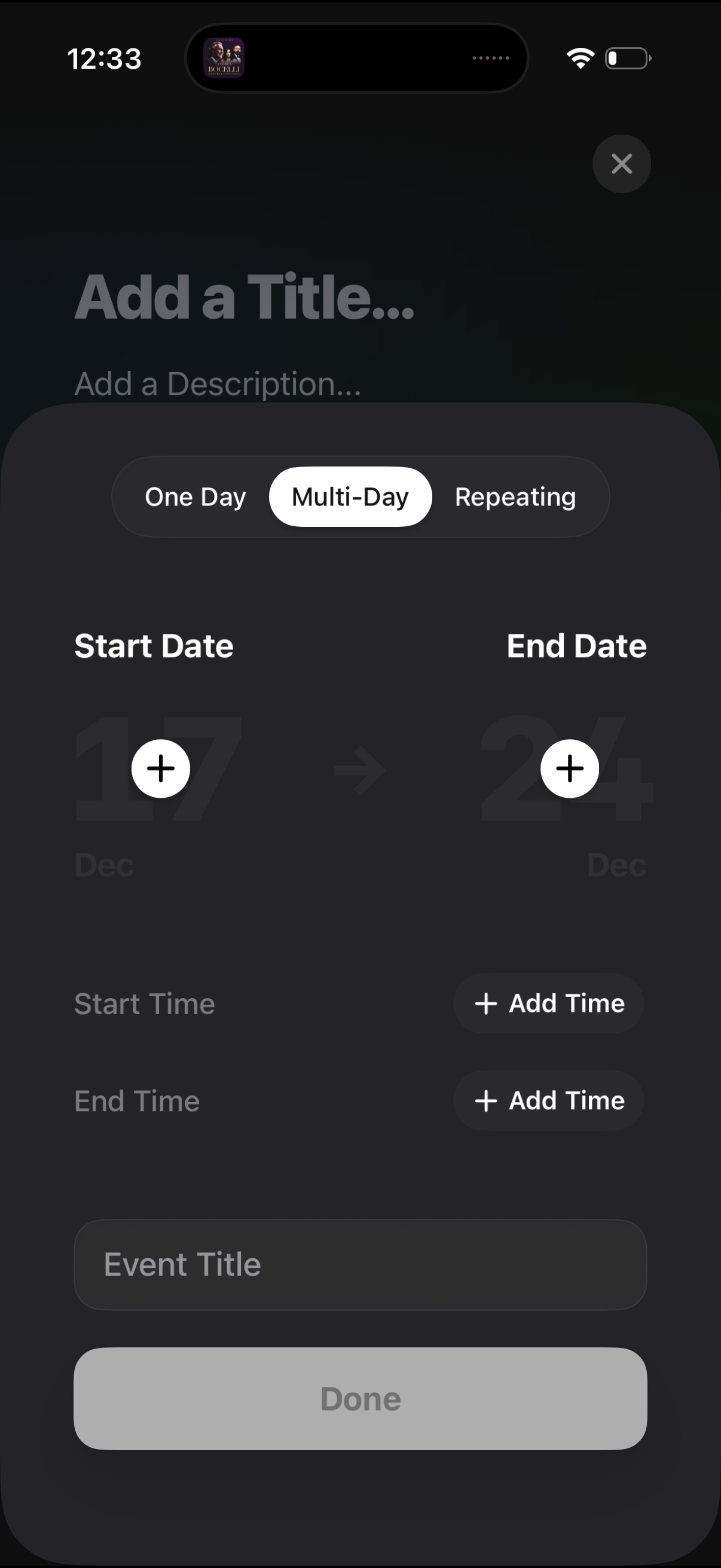
Event creation screen for scheduling a calendar entry, with segmented options for One Day, Multi-Day, or Repeating. Users can set start and end dates, optionally add start/end times, enter an event title, and finish with a Done button or close the modal.
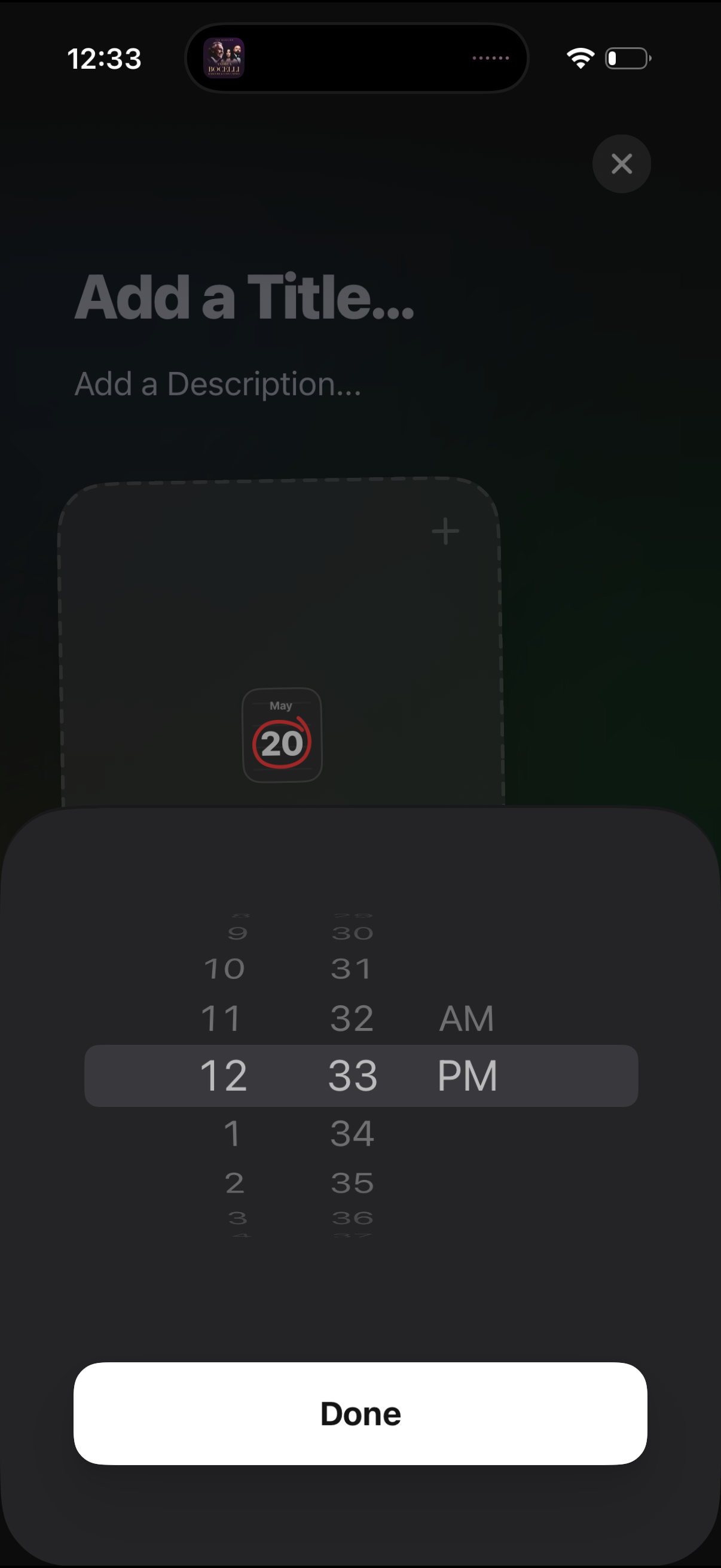
Event creation screen for adding a new calendar entry with fields to enter a title and description and attach a date/time. A modal wheel picker is open to select the event time (hour, minute, AM/PM) with a Done button to confirm.
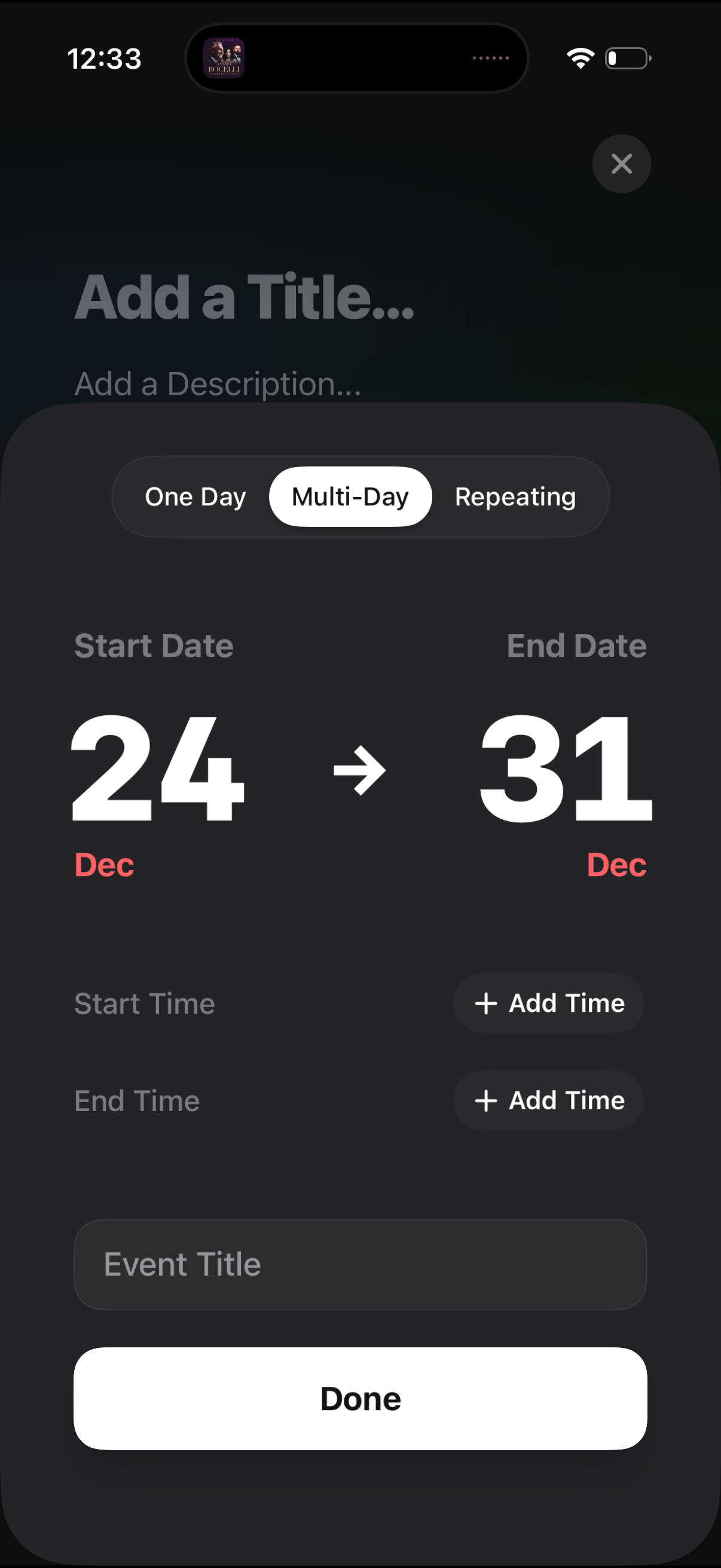
Event creation/editing modal for scheduling an activity, with segmented controls for One Day, Multi-Day, or Repeating and large start/end date selection plus optional start and end time add buttons. Includes fields to add a title/description and a primary Done action with a close icon to dismiss.
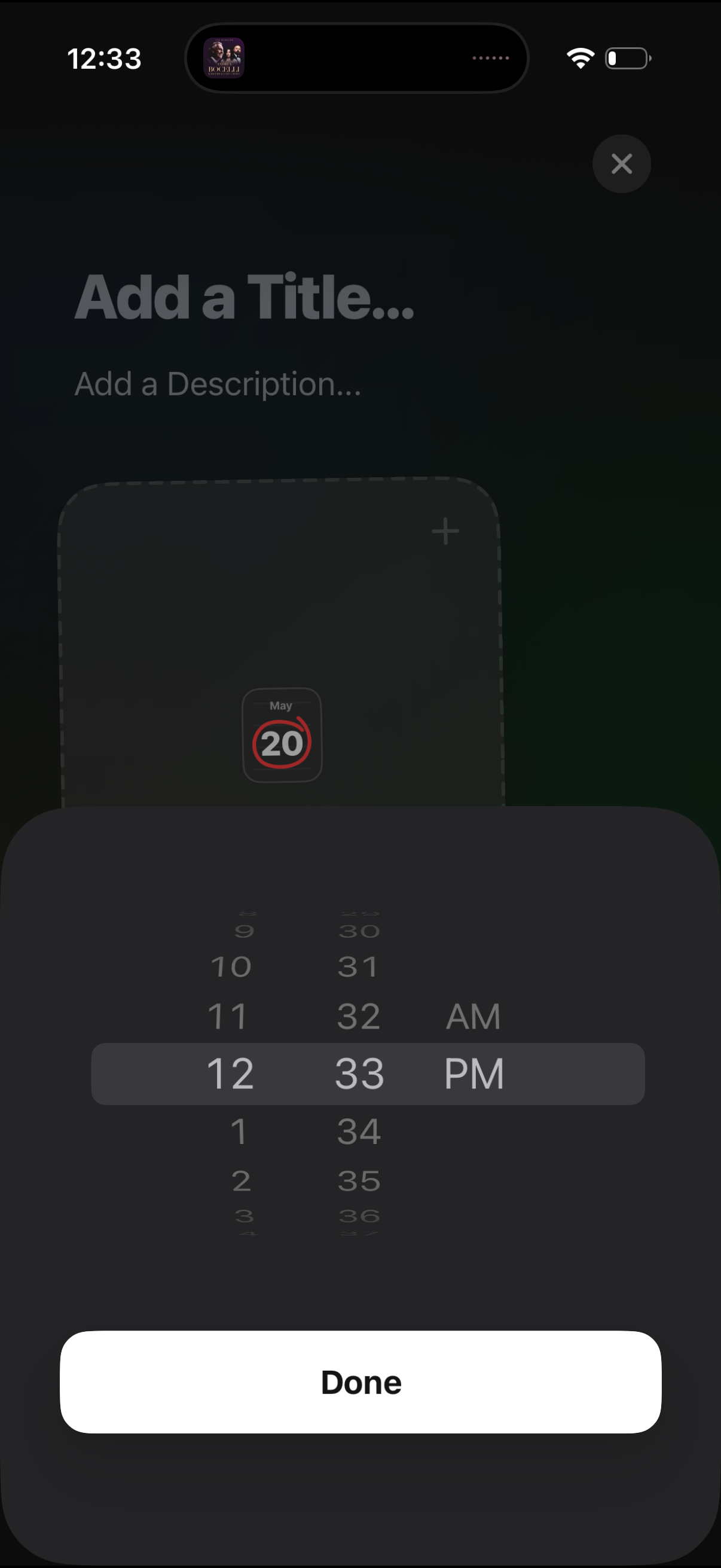
Event creation screen for adding a calendar reminder, with fields to enter a title and description and an option to attach or add something via a plus button. A bottom-sheet time picker wheel is open to set the event time (AM/PM) with a large Done button to confirm.