complete phone signup
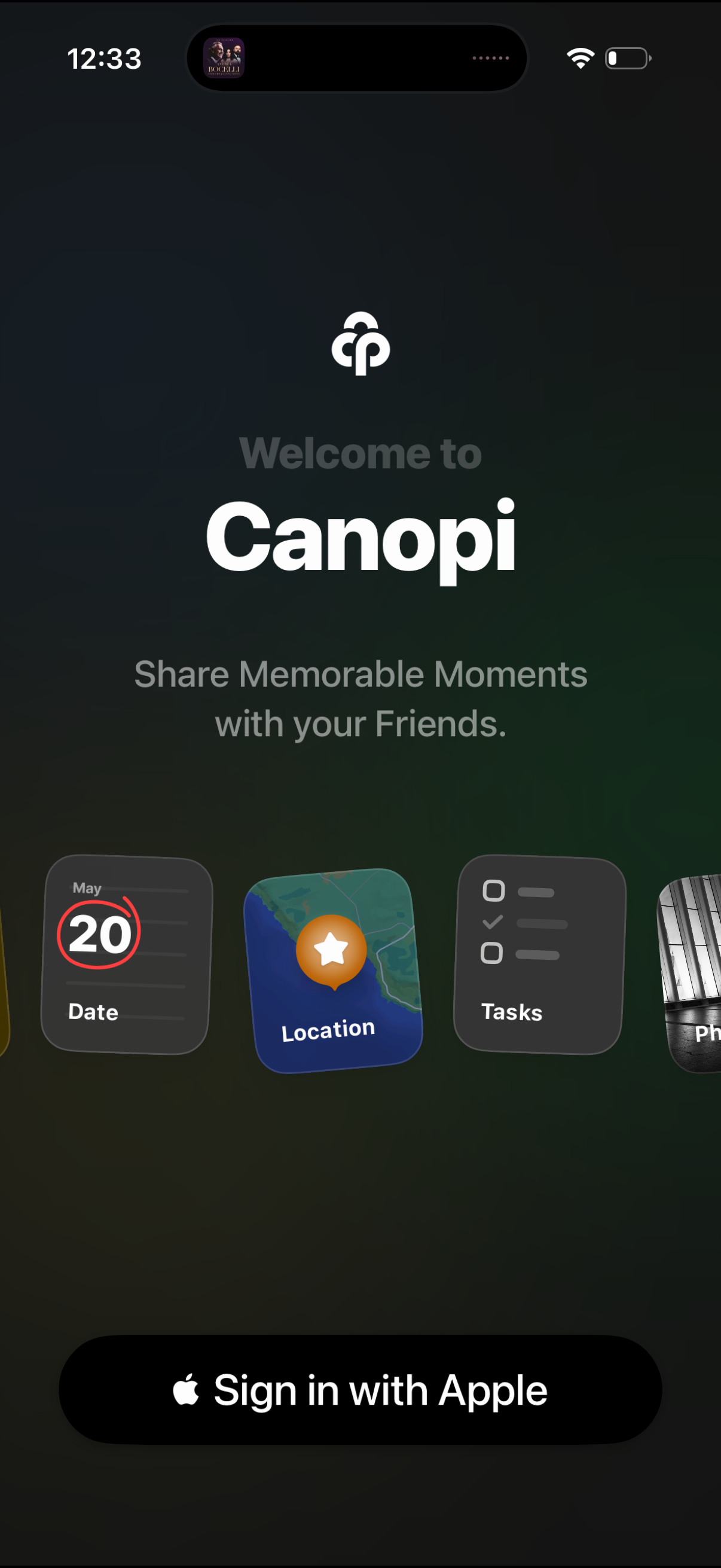
Welcome/onboarding login screen for a social sharing app called Canopi, highlighting the value proposition “Share memorable moments with your friends” and previewing features like date, location, and tasks. Primary call to action is a large “Sign in with Apple” button to authenticate and start using the app.
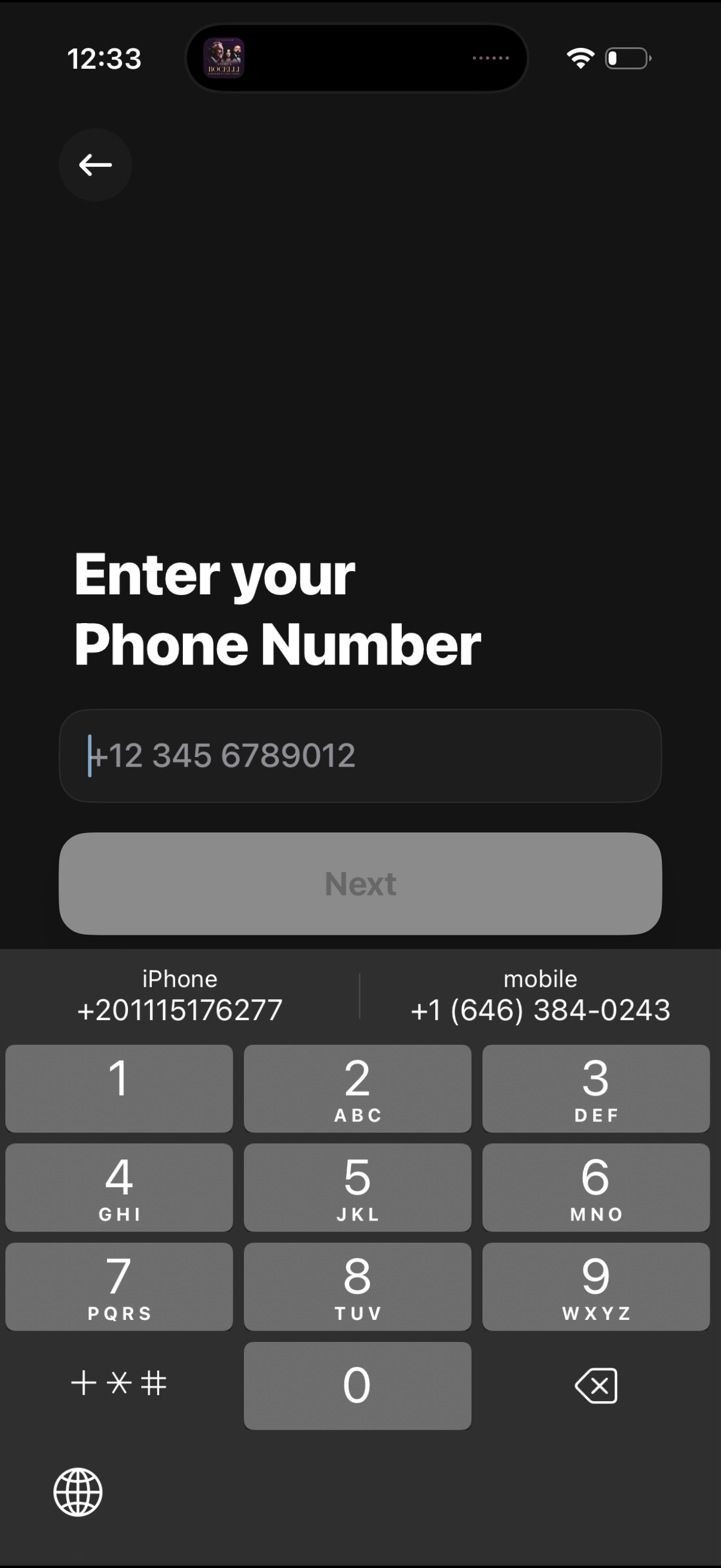
Phone number entry screen for onboarding or account verification, featuring a numeric input field with country code and a primary “Next” button to continue (disabled until a valid number is entered). Includes a back navigation control and uses the phone keypad for input.
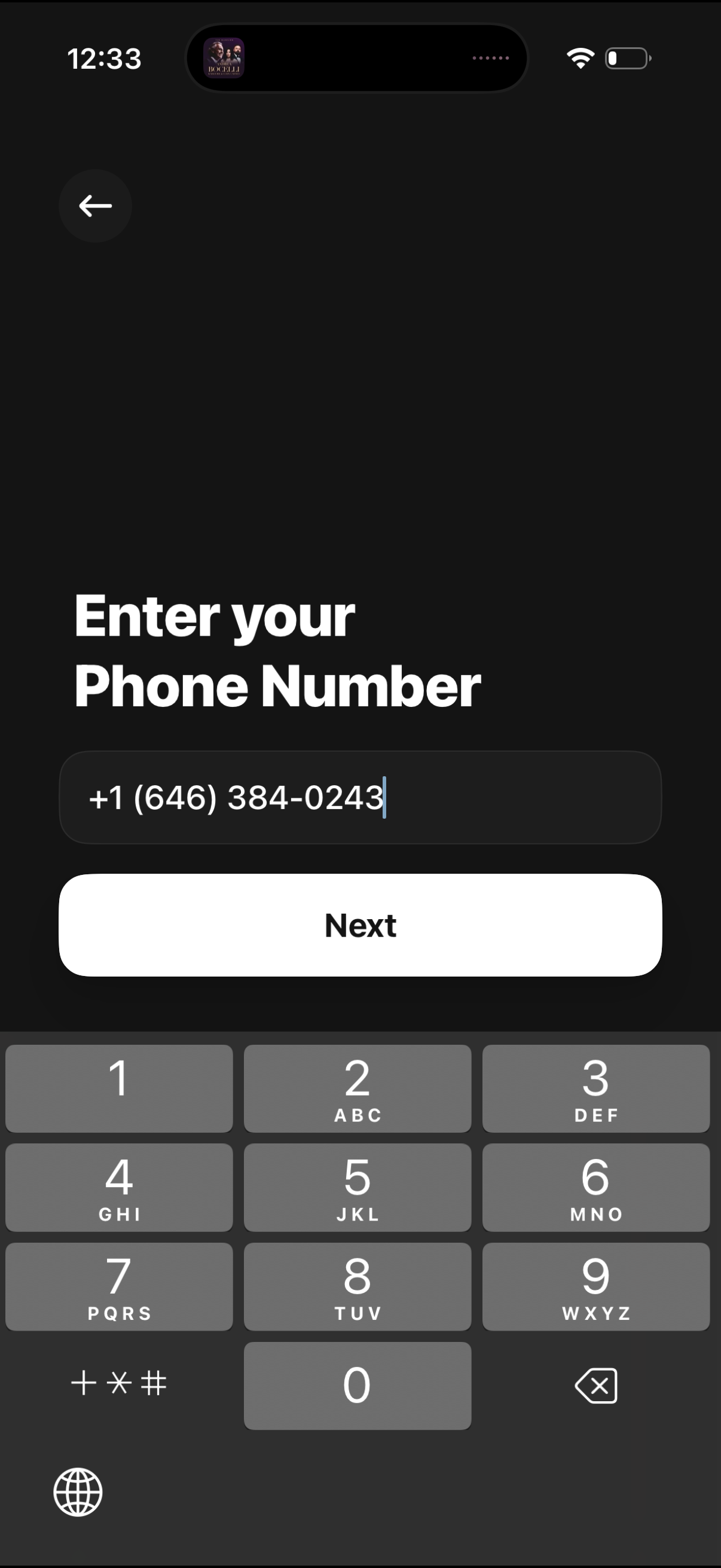
Phone number entry screen for signup or login, featuring a single input field with country code formatting and a prominent “Next” button to continue verification. Includes a back button for navigation and uses the numeric keypad for quick entry.
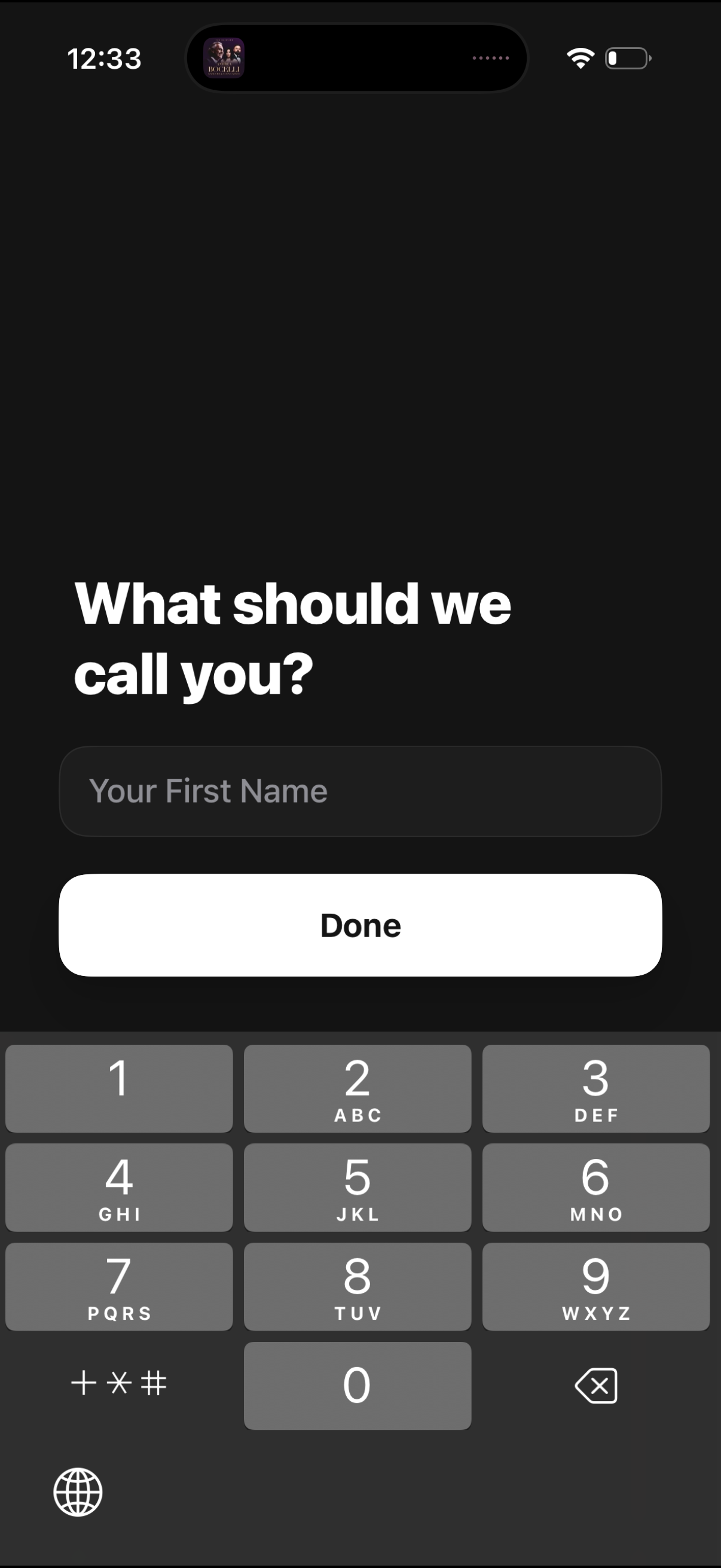
Onboarding profile setup screen asking for the user’s first name, with a single text input field and a prominent “Done” button to continue. Minimal dark-themed UI focused on capturing display name information.
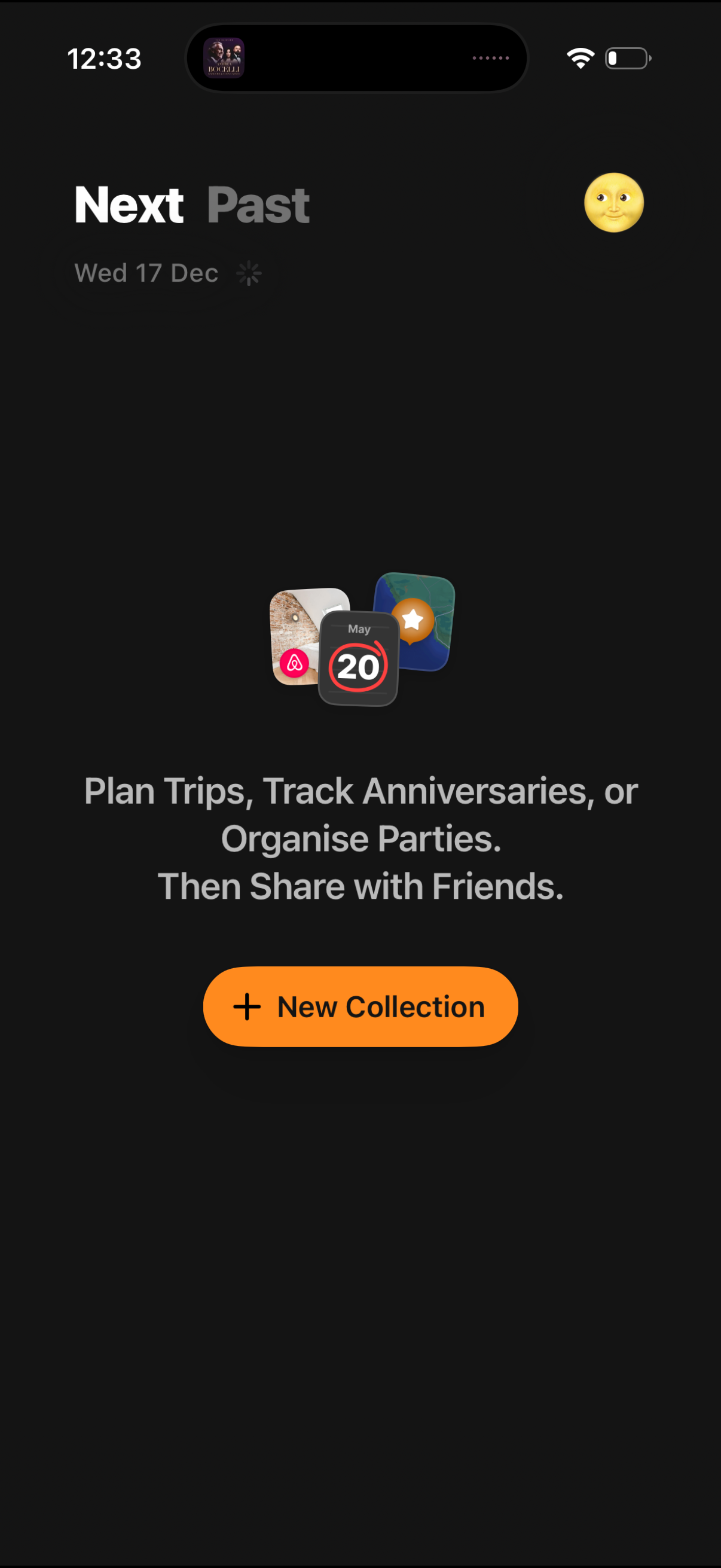
Calendar planning home screen with tabs for upcoming vs past collections and an empty-state message encouraging users to plan trips, track anniversaries, or organize parties and share with friends. Primary action is a prominent “New Collection” button to create a new shared event collection.