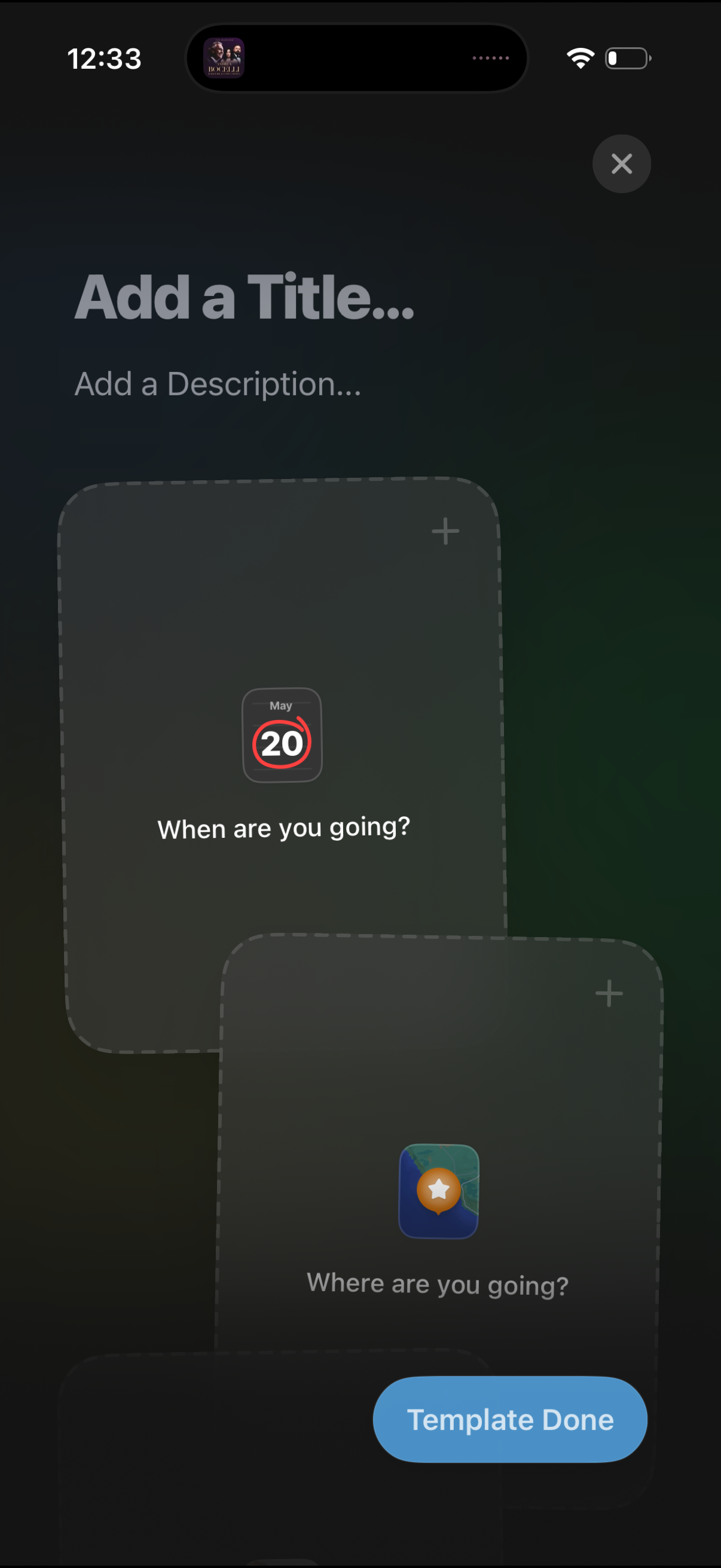
Template creation screen for making a trip plan or itinerary card, with fields to add a title and description and placeholder modules to add date (“When are you going? ”) and destination (“Where are you going?
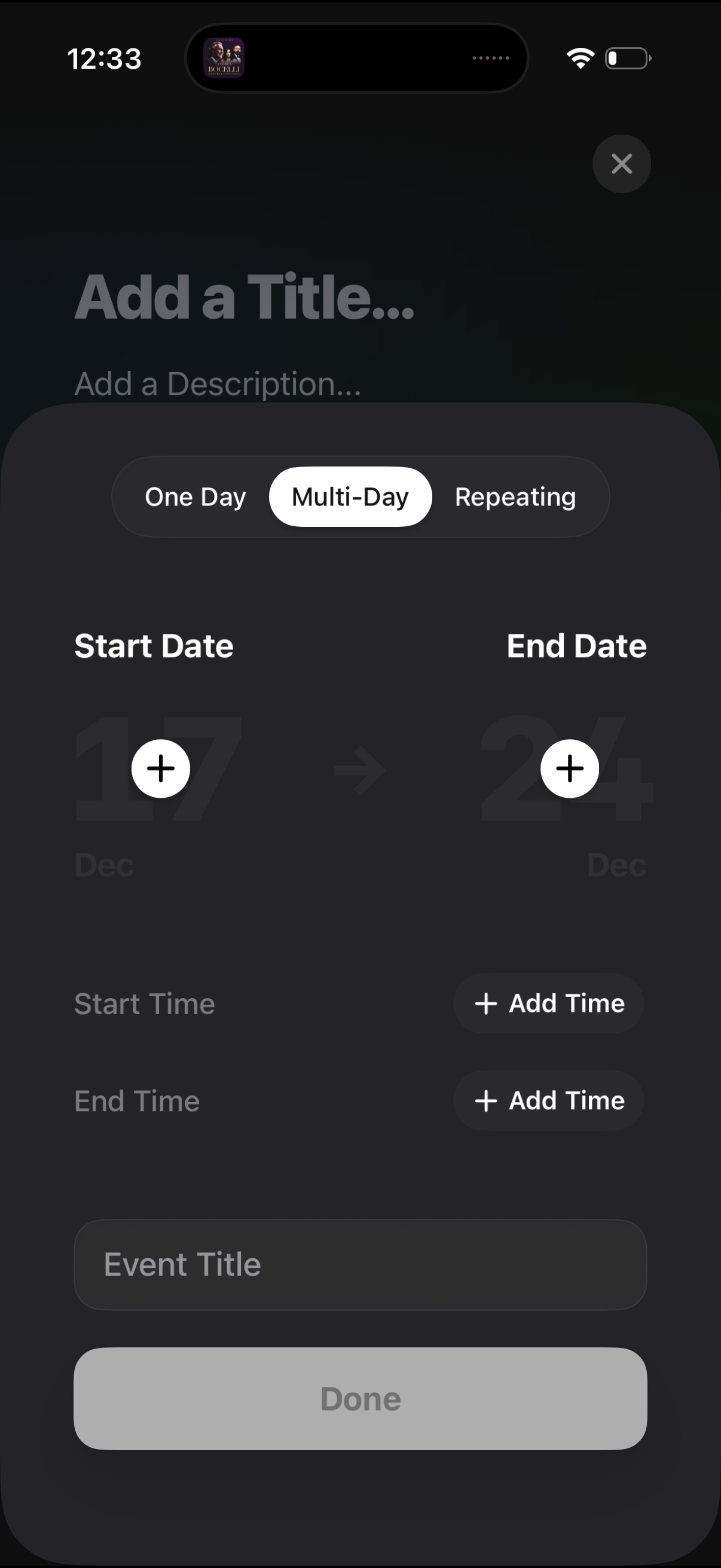
Event creation screen for scheduling a calendar entry, with segmented options for One Day, Multi-Day, or Repeating. Users can set start and end dates, optionally add start/end times, enter an event title, and finish with a Done button or close the modal.
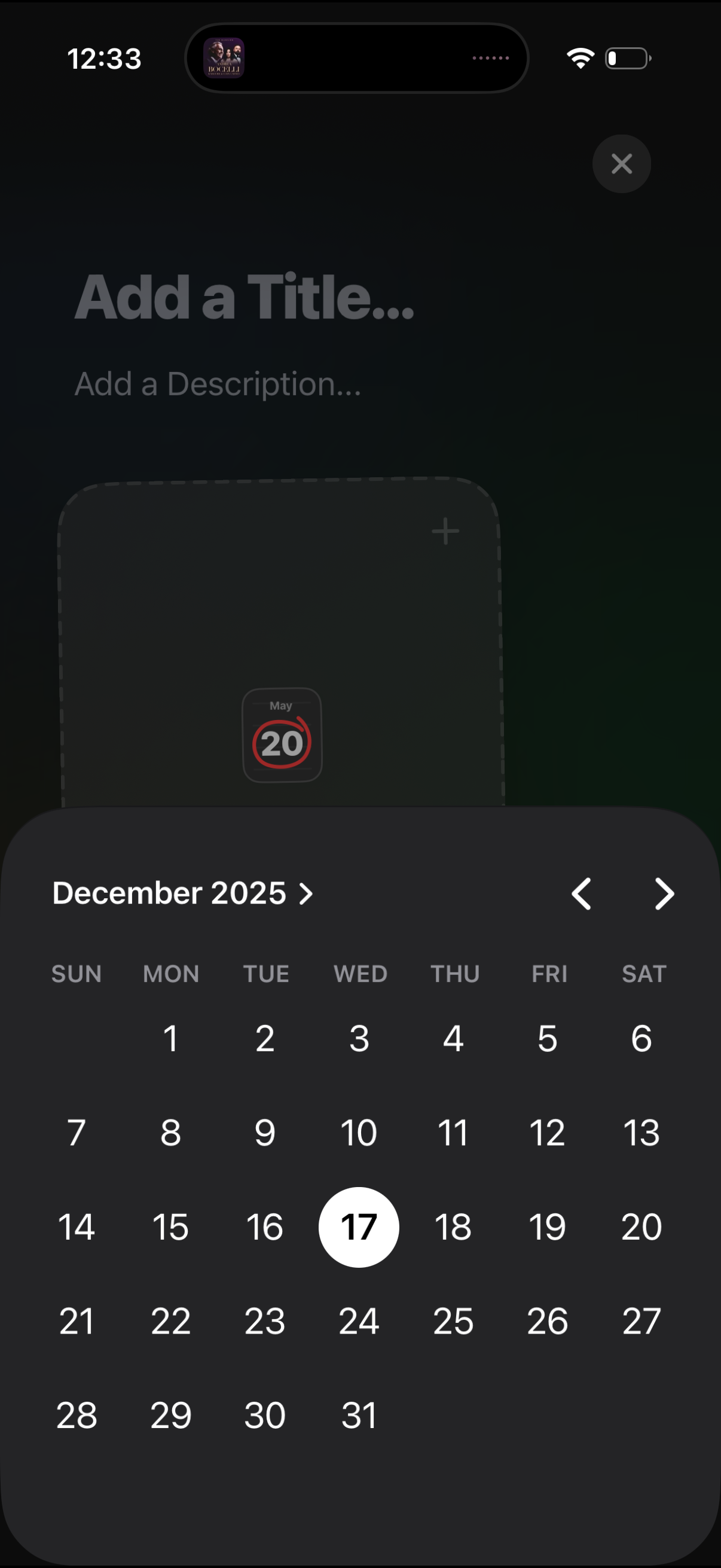
Event or reminder creation screen with fields to add a title and description and attach content, showing a modal month calendar date picker. Users can navigate between months with arrows and select a specific day to set the event date.
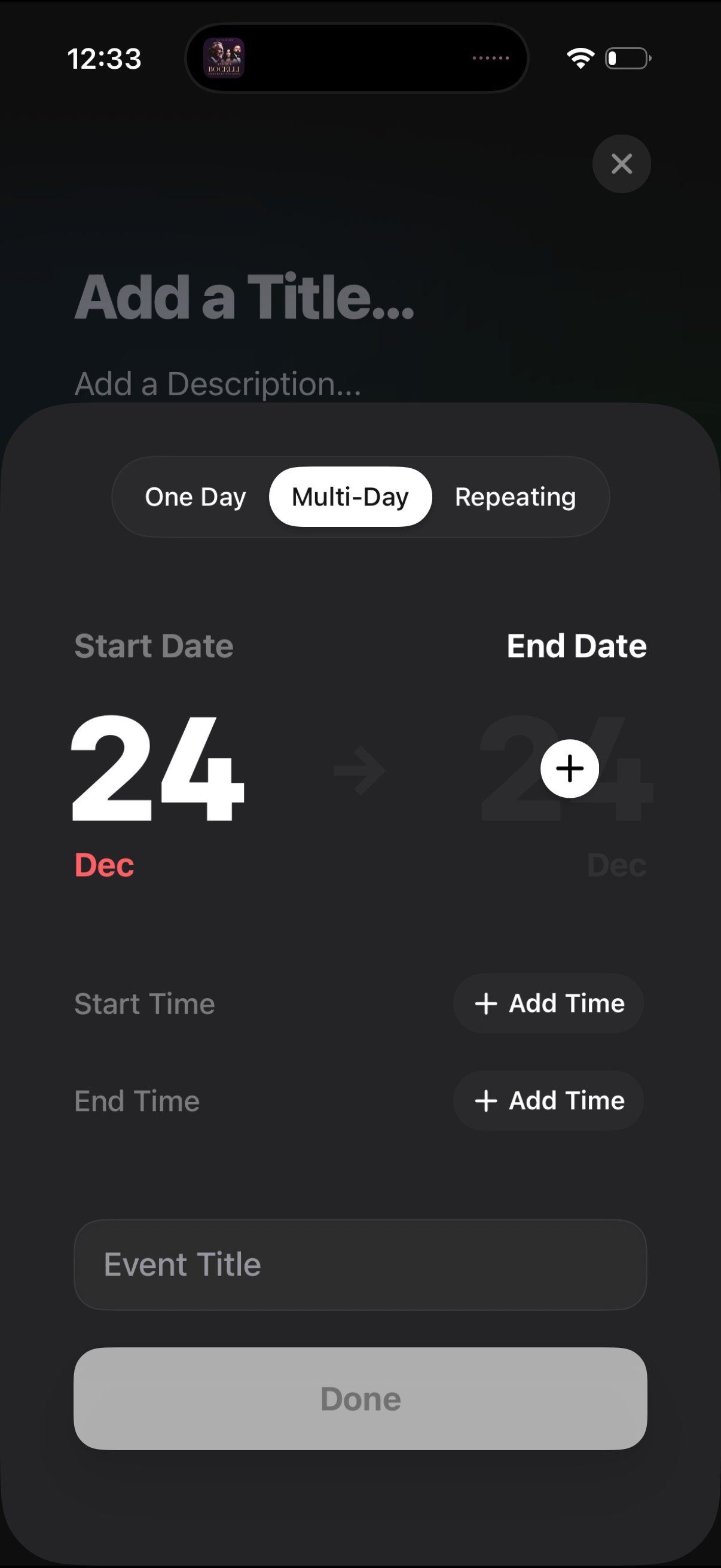
Event creation sheet for adding a new calendar event with segmented options for one-day, multi-day, or repeating. Users set start and end dates, optionally add start/end times, enter an event title, and tap Done or close to cancel.
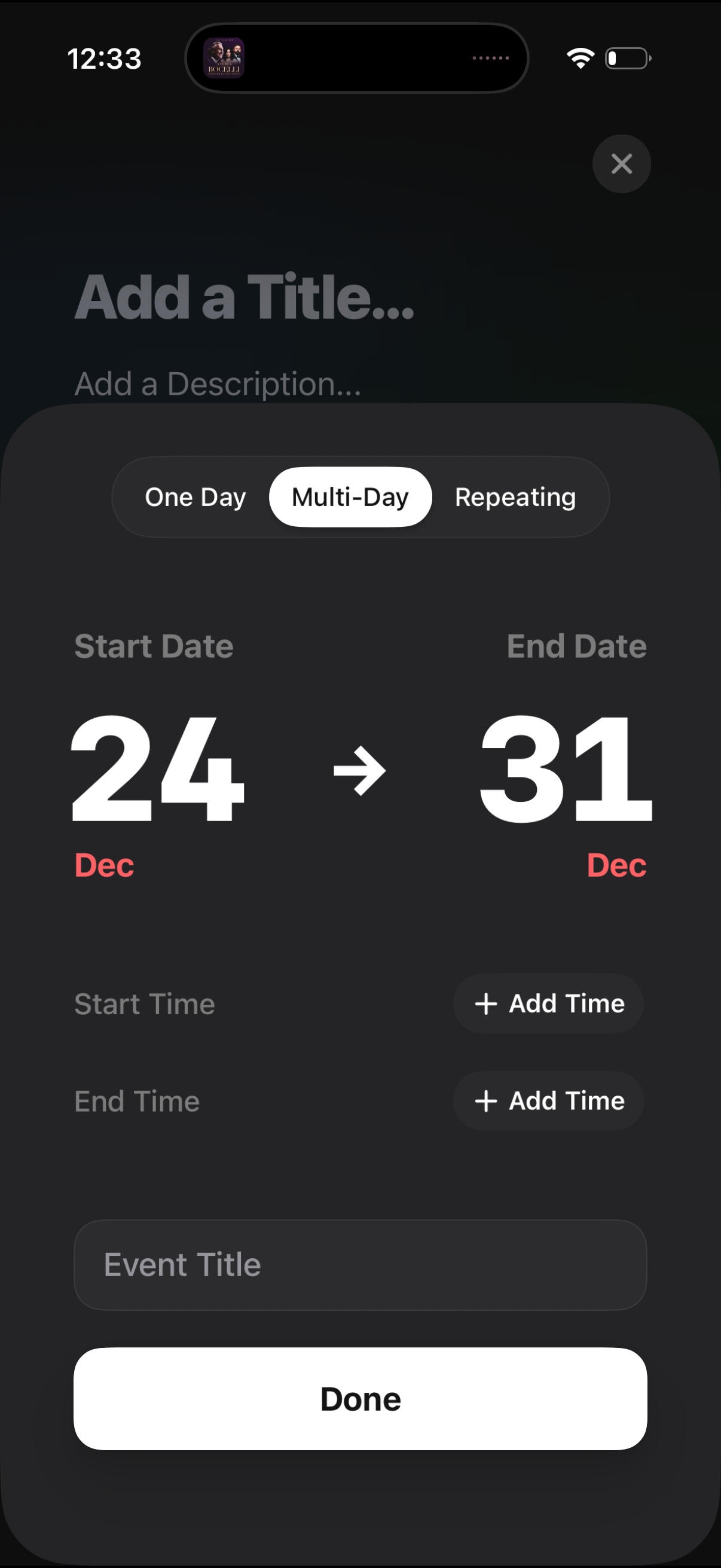
Event creation screen for scheduling a multi-day or repeating event, with segmented controls for One Day/Multi-Day/Repeating and fields to set start and end dates plus optional start/end times. Includes inputs for event title and description, add time buttons, and a primary Done action to save.