generate tip calculator
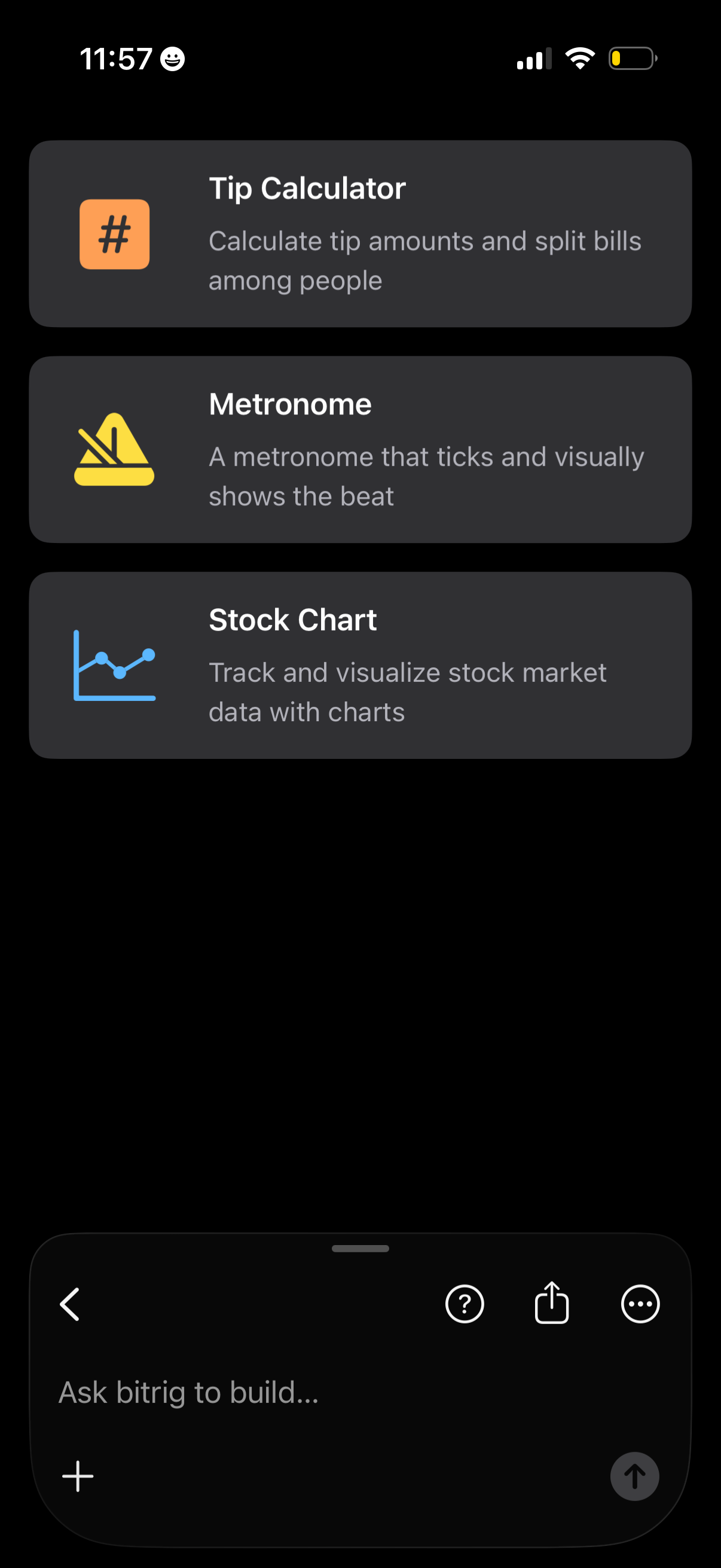
Dark-themed app screen showing a list of mini-app templates as large cards with icons, titles, and brief descriptions, including Tip Calculator, Metronome, and Stock Chart. Users can browse and select a template to build, with a bottom text input bar and plus button for entering a custom request.
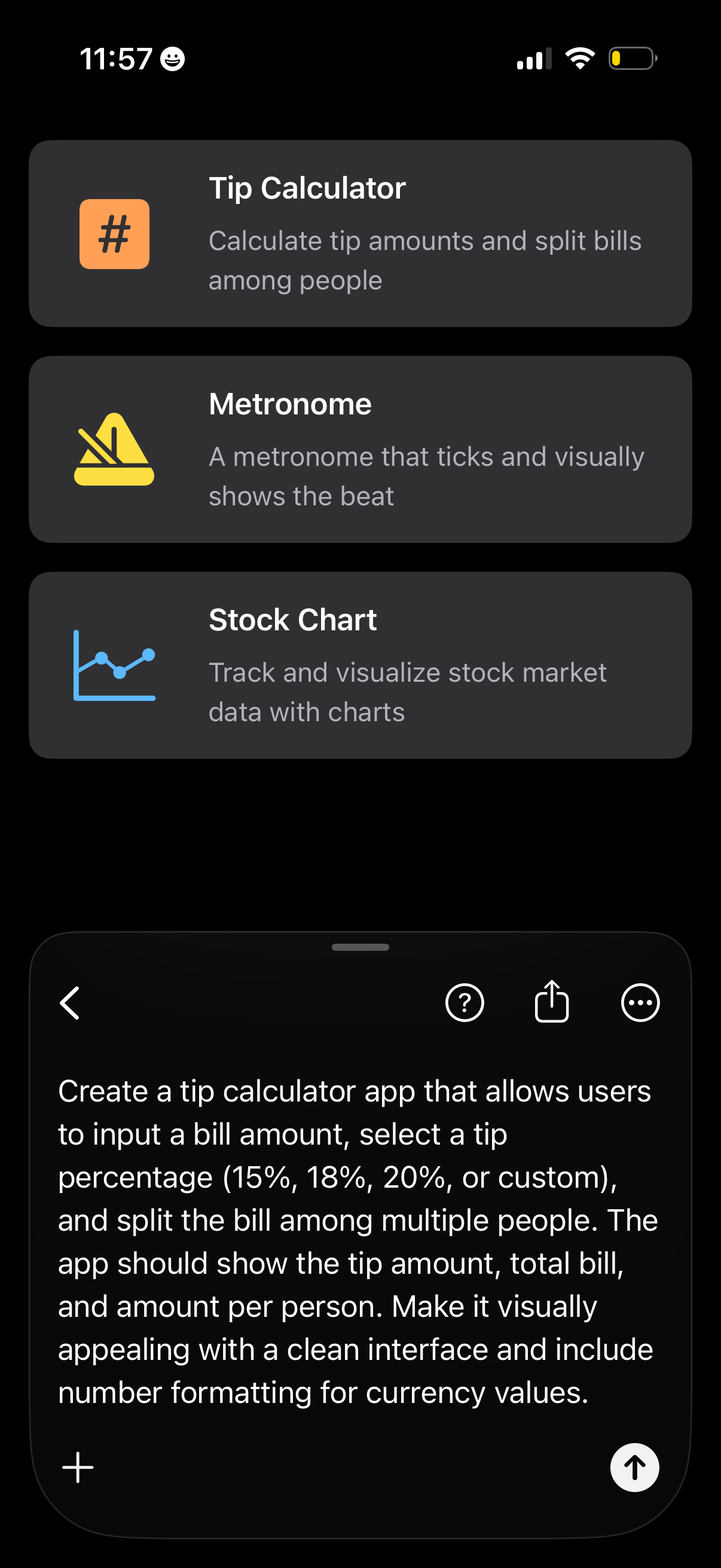
Dark-themed app gallery screen showing a vertical list of selectable mini-app templates (Tip Calculator, Metronome, Stock Chart) with icons and brief descriptions. A bottom sheet prompt/composer is open with text describing how to build a tip calculator that calculates tip percentages and splits the bill per person, with actions for help, share, and more options.
Voice assistant chat screen in dark mode showing a “Connecting” loading state with a spinner while initiating a session. Bottom has a prompt field (“Ask … to build…”) with an add/plus button and a stop recording button, plus top actions for back, help, share, and more options.
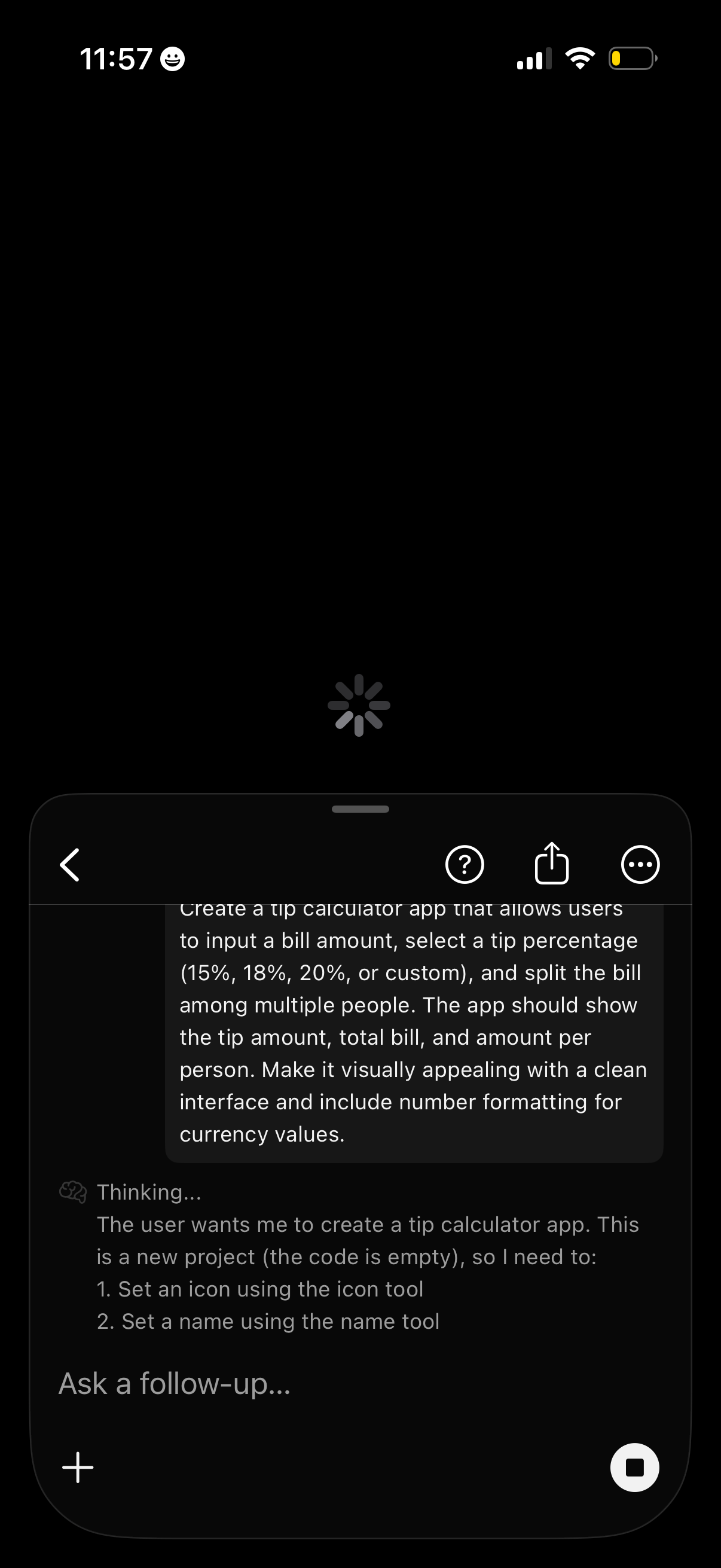
AI chat assistant screen in dark mode showing a user prompt and the assistant “Thinking…” while generating a response, with a loading spinner and an input area labeled “Ask a follow-up…” plus a button to start a new message. Top actions include back navigation, help, share, and more options.
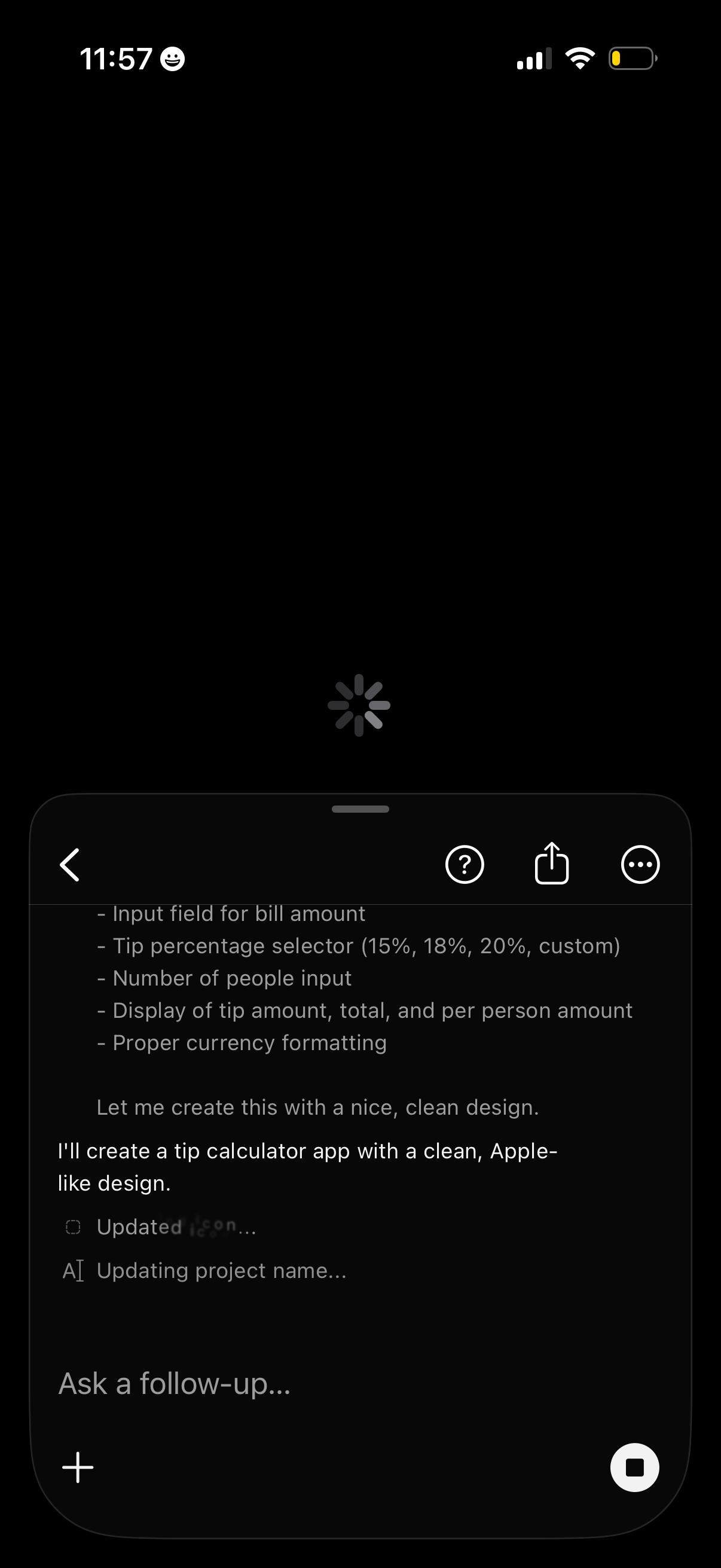
In-app chat assistant screen generating a new app, showing a response about creating a tip calculator and progress status updates. The top bar includes back navigation, help, share, and more options, with a follow-up prompt input field and controls to add attachments or stop/cancel the generation.
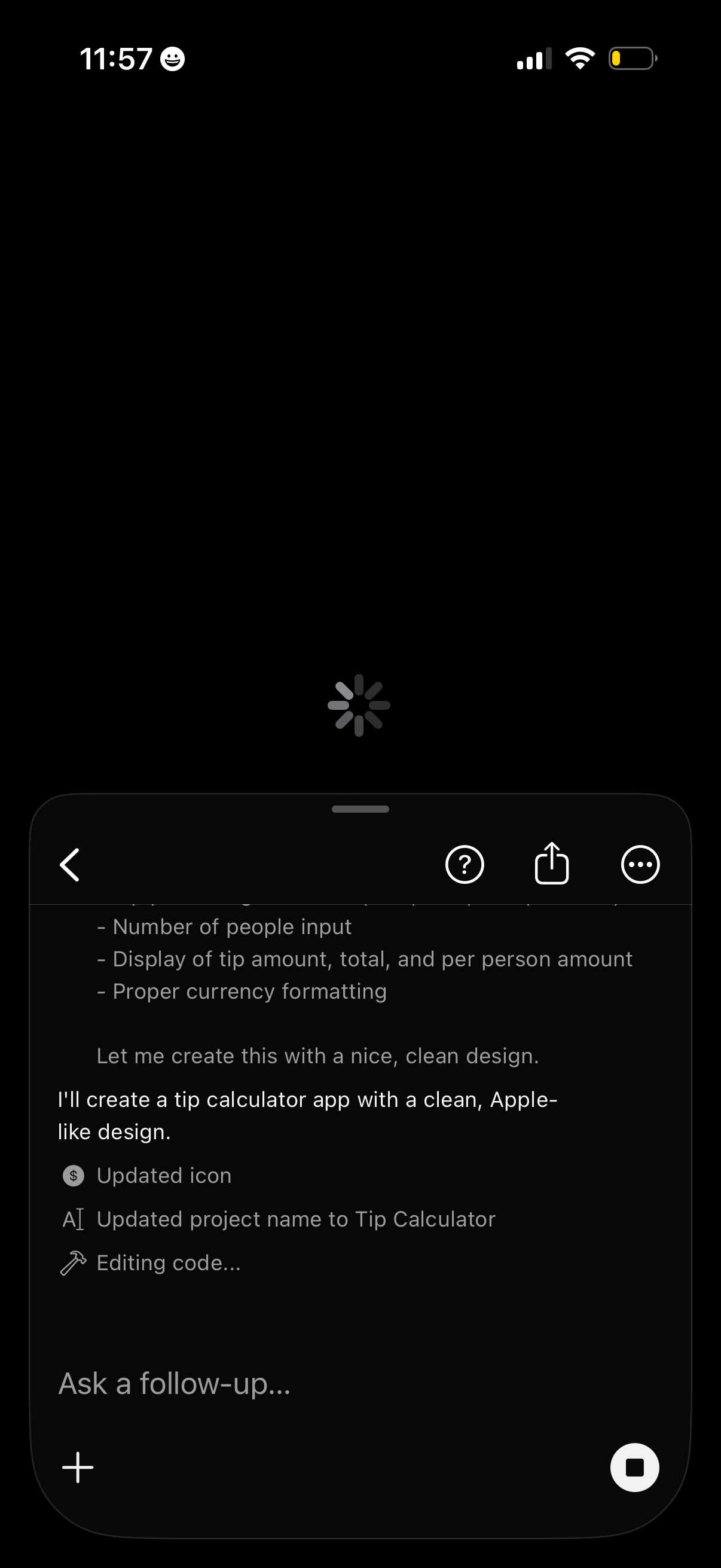
Dark-mode AI assistant chat screen showing the assistant generating a “tip calculator” app and progress statuses (updated icon, renamed project, editing code) while loading. The bottom input field invites “Ask a follow-up…” with a plus attachment button and a stop action, plus top controls for back, help, share, and more options.
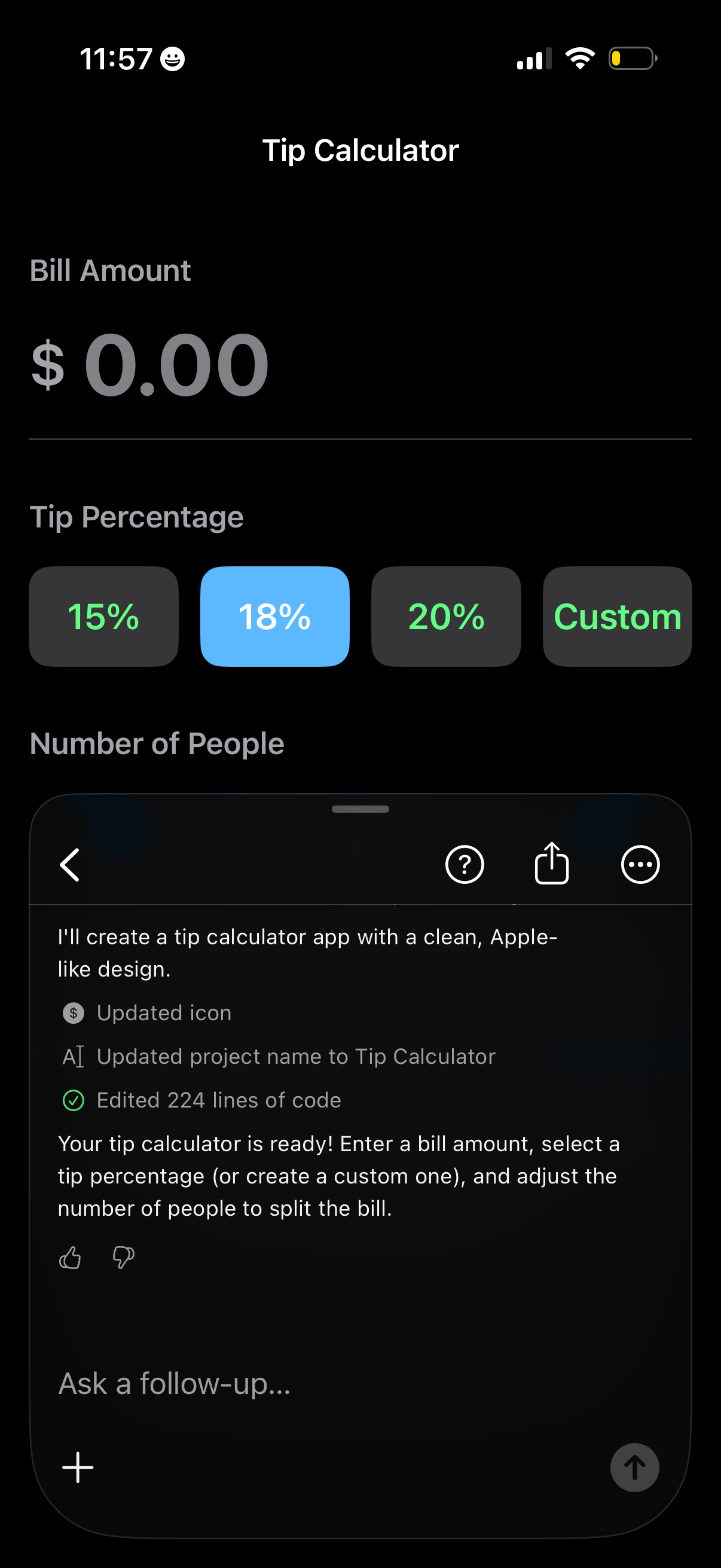
Tip calculator screen where users enter a bill amount, choose a tip percentage with preset buttons (15%, 18%, 20%) or a custom option, and set the number of people to split the bill. The interface highlights the selected tip percentage and is designed for quickly calculating tip and per-person totals.