Your agent can search this library too. Lazyweb CLI →
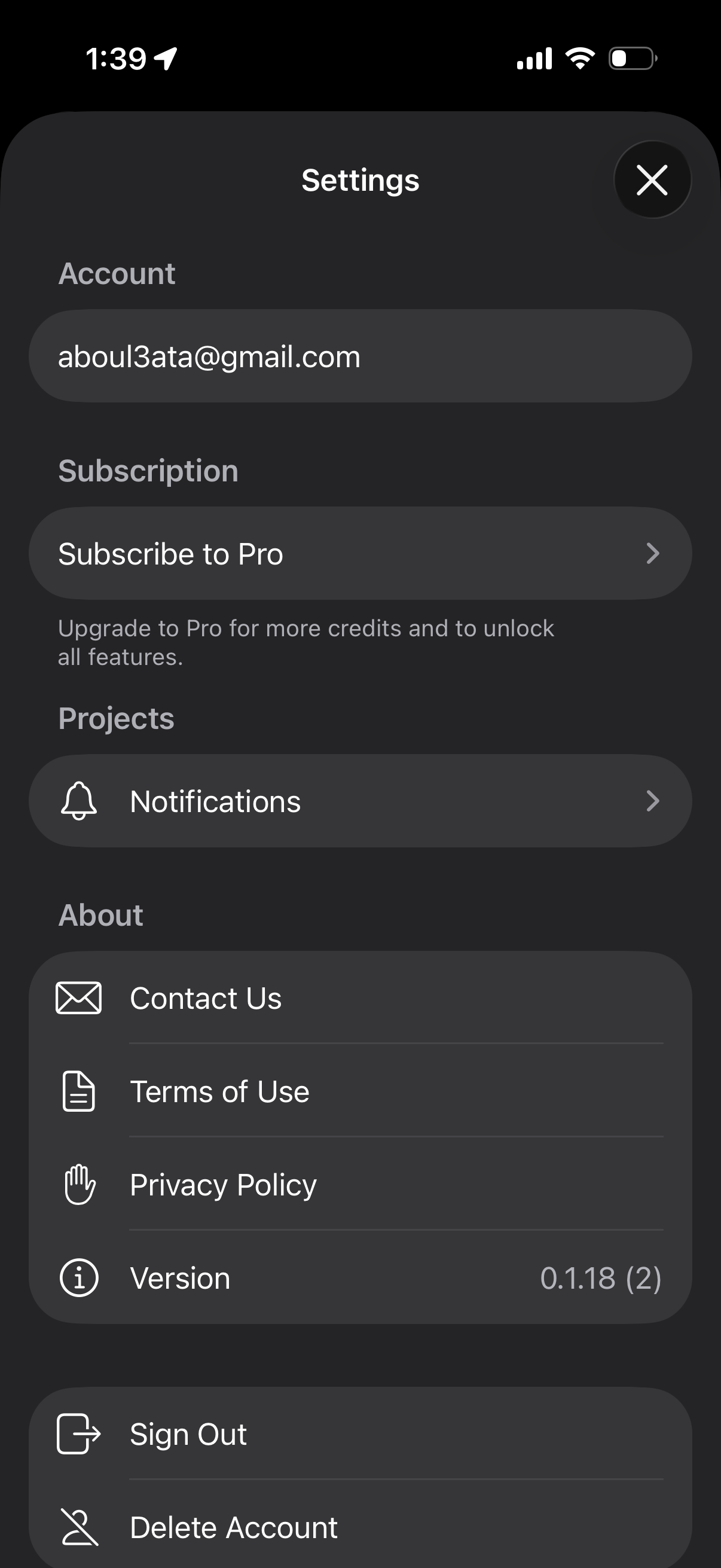
1 Step 1

Settings screen showing the signed-in account email with options to subscribe/upgrade to a Pro plan and manage notification settings. Includes about/support links (contact us, terms of use, privacy policy), app version information, and a primary action to sign out.

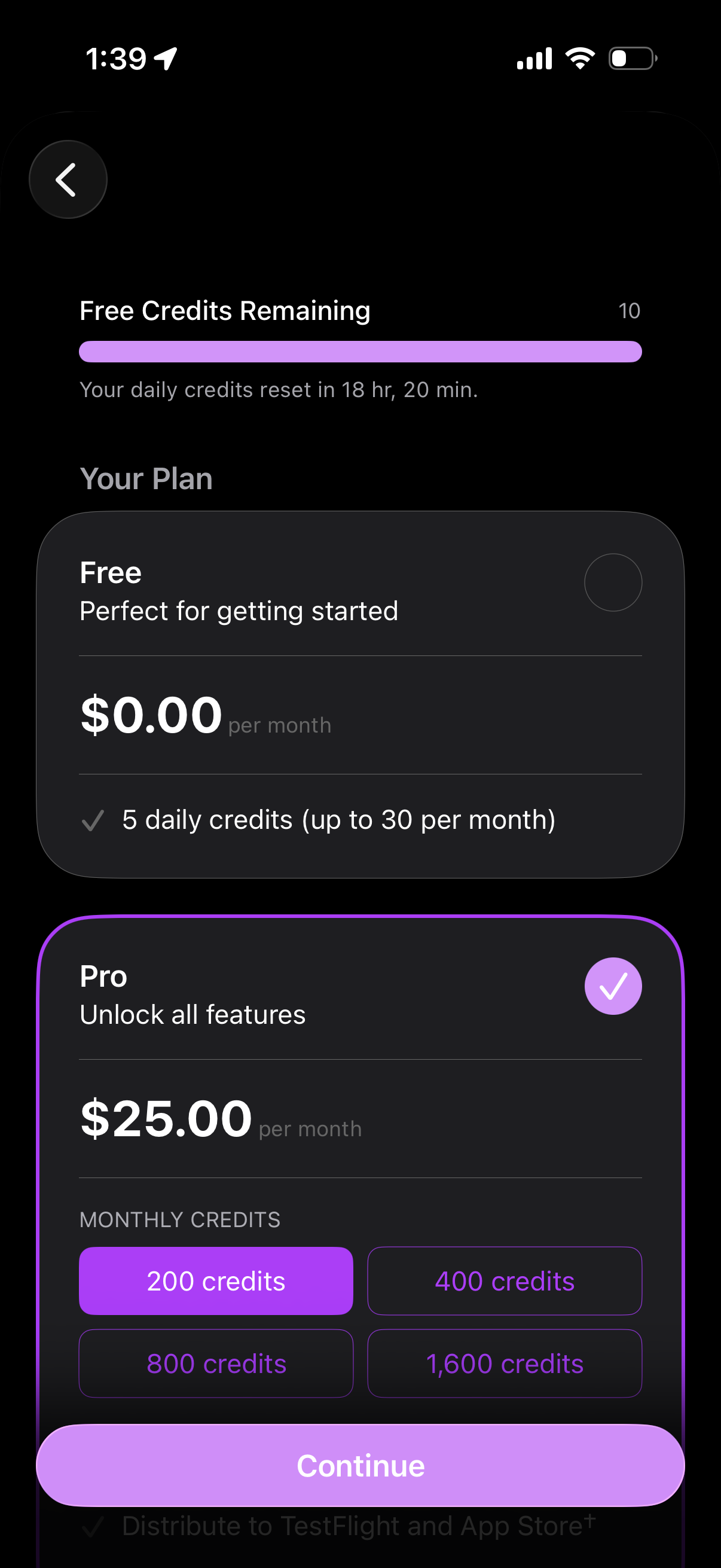
2 Step 2

Subscription and usage screen showing remaining free credits with a progress bar and daily reset timer, plus plan selection cards for Free ($0/month with limited daily credits) and Pro ($25/month) with monthly credit package options. Includes a primary “Continue” button to proceed with upgrading/purchasing the selected plan.

3 Step 3

Subscription upgrade/paywall screen showing a Pro plan priced at $25/month with a monthly credits selector (e. g.