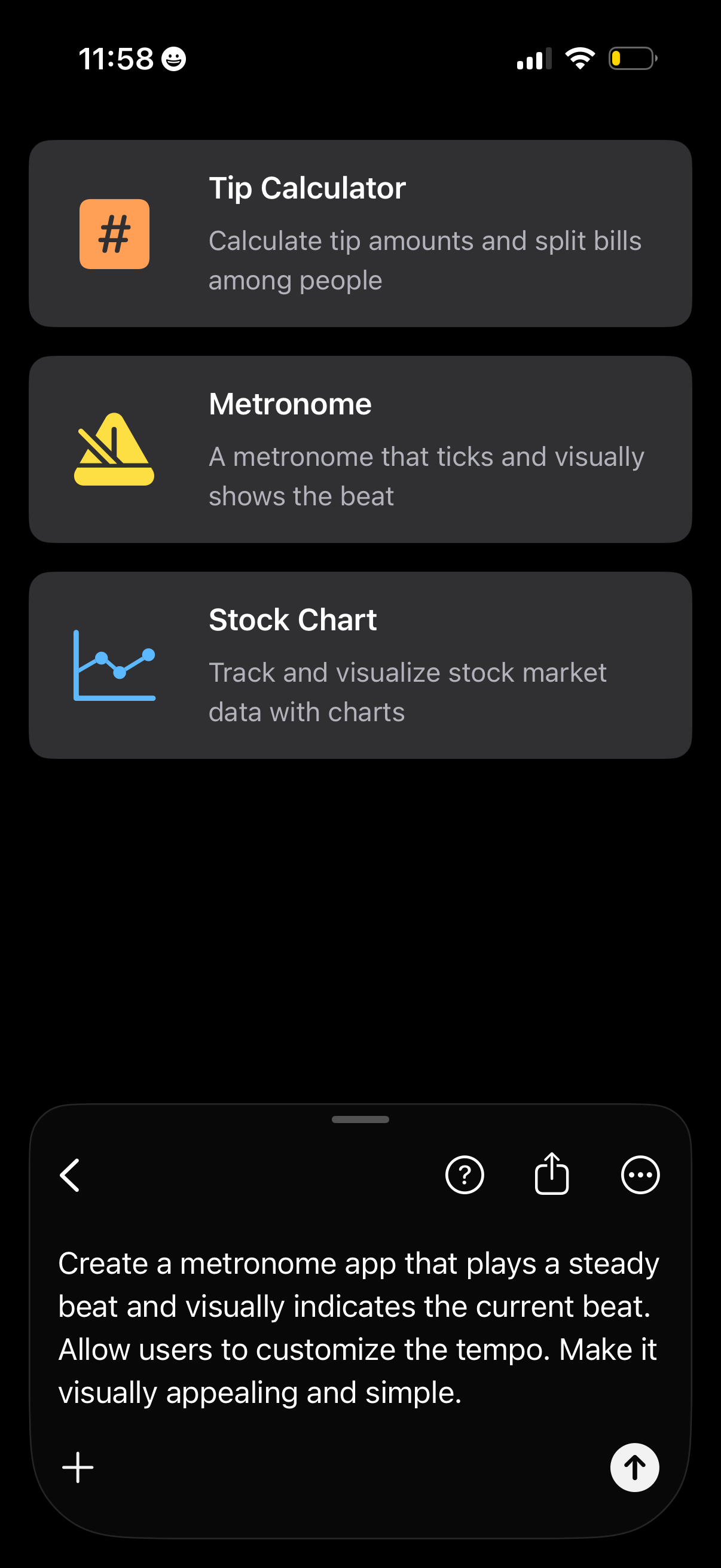
Mobile AI assistant chat screen showing a list of suggested app ideas as tappable cards (Tip Calculator, Metronome, Stock Chart) with icons and brief descriptions. A message composer at the bottom contains a prompt to generate a metronome app with customizable tempo, with actions to add, send, get help, share, and open more options.
AI chat assistant screen in dark mode showing a prompt bubble and a loading state (“Rigging up…” with spinner) while generating an app concept. Top actions include back, help, share, and more options, with a message composer to ask a follow-up, add attachments, and a stop-generation button.
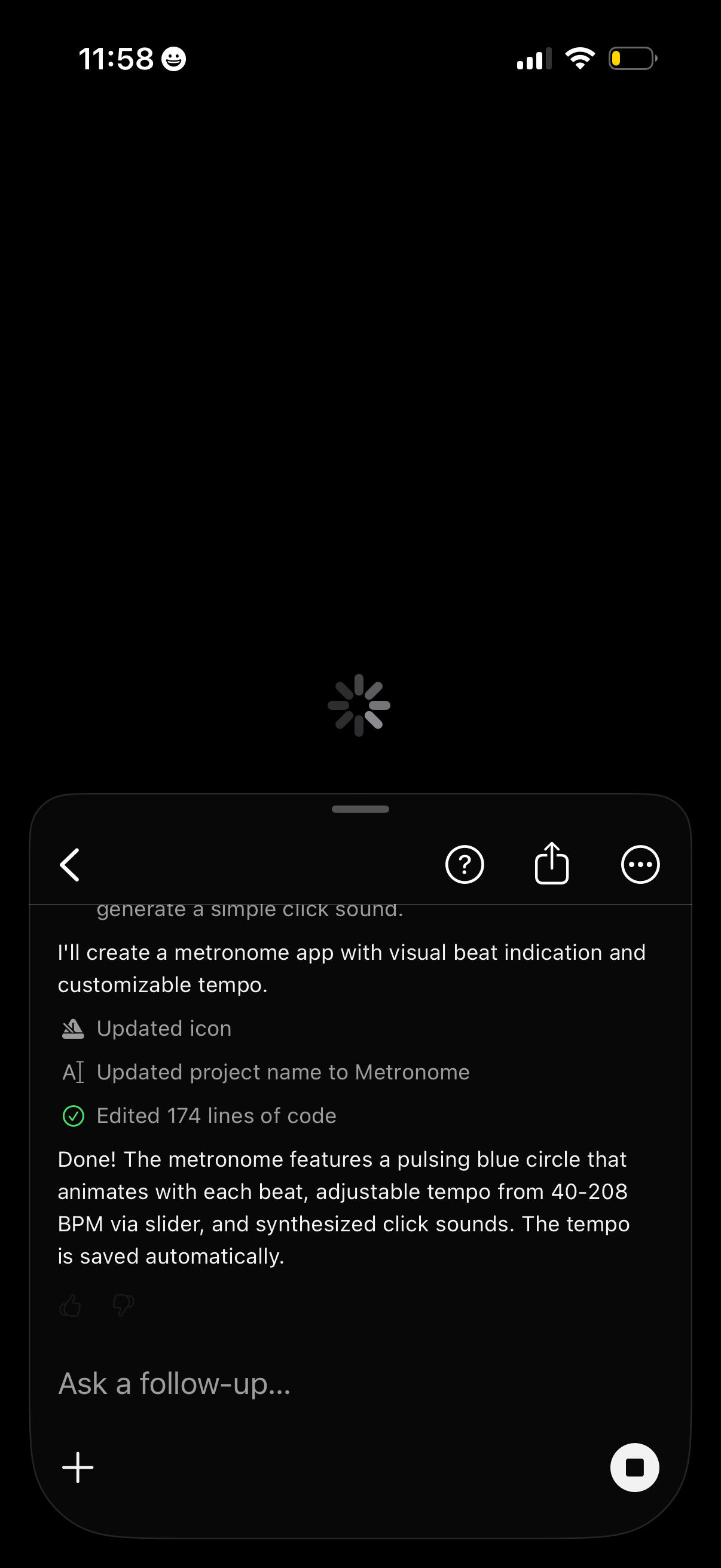
AI chat conversation screen showing a response about creating a metronome app, with a typing/loading spinner and status updates like updated icon, renamed project, and edited code. Bottom composer allows asking a follow-up with a plus button for attachments and a stop/cancel generation button, plus top actions for back, help, share, and more options.
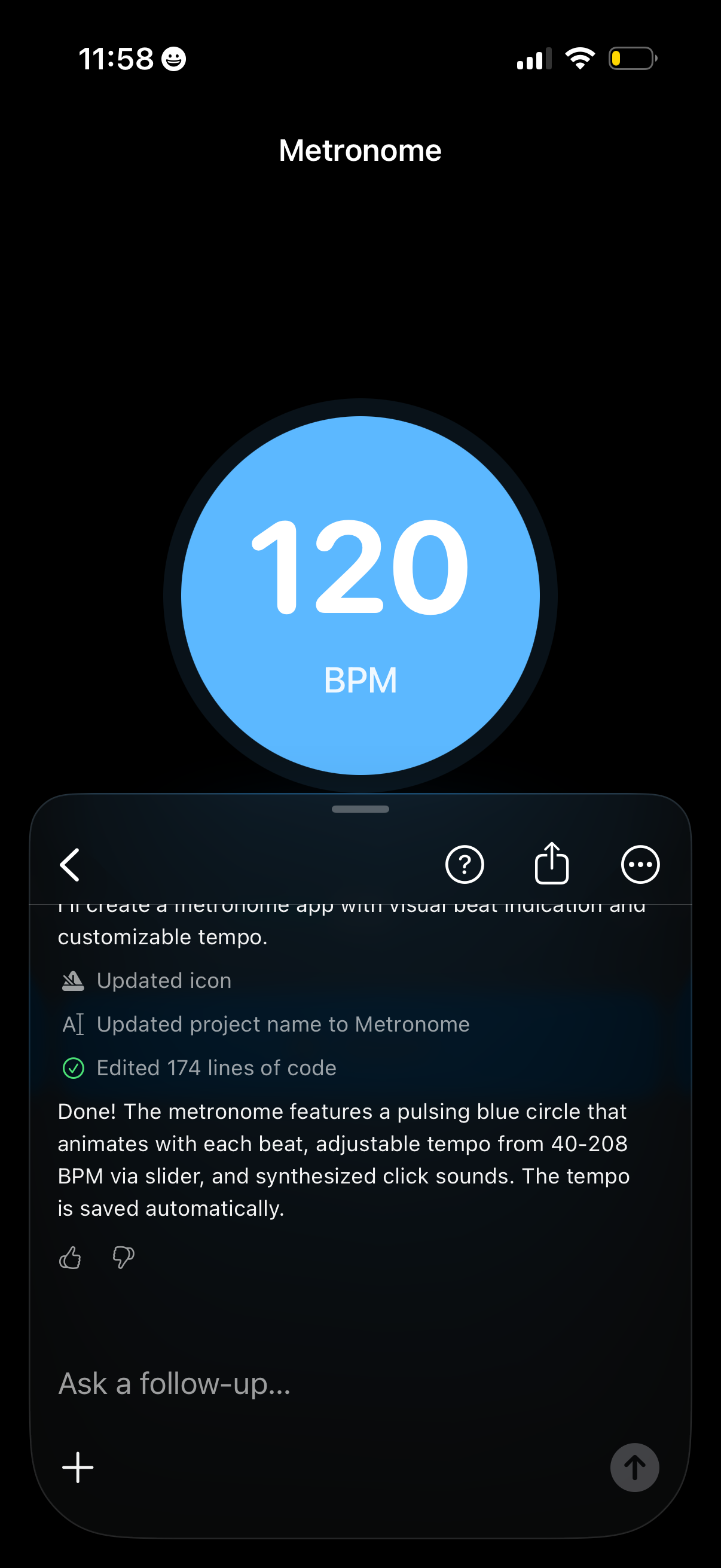
Metronome app main screen showing a large pulsing circle with the current tempo displayed as 120 BPM. Minimal, dark UI focused on visual beat indication and tempo control for practicing timing.