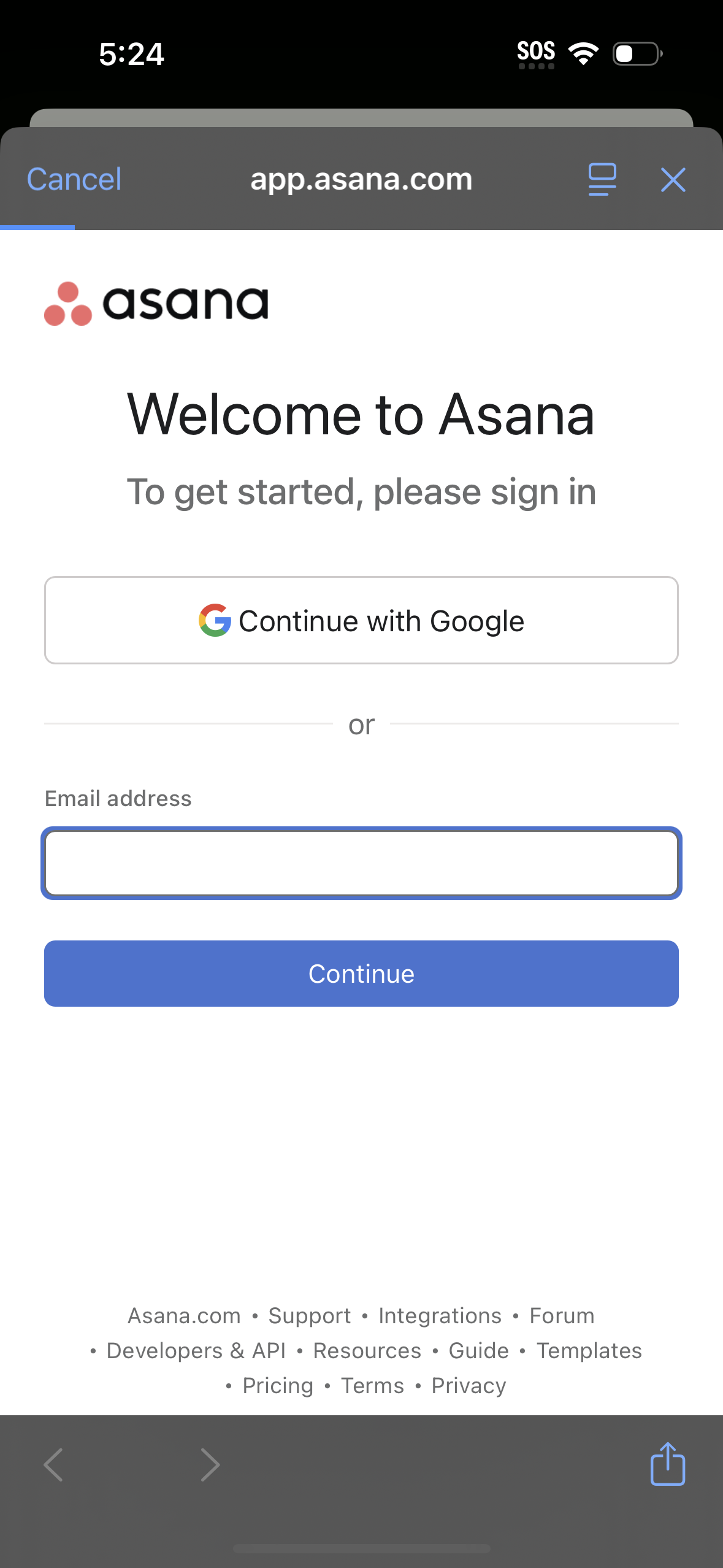
Asana welcome sign-in screen prompting users to log in to get started, offering a “Continue with Google” single sign-on option or email address entry. Includes a primary Continue button and a cancel/close control in the in-app browser header.
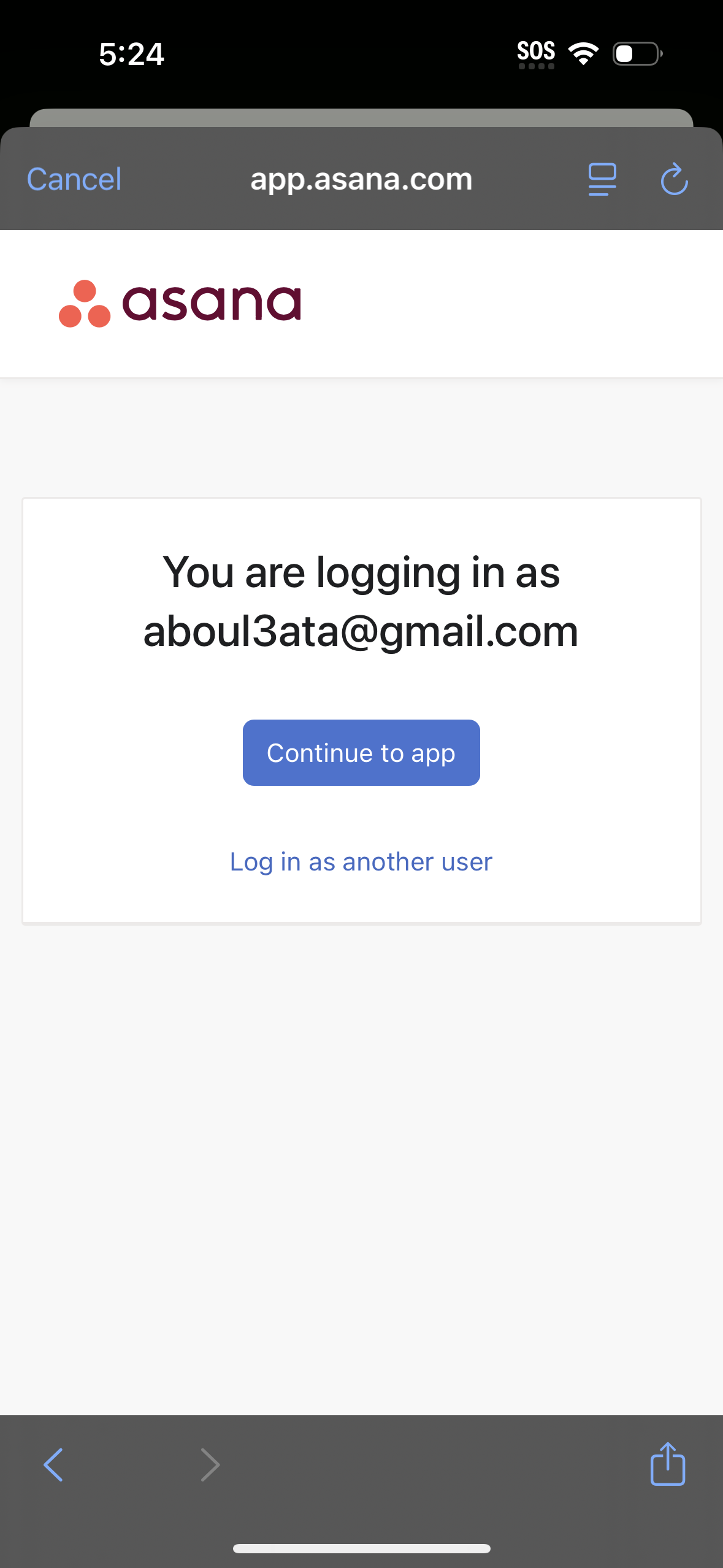
Asana web login confirmation screen showing the email account currently selected, with a primary button to continue into the app and an option to log in as a different user. This page supports quick account selection during authentication on mobile web.
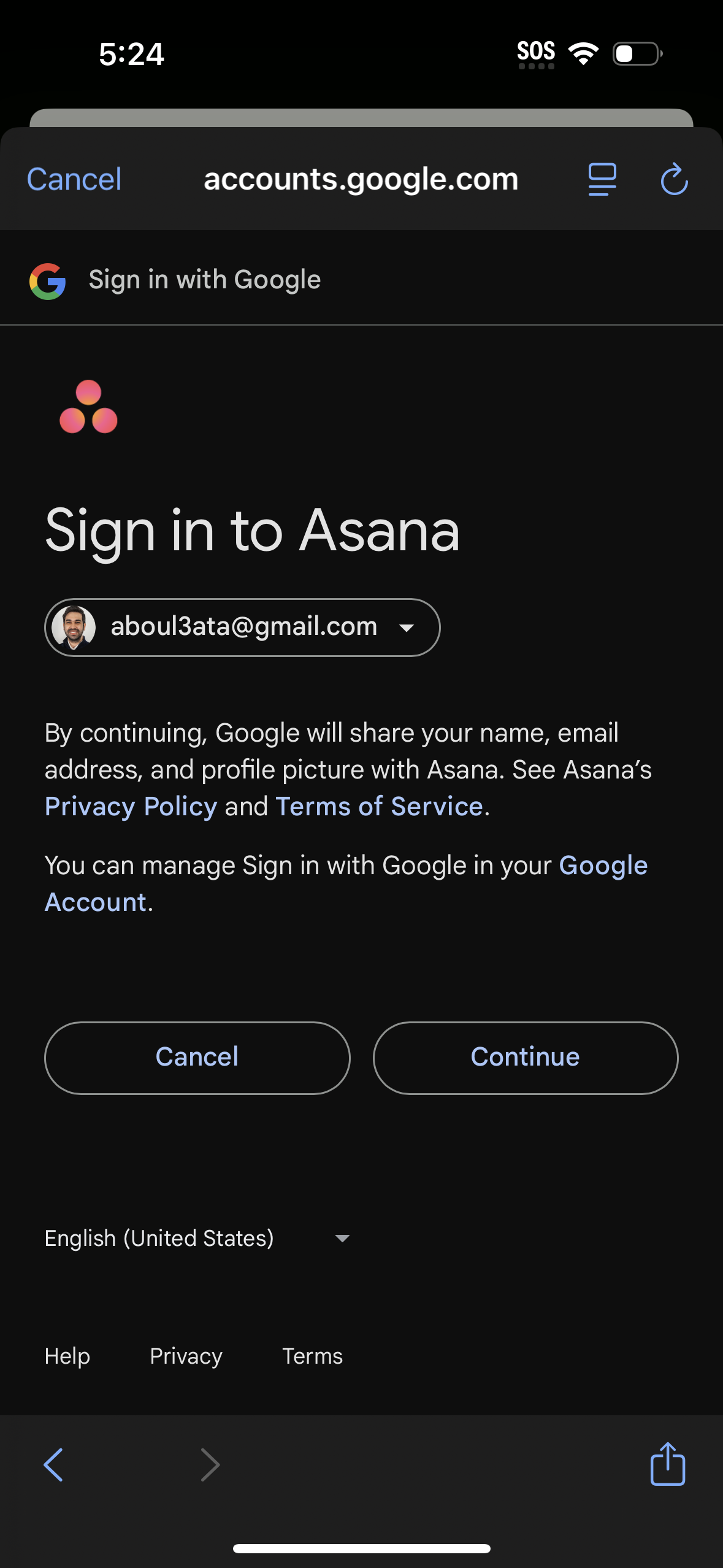
OAuth login consent screen for signing in to an app (Asana) with Google, showing the selected Google account dropdown and disclosure about sharing name, email, and profile photo plus links to privacy policy and terms. Primary actions are Continue to authorize or Cancel to abort, with a language selector and footer help/privacy/terms links.
App loading/splash screen with a centered activity spinner indicating content is loading, and a brand logo at the bottom on a minimal blank background.
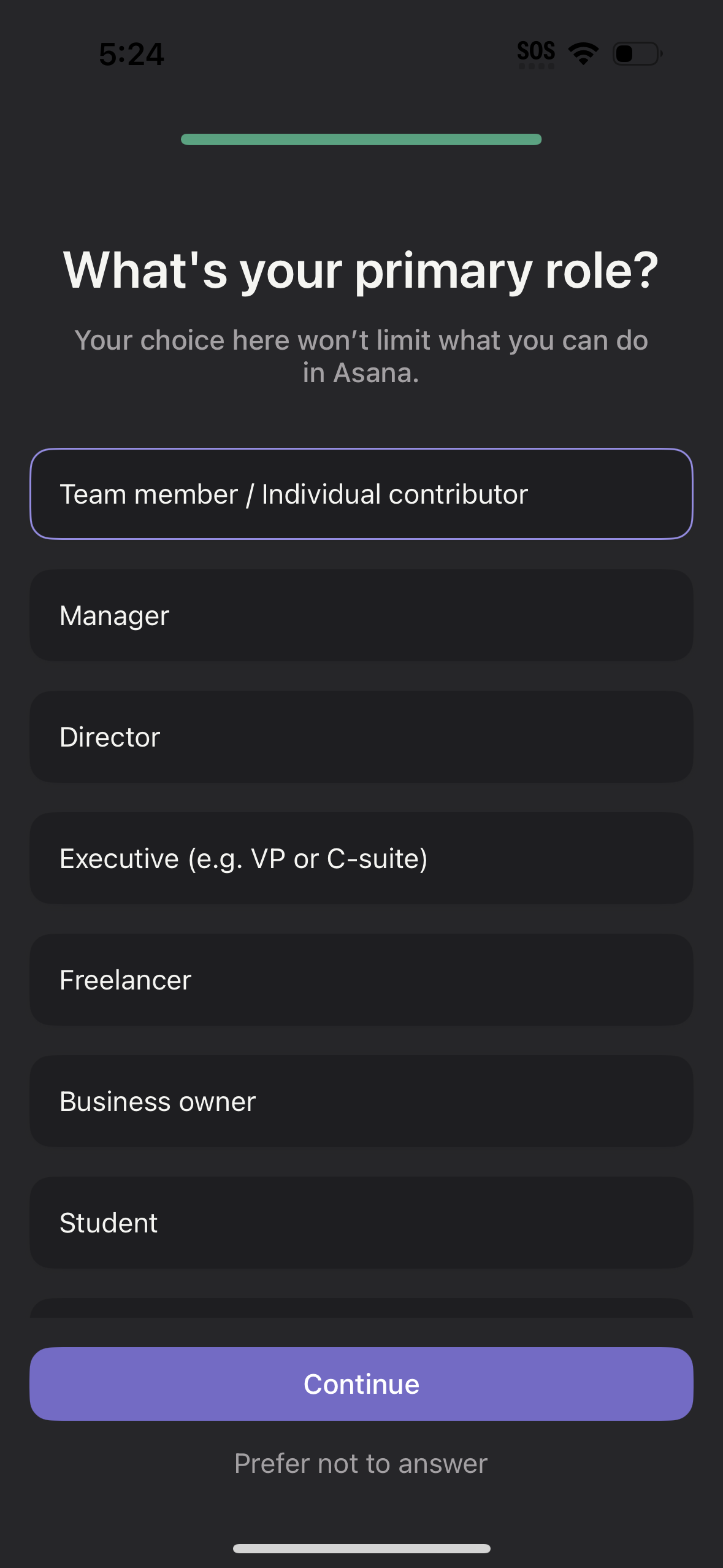
Onboarding role-selection screen asking “What’s your primary role? ” with a single-choice list of roles (team member/individual contributor, manager, director, executive, freelancer, business owner, student).
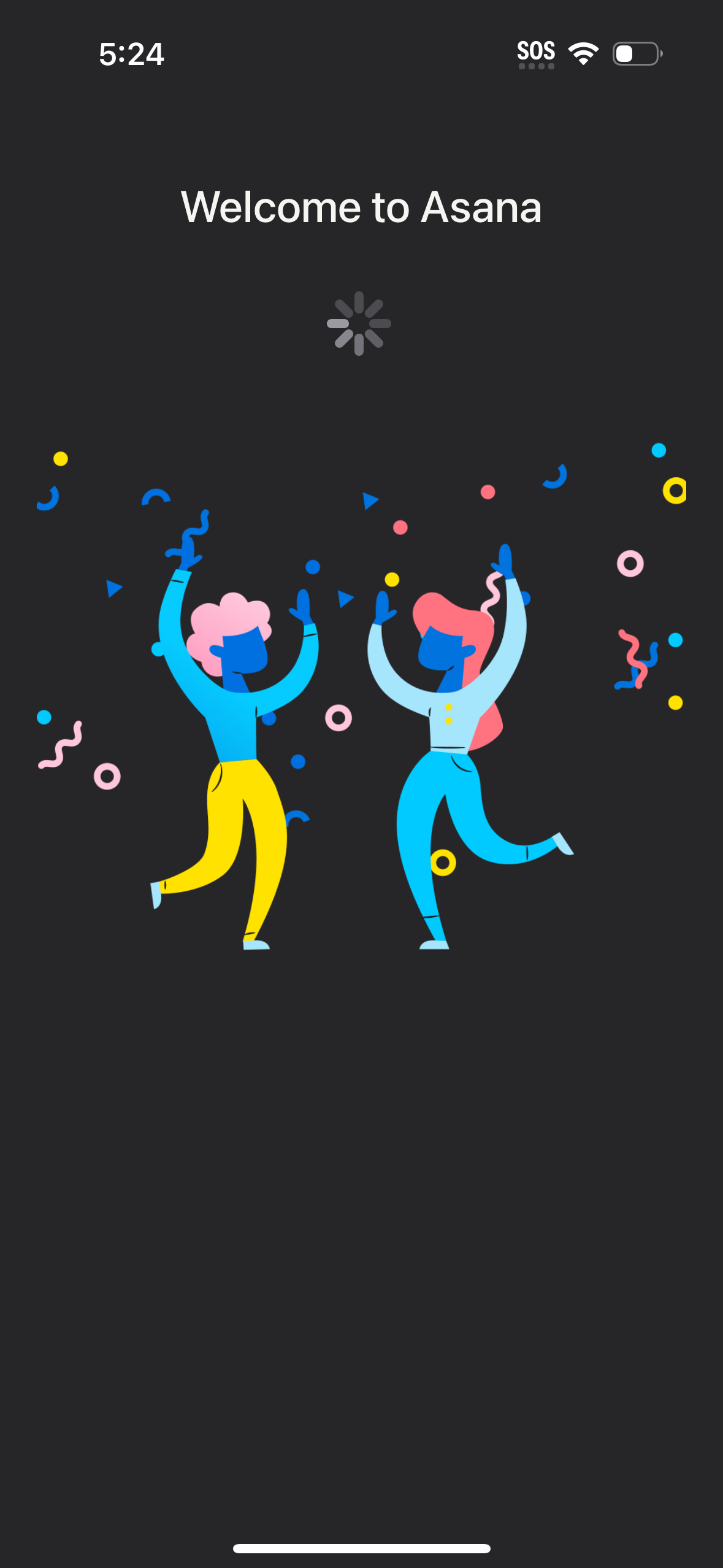
App welcome/loading screen for a project management tool, showing “Welcome to Asana” with a spinner and celebratory illustration while the app initializes or signs in. No user actions are available beyond waiting for loading to complete.