1
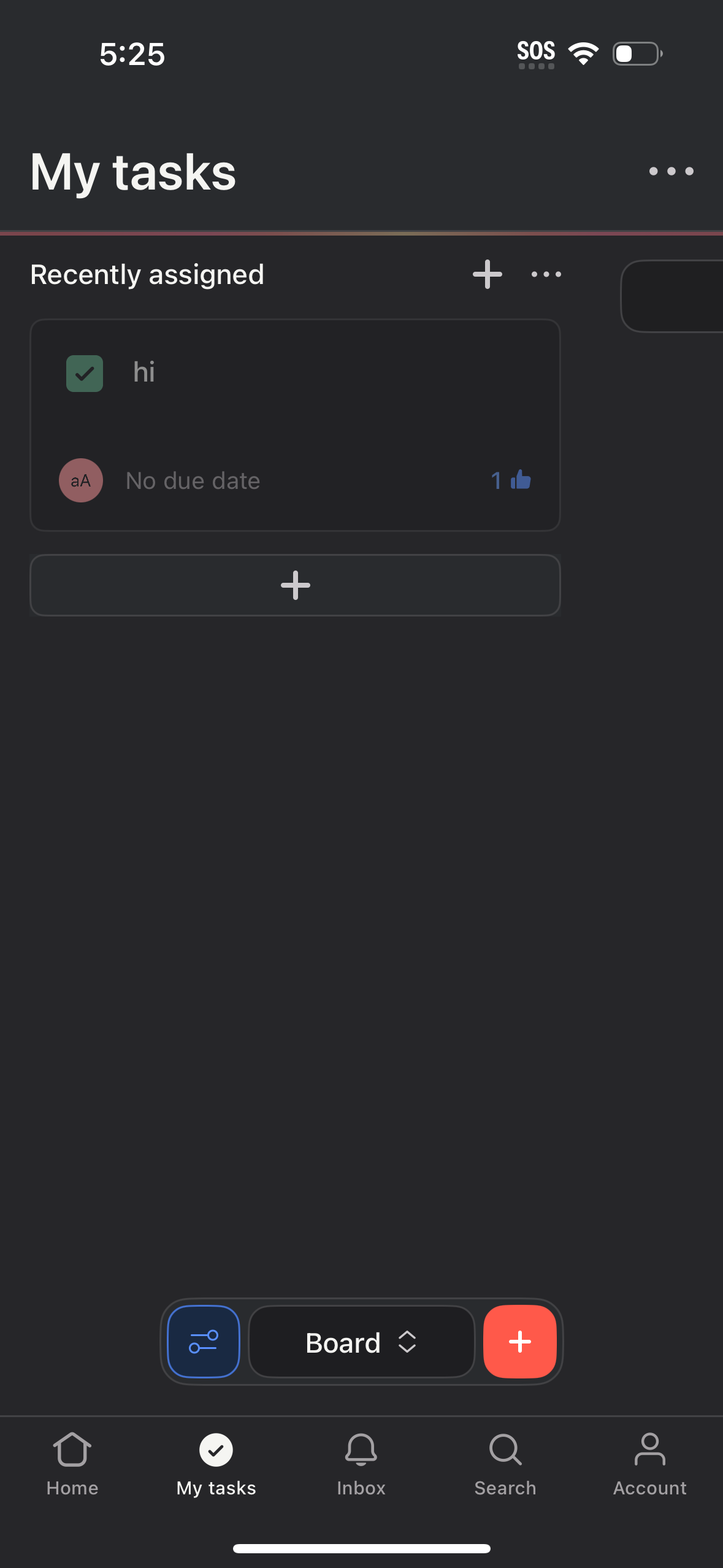
Task management “My tasks” screen showing a Recently assigned list with task cards including completion checkbox, assignee, due date status, and a reaction count. Users can add a new task via plus buttons, access list options via overflow menus, and navigate between Home, My tasks, Inbox, Search, and Account with a bottom tab bar.
2
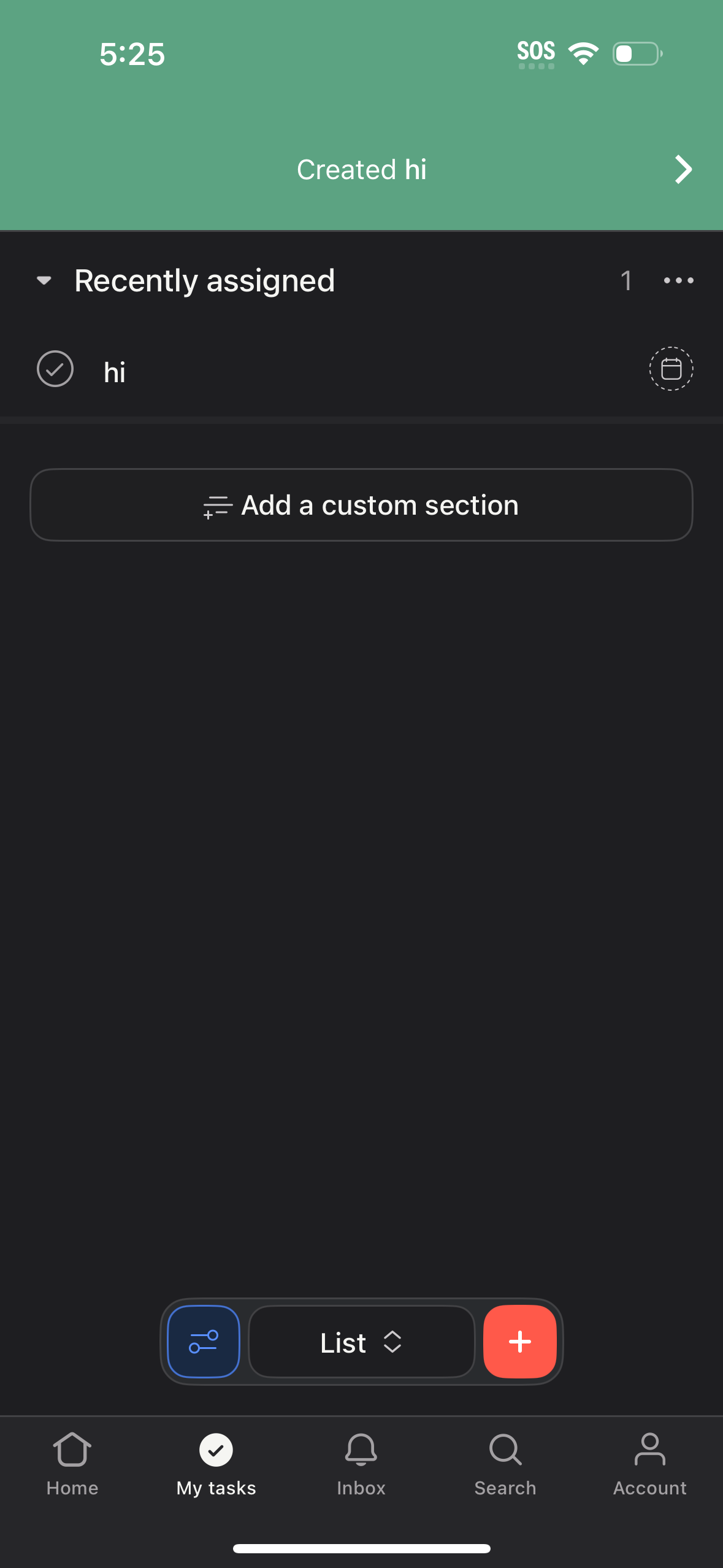
Task list screen in a productivity app showing a “Recently assigned” section with a checkbox to complete a task and an overflow menu for more actions. Includes an option to add a custom section, a bottom bar to switch list views/filters and add a new task, plus tab navigation for Home, My tasks, Inbox, Search, and Account.