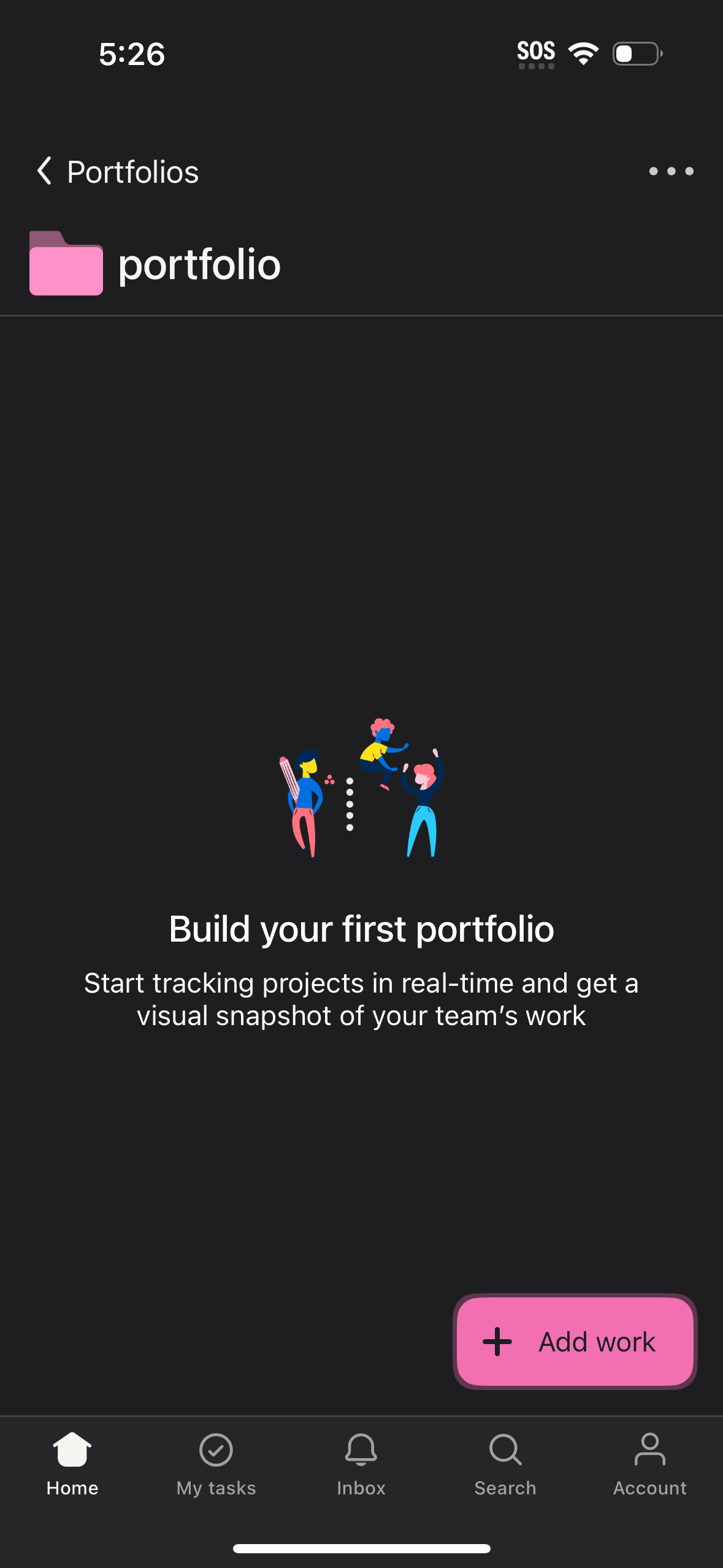
Empty-state “Portfolios” screen for a project/team tracking app prompting the user to build their first portfolio, with explanatory text and a primary “Add work” button to start adding projects. Includes navigation back, overflow menu, and a bottom tab bar for Home, My tasks, Inbox, Search, and Account.
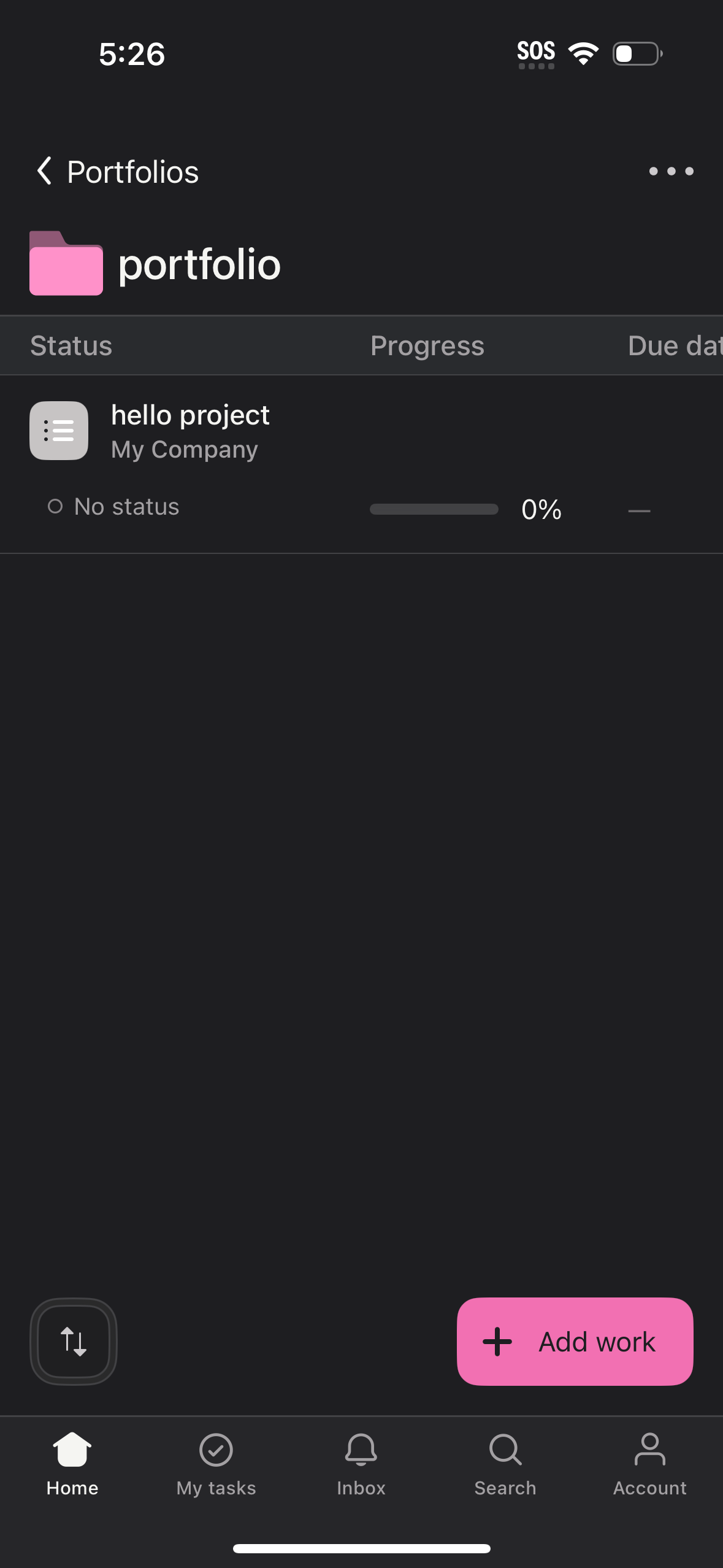
Portfolio projects list screen showing work items with columns for status, progress percentage bar, and due date, plus an overflow menu for portfolio actions. Includes a primary “Add work” button to add a new project and bottom navigation for Home, My tasks, Inbox, Search, and Account.
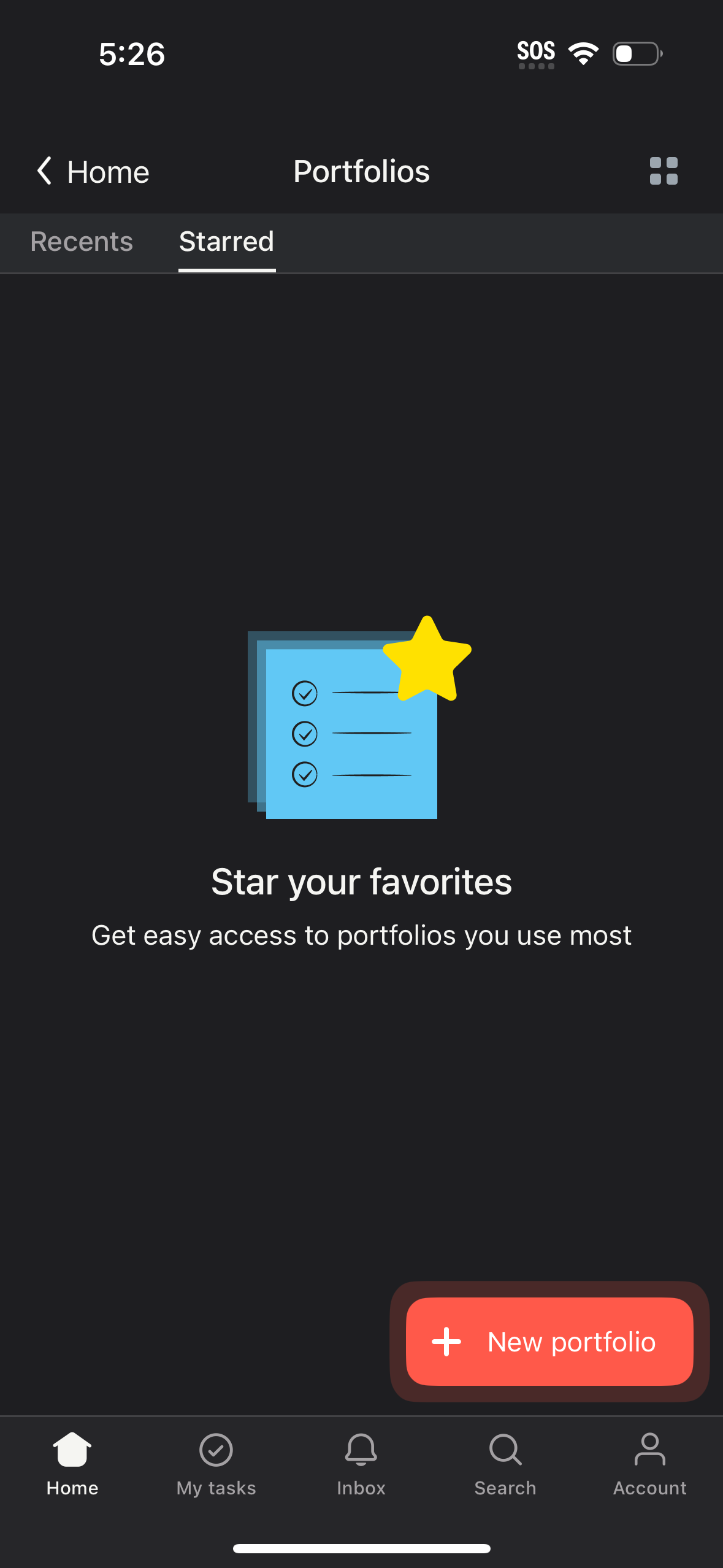
Portfolios screen with tabs for Recents and Starred, showing an empty state prompting users to star favorite portfolios for quick access. Includes a primary “New portfolio” add button, back navigation to Home, a grid/view toggle, and a bottom navigation bar.
Portfolio management screen showing tabs to switch between Recents and Starred portfolios, currently in a loading state (“Loading portfolios…”). Includes navigation back to Home, a view toggle icon, bottom tab bar navigation, and a prominent floating action button to create a New portfolio.