Create Task
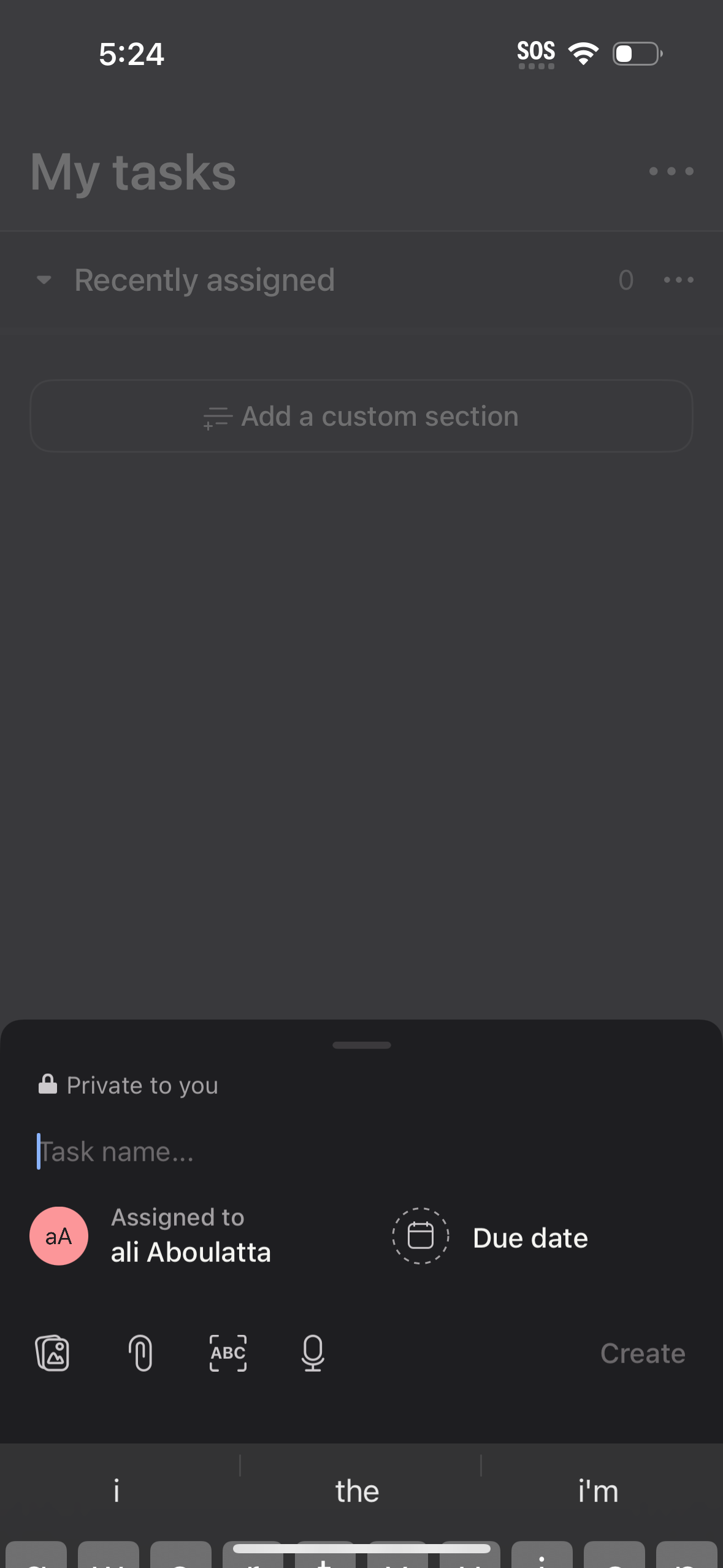
Task manager screen showing the “My tasks” list with a “Recently assigned” section and an option to add a custom section. A bottom sheet is open to create a new private task with a task name field, assignee selector, due date picker, attachment options, and a Create button.
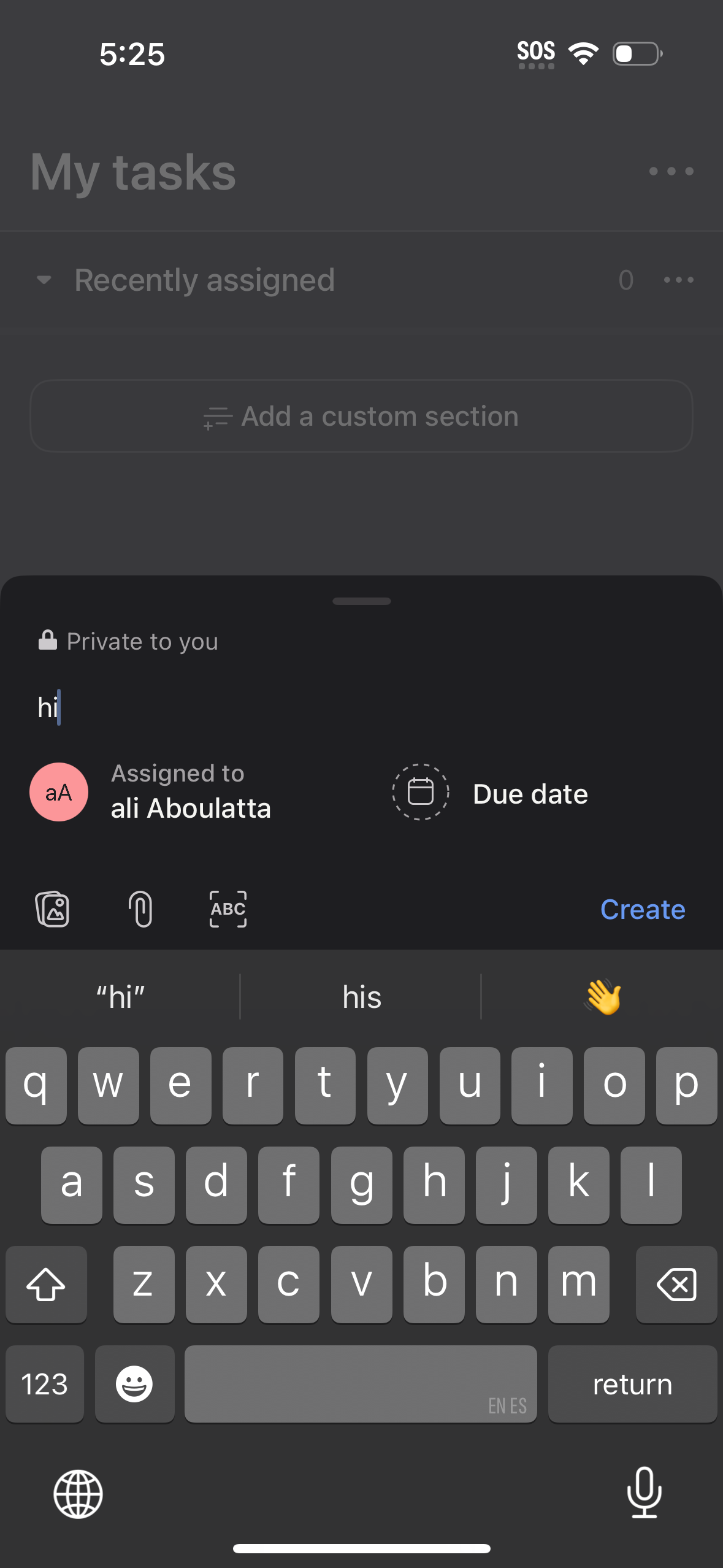
Task creation bottom sheet in a to-do app where you enter a task title and see it marked private, choose assignee and due date, and attach items like images, files, or scanned text. Includes a primary Create action to add the new task from the My tasks list.
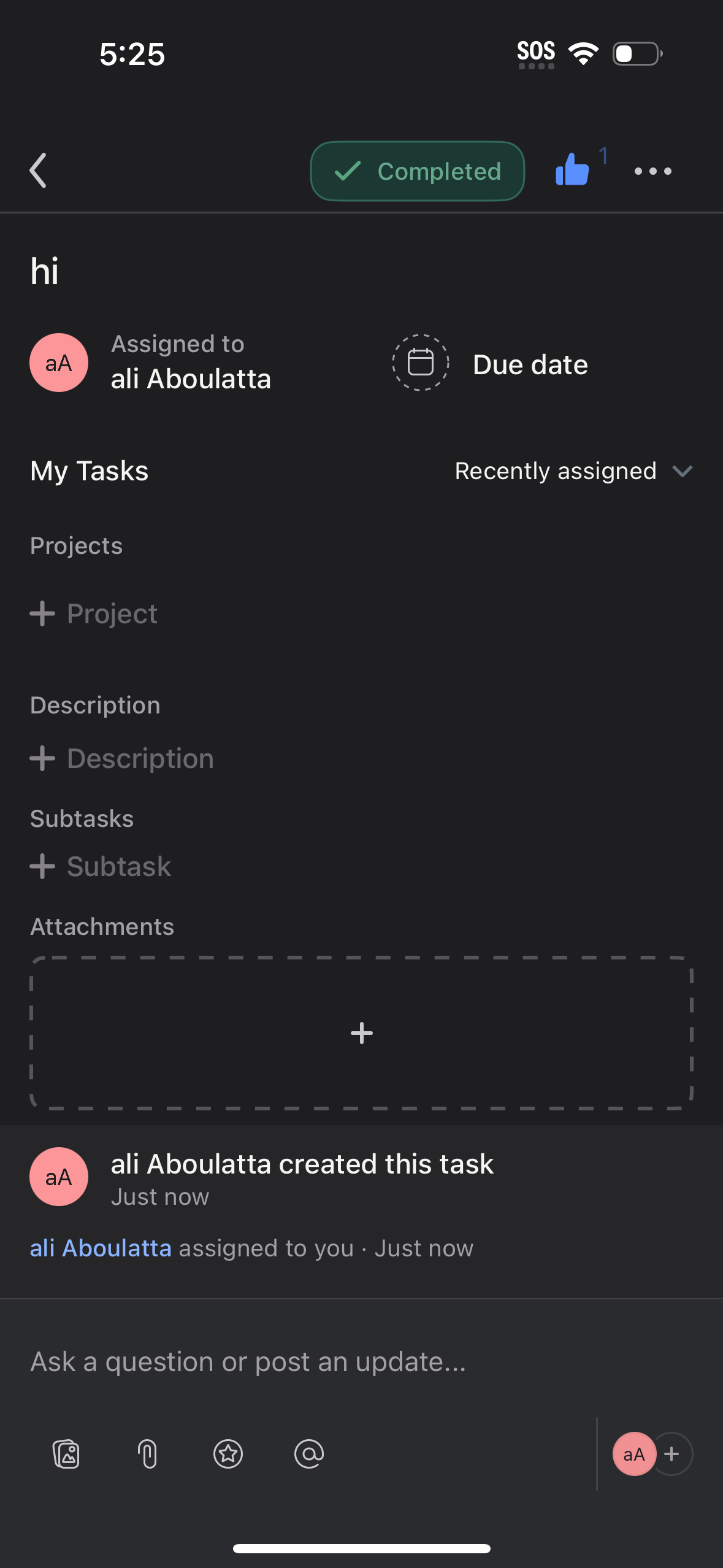
Task detail screen in a project management app showing a task marked Completed with assigned user and due date, plus fields to add project, description, subtasks, and attachments. Includes an activity/comments thread and an input bar to post updates or questions with file and mention actions.
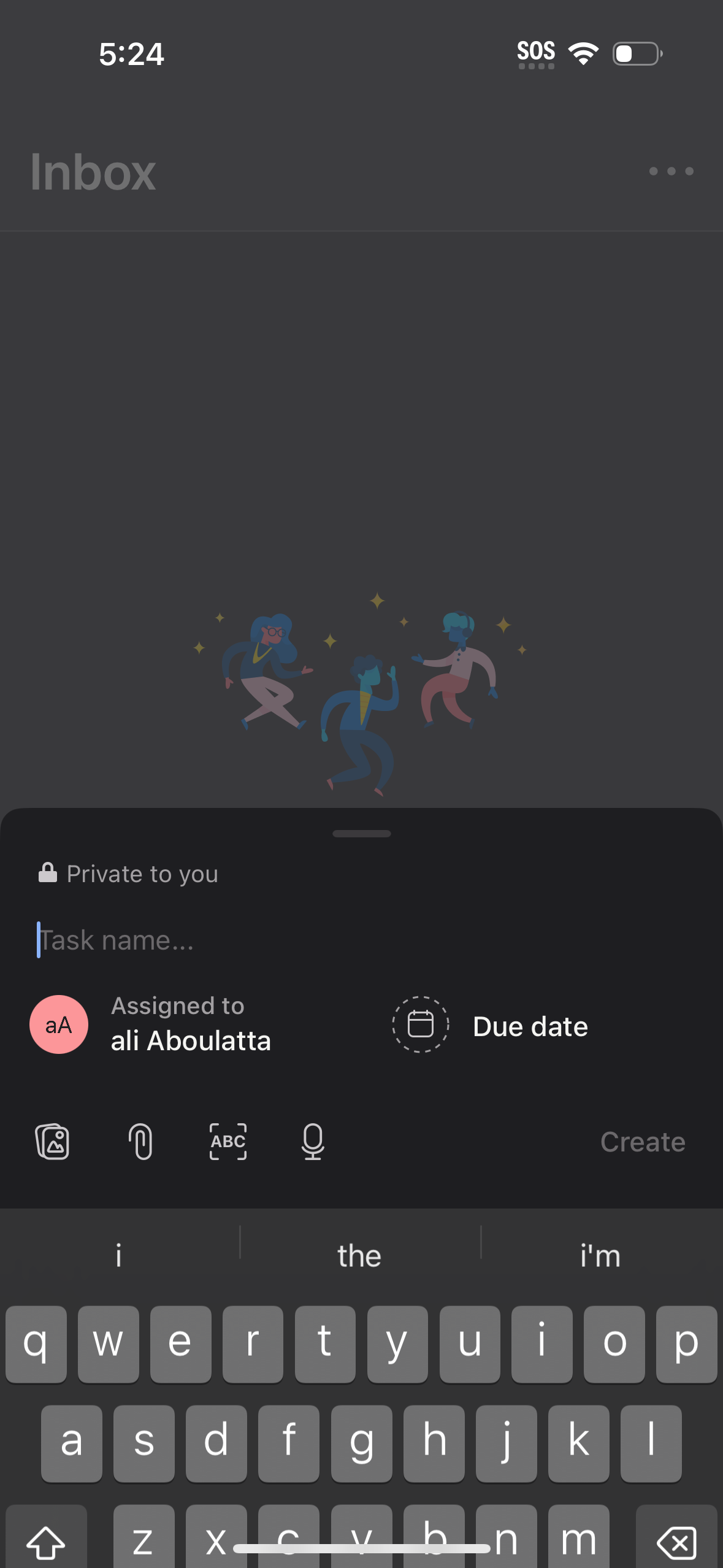
Inbox screen with a bottom-sheet composer to create a new private task, including a task name field, assignee selection, and due date picker. The composer also offers attachment and media options plus voice input, with a Create action to add the task.