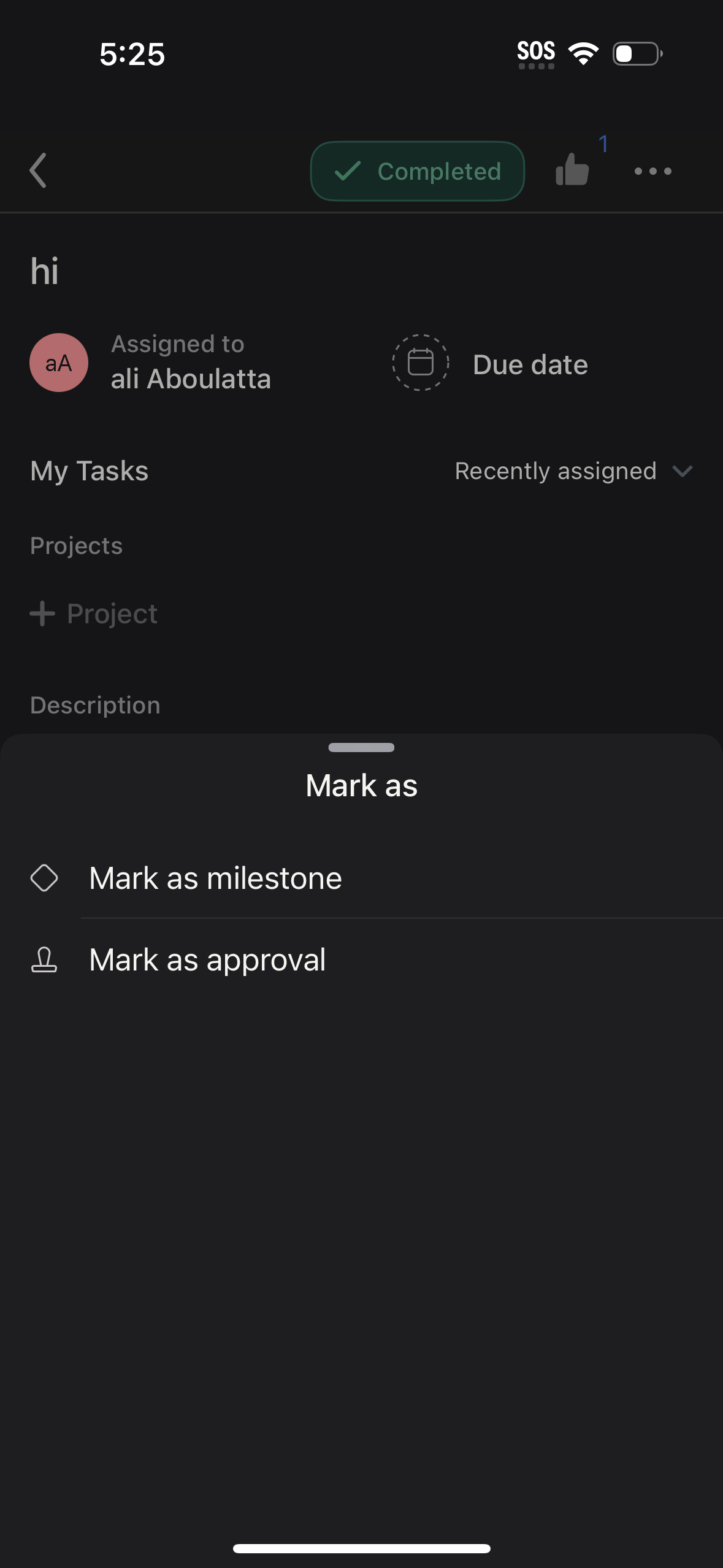
Task details screen in a project management app showing task status (completed), assignee, and due date, with sections to add it to a project and include a description. A bottom sheet “Mark as” menu lets the user categorize the task as a milestone or as an approval.
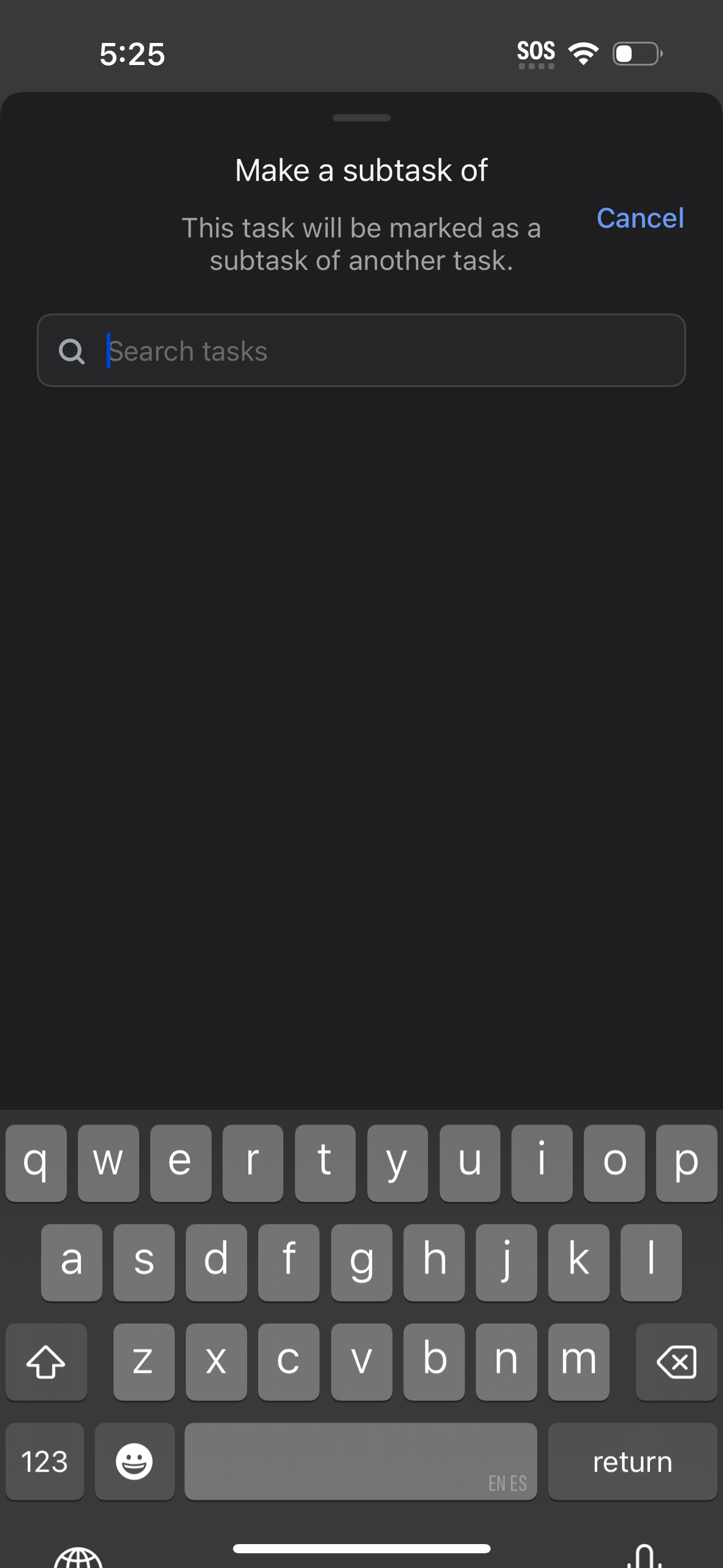
Modal bottom sheet for task management that lets the user make a task a subtask of another task by searching and selecting an existing parent task. Includes a search field with keyboard focus and a Cancel action to dismiss.
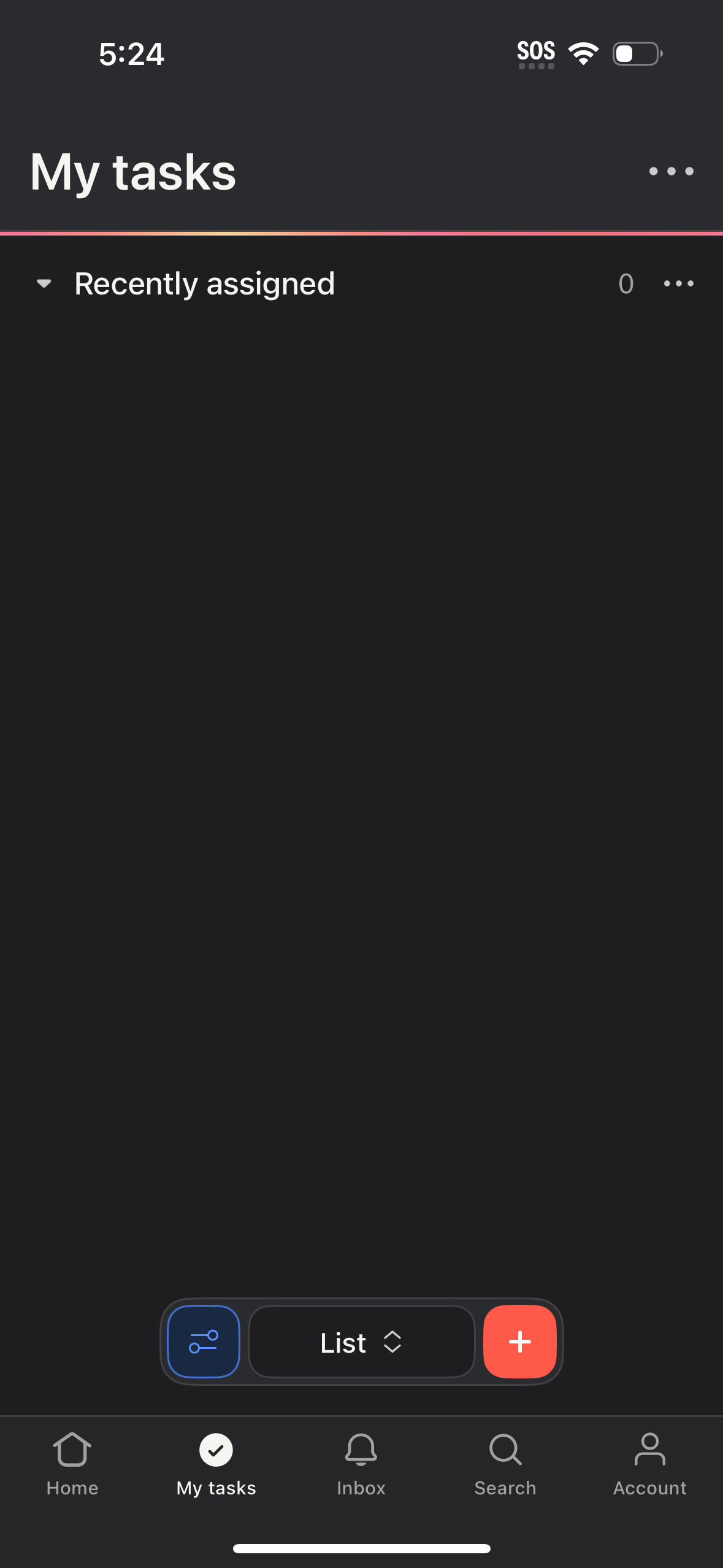
Task management “My tasks” screen showing a list view grouped by “Recently assigned” with an empty state and overflow options for list actions. A bottom control lets users toggle list filters/settings, switch view type, and add a new task with a prominent plus button, with tab navigation for Home, Tasks, Inbox, Search, and Account.