open artist profile
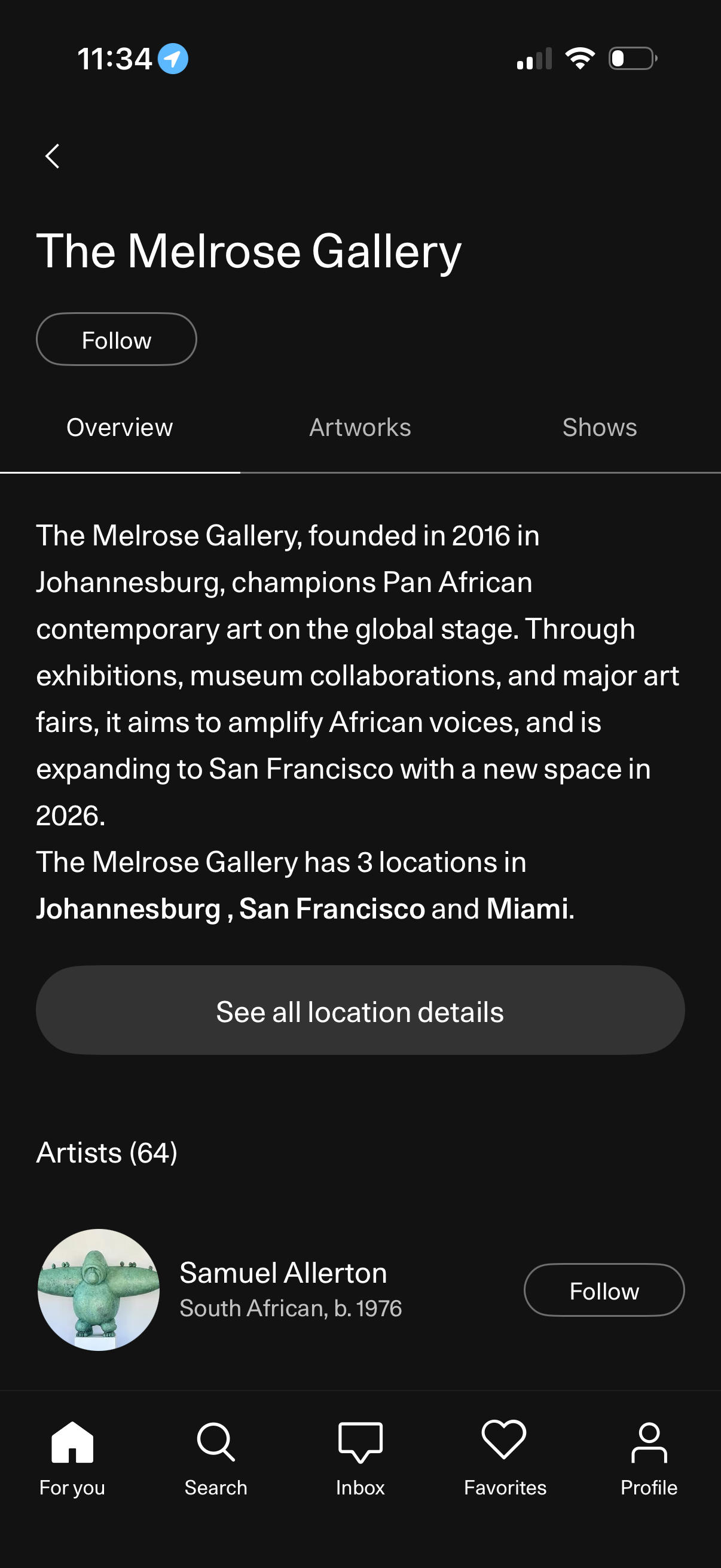
Gallery profile screen showing a venue overview with a follow button, tabs for Overview/Artworks/Shows, a descriptive bio, and a call-to-action to view all location details. Below, it lists associated artists with avatar cards and per-artist follow actions, within a bottom navigation app layout.
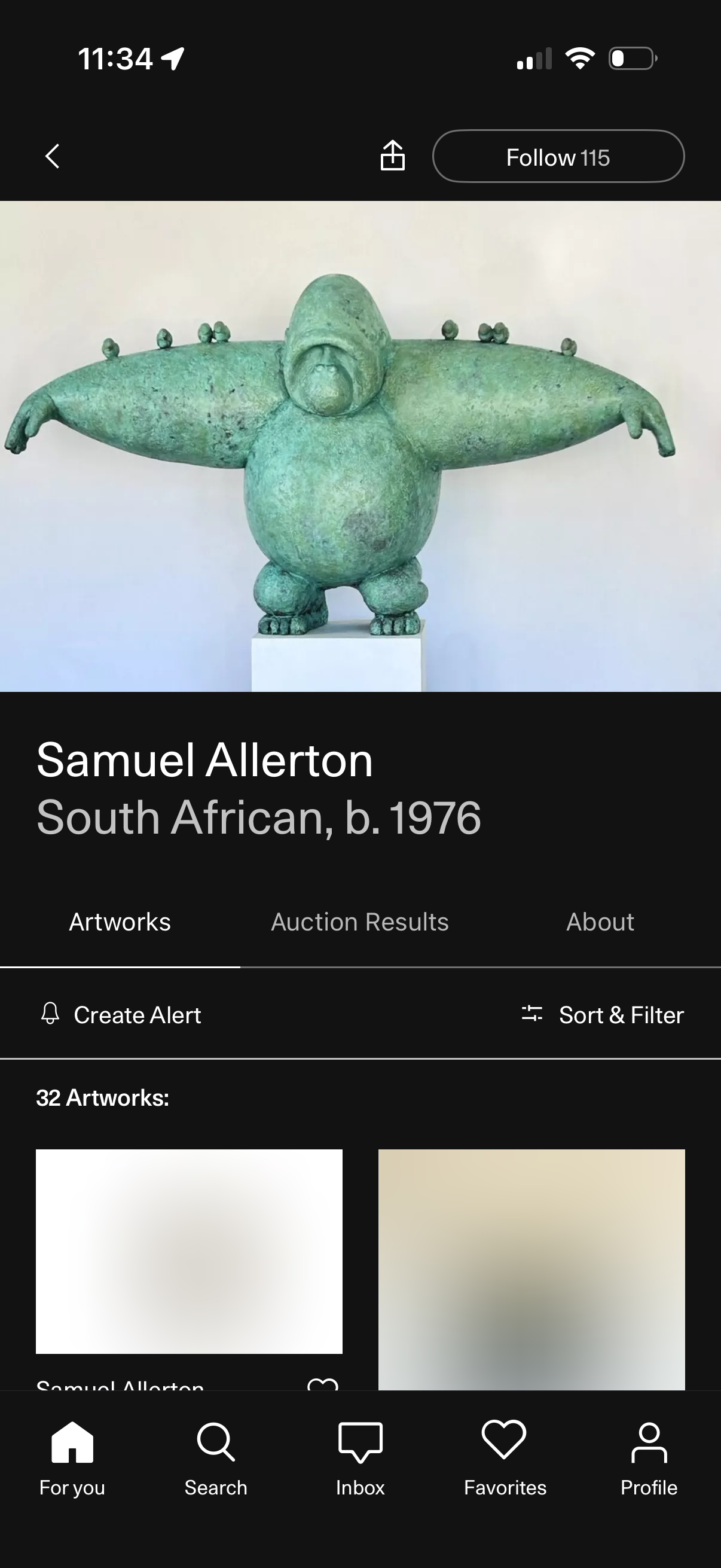
Artist profile screen in an art marketplace showing a large header image, artist name and bio details, and tabs for Artworks, Auction Results, and About. Users can follow the artist, share the profile, create an alert, and sort/filter the grid list of available artworks.
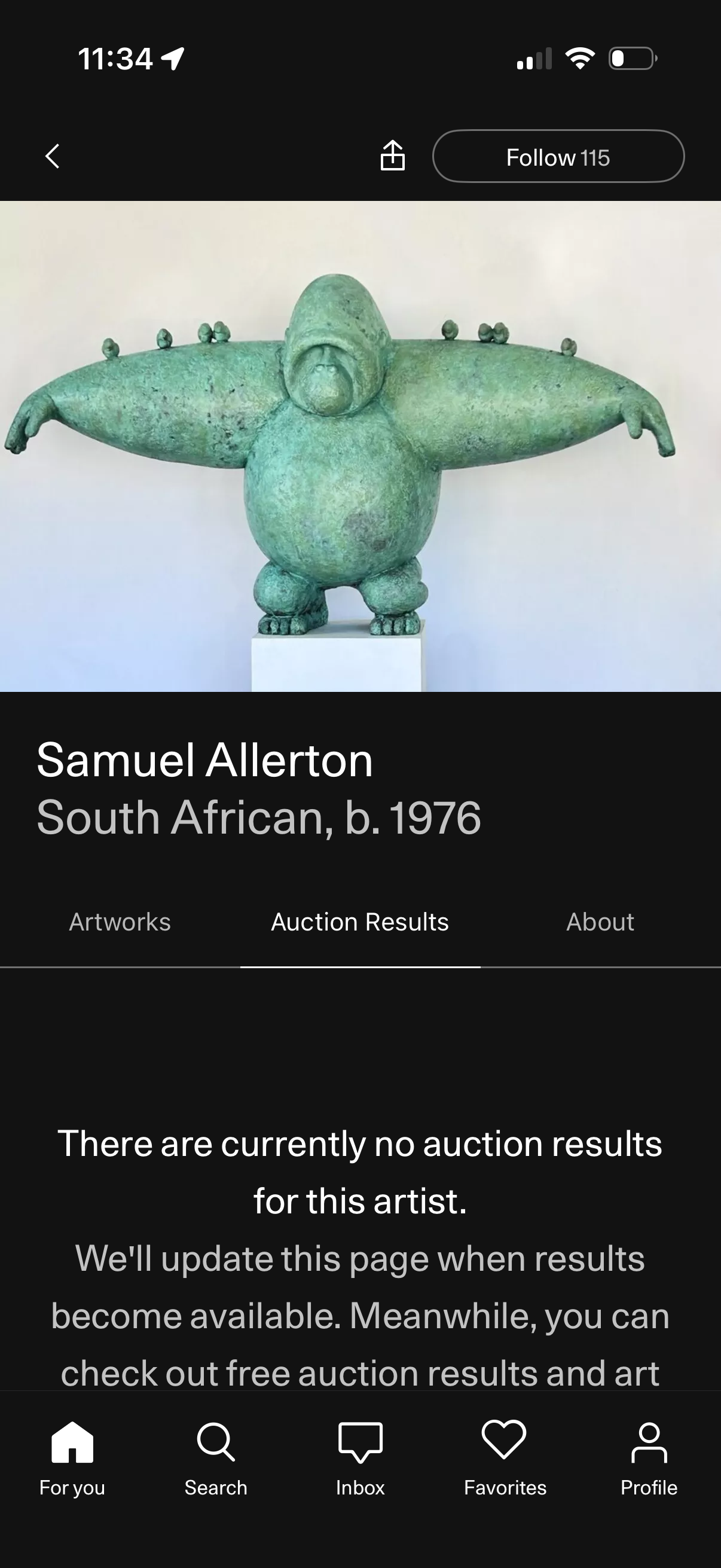
Artist profile screen in an art marketplace app showing a hero artwork image, artist name and bio details, and a prominent Follow button with share/back actions. Tab navigation lets users switch between Artworks, Auction Results, and About, with the Auction Results tab displaying an empty state message indicating no auction results are available yet.
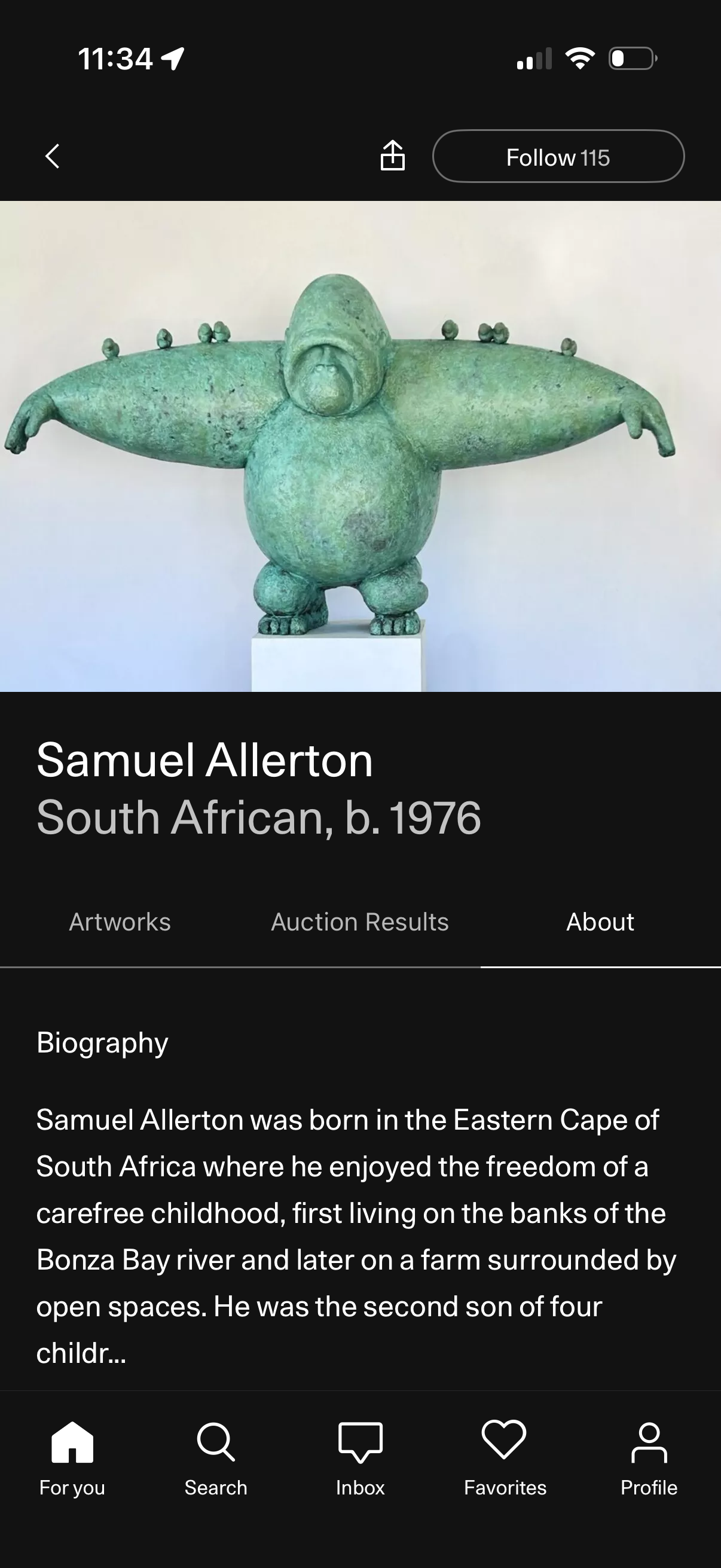
Artist profile “About” screen showing a large artwork header image, artist name and details, and tab navigation for Artworks, Auction Results, and About with a scrollable biography section. Top actions include back, share, and a Follow button, with a bottom navigation bar for browsing, search, inbox, favorites, and profile.