view follows and alerts
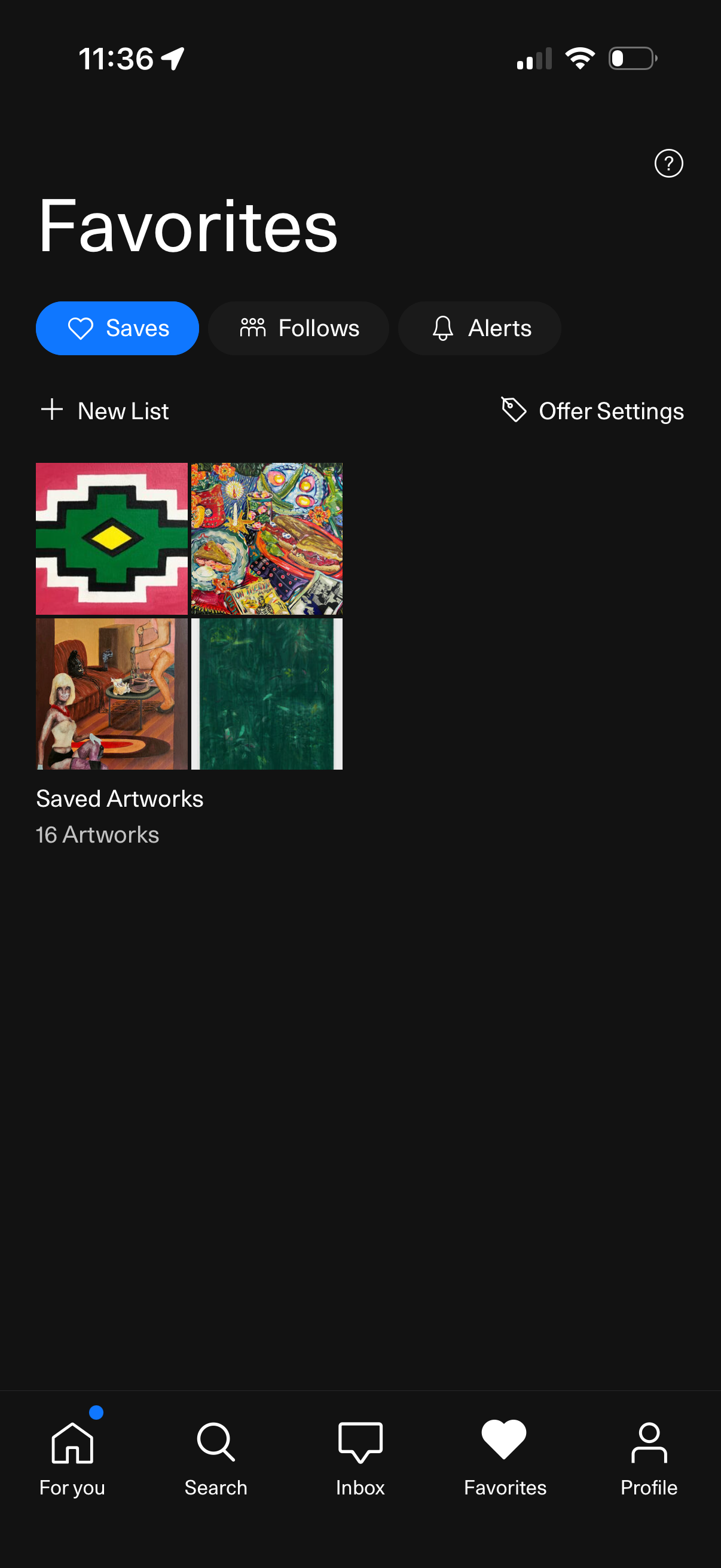
Favorites hub screen showing saved content with tabs for Saves, Follows, and Alerts, plus actions to create a new list and adjust offer settings. Displays a saved artworks collection as a grid preview with an item count, with bottom navigation to For You, Search, Inbox, Favorites, and Profile.
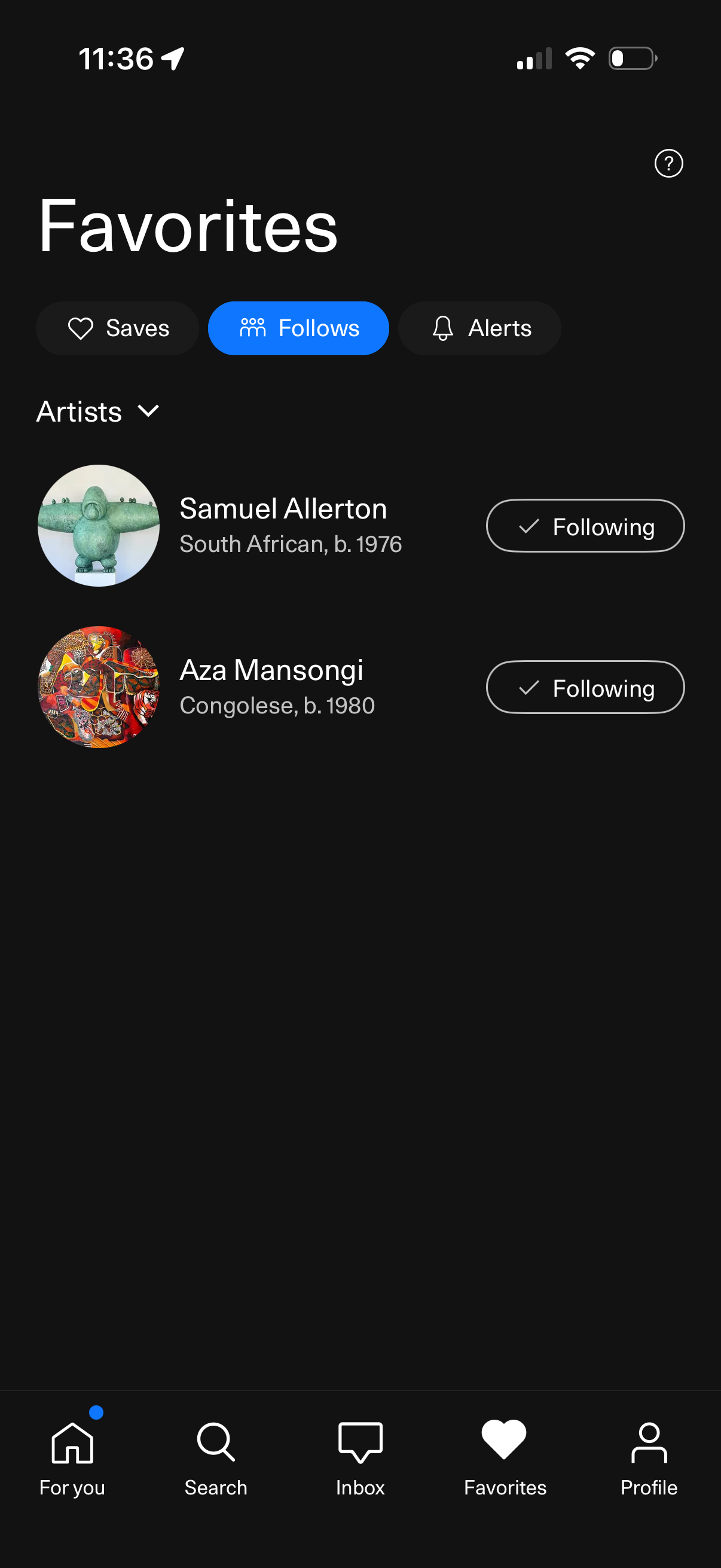
Favorites hub screen showing tabs for Saves, Follows, and Alerts, with the Follows tab selected. Displays a list of followed artists with avatar thumbnails, brief bio details, and a “Following” toggle/button to manage follows, plus an artists filter dropdown.
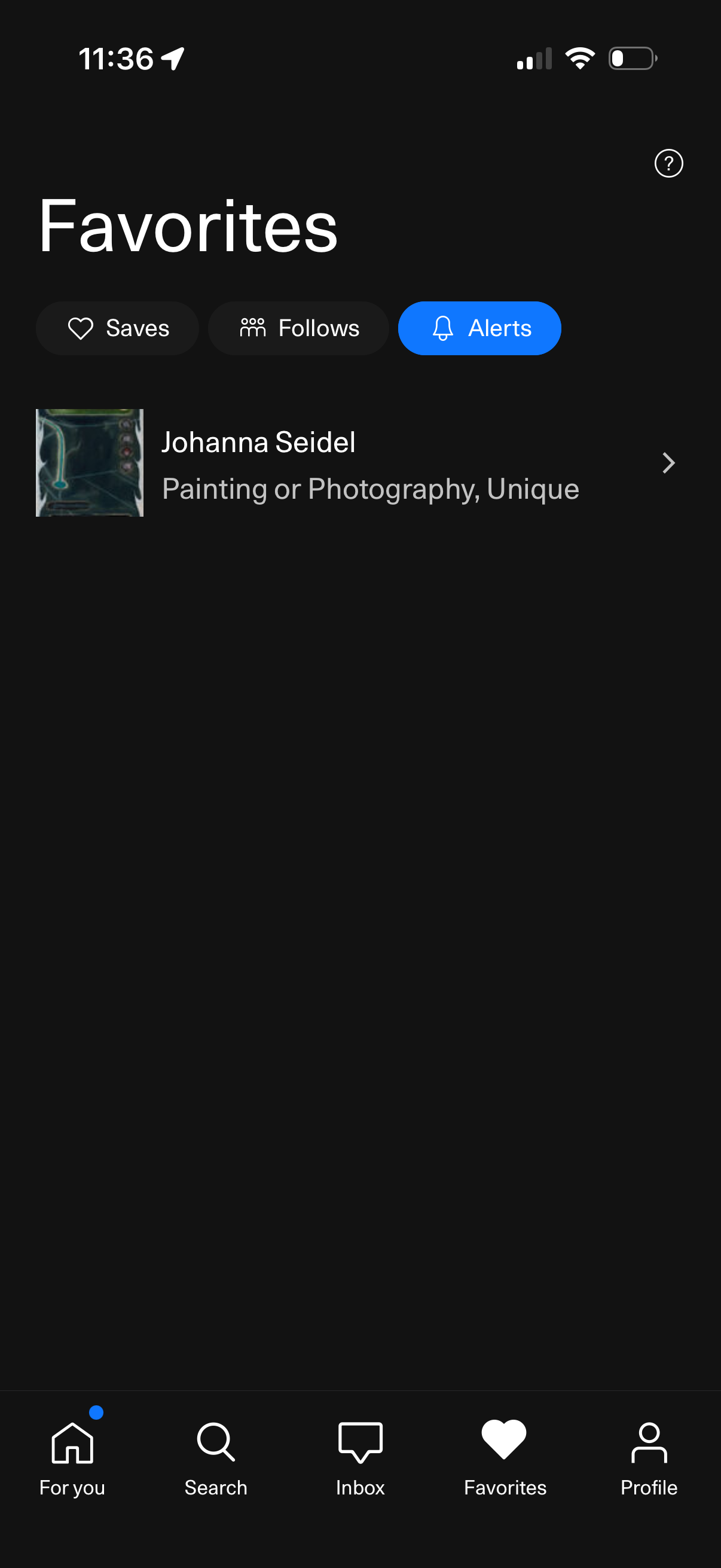
Favorites hub screen showing segmented tabs for Saves, Follows, and Alerts, with the Alerts tab selected. Displays a list of favorited creators/items with thumbnail, name, category, and a chevron to open details, plus a bottom navigation bar to switch app sections.