create favorites list
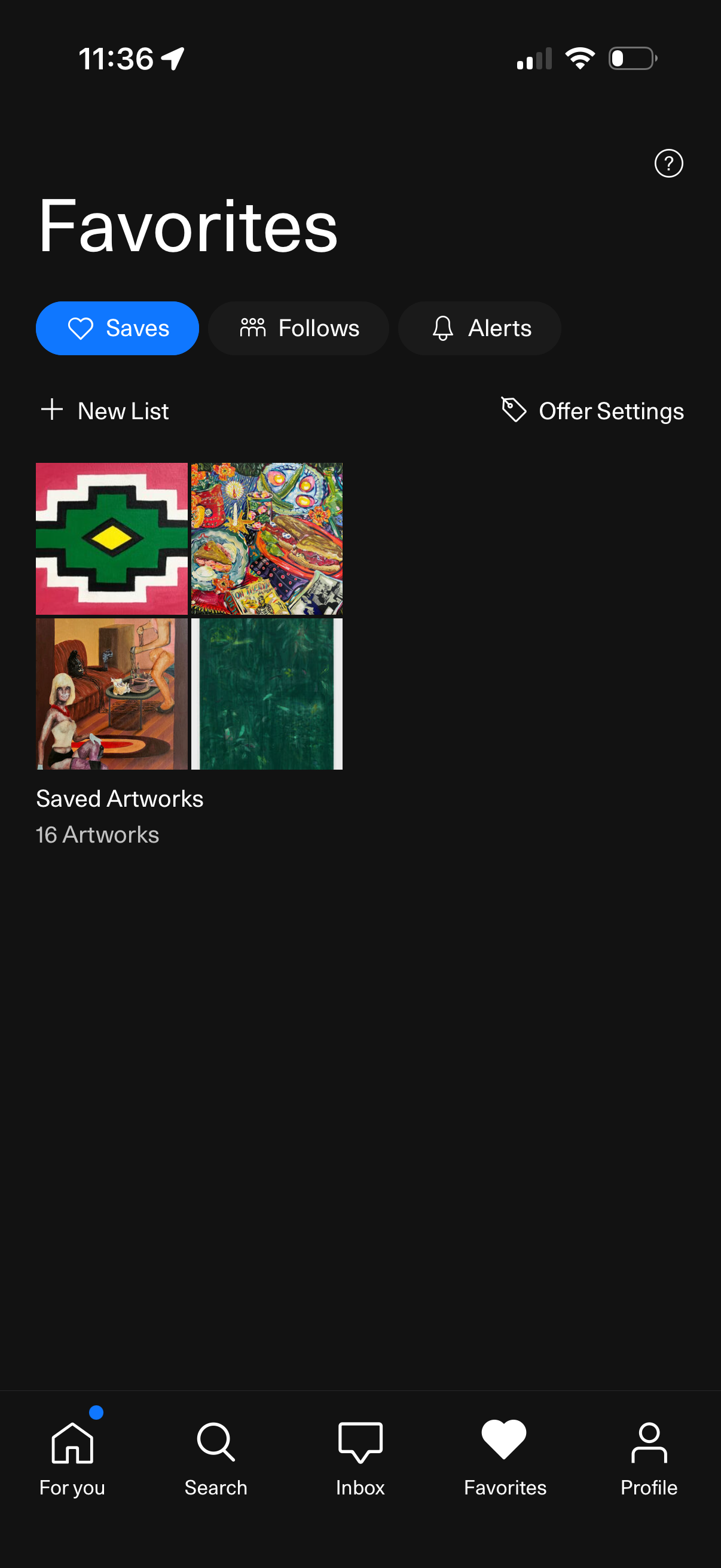
Favorites hub screen showing saved content with tabs for Saves, Follows, and Alerts, plus actions to create a new list and adjust offer settings. Displays a saved artworks collection as a grid preview with an item count, with bottom navigation to For You, Search, Inbox, Favorites, and Profile.
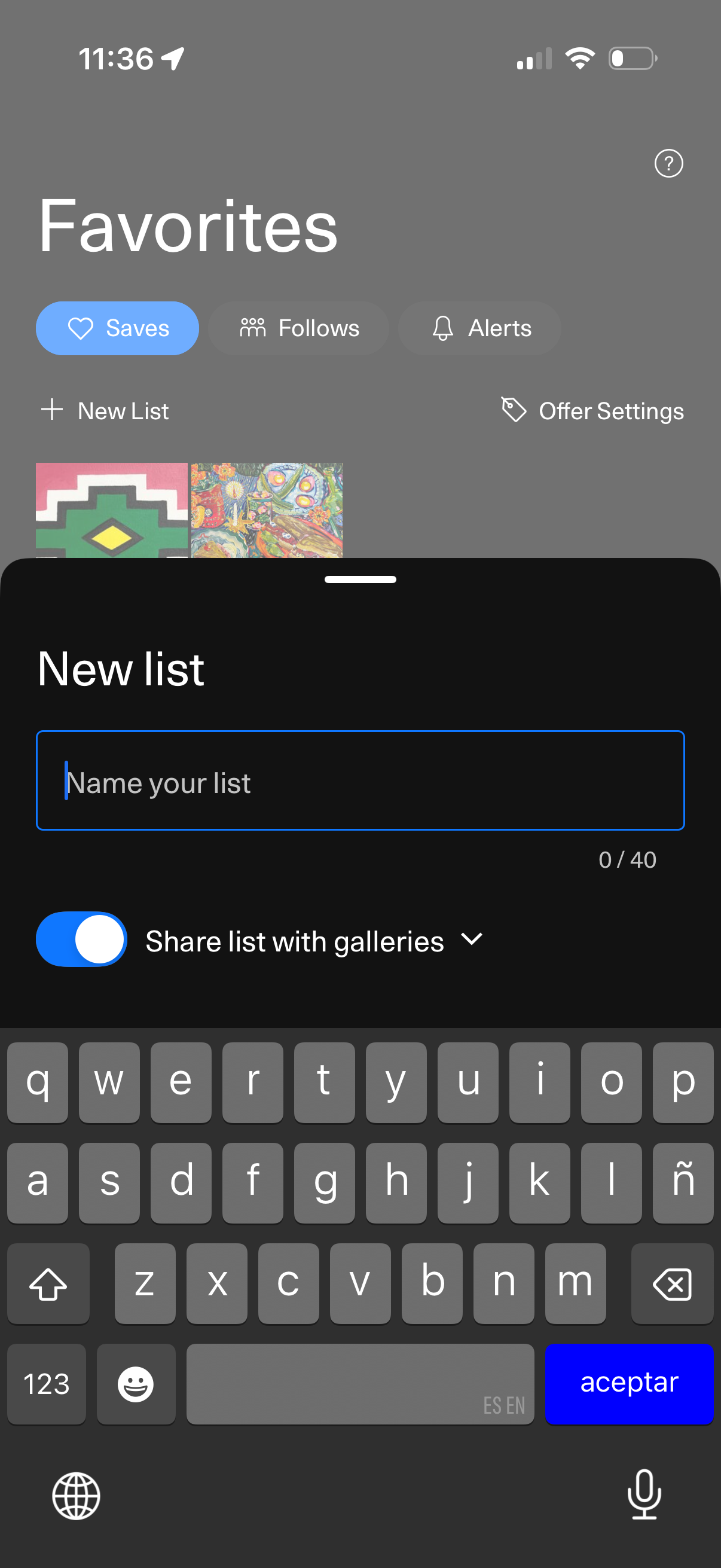
Favorites screen for managing saved items, with tabs for Saves, Follows, and Alerts plus access to offer settings. A bottom-sheet modal lets the user create a new list by entering a list name (character limit shown) and toggling whether to share the list with galleries.
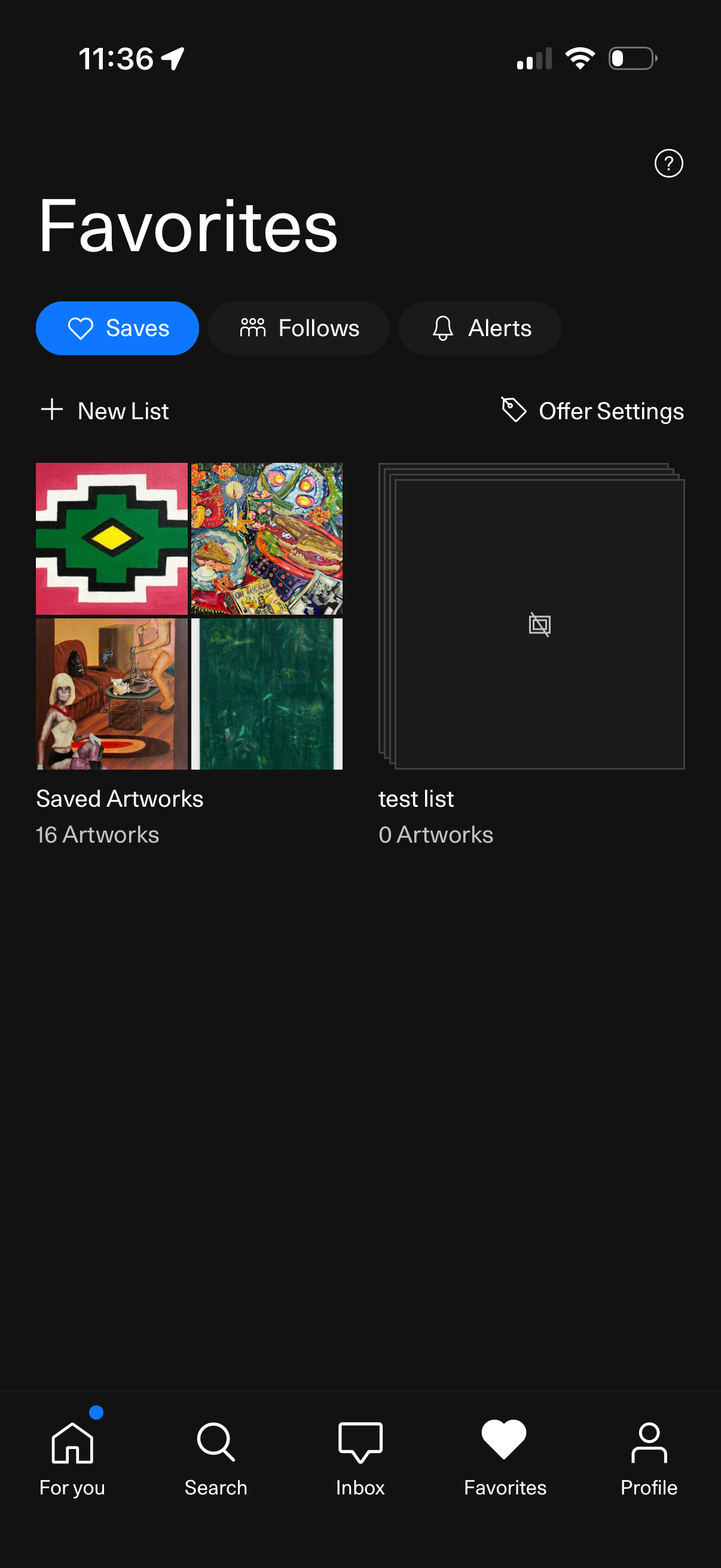
Favorites screen showing saved items organized into lists, with tabs to switch between Saves, Follows, and Alerts. Users can create a new list, open offer settings, and browse saved artwork collections displayed as grid thumbnails with item counts.