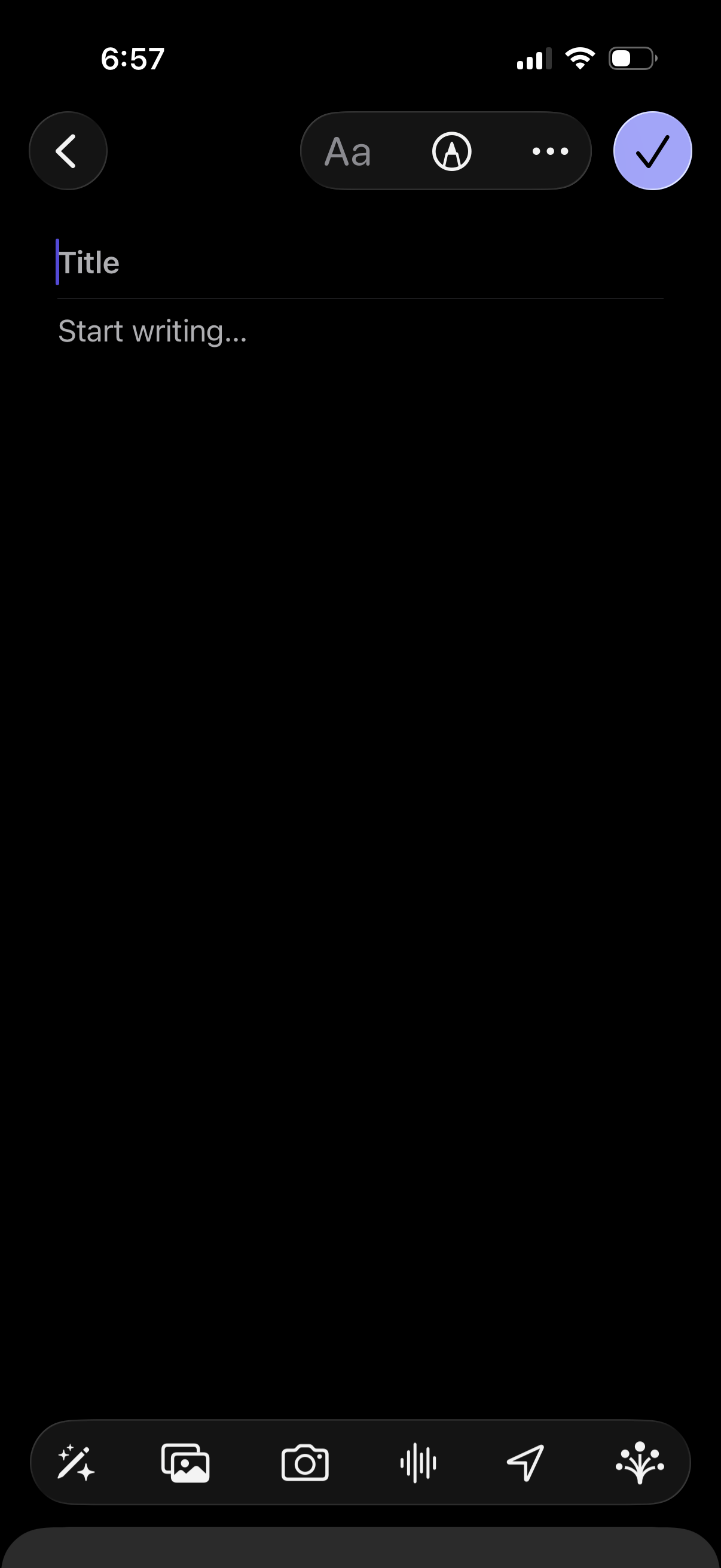
Note creation editor in dark mode with fields for Title and body text, plus formatting options and a more menu. Bottom toolbar lets users insert attachments like photos or camera images, add audio/voice recording, and send/share, with a checkmark to save/confirm and a back button to cancel.
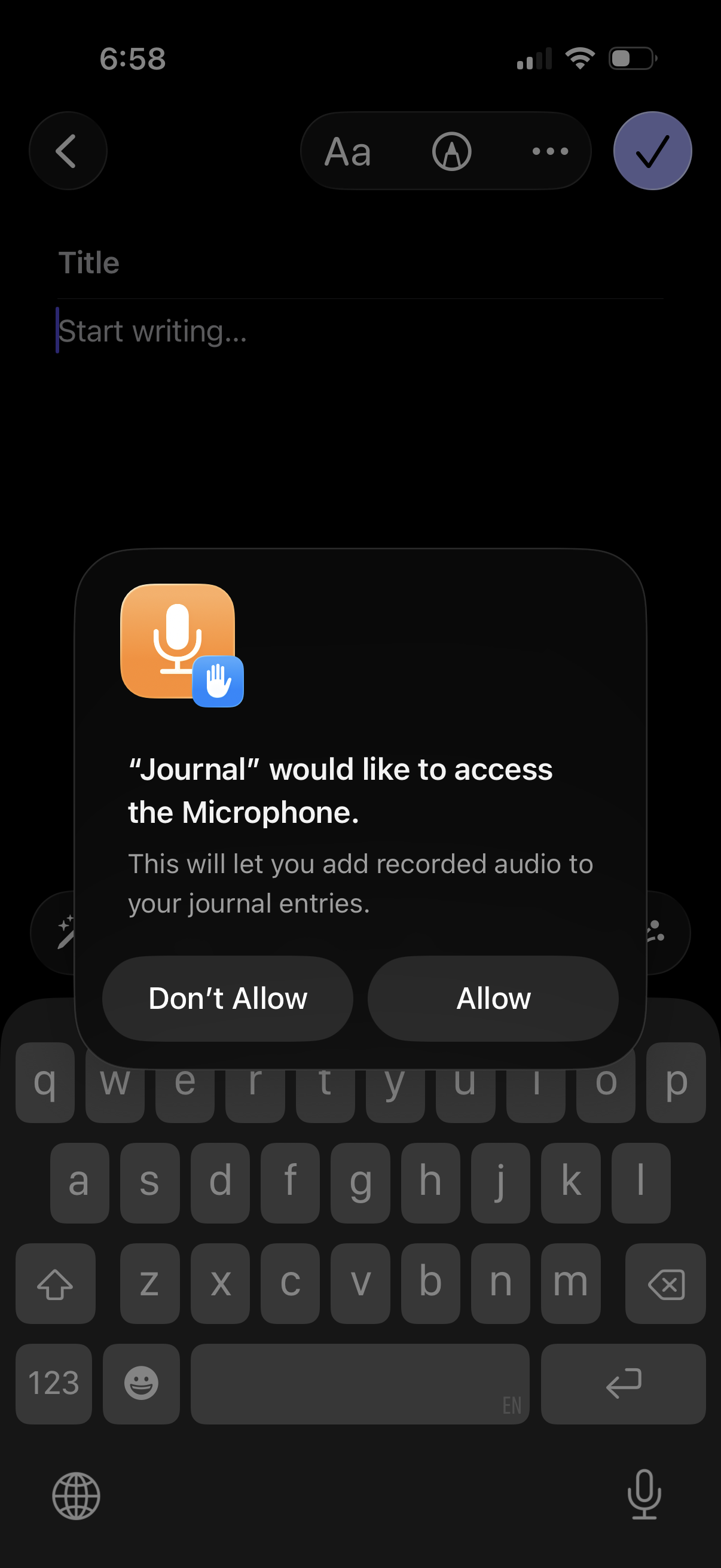
A journaling app’s new entry writing screen with a title field and text editor is interrupted by a system permission modal requesting microphone access to enable adding recorded audio to journal entries, offering “Don’t Allow” or “Allow” actions.
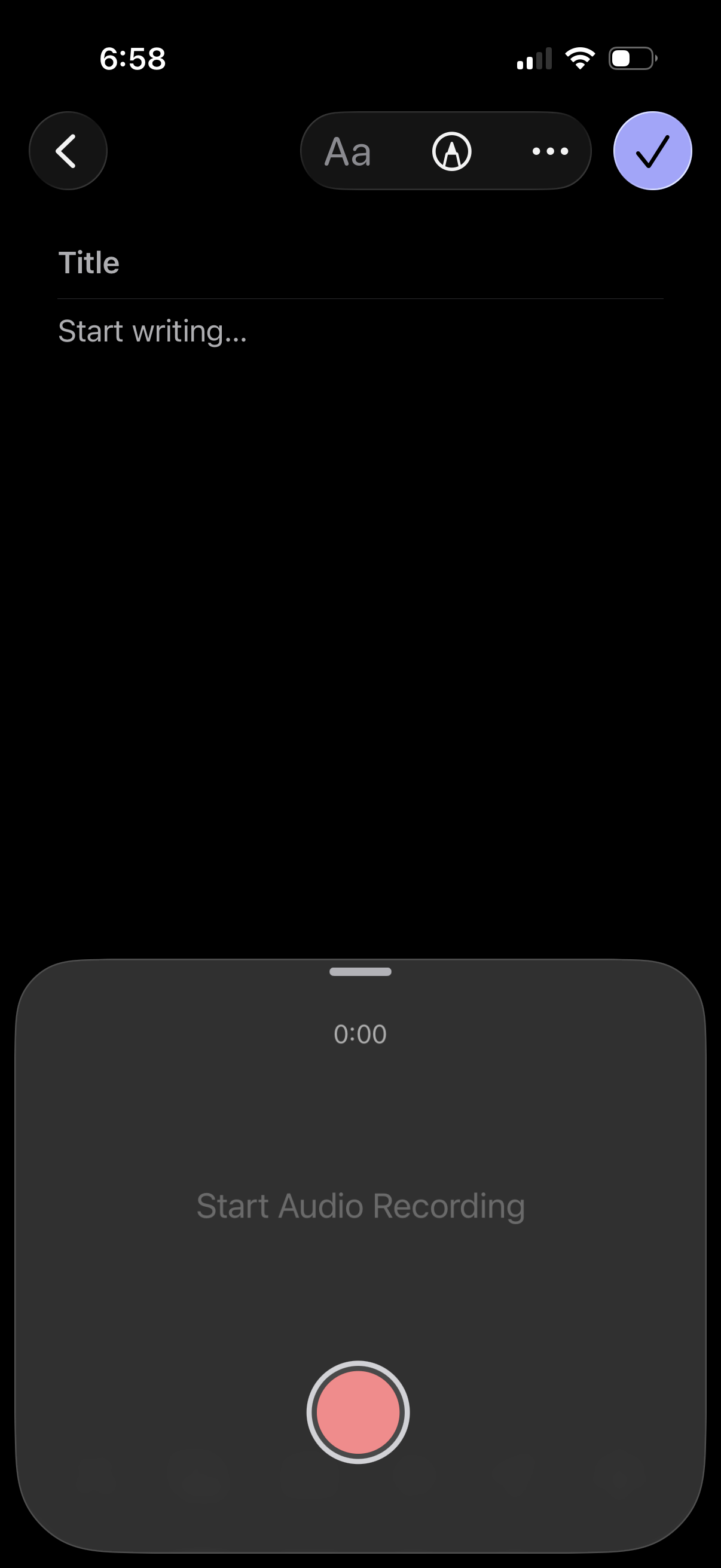
New note editor screen with a title field and blank writing area, offering text formatting and drawing tools plus a more options menu, with a checkmark to save/confirm. A bottom sheet audio recorder is open showing a timer and a large record button to start voice recording for the note.
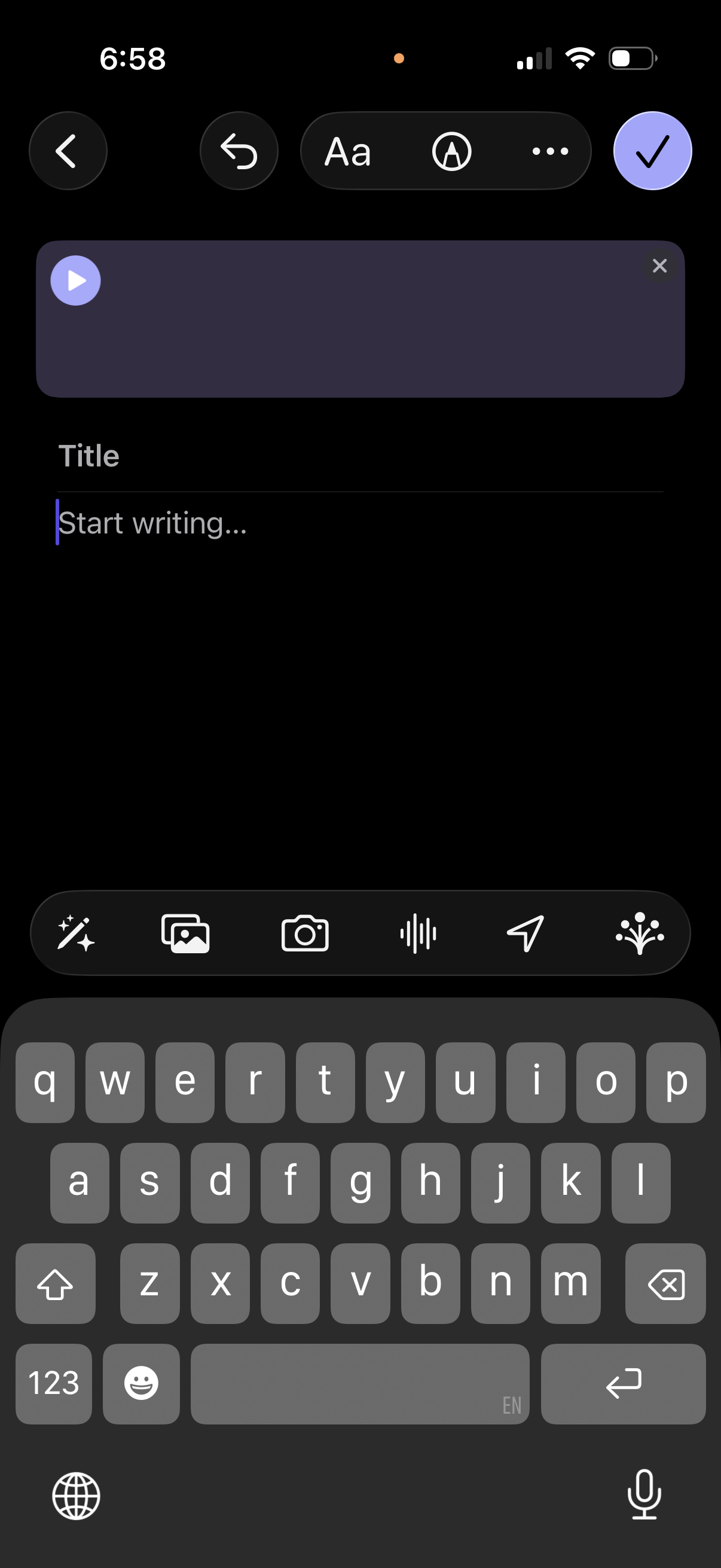
Mobile note/message composer screen with a voice note preview player, a title field, and a writing area, offering quick actions to attach media or take a photo, record audio, and send/share. Top controls include back/undo, text formatting options, and a checkmark to save or confirm.