1
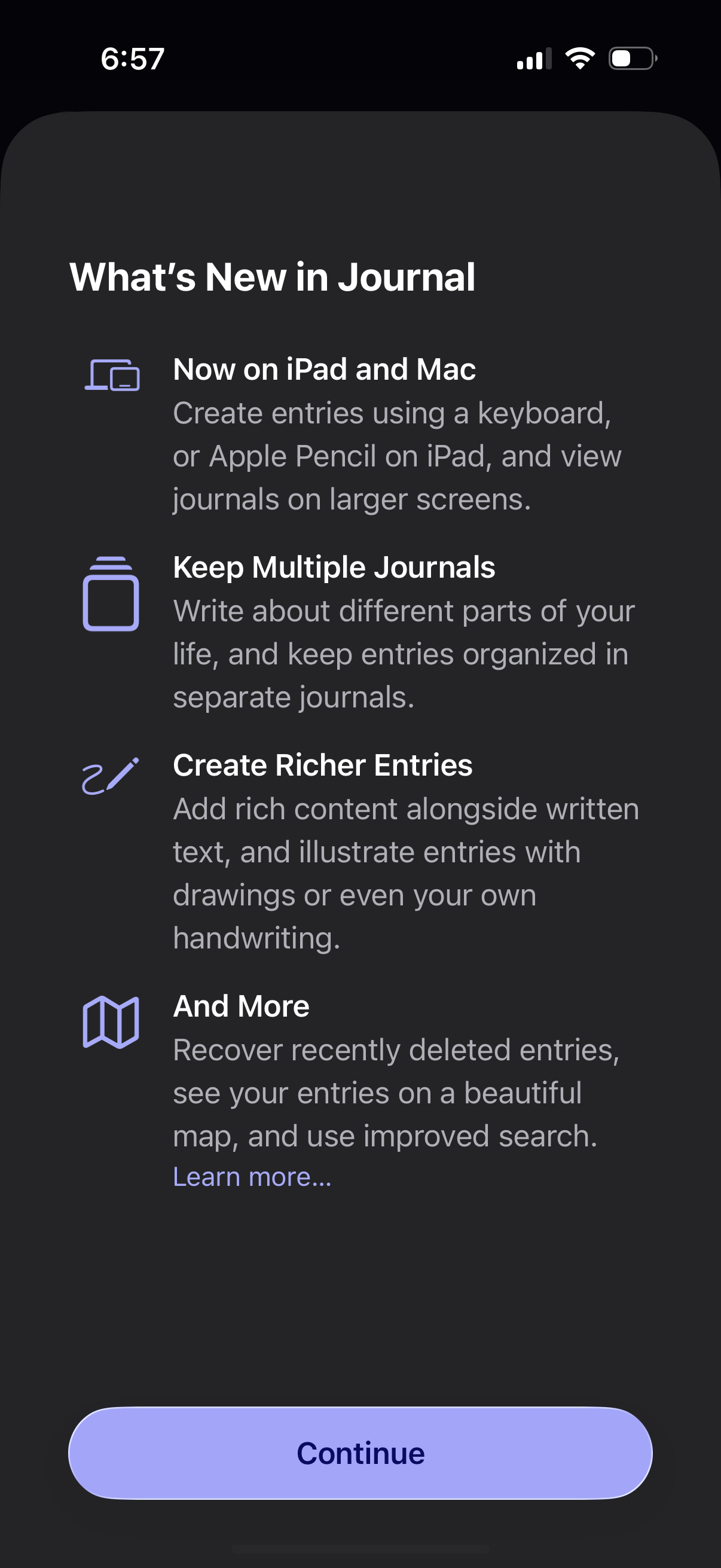
A “What’s New” onboarding update screen for a journaling app highlighting new features like iPad/Mac support, keeping multiple journals, creating richer entries with drawings/handwriting, and additional tools like recovery, map view, and improved search. Primary action is a large “Continue” button with an optional “Learn more” link.
2
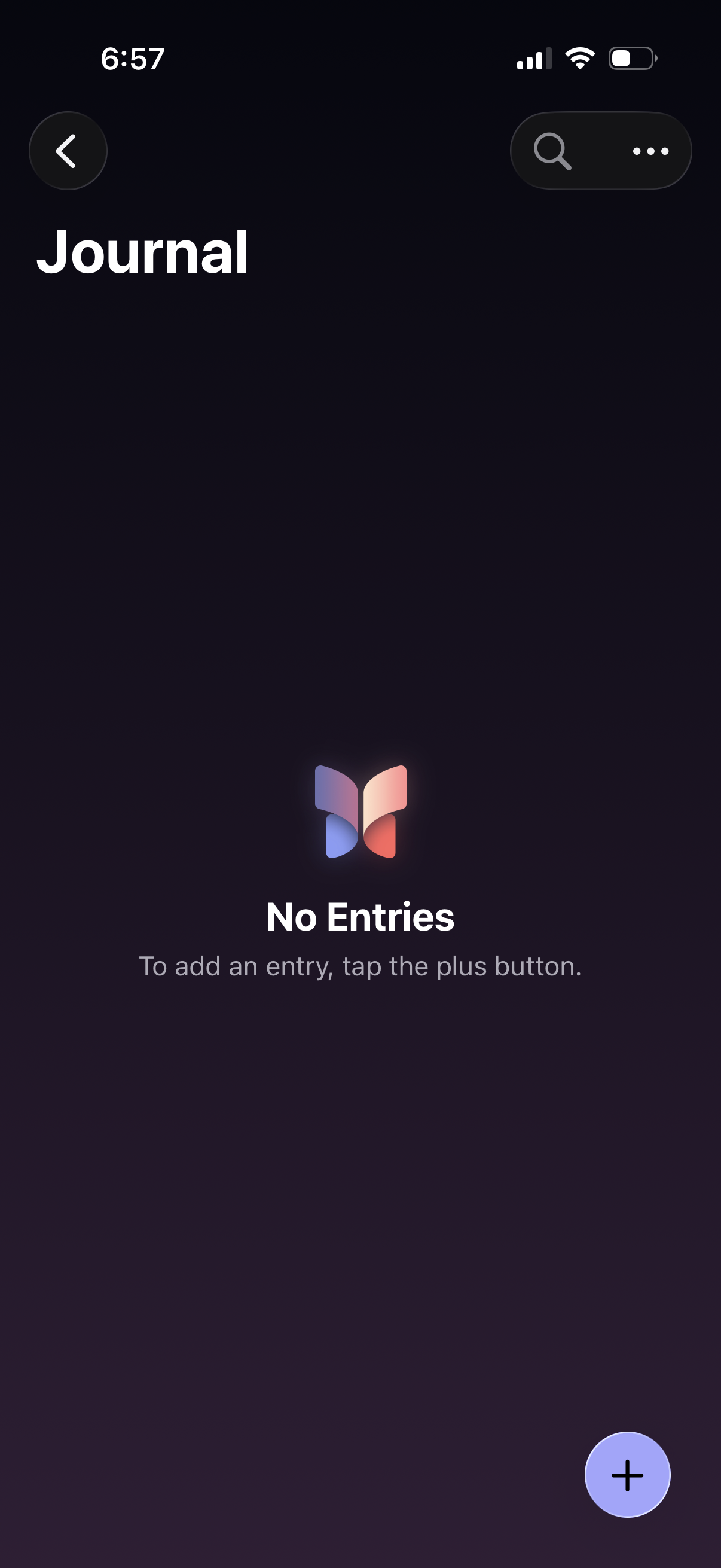
Empty state journal home screen showing “No Entries” with guidance to add an entry via a floating plus button. Top navigation includes a back button plus search and overflow menu for finding or managing journal entries.