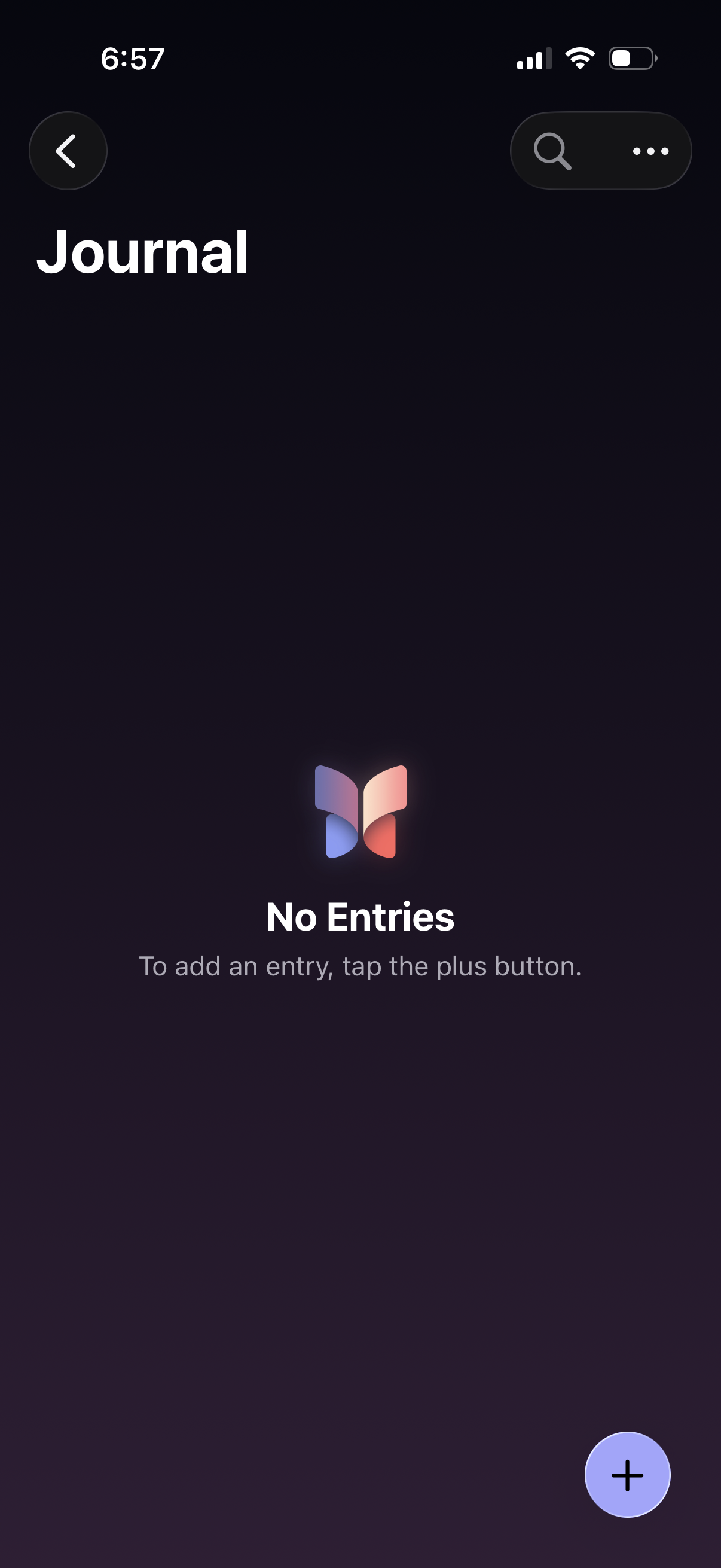
Empty state journal home screen showing “No Entries” with guidance to add an entry via a floating plus button. Top navigation includes a back button plus search and overflow menu for finding or managing journal entries.
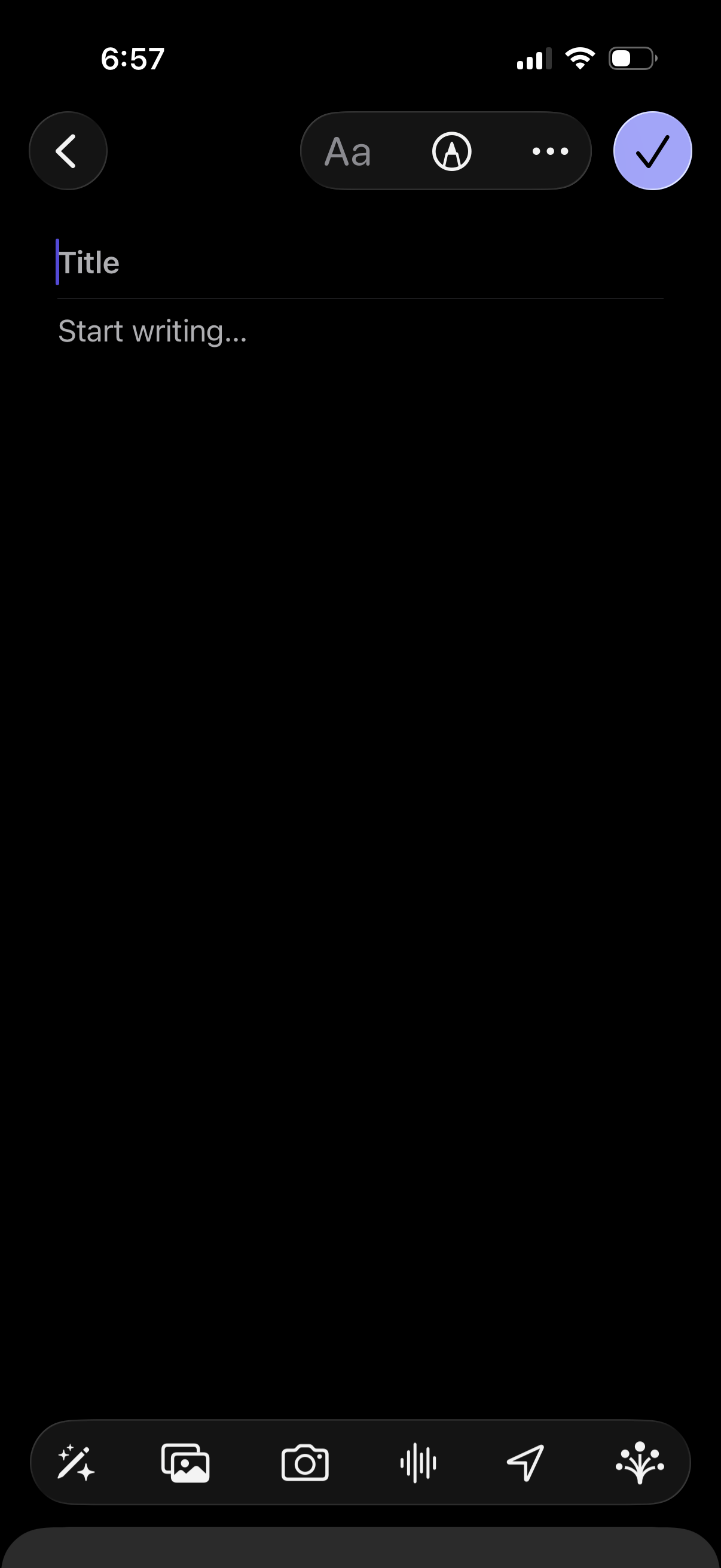
Note creation editor in dark mode with fields for Title and body text, plus formatting options and a more menu. Bottom toolbar lets users insert attachments like photos or camera images, add audio/voice recording, and send/share, with a checkmark to save/confirm and a back button to cancel.
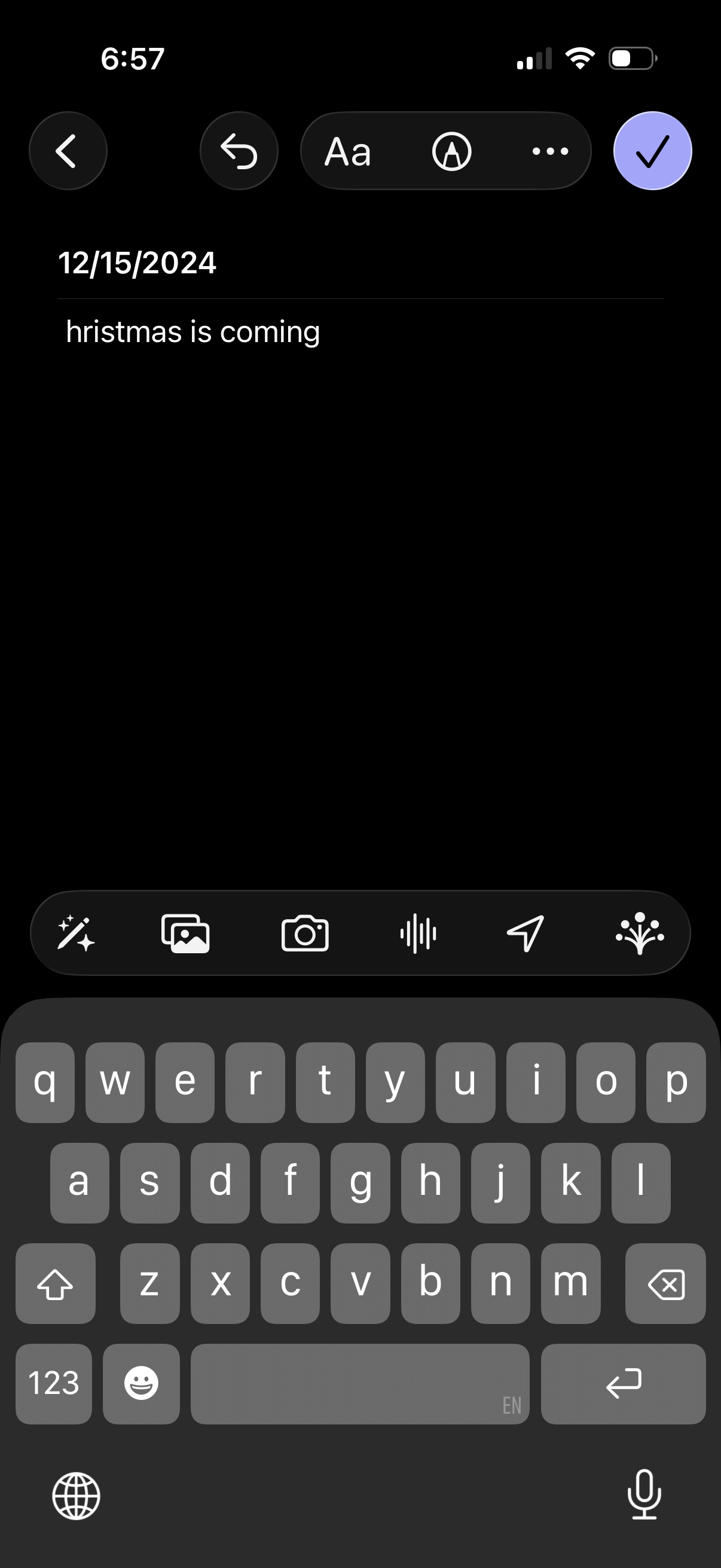
Mobile note editor screen in dark mode showing a dated note being written, with back navigation, undo/redo, text formatting options, and a checkmark to save/confirm. The compose toolbar supports adding attachments like photos/camera, voice recording, and sharing/sending while typing with the keyboard.