manage integrations
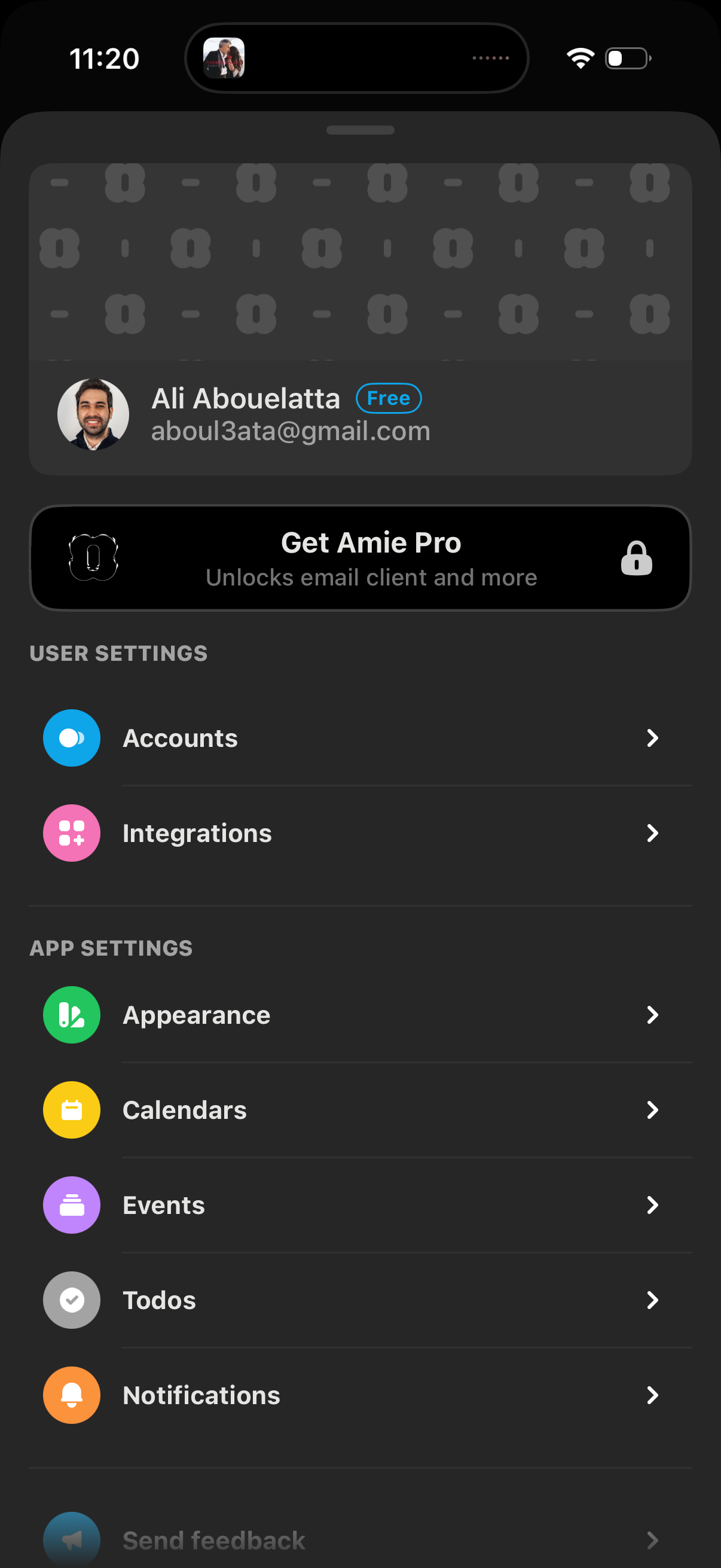
Settings screen for a productivity/email app showing the signed-in account details and a “Get Pro” upgrade banner, with navigation links to manage accounts and integrations. Also includes app settings options like appearance, calendars, events, todos, and notifications.
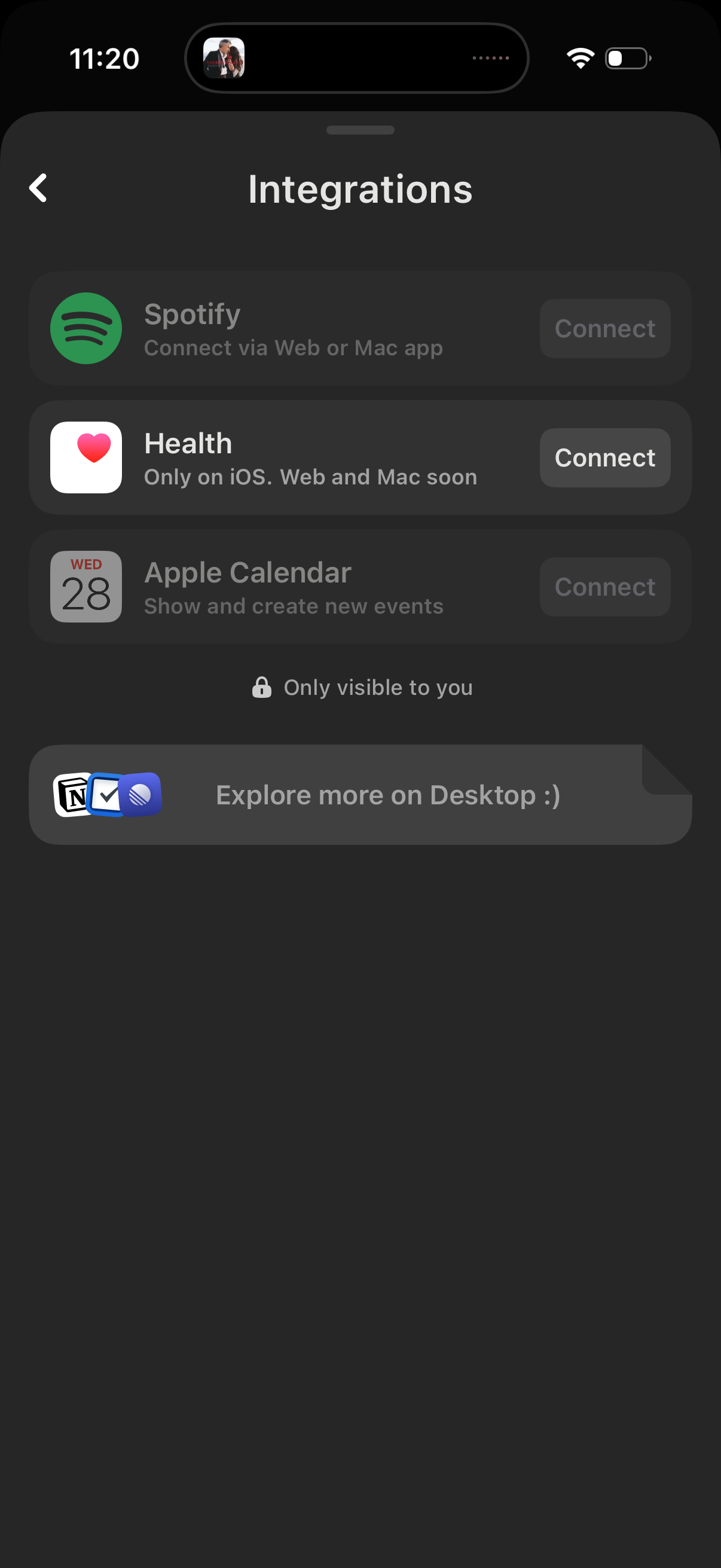
Integrations settings screen listing third‑party services (Spotify, Apple Health, Apple Calendar) with brief descriptions and a Connect button to link accounts. Includes privacy note “only visible to you” and a prompt to explore more integrations on desktop.
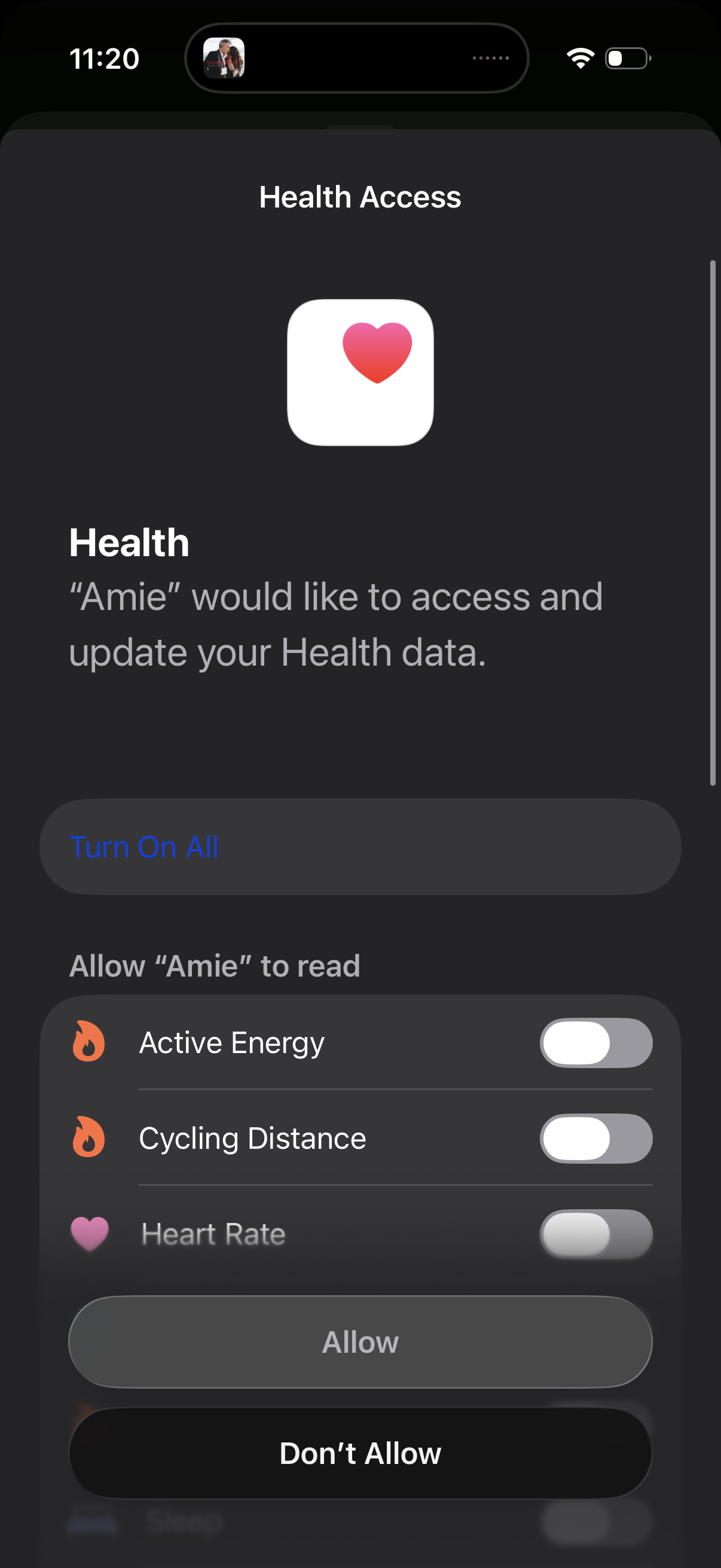
iOS Health Access permission screen requesting access for an app to read and update Health data, with a “Turn On All” option and individual toggles for data types like active energy, cycling distance, and heart rate. Includes primary actions to Allow or Don’t Allow.
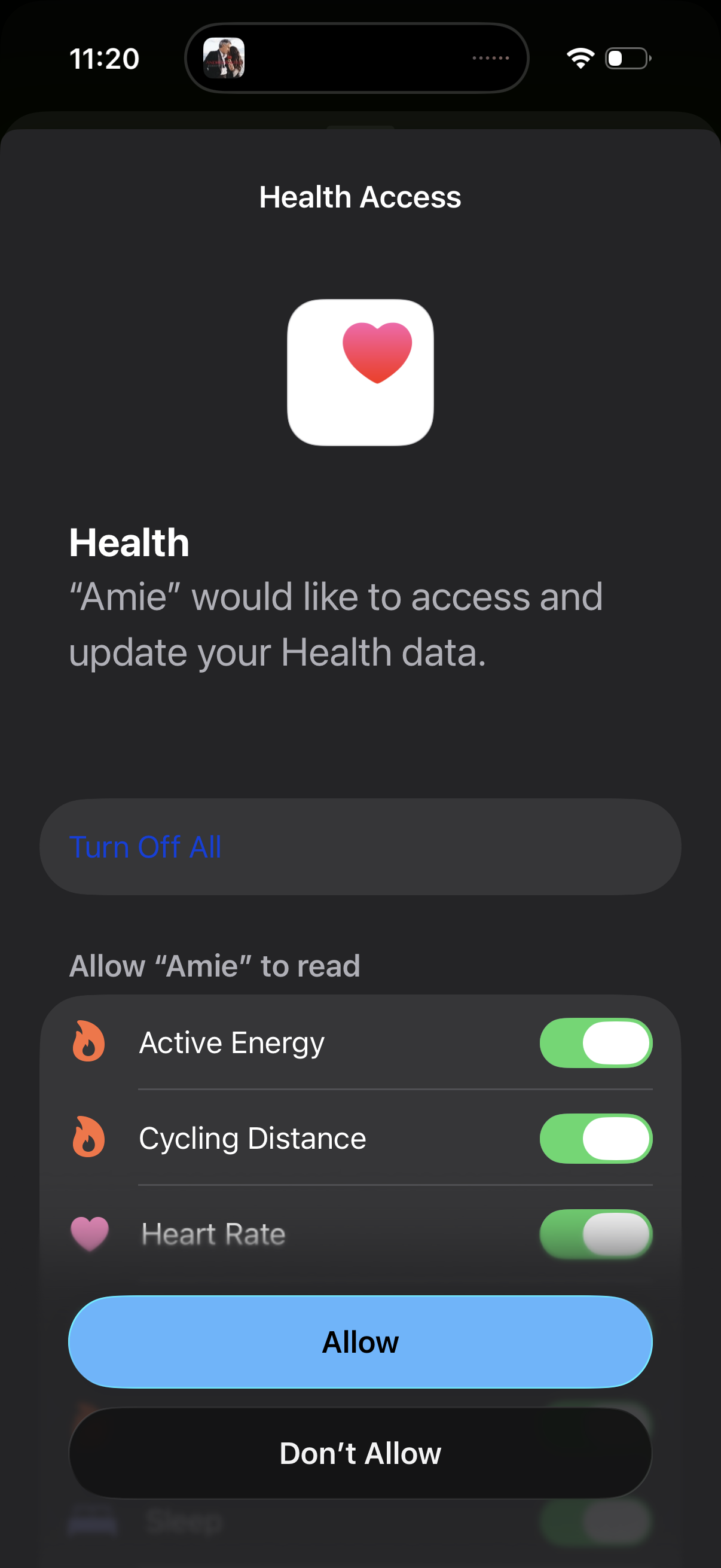
iOS HealthKit permission prompt asking to grant an app access to read and update Health data, with per-metric toggles (e. g.
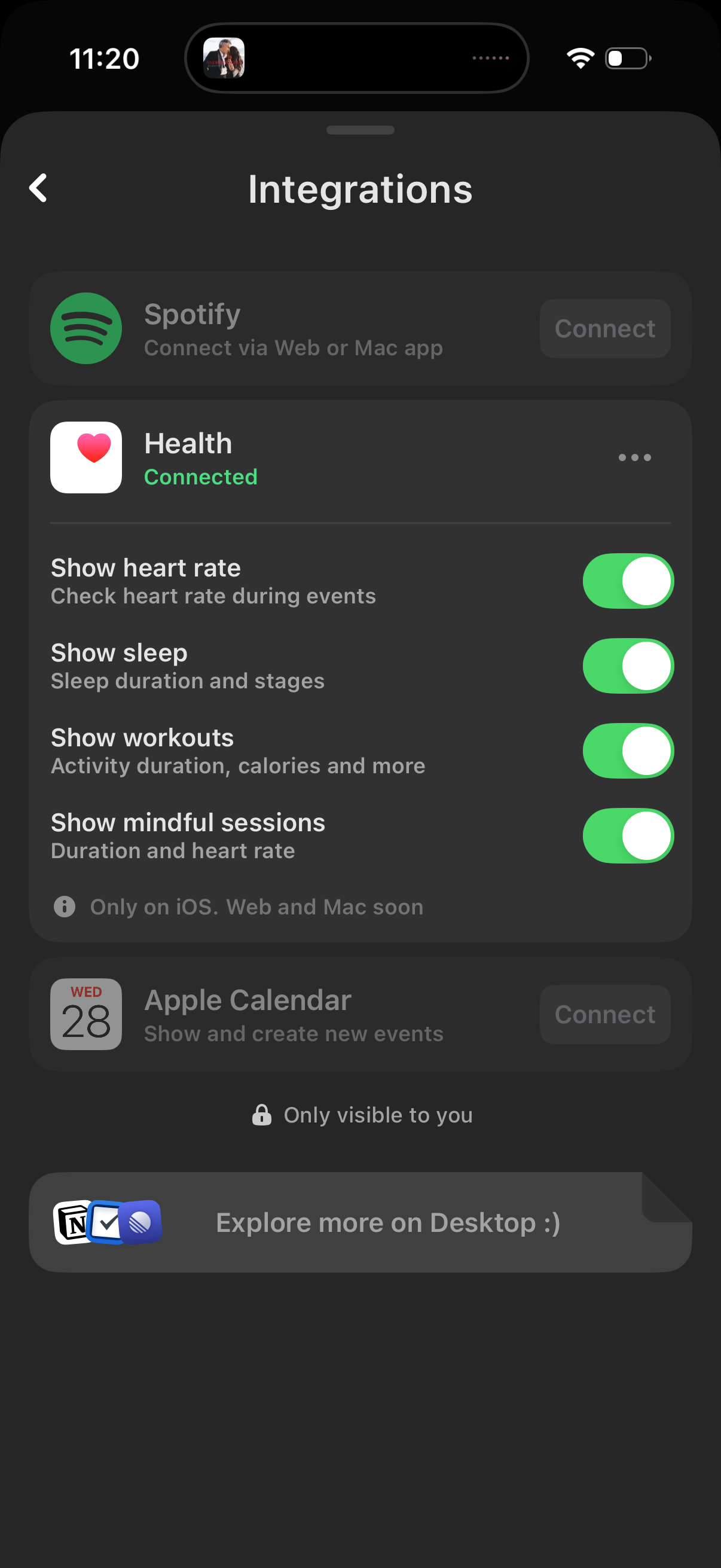
Integrations settings screen showing connected apps and services with options to connect new integrations like Spotify and Apple Calendar. A connected Health integration lets users toggle which data types to share or display (heart rate, sleep, workouts, mindful sessions) with switches and an overflow menu for additional actions.