create scheduled todo
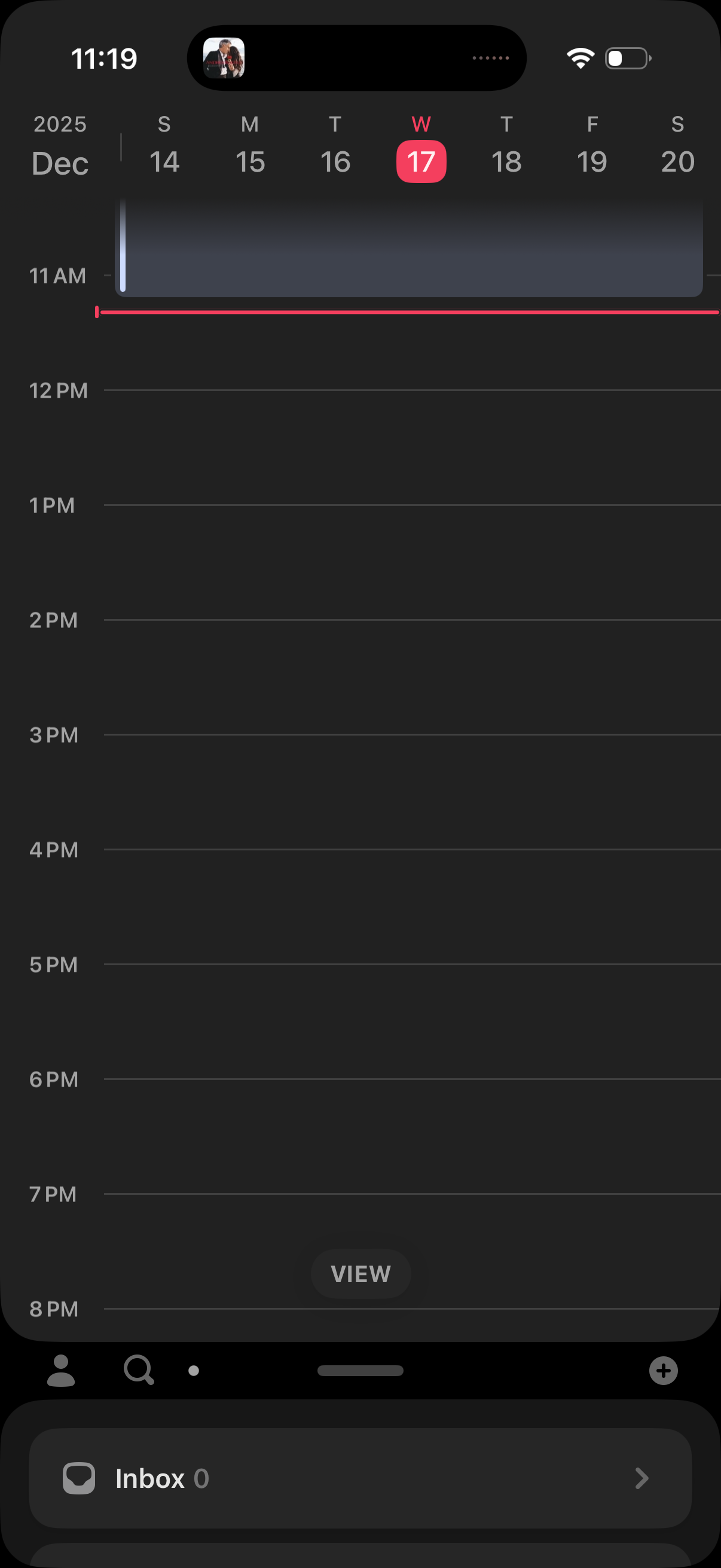
Day view calendar screen with a horizontal date picker at the top and an hourly timeline for the selected day, showing a current-time indicator. Includes a bottom action to switch “View” modes and an inbox shortcut for notifications/messages.
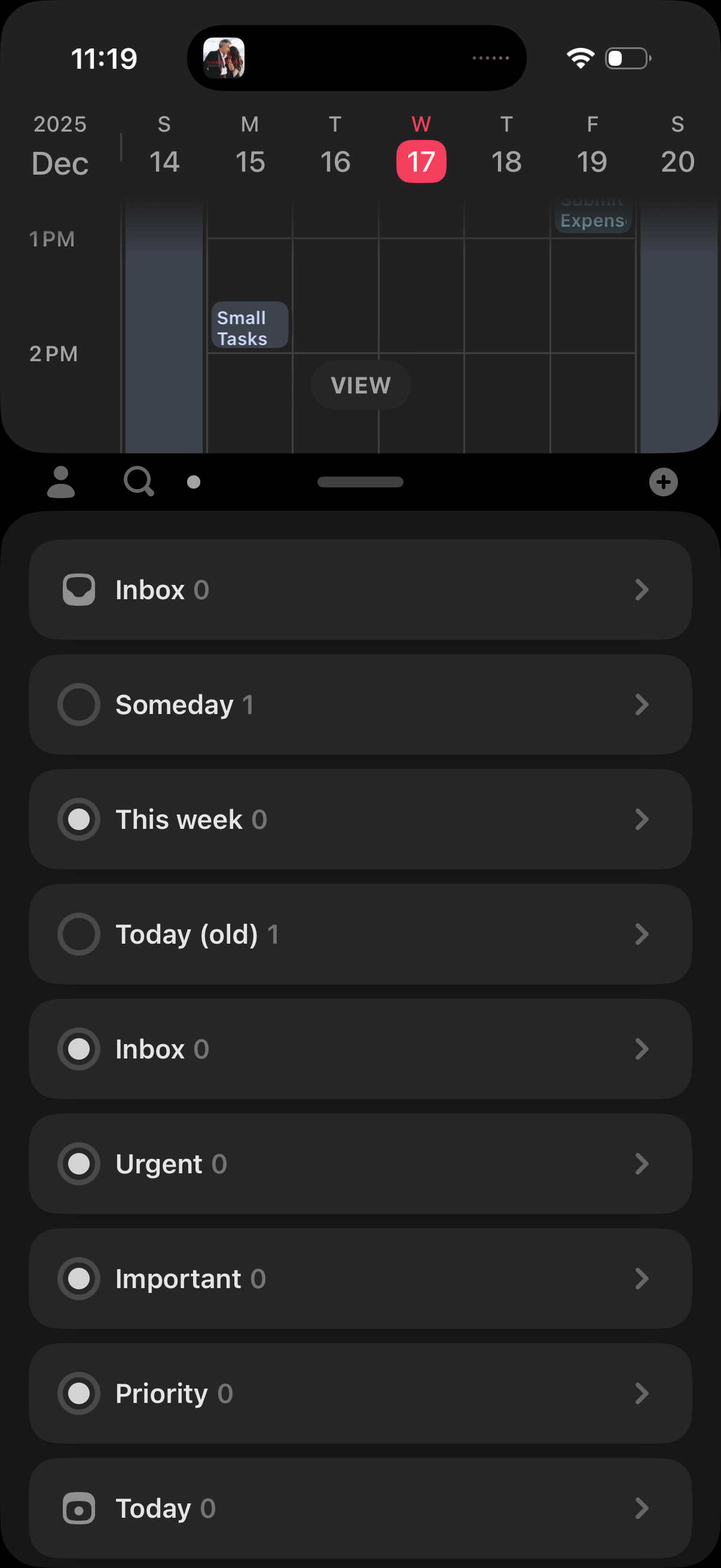
Task manager home screen with a list of task buckets/folders (Inbox, Someday, This week, Today, Urgent, Important, Priority) showing item counts and chevrons to open each list. Bottom navigation and a floating plus button allow switching sections and quickly adding a new task.
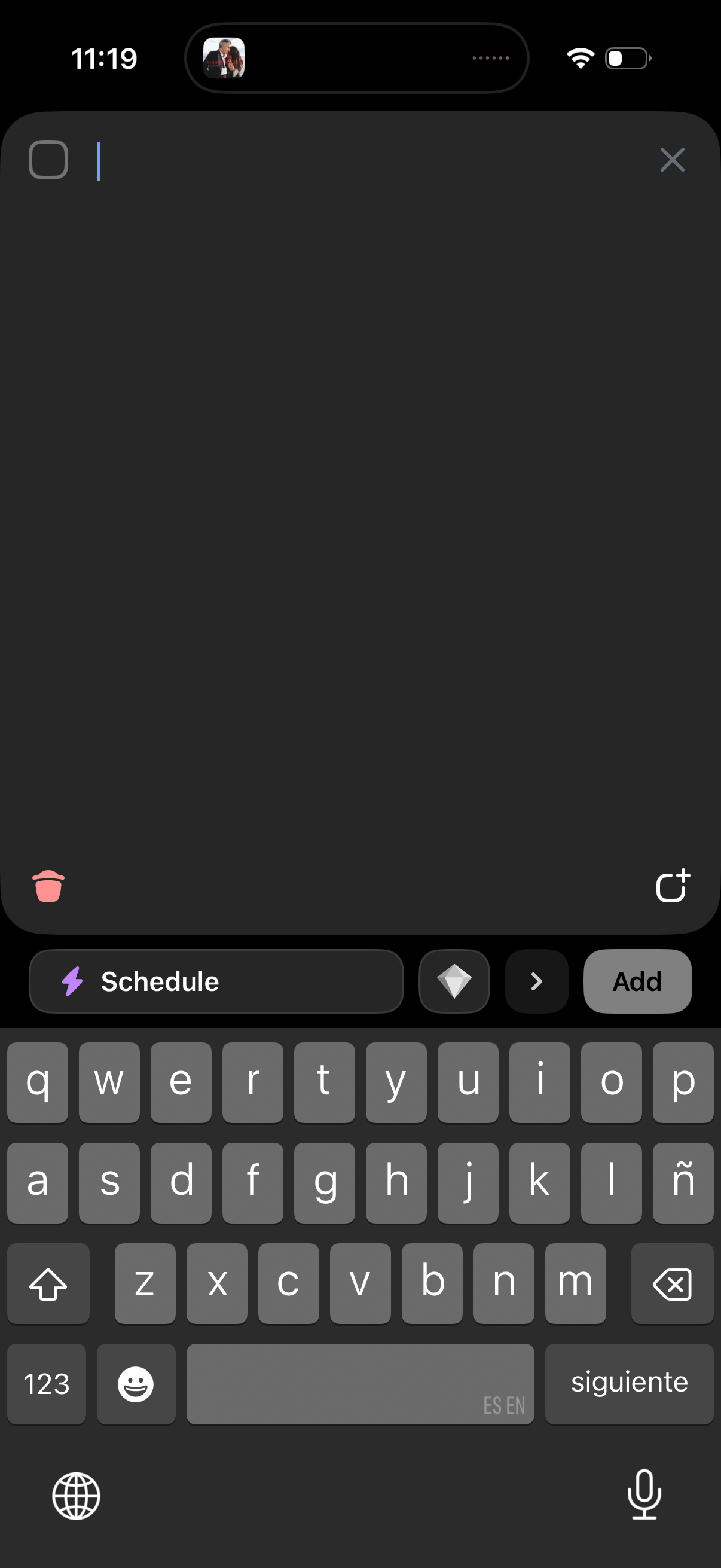
Dark-mode pop-up editor for composing a new post or story with a text input field, close button, delete/trash option, and an add/confirm action. Includes controls to schedule the post and add attachments or stickers before publishing.
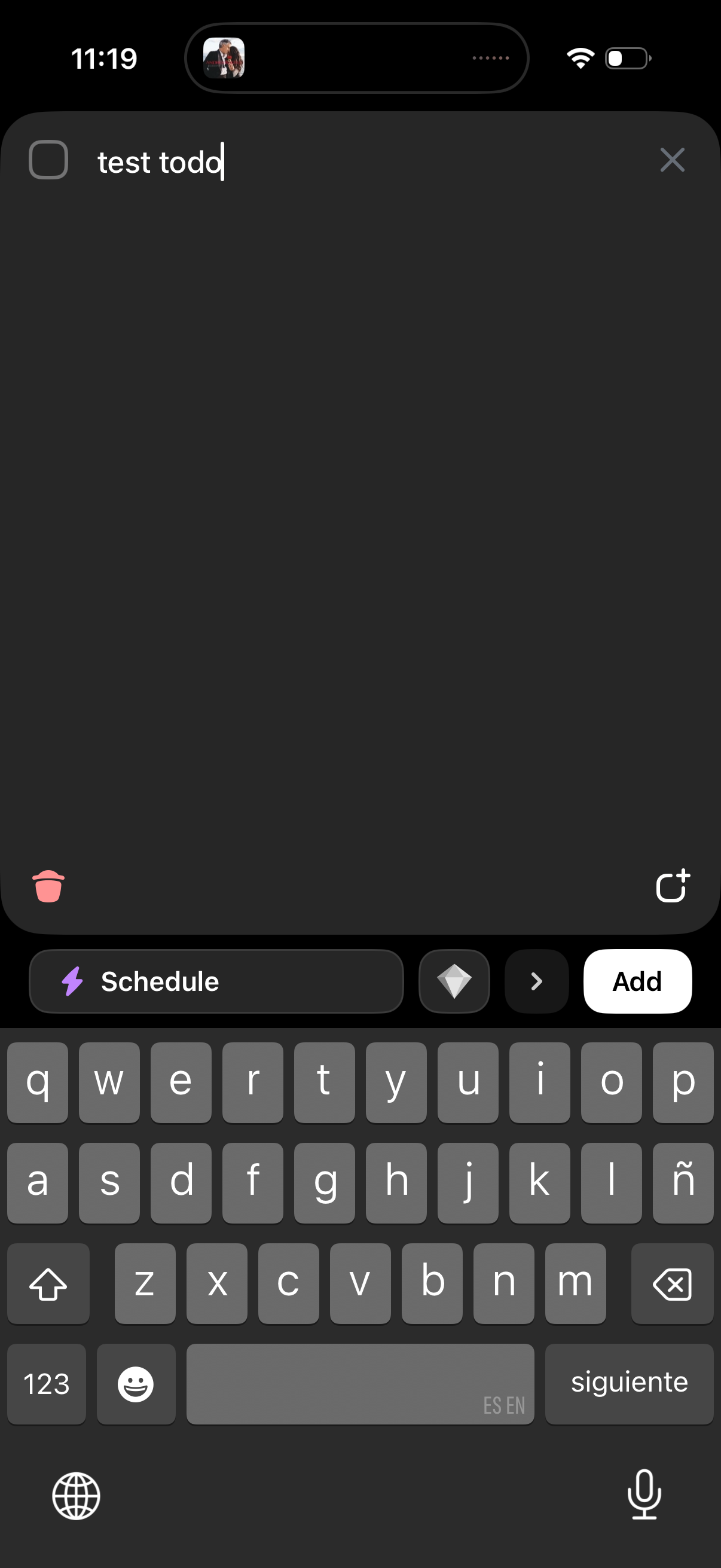
Dark-mode quick add task/reminder screen with a single text input, checkbox to mark completion, and a clear (X) button to dismiss. Bottom actions include scheduling the item, selecting a priority/label, delete/trash, share, and an Add button to create the task.
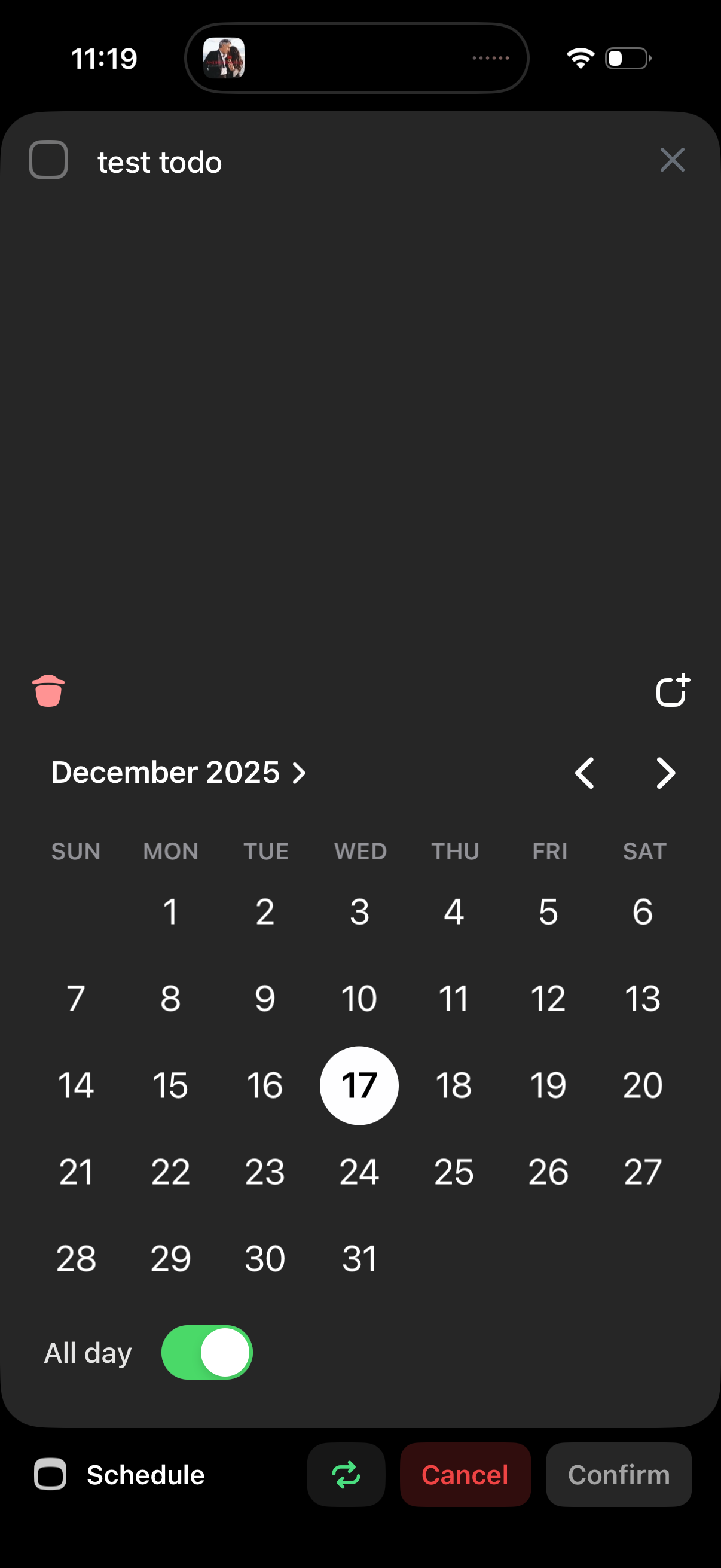
A modal date picker for scheduling a to‑do task, showing a monthly calendar with previous/next month navigation and a selected date. Includes an “All day” toggle plus actions to cancel or confirm the scheduled date, with options to close or delete the reminder.
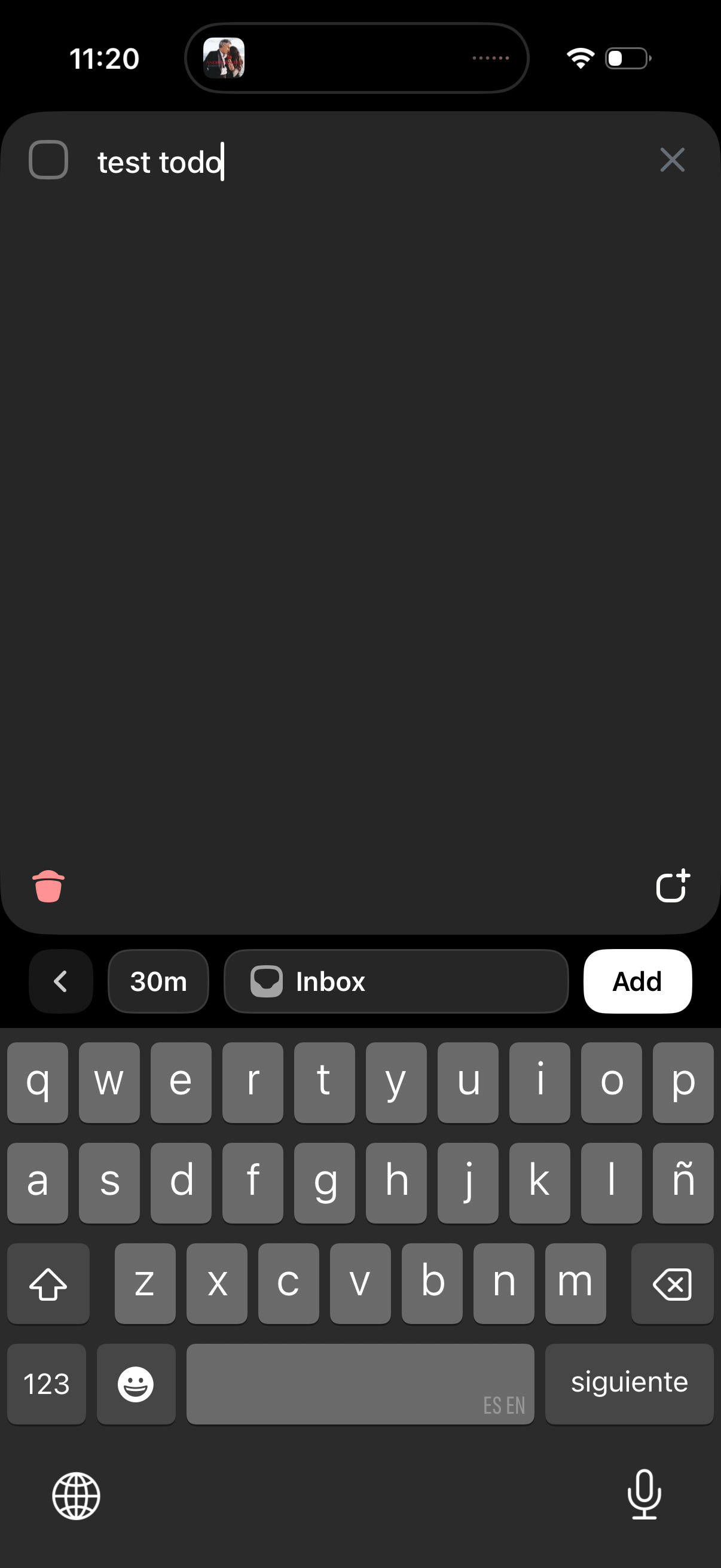
Quick add task/reminder screen with a single text field to type an item, options to set a duration (e. g.
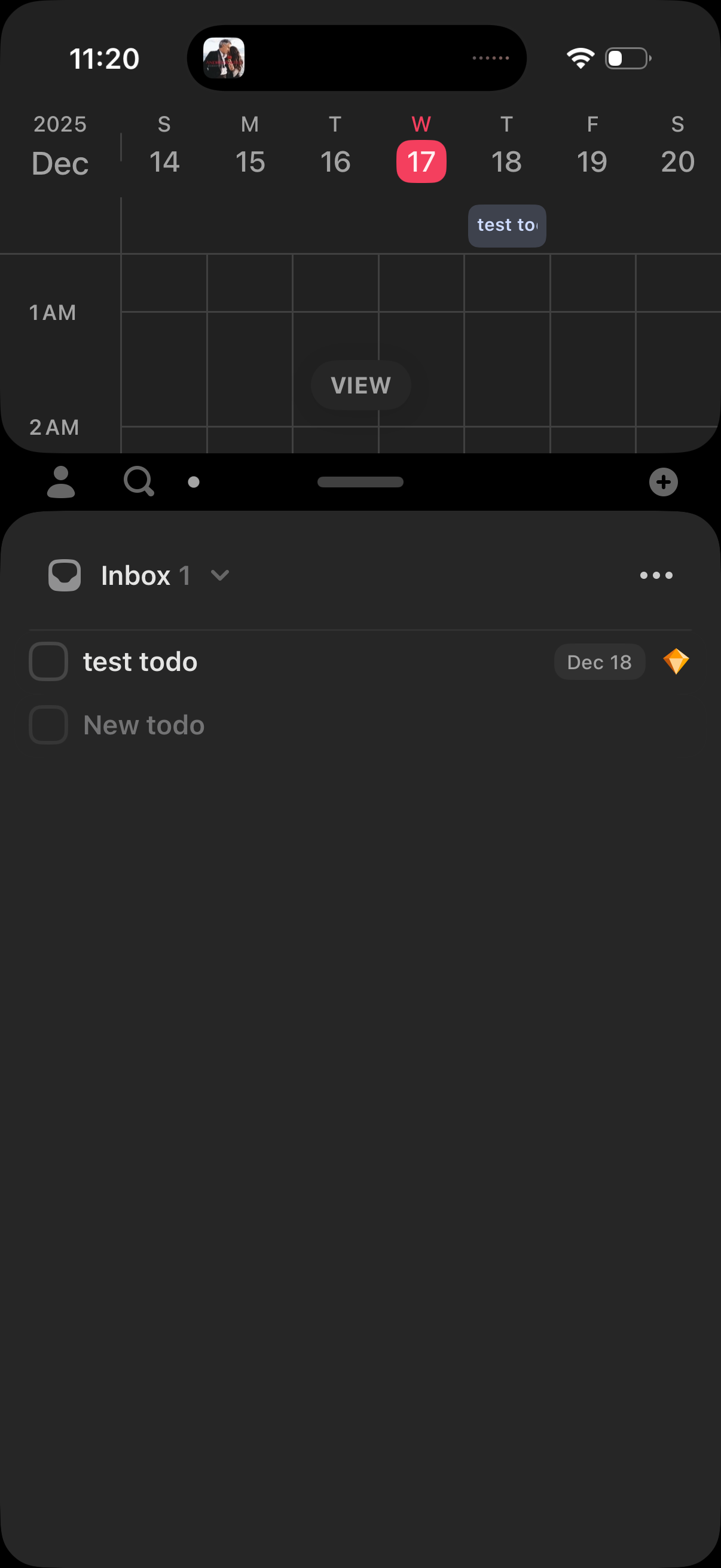
Dark-mode tasks inbox screen showing a to-do list with checkbox items, due date chips, and a priority/favorite indicator, plus an inline “New todo” input. The header provides list selection and an overflow menu, with bottom navigation for switching sections and a floating add button to create a new task.