1
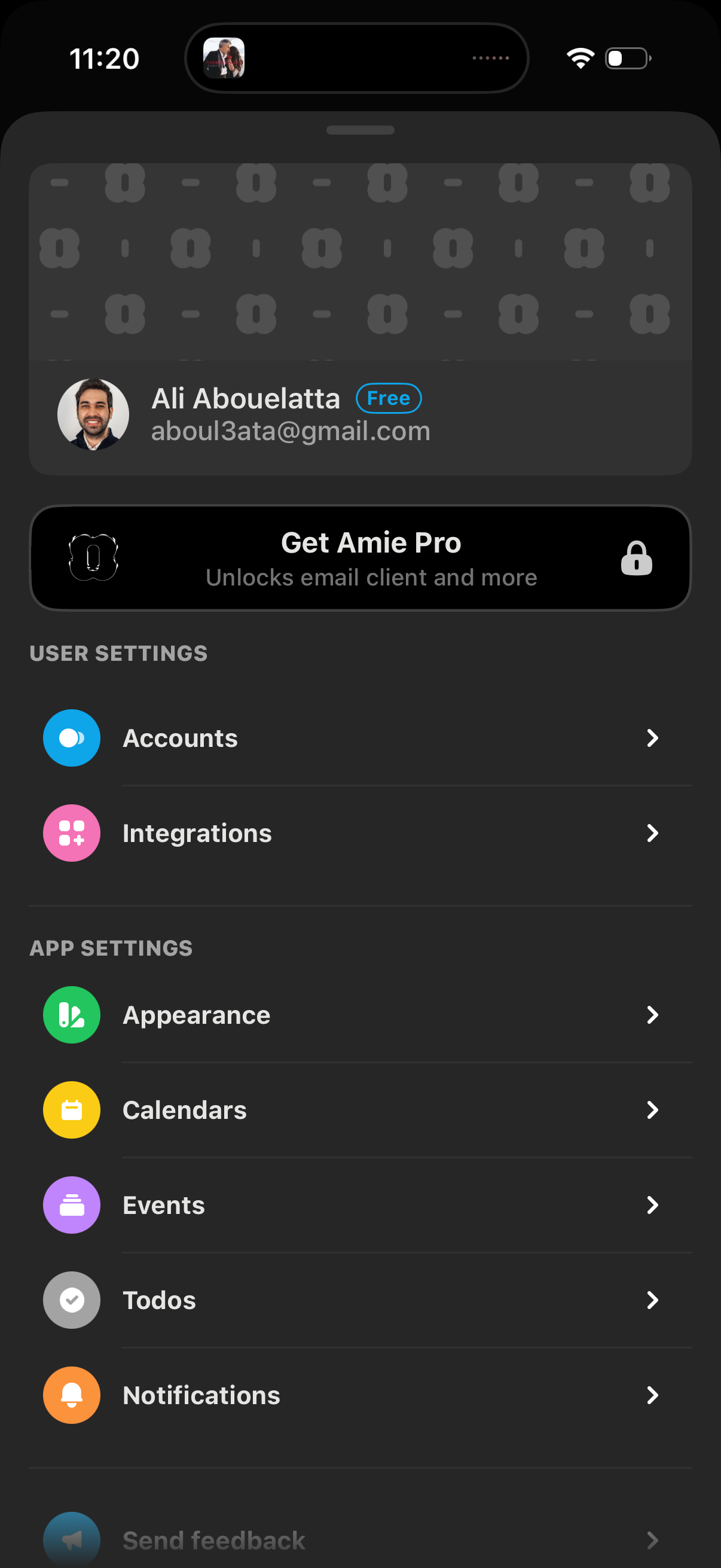
Settings screen for a productivity/email app showing the signed-in account details and a “Get Pro” upgrade banner, with navigation links to manage accounts and integrations. Also includes app settings options like appearance, calendars, events, todos, and notifications.
2
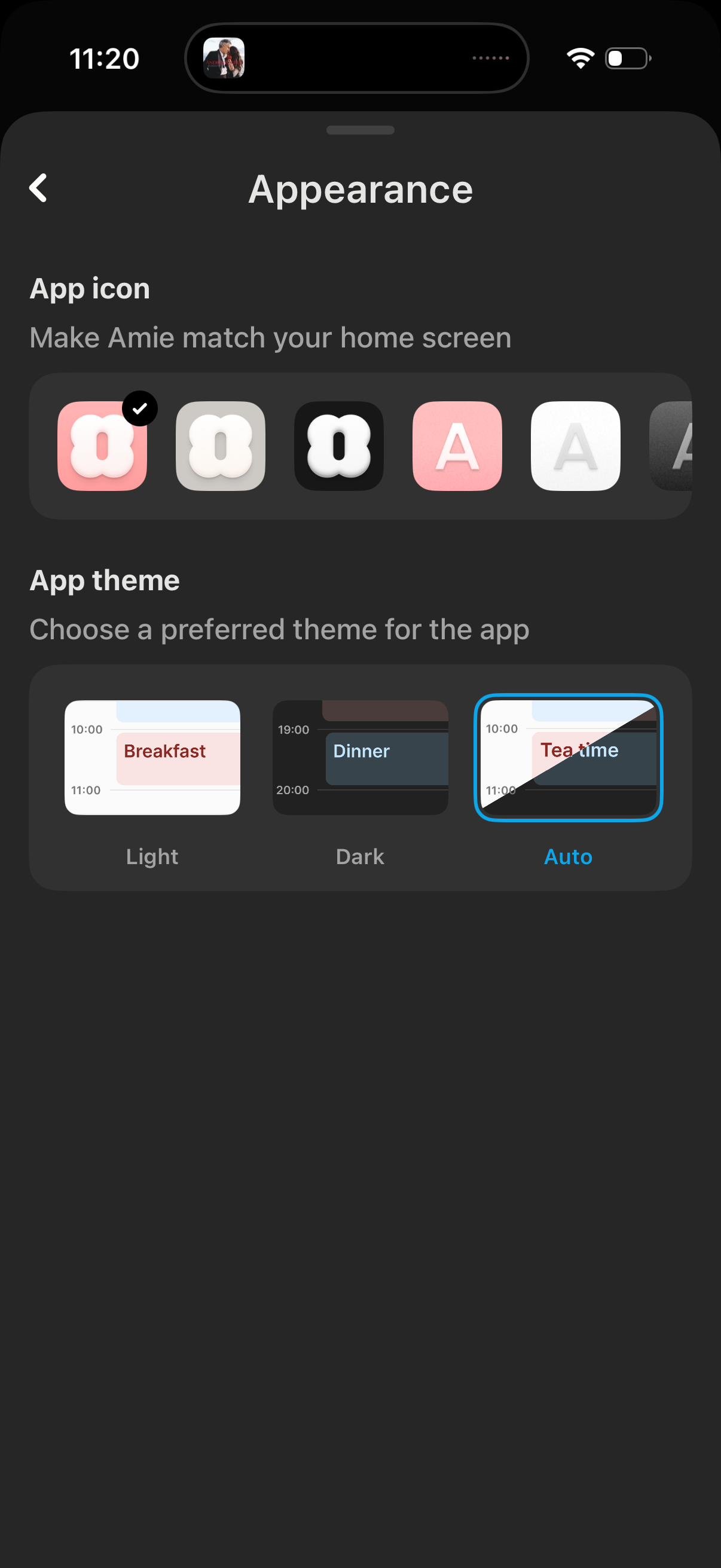
Appearance settings screen for customizing the app’s look, including selecting an app icon style and choosing the app theme. Users can toggle between Light, Dark, or Auto theme previews and pick an icon variant to match their home screen.