configure notification settings
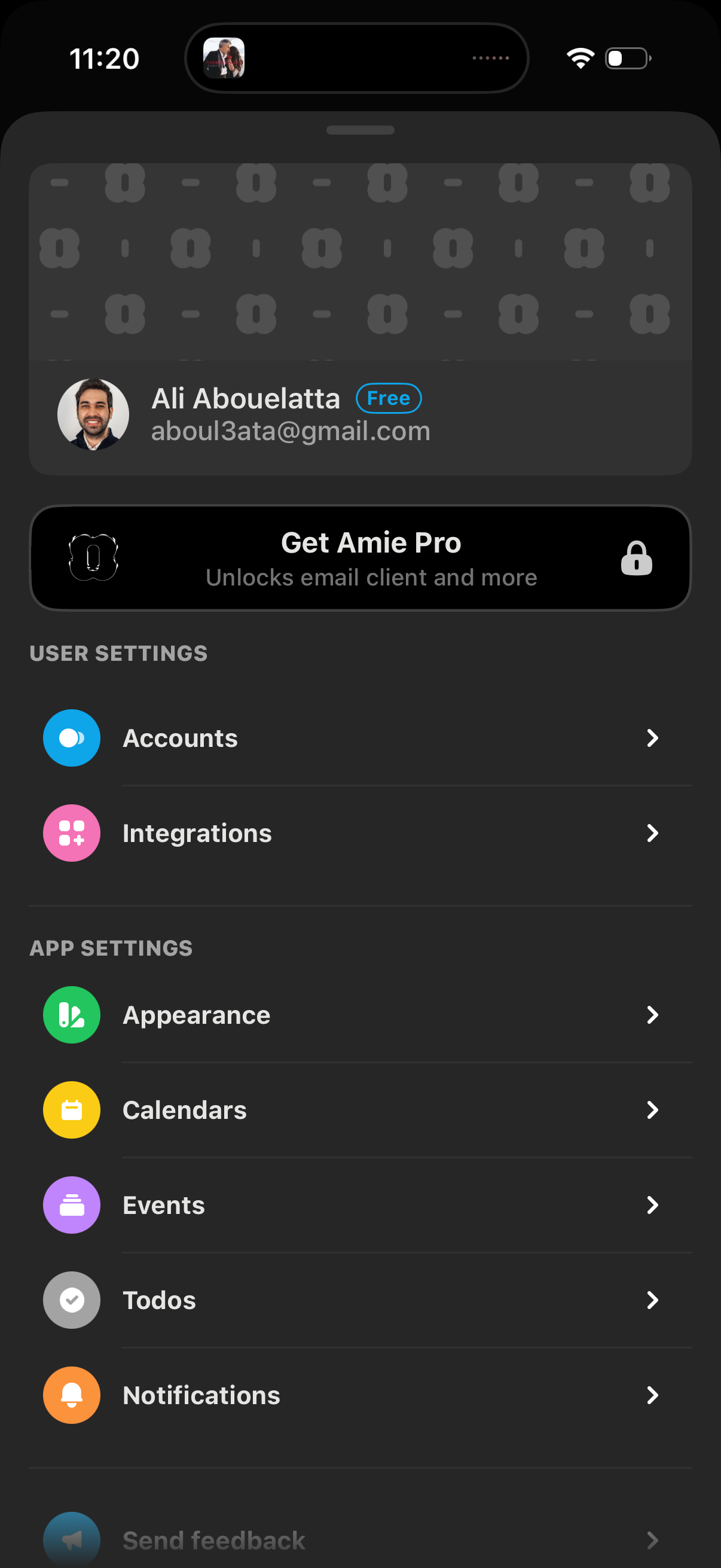
Settings screen for a productivity/email app showing the signed-in account details and a “Get Pro” upgrade banner, with navigation links to manage accounts and integrations. Also includes app settings options like appearance, calendars, events, todos, and notifications.
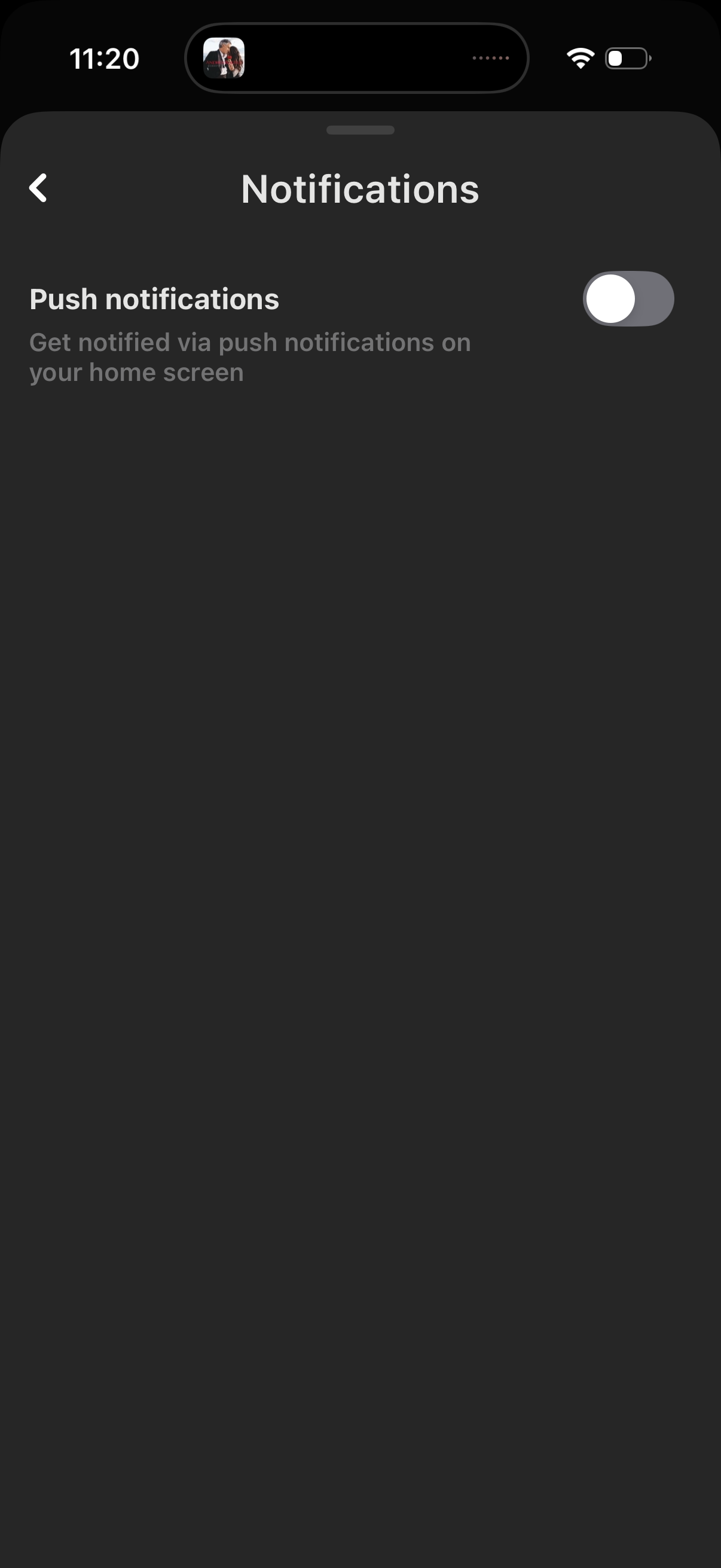
Notifications settings screen where users can enable or disable push notifications with a single toggle to receive alerts on their home screen, with a back button to return to the previous settings page.
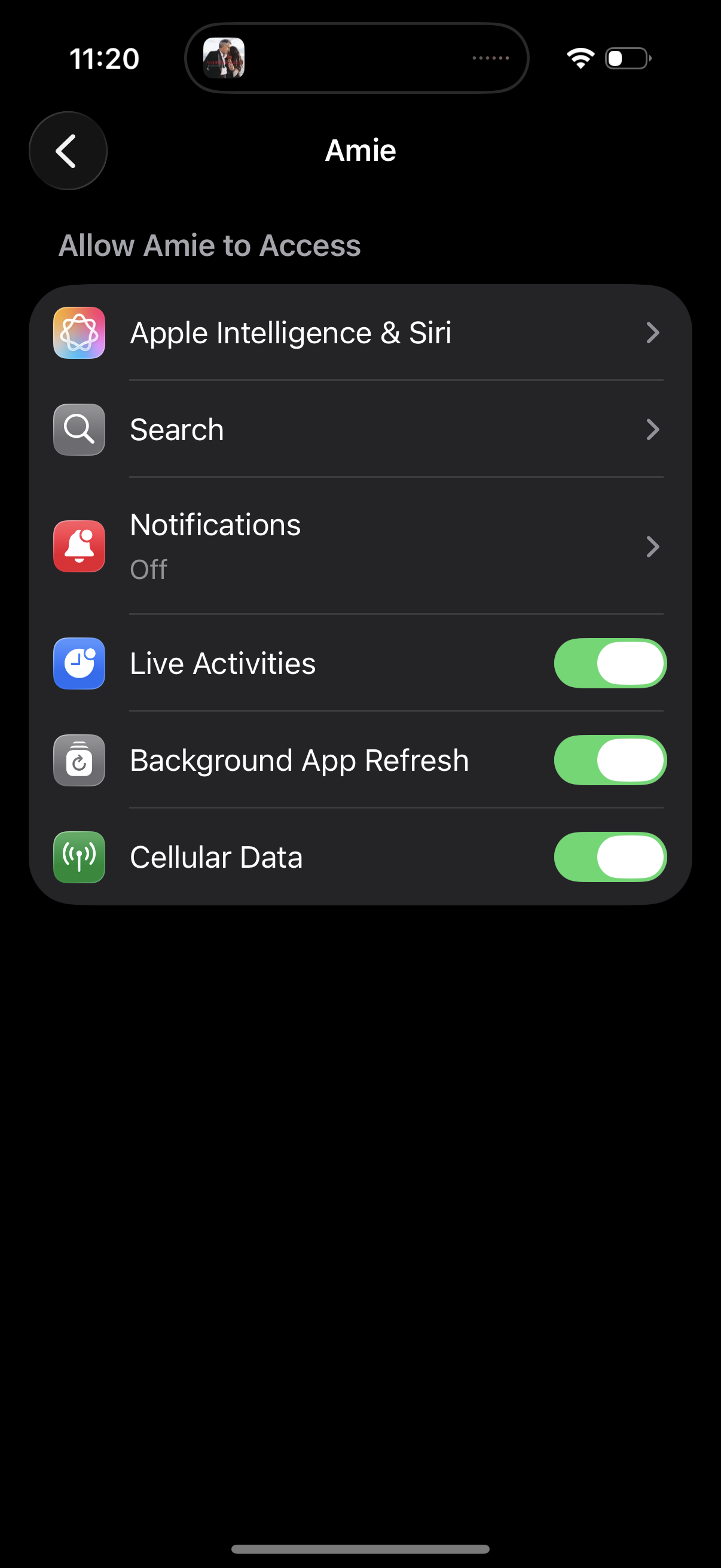
iOS app settings permission screen for an app, showing “Allow [app] to Access” options such as Apple Intelligence & Siri, Search, and Notifications, plus toggles to enable/disable Live Activities, Background App Refresh, and Cellular Data. Users can tap into specific settings rows or switch permissions on and off, with a back button to return.