adjust event settings
1
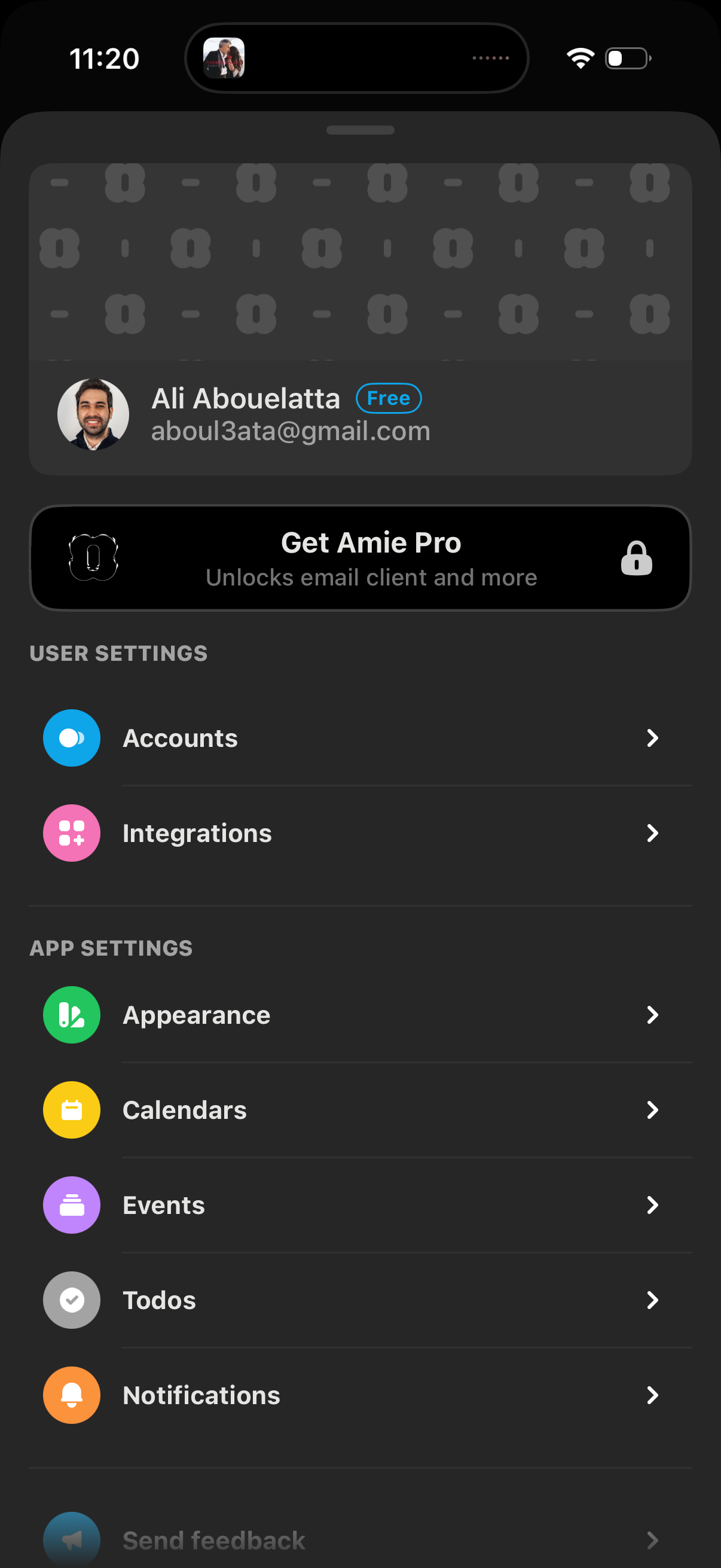
Settings screen for a productivity/email app showing the signed-in account details and a “Get Pro” upgrade banner, with navigation links to manage accounts and integrations. Also includes app settings options like appearance, calendars, events, todos, and notifications.
2
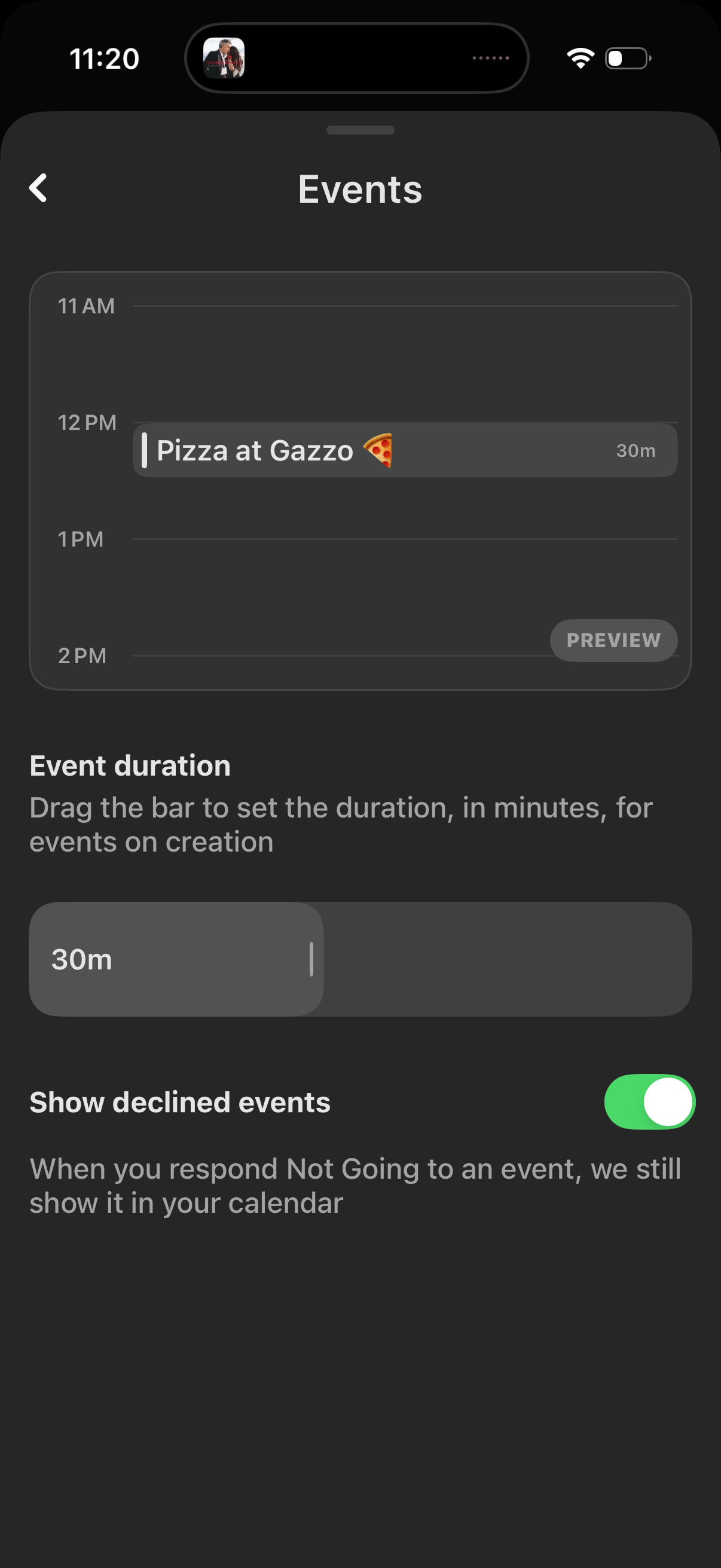
Calendar settings screen for Events showing a timeline preview of an event and letting users set the default event duration by dragging a minutes slider. Includes a toggle to show or hide declined events in the calendar.