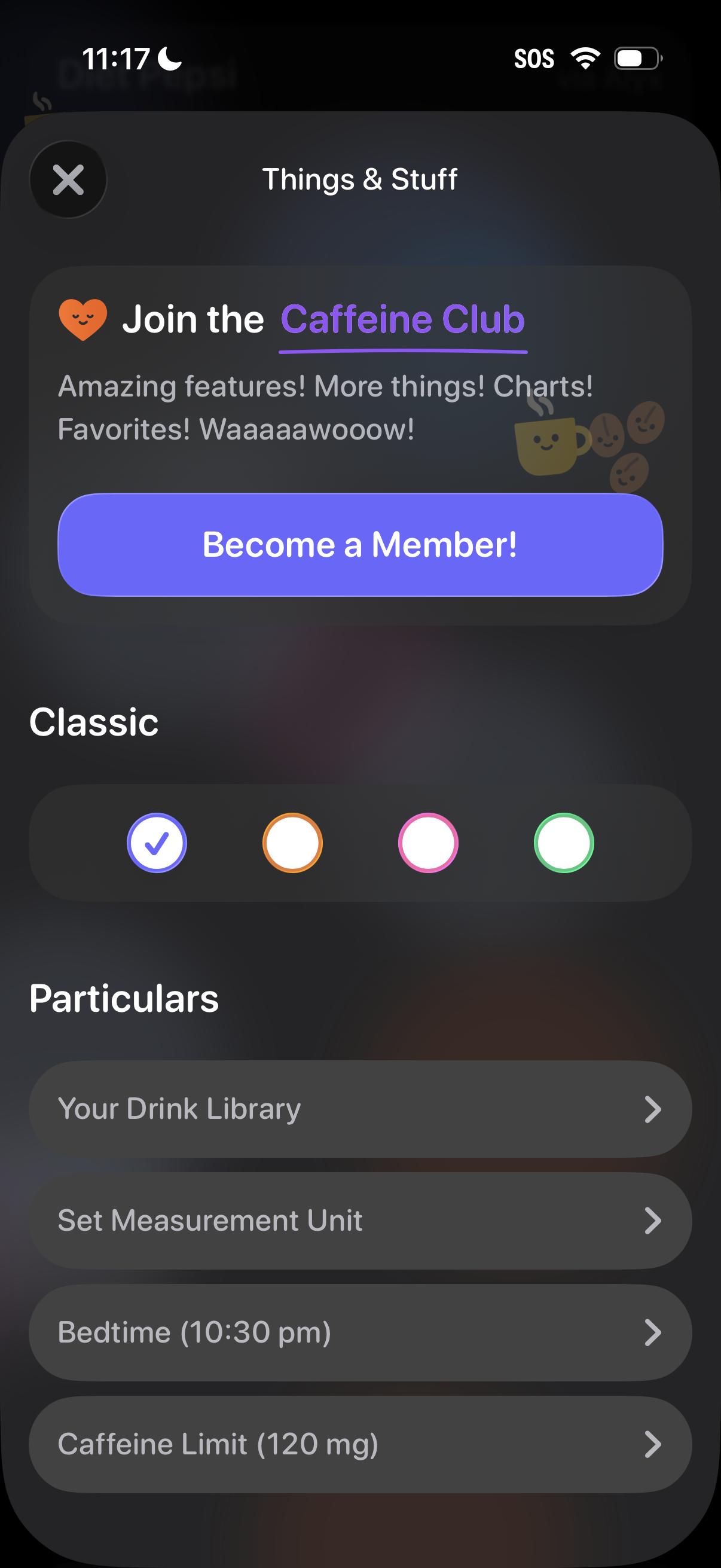
Settings/preferences screen for a caffeine tracking app featuring a subscription upsell banner (“Join the Caffeine Club”) with a primary “Become a Member” CTA. Users can choose a theme color/style and access configuration items like drink library, measurement units, bedtime, and daily caffeine limit via list rows.
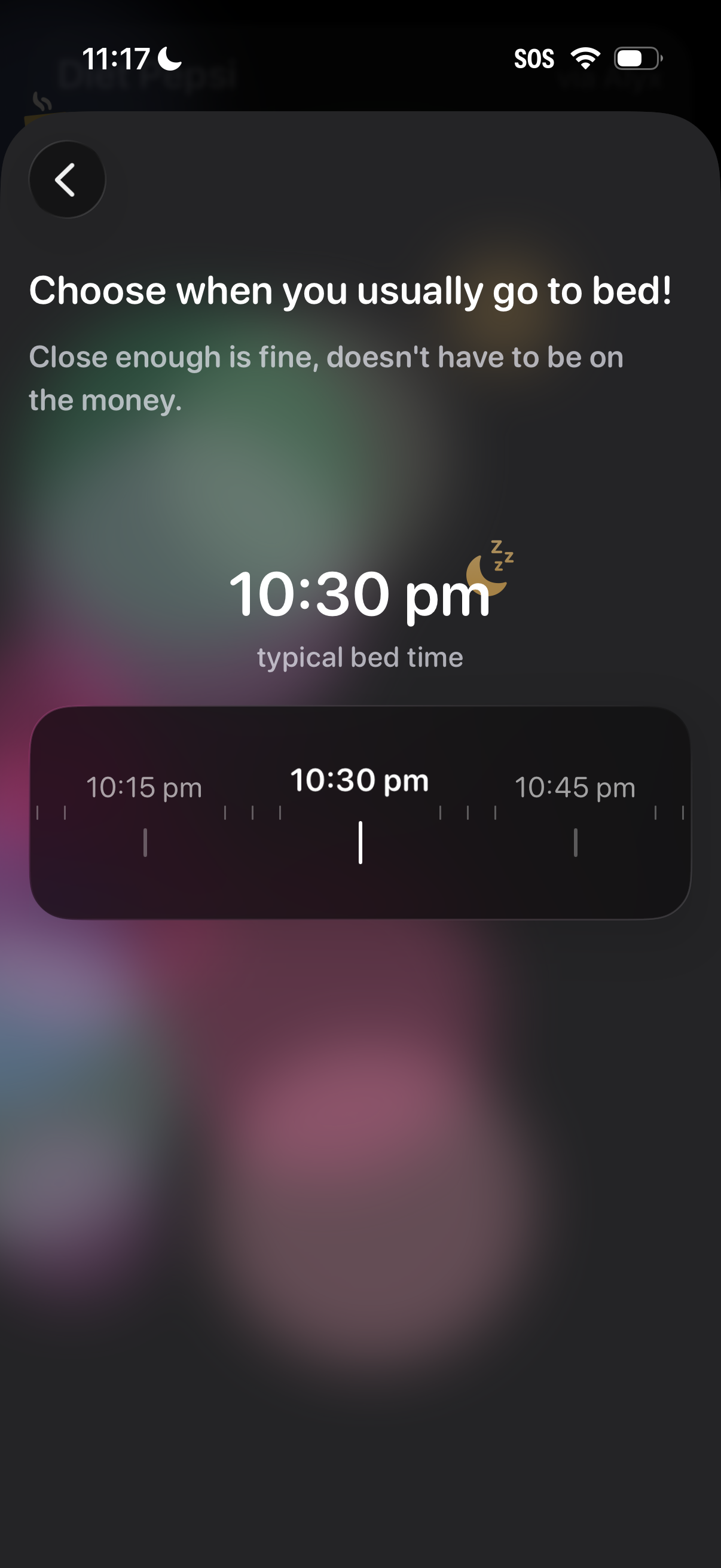
Onboarding screen for a sleep or wellness app prompting the user to choose their usual bedtime. A scrollable time picker sets the typical bed time (e.
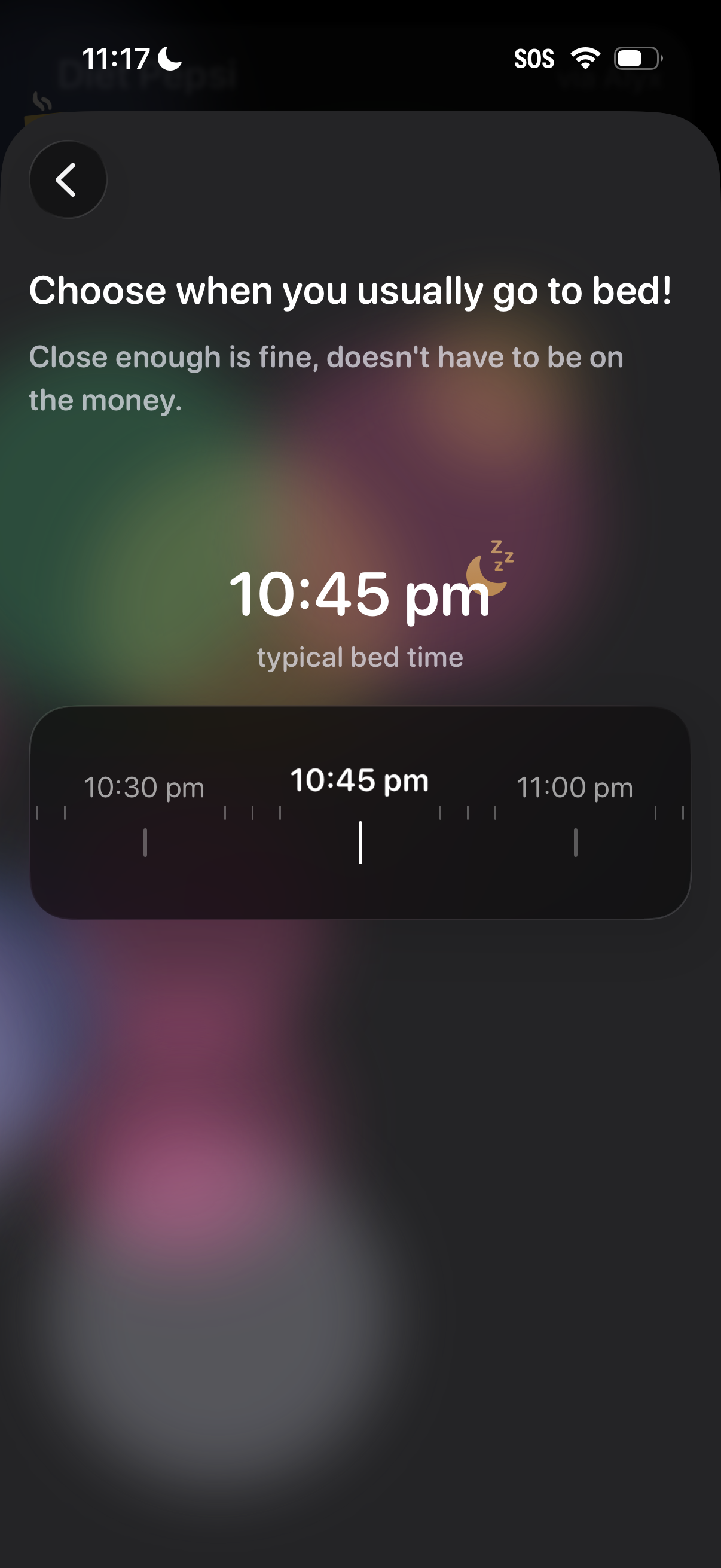
Sleep setup screen asking the user to choose their usual bedtime, showing the selected time prominently and allowing adjustment via a horizontal time picker slider. Includes a back button and helper text indicating an approximate time is acceptable.
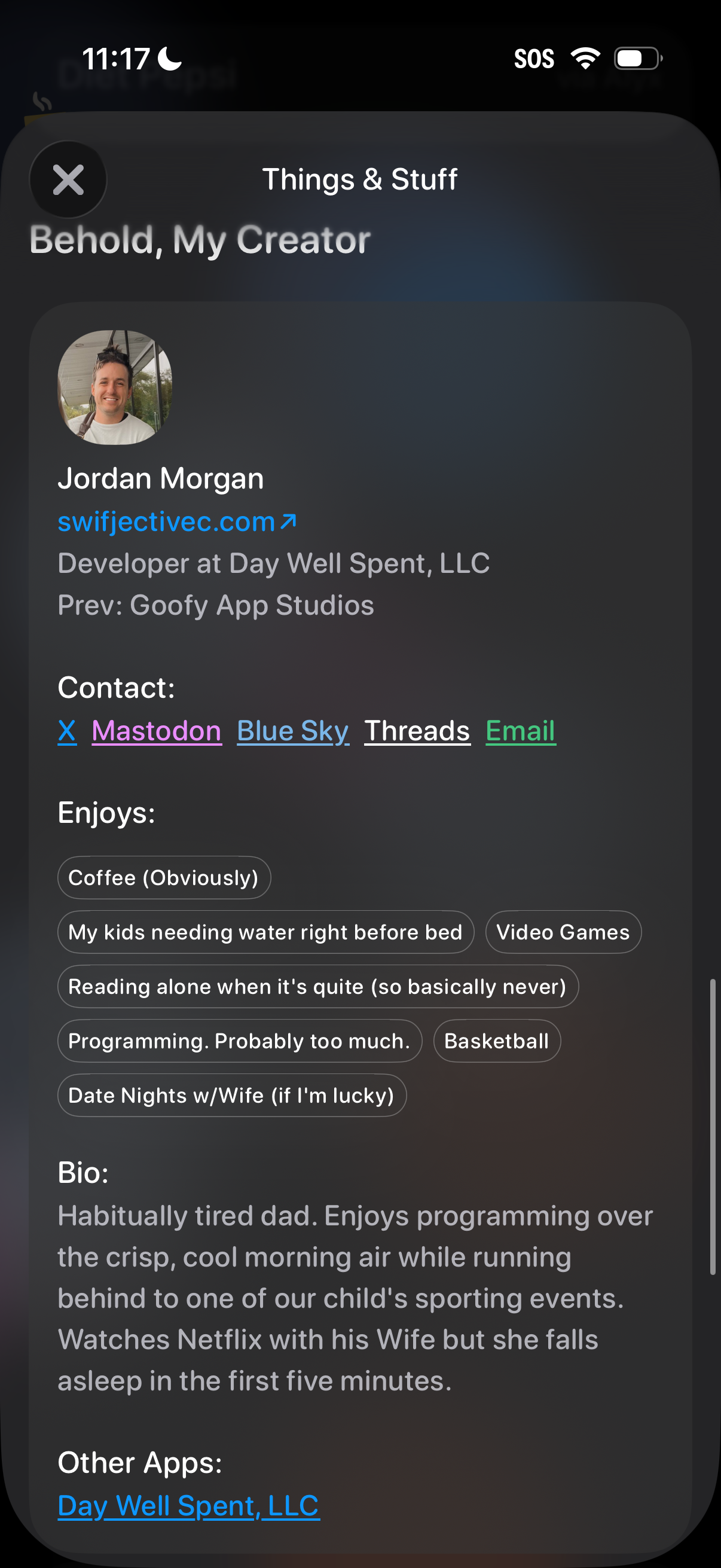
Profile/about modal for a creator or app developer showing avatar, name, website link, job/previous company, and quick contact links to social platforms and email. The screen also includes “enjoys” interest tags, a short bio section, and links to other apps, with a close button to dismiss the overlay.