Flow Library

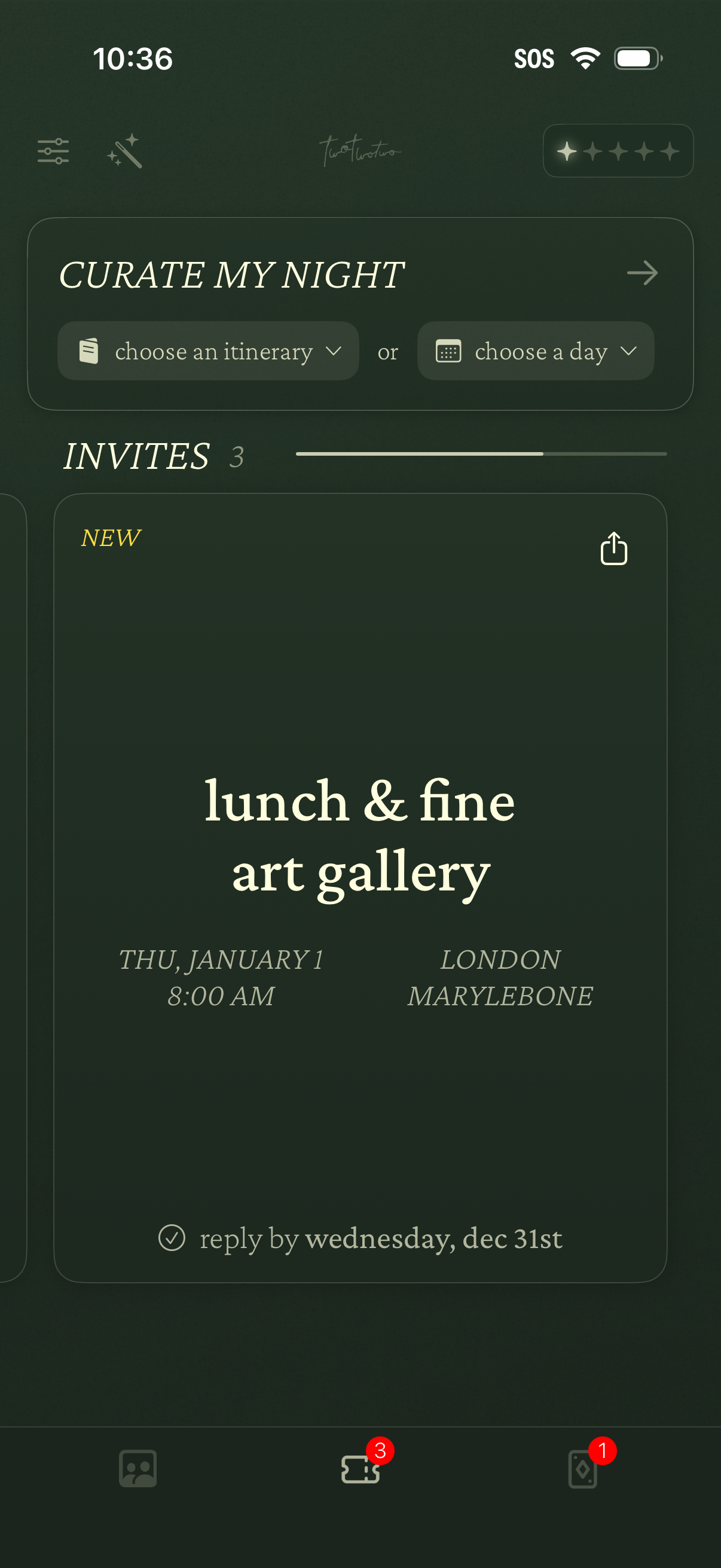
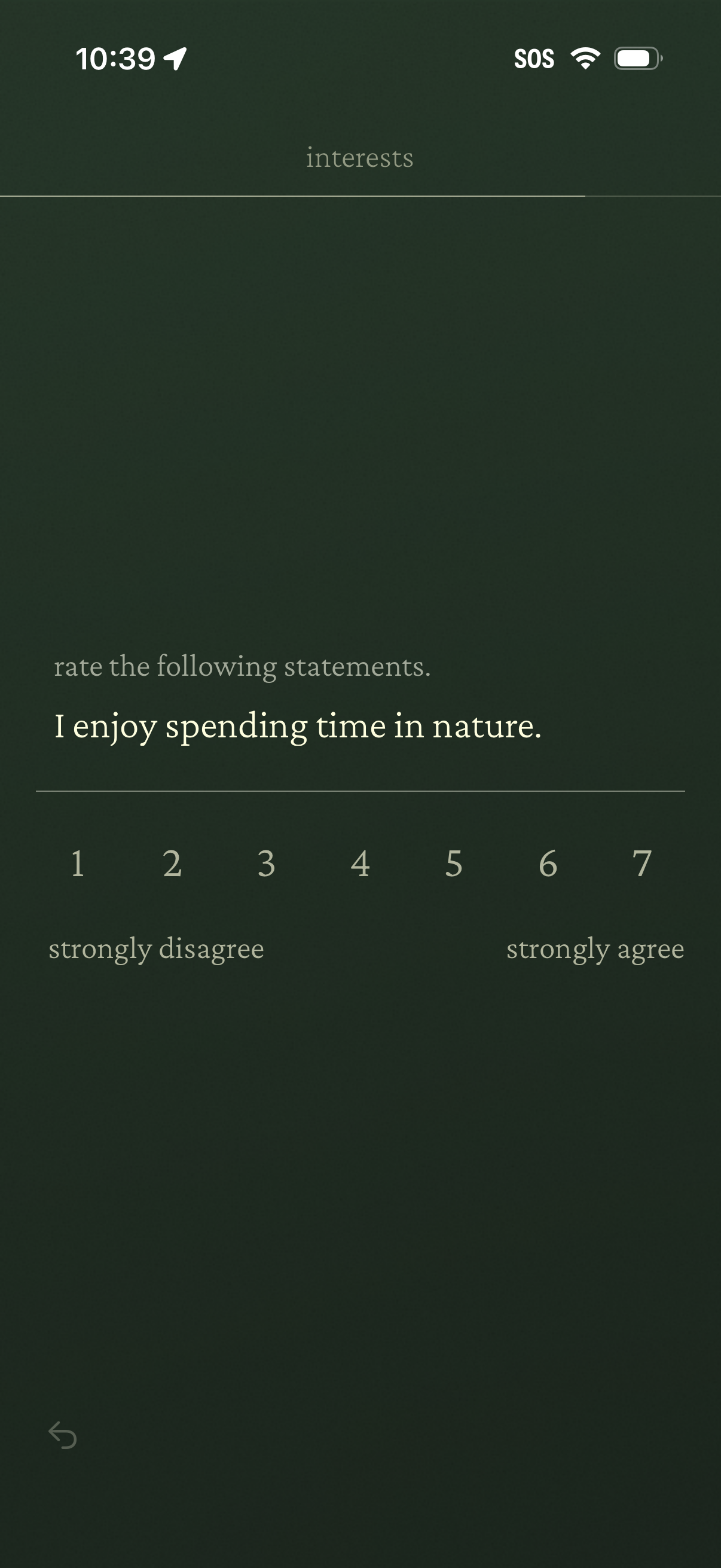
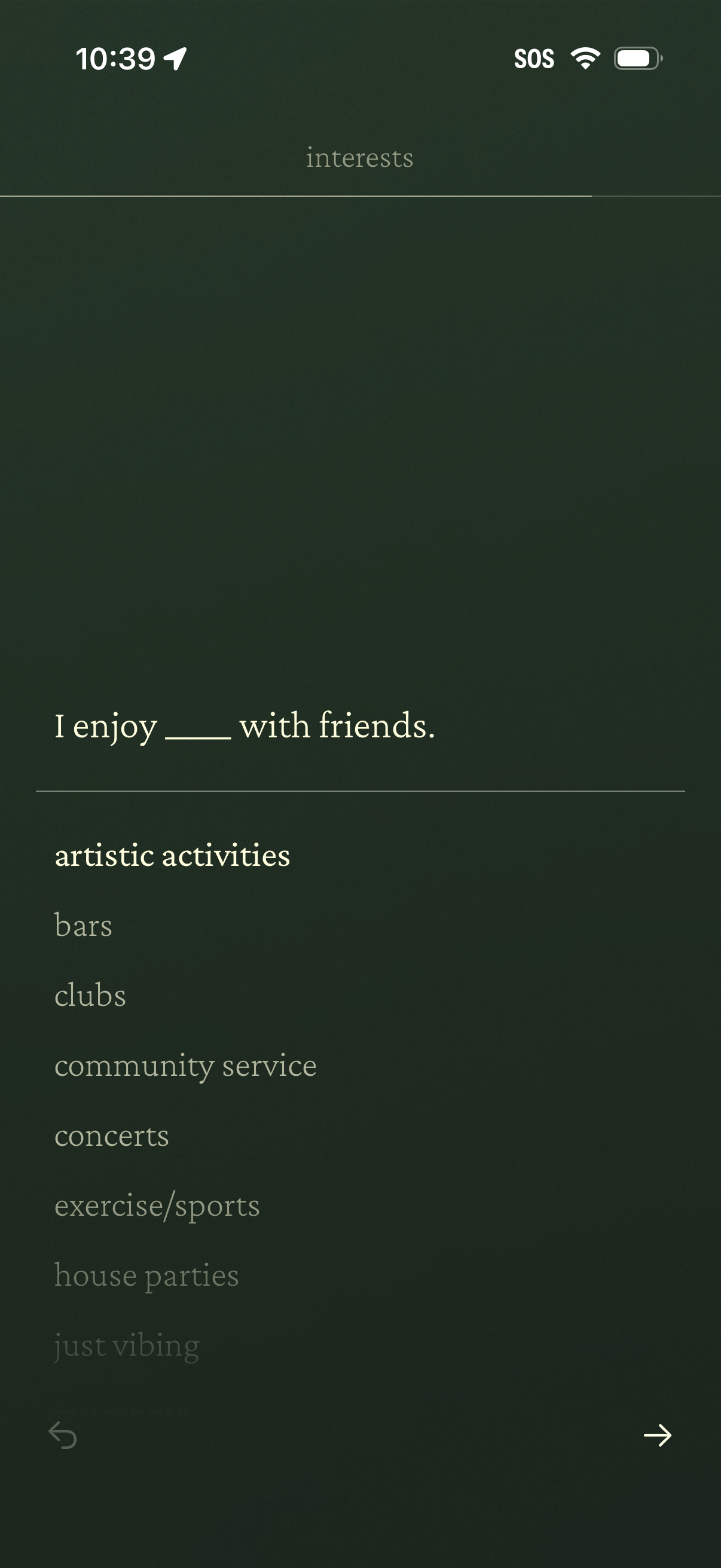
Explore the step-by-step complete interests section flow from 222.
This flow shows 4 screens from the complete interests section experience in 222. Sign up to explore the full flow and compare it with complete interests section flows from other apps.

More flows from 222
See all 222 screens, metadata, and flows on the 222 company page.
Search, compare, and monitor product flows inside Lazyweb.
Sign up (free)