
Explore up to date permissions, search, onboarding, settings, and profile flows from Zara and more on Lazyweb.
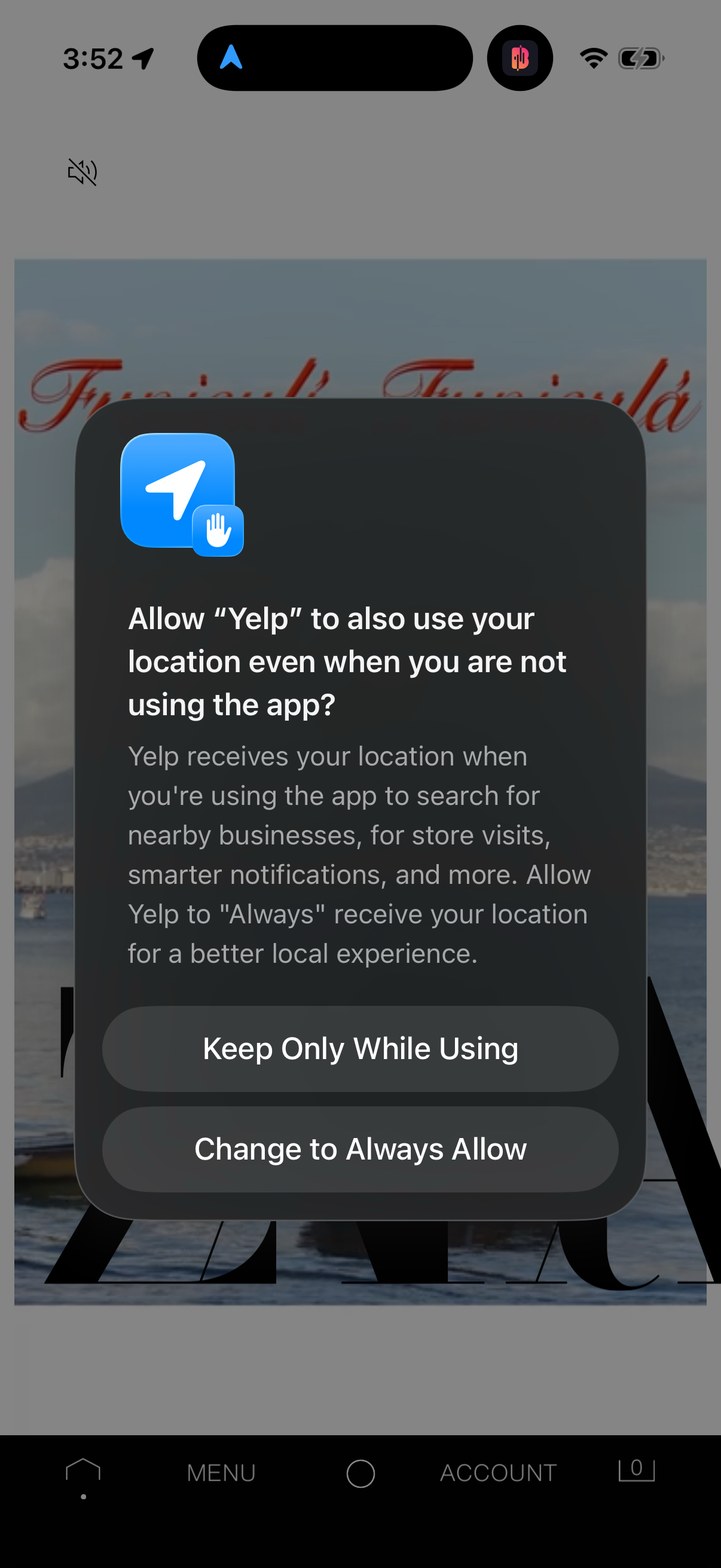
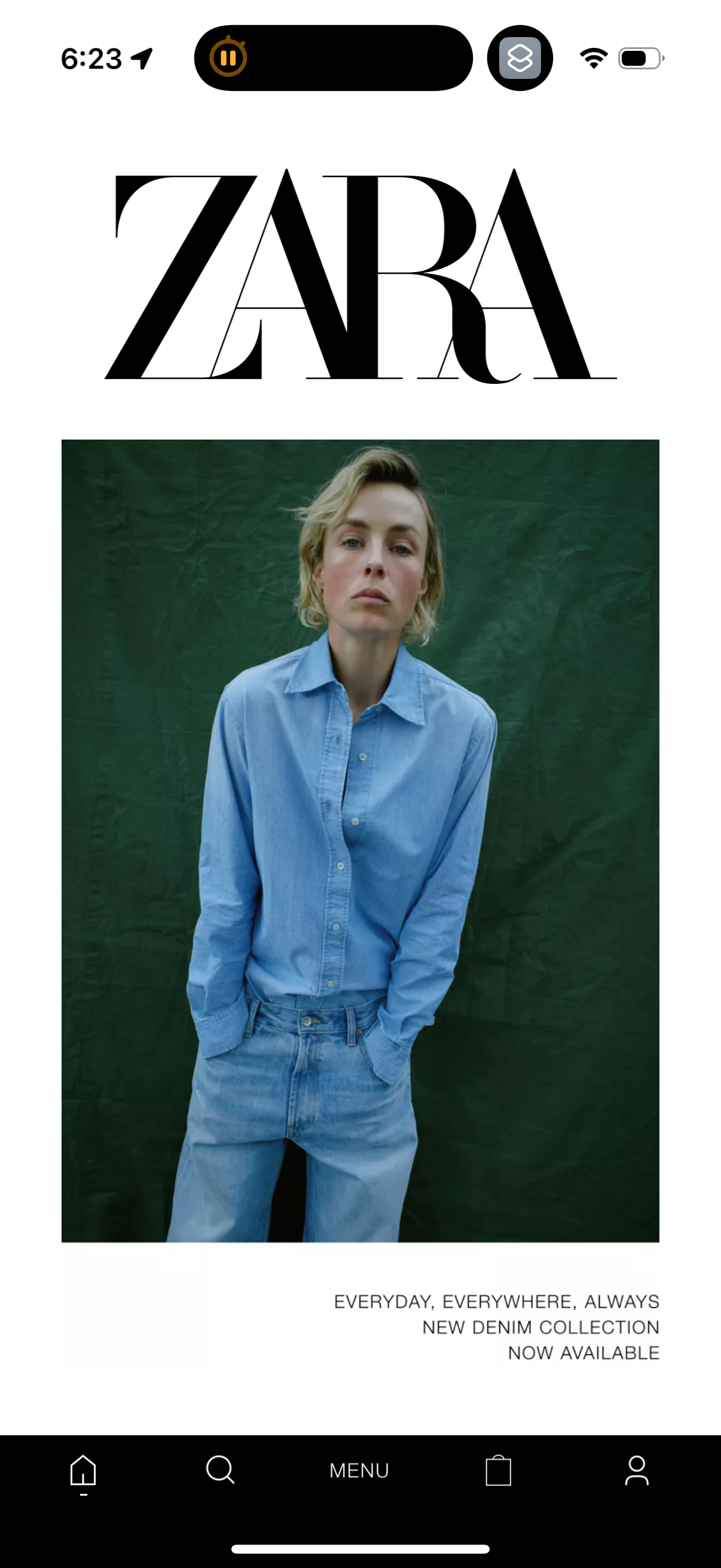
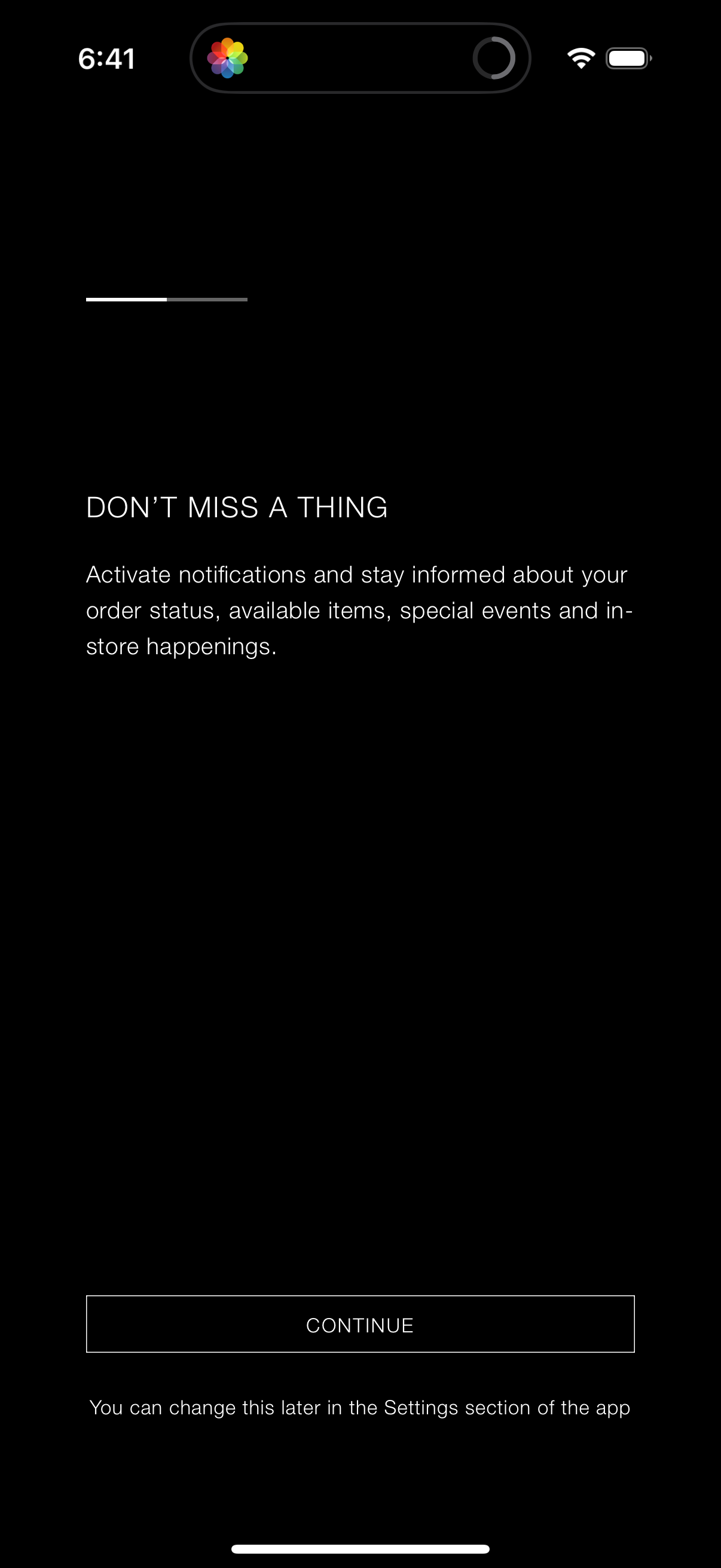
Zara in Shopping — see 30 app screens across permissions, search, onboarding, settings, and profile flows. Compare onboarding, paywall, and pricing patterns against real competitors inside Lazyweb.
Lazyweb is a blazing-fast design research library with 281k+ real app screens, user flow examples, UI patterns, and product design patterns for competitive analysis and benchmarking.
Screenshots
.png)
.png)
Company metadata
| Category | Shopping |
|---|---|
| Subcategory | Fashion & Apparel Retailers |
| Tagline | Zara is a forward-thinking force in fashion; embodying what is possible when responsibility and aspiration are accessible to all. By bringing more thoughtful style to the world, we aim to provide everyone, no matter where they are, with the inspiringly beautiful, always on‑trend, responsibly crafted fashion they deserve. |
| Business model | Commerce Margin |
| Product archetype | 2-sided Marketplace, Consumer |
| Growth engine | Product-led self-serve (PLG), Paid performance marketing, Social media, PR |
| Revenue (2024) | $30,058,800,000 |
| Active users | 218,000,000 |
| Money raised | $2,000,000,000 |
| Public company | Yes |
| Market leader | Yes |
| Website | https://www.zara.com |
| App Store | https://apps.apple.com/us/app/zara/id547951480 |
| X / Twitter | https://x.com/ZARA |
| https://www.instagram.com/zara/ | |
| https://www.linkedin.com/company/zara | |
| TikTok | https://www.tiktok.com/@zara?lang=en |
| Crunchbase | https://www.crunchbase.com/organization/zara |
App Store description
Discover the Zara collection with ideas for Woman, Man, and Kids. You can shop and see all our new collections and fashion campaigns for the upcoming seasons on our app and online store. Other features of the Zara app are: - Favorites: use your favorites list to save all the clothing and accessories that you like. - Order tracking and easy, intuitive, and fast returns. Track your order every step of the way. - Locate the Zara store nearest you. - Activate notifications and receive information about new arrivals, releases, special collections... Store mode - Use the app in “store mode” when you are shopping in one of our stores and utilize all of its features to improve your experience. Zara QR: Use your QR code in the Zara app to: - Have all your online and in‑store purchases linked. Identify yourself at the register in the store with your Zara QR and ask for the eReceipt. - Make returns in the store, online as well as in‑store purchases. - Pick up all your online orders in the store.