
Explore up to date profile, search, onboarding, signup, and referral flows from Vsco and more on Lazyweb.
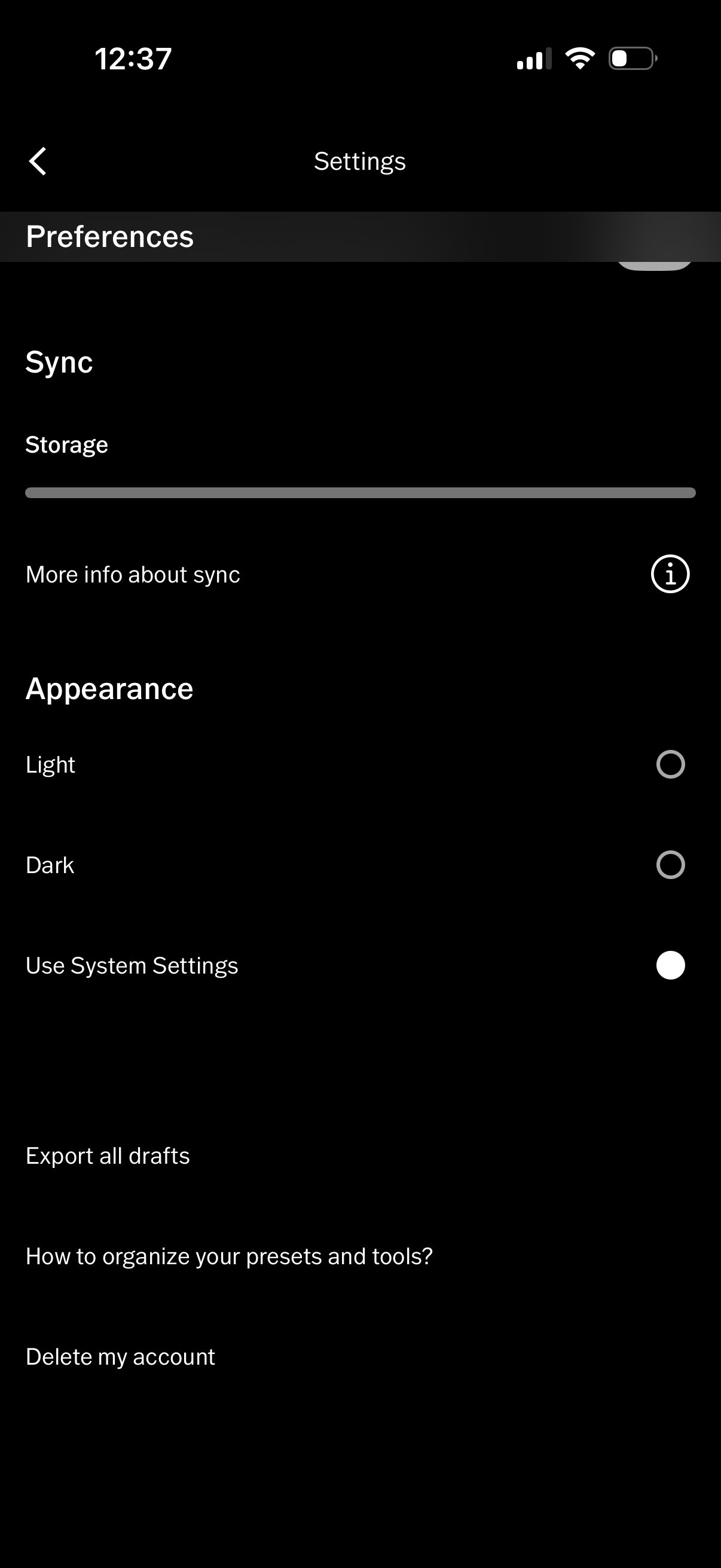
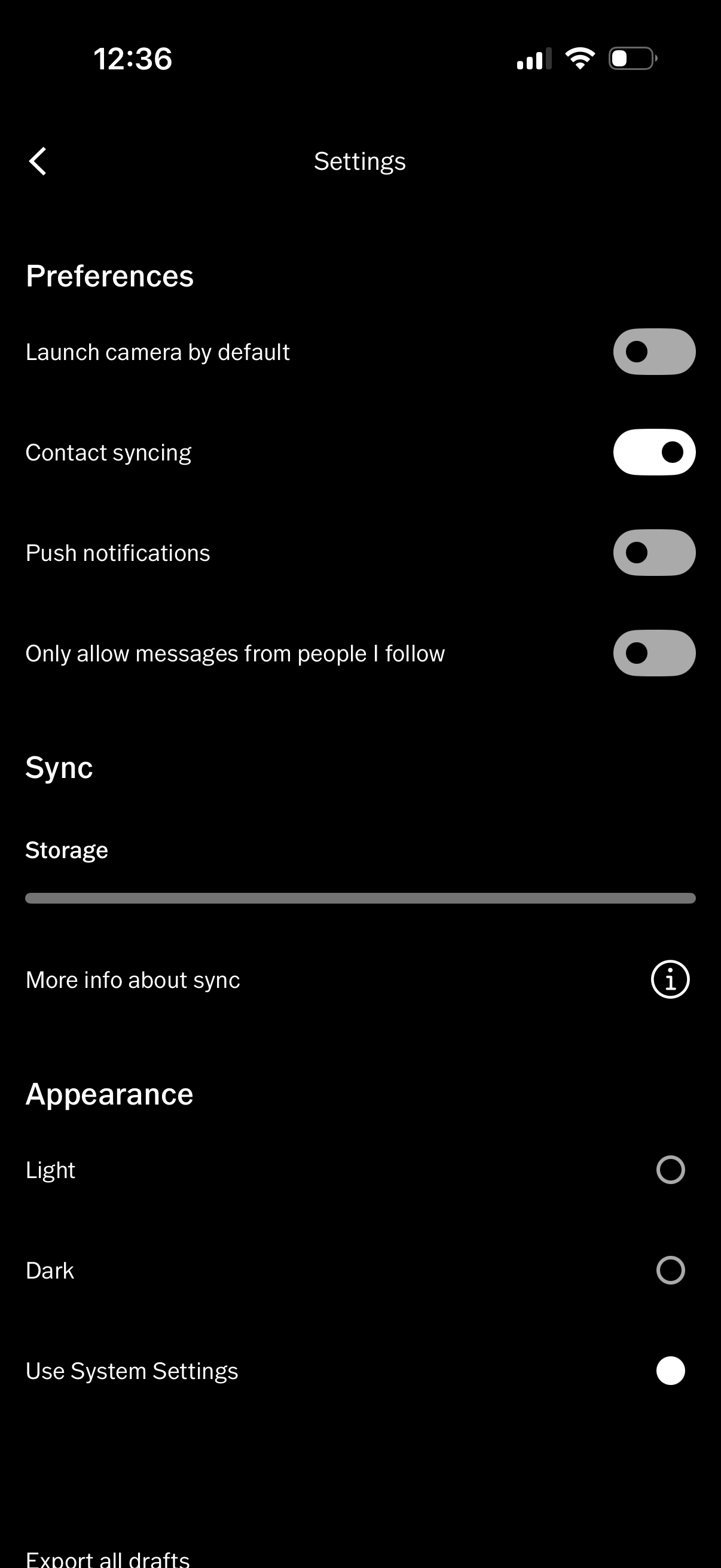
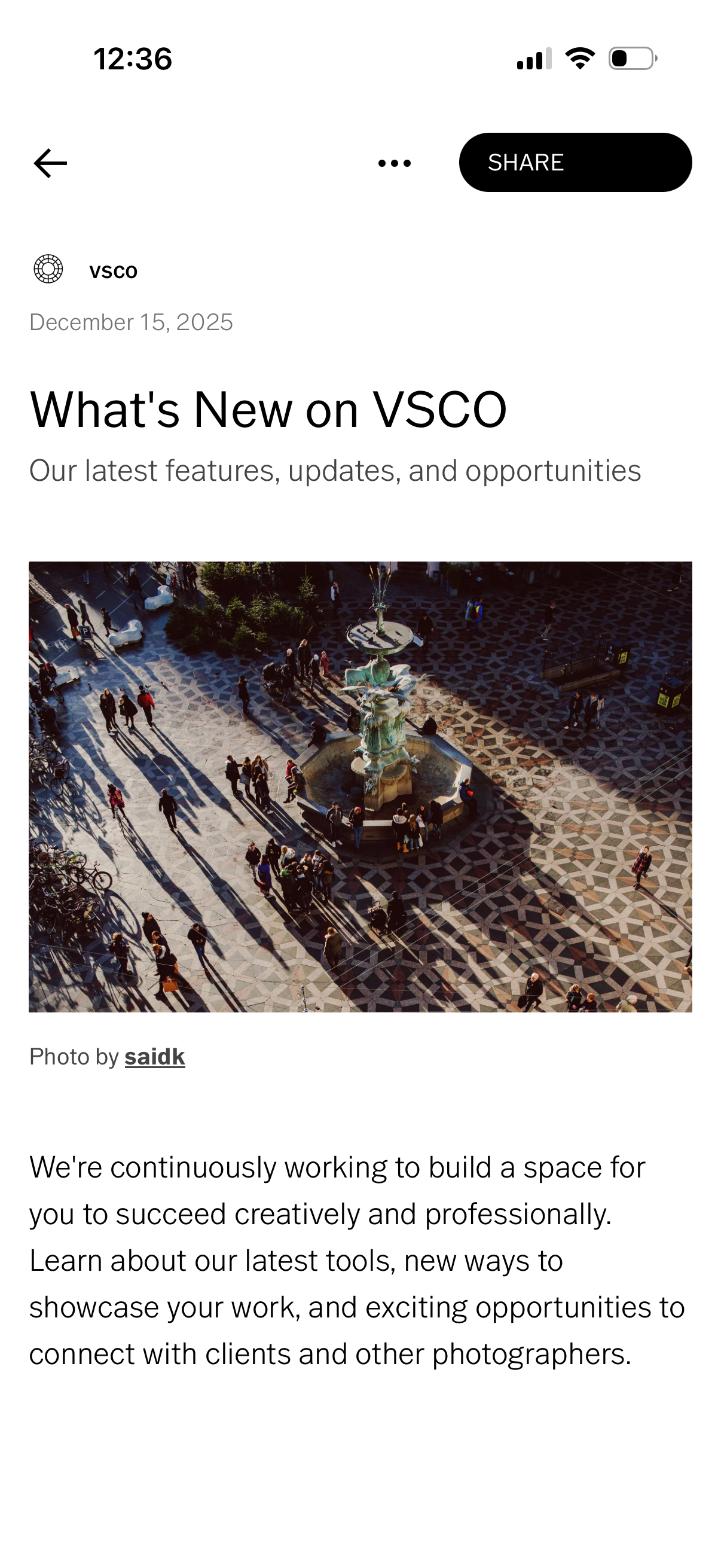
Vsco in Photo & Video — see 58 app screens across profile, search, onboarding, signup, and referral flows. Compare onboarding, paywall, and pricing patterns against real competitors inside Lazyweb.
Lazyweb is a blazing-fast design research library with 281k+ real app screens, user flow examples, UI patterns, and product design patterns for competitive analysis and benchmarking.
Screenshots


Company metadata
| Category | Photo & Video |
|---|---|
| Subcategory | Photo Editing |
| Business model | Subscription |
| Product archetype | Social, Prosumer |
| Market leader | Unknown |
| Website | https://vsco.co |
| App Store | https://apps.apple.com/us/app/vsco-photo-editor-presets/id588013838 |
| https://www.instagram.com/vsco | |
| https://www.linkedin.com/company/visual-supply-co | |
| TikTok | https://www.tiktok.com/@vsco |
| Crunchbase | https://www.crunchbase.com/organization/visual-supply-co-vsco |
App Store description
VSCO —community, tools, and exposure for all photographers. VSCO is a community-driven platform that equips photographers to expand creatively and professionally. We empower photographers to connect with other creatives and businesses with our suite of creative tools that spans from mobile to desktop and across our global community. FREE PHOTO EDITOR Take your photography to the next level with free VSCO presets. Easily import and edit your RAW photos. Use editing tools like Contrast and Saturation to make your photos pop or try adding Fade for a more subdued look. Find the perfect composition and align your perspective with Crop and Skew. Save and recreate your favorite edits with Recipes. ADVANCED PHOTO EDITING TOOLS Join VSCO Membership to access VSCO’s complete preset library with over 200+ presets. Recreate vintage film looks inspired by Kodak, Fuji, Agfa, and others with Film X. Use advanced photo editing tools like HSL, Dodge && Burn, Split Tone, and Grain. Frame your images with bold colors using Borders. AI PHOTO EDITING Edit photos with high-fidelity AI tools like AI Remove and Upscale (more coming soon). Included with VSCO Pro membership. Unlimited edits. No credits or token required. VIDEO EDITOR Transform your videos on mobile with the same premium VSCO presets and advanced editing tools from our photo editor. Adjust white balance and experiment with color control with HSL. Easily create short video GIFs with DSCO. PRO PRESETS Join VSCO Pro Membership to refine your signature photo or video style with Pro presets. Pro presets allow you to edit and customize our most iconic tools, adjusting preset contrast, color, tone, and more. COLLAGE PHOTOS AND VIDEOS Make photo and video collages in seconds. Create layered multimedia collages with pre-set templates or start with a blank canvas. Edit and combine video scenes with Montage, and use Collage to create new compositions with photos, text, and customizable shapes. VSCO SPACES Create shared and private galleries, get feedback, and discuss the creative process. Spaces are collaborative environments that provide a safe space for creators to workshop ideas, share inspiration, and connect. With Client Spaces, easily set a password for secure sharing that improves your professional workflow. DISCOVER WORK OPPORTUNITIES Expand your reach with opportunities you won't find anywhere else. Get matched with top brands that want to hire on Hub. Join Brand Challenges and submit to monthly prompts that can get your photos licensed, and you paid. Post your photos with #VSCO for an opportunity to be curated to the VSCO Collection. PROFESSIONAL PROFILE Create a professional profile that showcases your unique skills. Post photos and videos, organize your work into Galleries, and tell stories with Blogs. Add your experience and let others know that you're open to collaborating and professional work. INSPIRED BY COMMUNITY Join a community that opens the door to your creativity. Start discussions on posts, repost inspiring photos, and make direct connections with messaging. Curate a Feed captures your unique interests and showcases photographers you follow from around the world. Explore even more features on desktop at http://vsco.co MEMBERSHIP TRIAL AND SUBSCRIPTION TERMS Start your VSCO membership with a free 7-day trial. Once the trial is over, you’ll be charged an annual subscription fee. Your VSCO membership will automatically renew unless auto-renew is turned off at least 24 hours before the end of the current period. You can go to your Settings >> iTunes Account && App Store >> Apple ID >> Subscriptions to manage your membership and turn auto-renew off. Your iTunes Account will be charged when the purchase is confirmed. Read more about our terms and conditions here —http://vsco.co/about/terms\_of\_use Read more about our privacy policy here —http://vsco.co/about/privacy\_policy