
Explore up to date profile, dashboard, paywall, onboarding, and settings flows from Strava and more on Lazyweb.
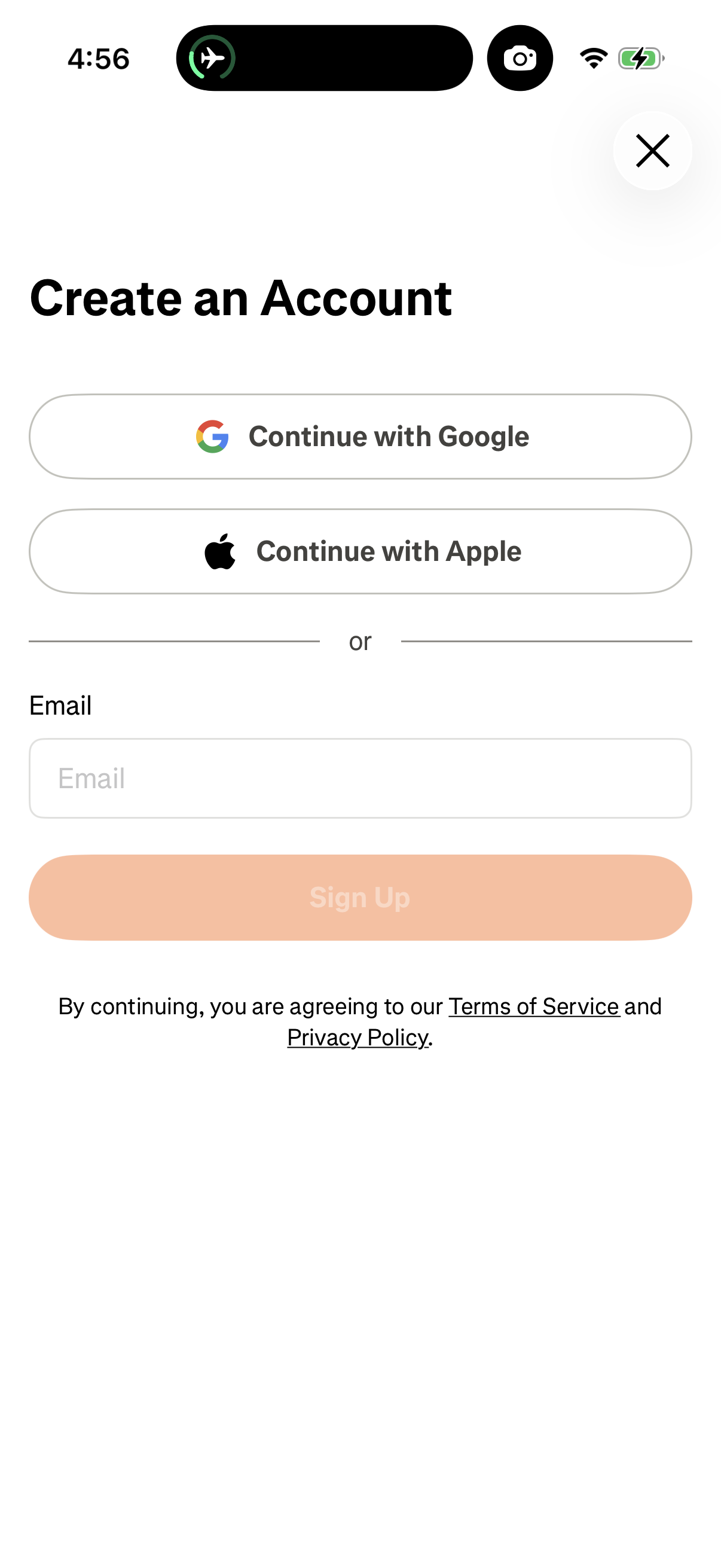
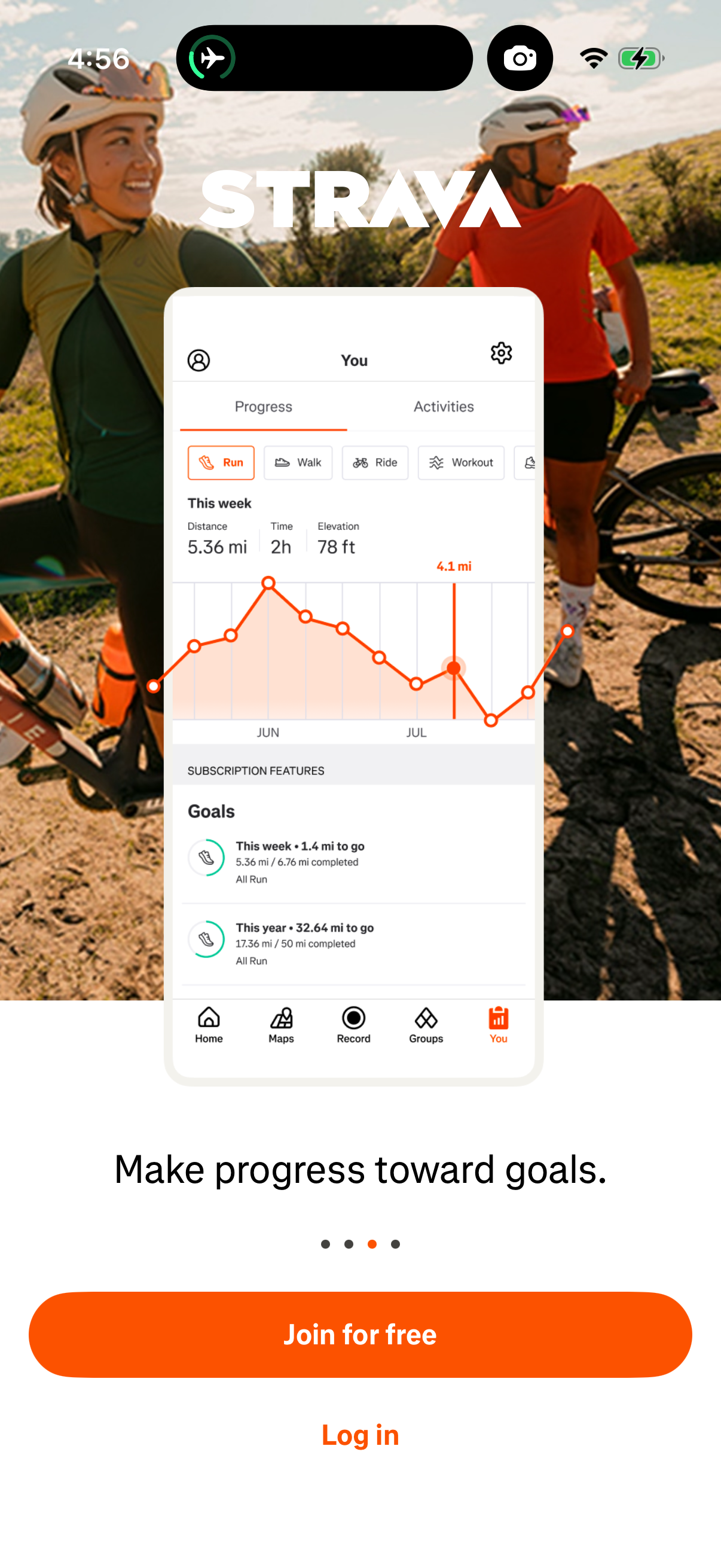
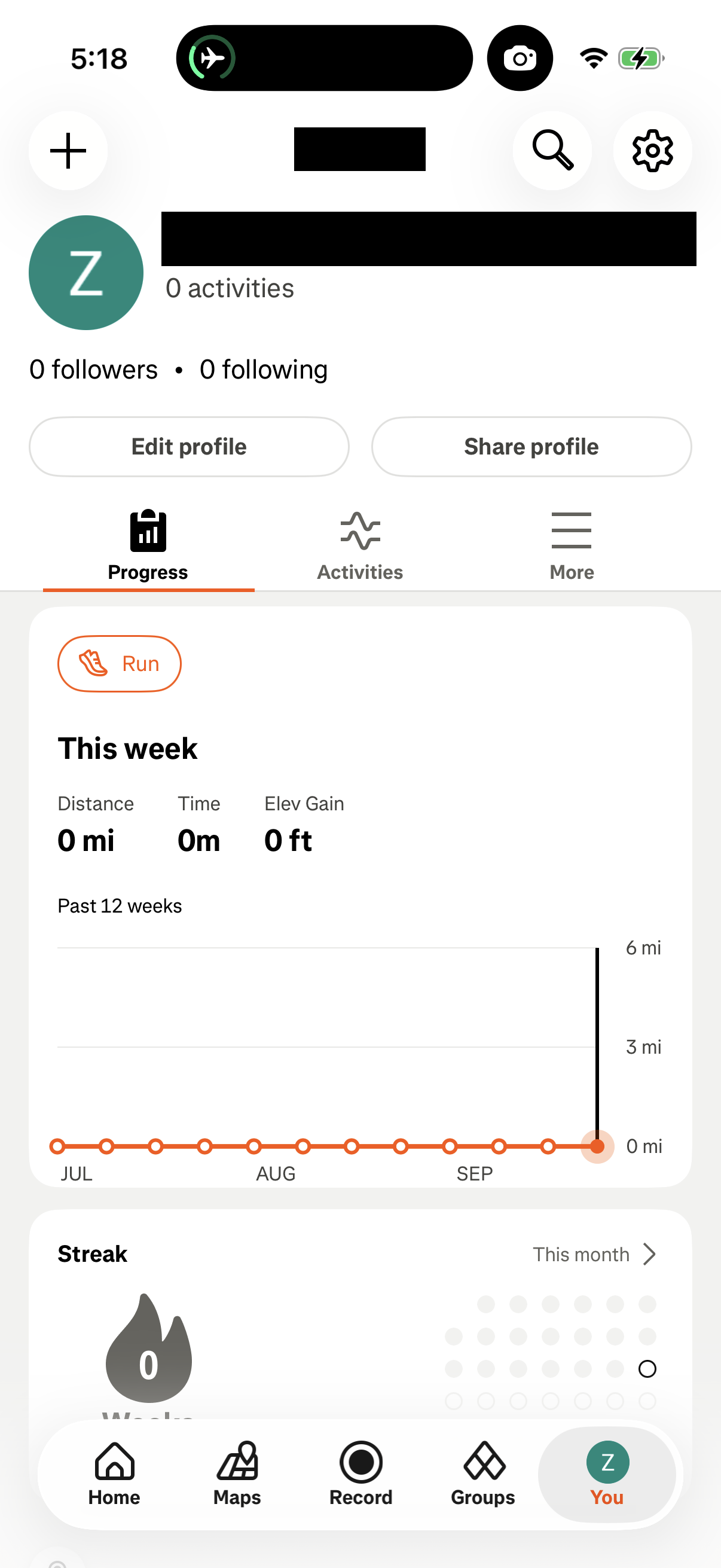
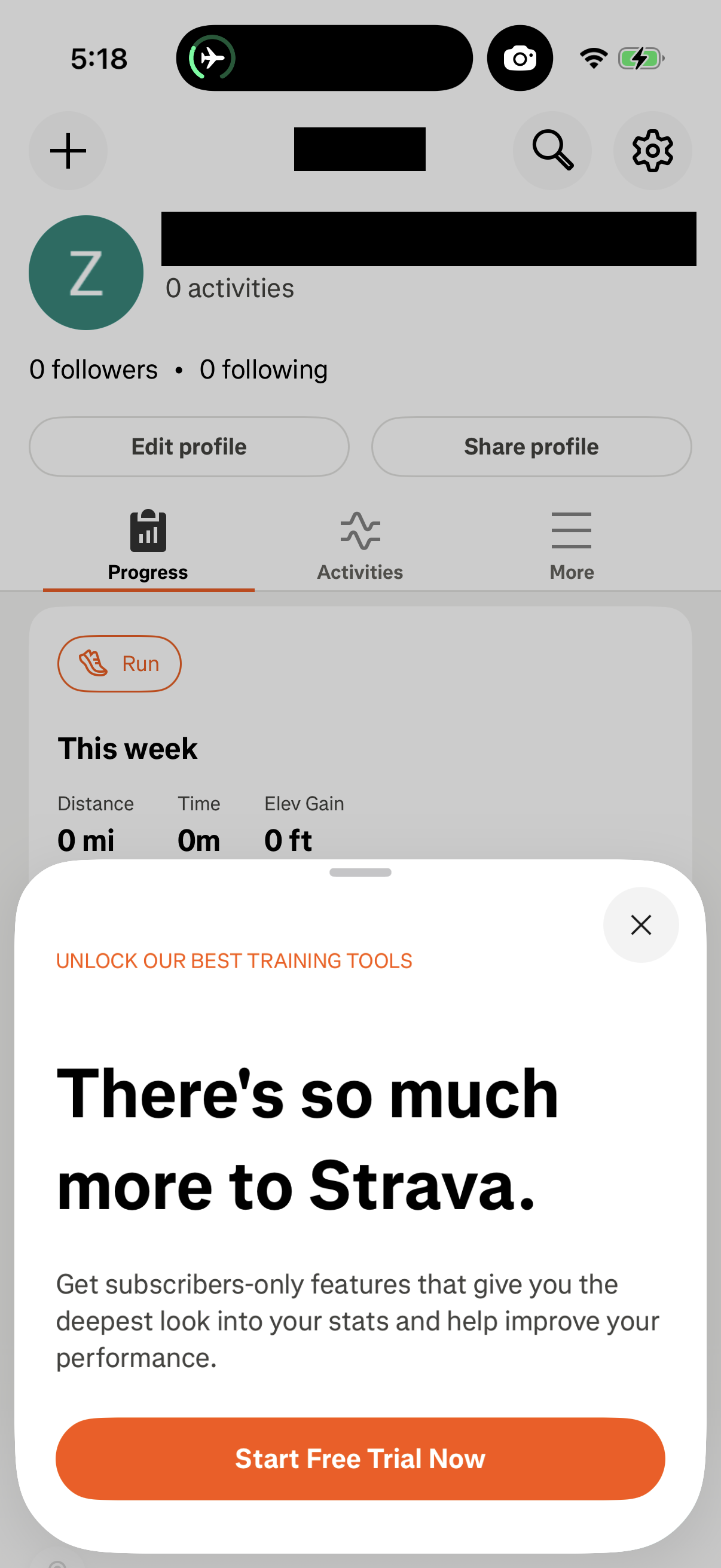
Strava in Health & Fitness — see 203 app screens across Onboarding Paywall, Notifications Opt-in, Locked Feature Paywall, and Settings Paywall flows. Compare onboarding, paywall, and pricing patterns against real competitors inside Lazyweb.
Lazyweb is a blazing-fast design research library with 281k+ real app screens, user flow examples, UI patterns, and product design patterns for competitive analysis and benchmarking.
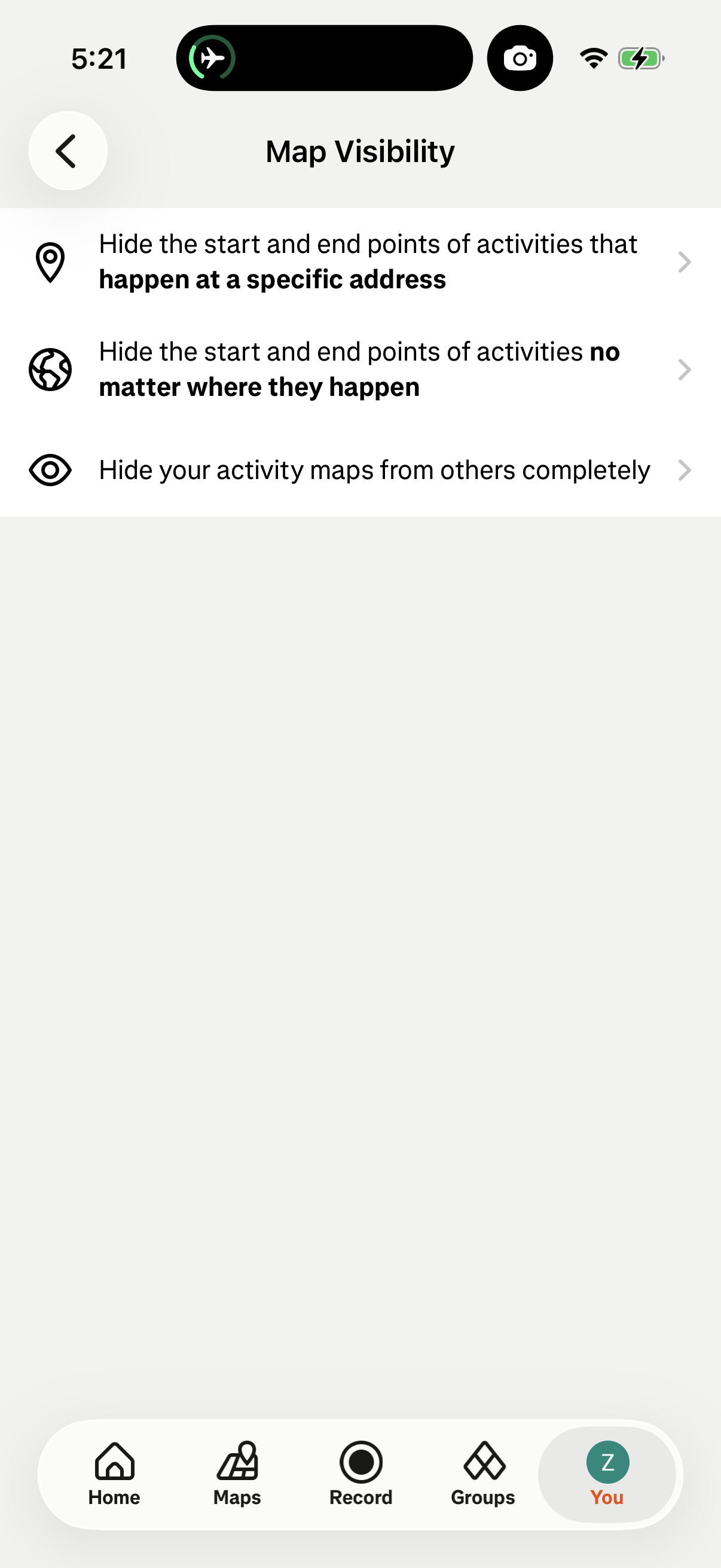
Screenshots
Company metadata
| Category | Health & Fitness |
|---|---|
| Subcategory | Fitness & Activity |
| Tagline | Track workouts, explore routes, and stay motivated through a social fitness community. |
| Business model | Subscription |
| Product archetype | Social, Consumer |
| Growth engine | Product-led self-serve (PLG), Social media, PR, Word of mouth |
| Revenue (2024) | $338,000,000 |
| Active users | 50,000,000 |
| Money raised | $180,000,000 |
| Public company | No |
| Market leader | Yes |
| Website | https://www.strava.com/how-it-works |
| App Store | https://apps.apple.com/us/app/strava-run-bike-walk/id426826309?uo=4 |
| X / Twitter | https://x.com/Strava |
| https://www.instagram.com/strava/ | |
| https://www.linkedin.com/company/strava-inc. | |
| TikTok | https://www.tiktok.com/@strava?lang=en |
| Crunchbase | https://www.crunchbase.com/organization/strava |
App Store description
*App Store Award Winner -Apple Watch App of the Year* Strava makes fitness tracking social. We house your entire active journey in one spot – and you get to share it with friends. Here’s how: • Record everything – runs, rides, hikes, yoga and over 50+ other sport types. Think of Strava as the homebase of your movement. • See the full story of your strength training – Lifting in the gym weekly, doing HIIT workouts, and showing up to your group weight training classes? Use your favorite device or strength app and your exercises, sets, reps, weights and a muscle map show up automatically. Or start your strength journey today and see how quickly strength workouts become a key part of your active life. • Discover anywhere – our Routes tool uses de-identified Strava data to intelligently recommend popular routes based on your preferences. You can also build your own. • Uncover popular hiking Routes in your area, including local favorites, scenic trails, and long-distance climbs • Build a support network – Strava’s about celebrating movement. Here you’ll find your community and cheer each other on. • Train smarter – get data insights to understand your progress and see how you improve. Your Training Log is the record of all your workouts. • Get more from your workout – Powered by AI, Athlete Intelligence turns workout data into into instant insights. Keeping you motivated and ready for the next workout – without the guesswork. • Move safer – share your real-time location with loved ones while outdoors for an extra layer of safety. • Sync your favorite apps and devices – Strava is compatible with thousands of them (Apple Watch, Fitbit, Garmin – you name it). • Join and create challenges – join millions in monthly challenges to chase new goals, collect digital badges and stay accountable. • Embrace the unfiltered – your feed on Strava is filled with real efforts from real people. That’s how we motivate each other. • Whether you’re a world-class athlete or a total beginner, you belong here. Just record and go. Strava includes both a free version and a subscription version with premium features. Strava uses HealthKit to export your Strava activities into the Health app and to read heart rate and biometric data. You can subscribe and pay on the App Store, using your Apple ID. Payment will be charged to your Apple ID at confirmation of purchase. Your subscription will automatically renew unless cancelled at least 24 hours before the end of the current period. Your account will be charged for renewal within 24 hours prior to the end of the current period. Subscriptions may be managed by the user and auto-renew may be turned off after purchase by going to the ‘Manage Subscription’ page in settings. Any unused portion of a free trial period, if offered, will be forfeited when the user purchases a subscription to that publication, where applicable. The subscription will renew at the same cost. Terms of Service: https://www.strava.com/legal/terms Privacy Policy: https://www.strava.com/legal/privacy