Preview app screens & user flows
Explore up to date referral, reviews, search, wishlist, and profile flows from Preview and more on Lazyweb.
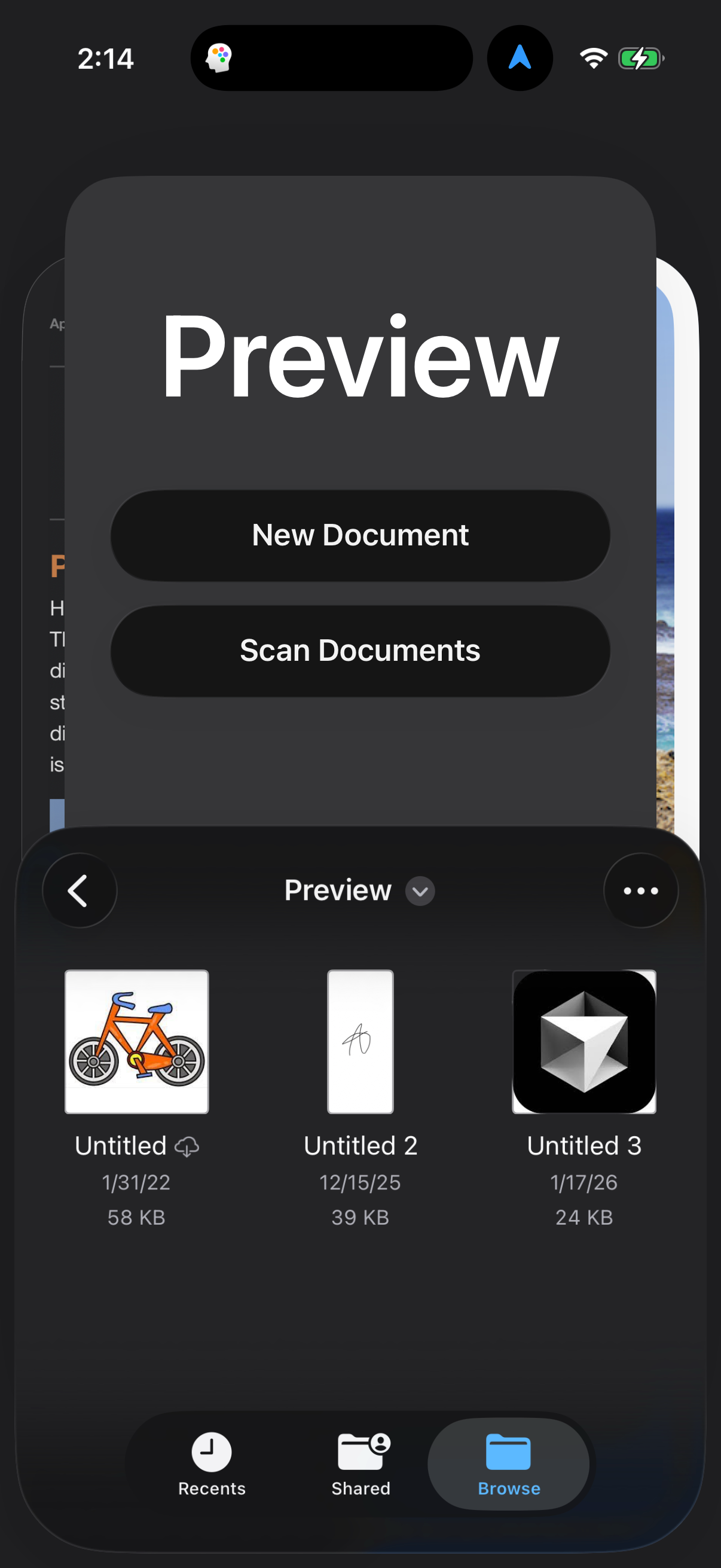
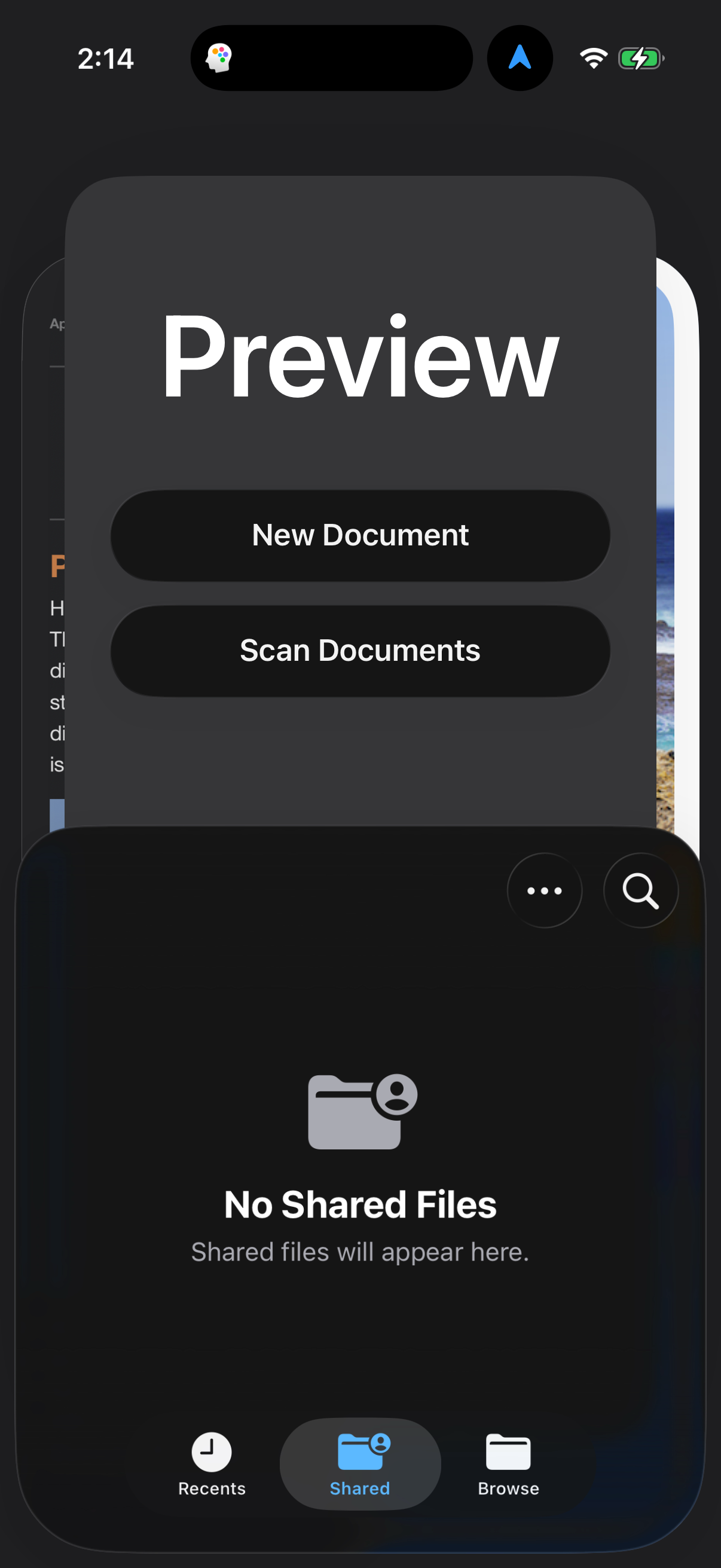
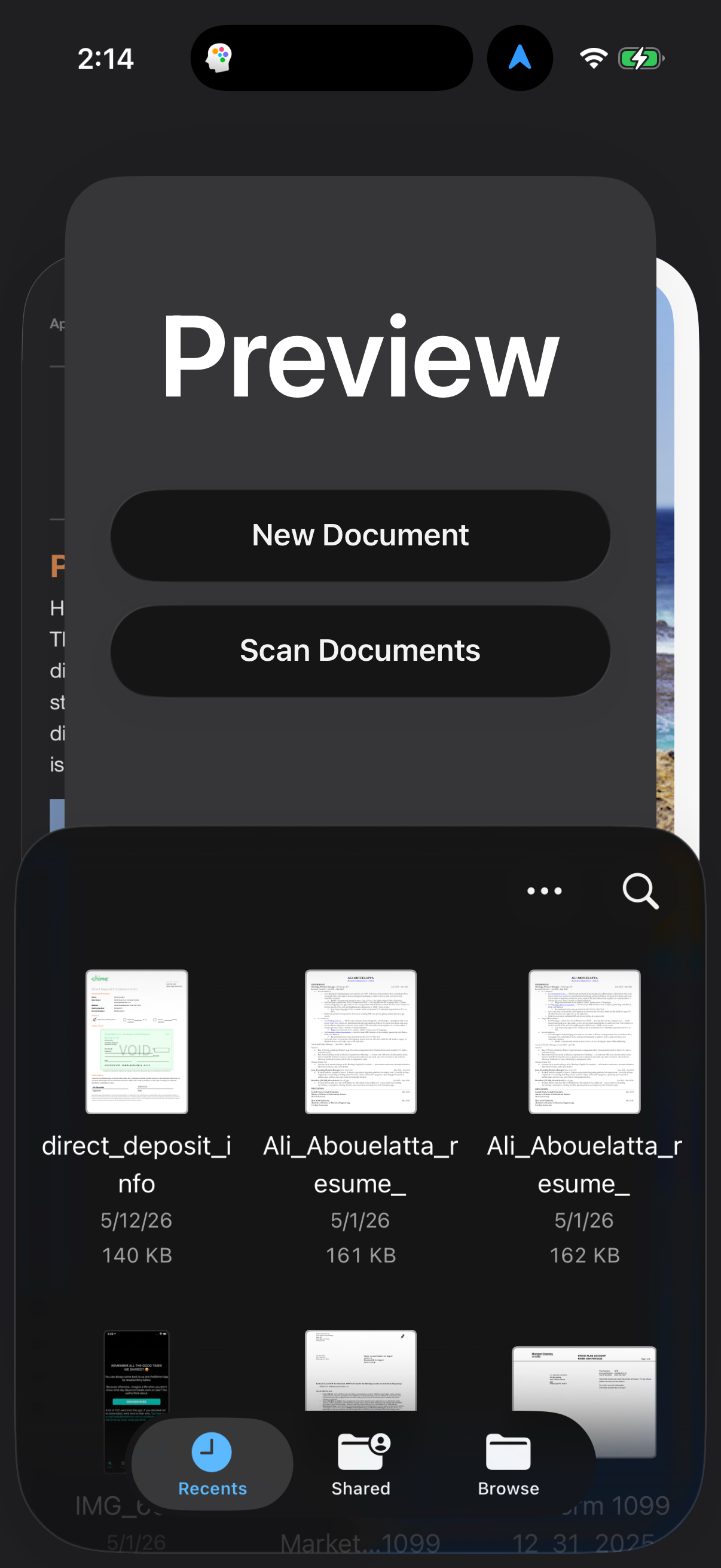
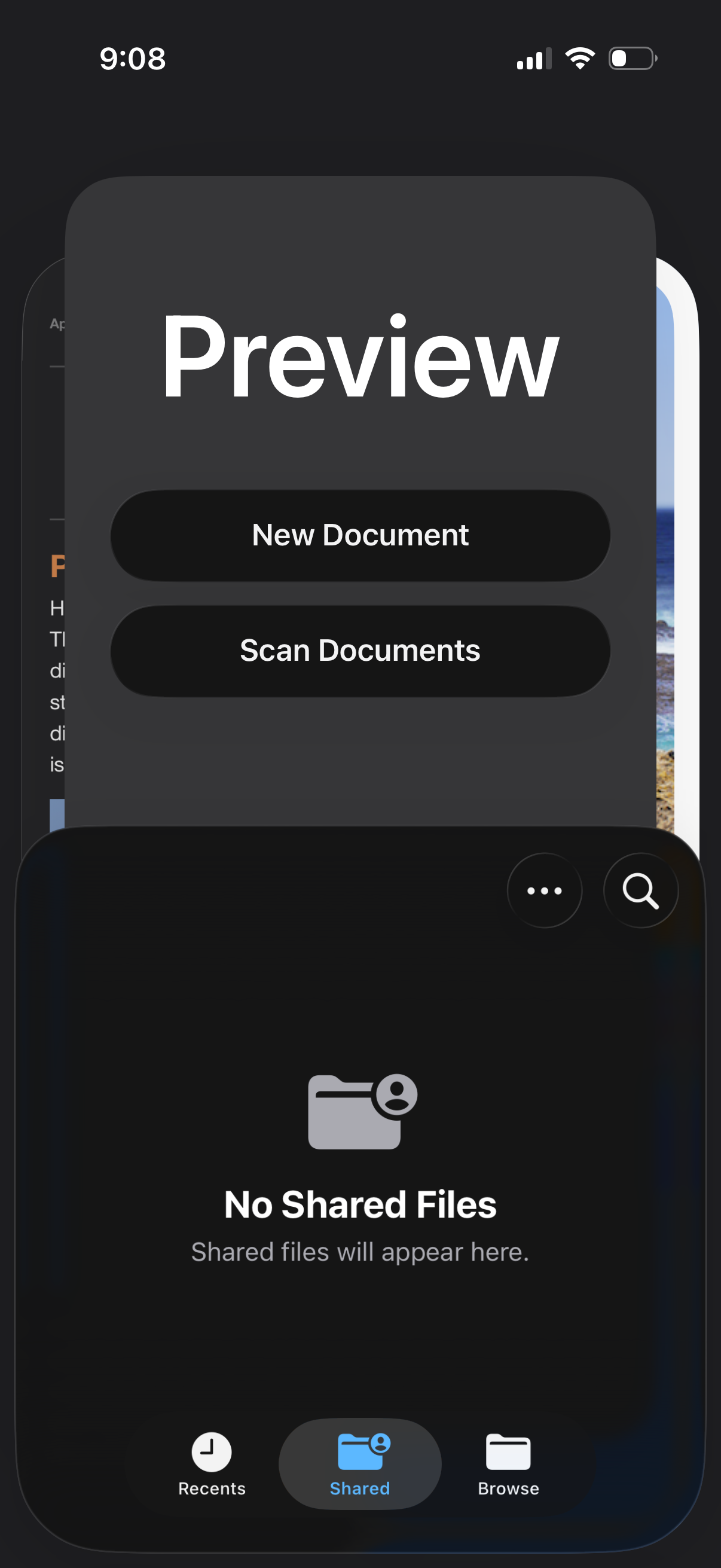
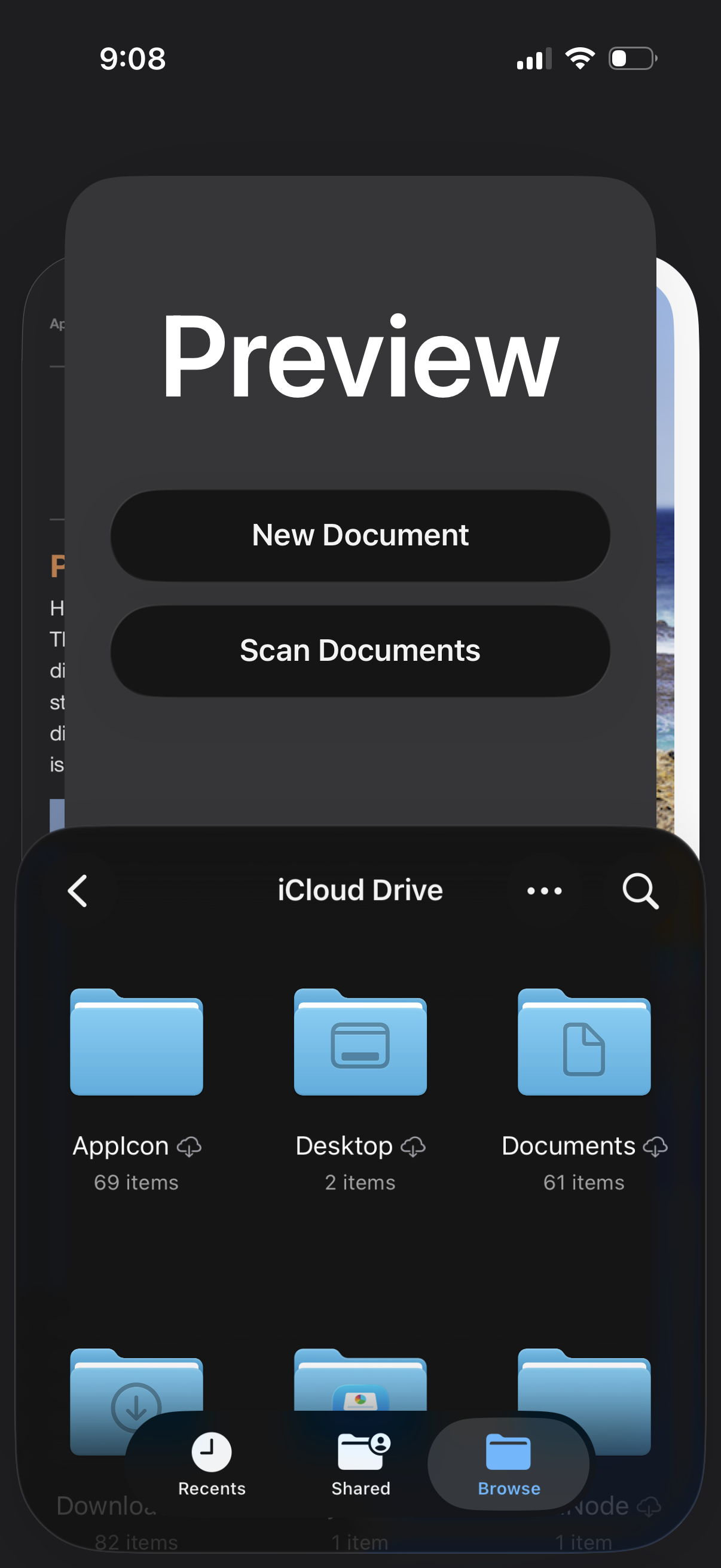
Preview in Productivity — see 14 app screens across Switch browse to shared, View file and open, and Create new empty image flows. Compare onboarding, paywall, and pricing patterns against real competitors inside Lazyweb.
Lazyweb is a blazing-fast design research library with 281k+ real app screens, user flow examples, UI patterns, and product design patterns for competitive analysis and benchmarking.
Screenshots
Company metadata
| Category | Productivity |
|---|---|
| Subcategory | PDF Reader & Document Scanner |
| Market leader | Unknown |
| https://www.instagram.com/preview.app |
App Store description
Preview makes working with PDFs and images easier than ever, with built-in tools to create, edit, annotate, markup, and export. Access & Scan PDFs Easily find and access all the PDFs and images you have saved in the Files app right from Preview. Or use your camera to quickly scan multiple pages of a document and save it as a PDF. Edit PDFs Markup your PDFs with Apple Pencil on iPad, resize them, or rotate them. You can also use AutoFill to quickly fill out PDF forms with your contact information and details in an instant. Work with Images Create a new image with Apple Pencil on iPad or from images in your clipboard. You can also crop, flip, rotate, and resize images. Export with Ease Export images and PDFs as different file types like HEIC, JPEG, JPEG-2000, PDFs, PNGs, or TIFF. And adjust your exports with different options for resolution and size.