
Explore up to date onboarding, reviews, permissions, search, and referral flows from Pool and more on Lazyweb.
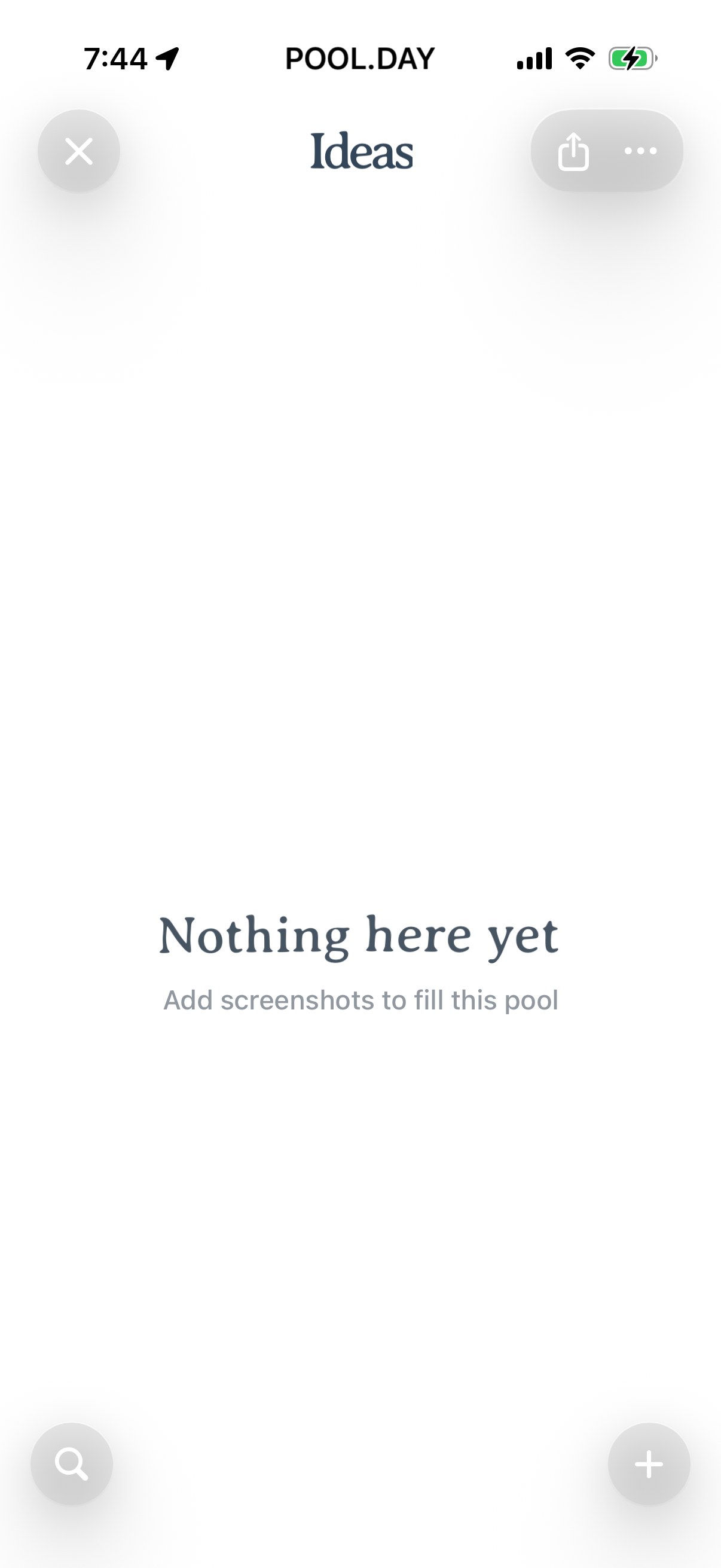
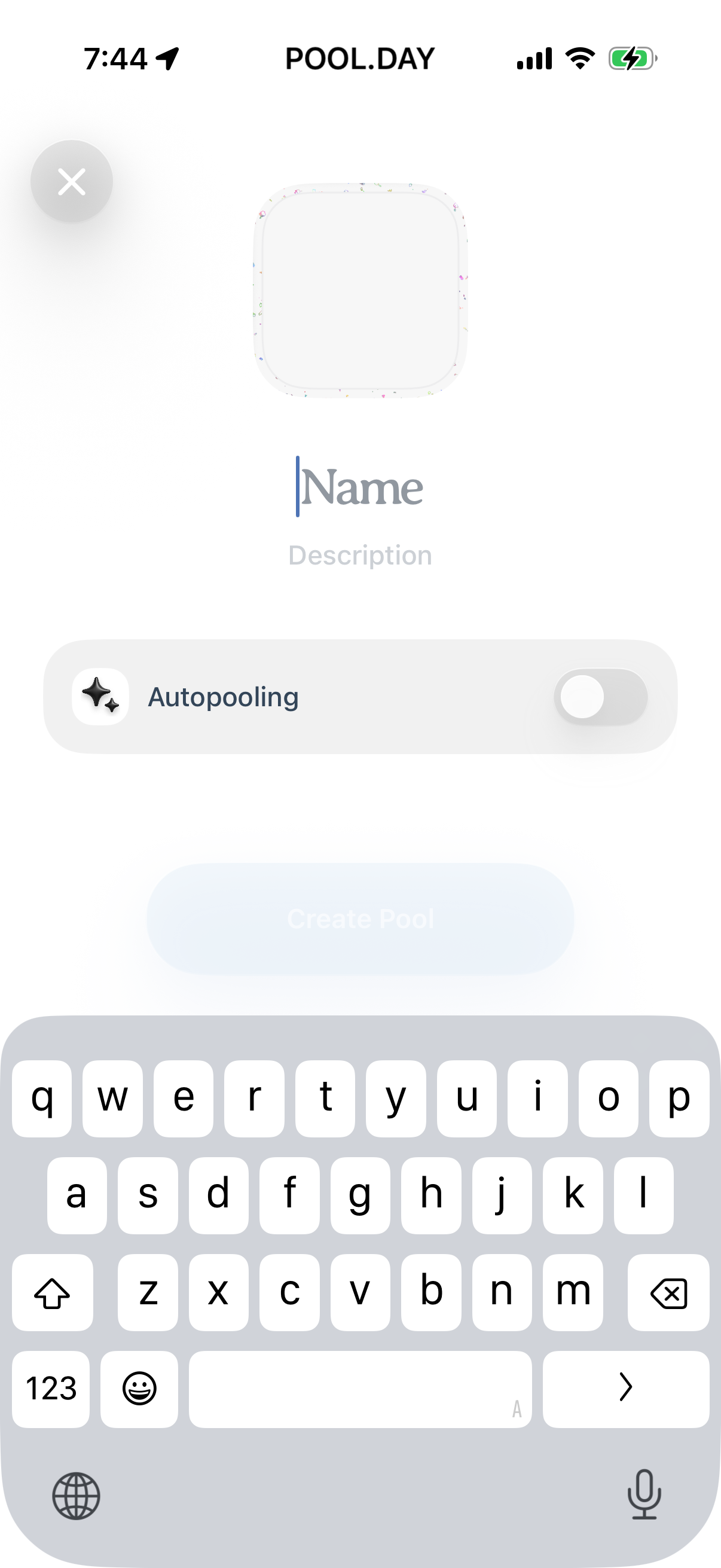
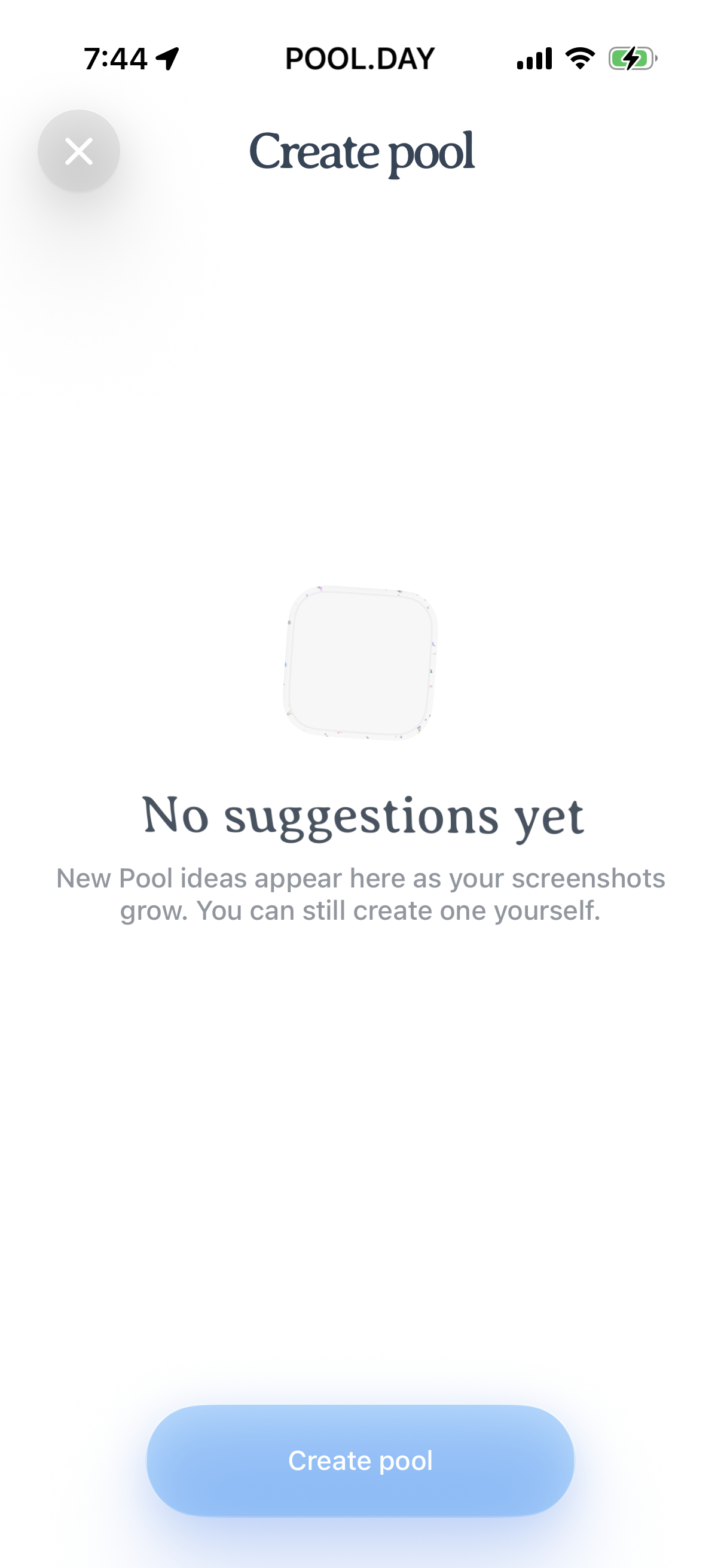
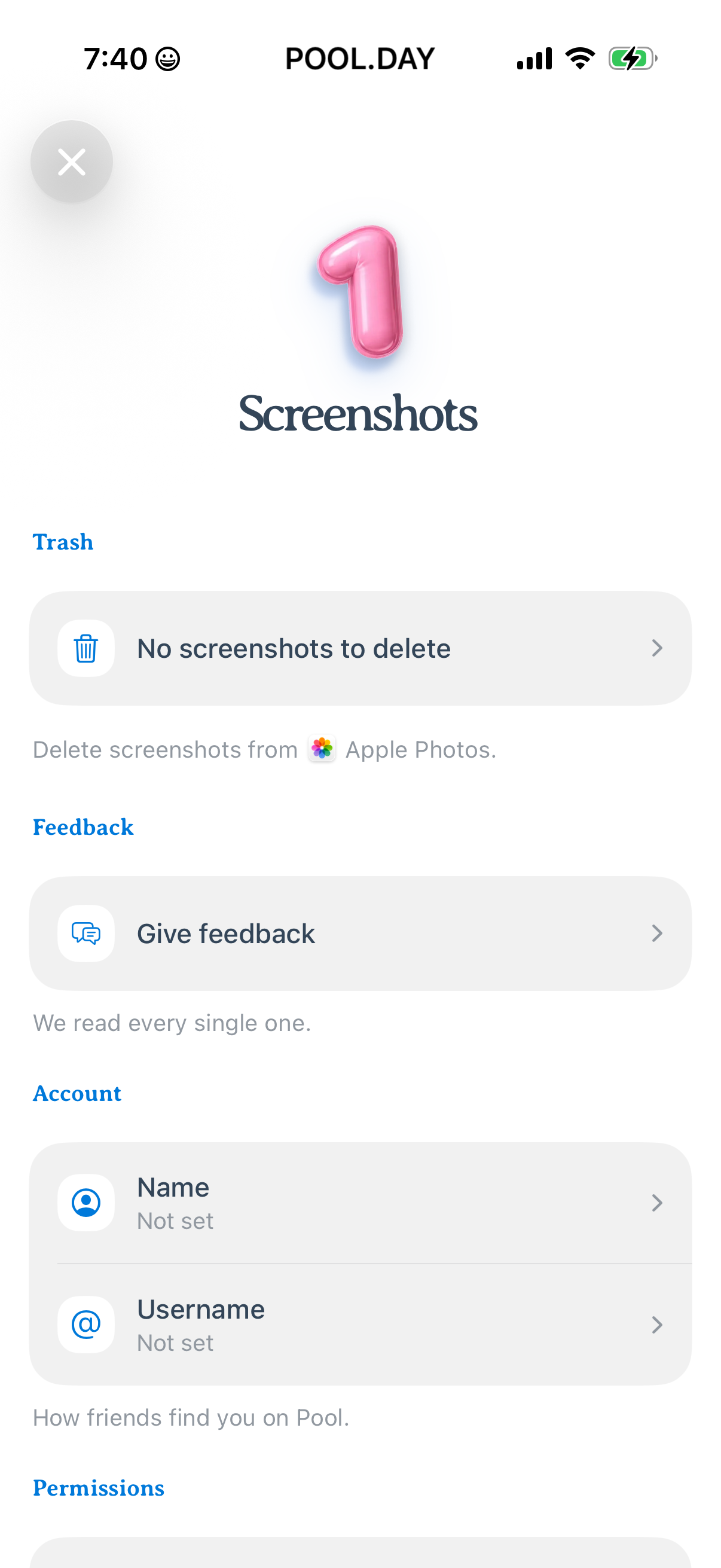
Pool in Productivity — see 19 app screens across Notifications Opt-in and Onboarding flows. Compare onboarding, paywall, and pricing patterns against real competitors inside Lazyweb.
Lazyweb is a blazing-fast design research library with 281k+ real app screens, user flow examples, UI patterns, and product design patterns for competitive analysis and benchmarking.
Screenshots

Company metadata
| Category | Productivity |
|---|---|
| Subcategory | Notes & Knowledge |
| Tagline | Save, organize, and revisit screenshots as structured, searchable collections. |
| Website | https://pool.day/ |
| App Store | https://apps.apple.com/us/app/pool-the-screenshot-app/id6752956163?uo=4 |
App Store description
Pool is a new way to save and organize the things you capture. We take screenshots to remember – a recipe, a podcast, a product, a place. But they usually disappear in your camera roll. Pool turns your screenshots into structured content you can organize, revisit, and act on. With Pool you can: - Organize screenshots into pools - Automatically categorize content and find the original links - Share pools with friends - Keep everything searchable and easy to revisit We’re currently rolling out access gradually. Download Pool, join the waitlist, and get invited as we open up. Privacy policy: https://randomaccessmemories.co/privacy-policy