
Explore up to date verification, dashboard, login, profile, and settings flows from Okta and more on Lazyweb.
Okta in Business — see 5 app screens across verification, dashboard, login, profile, and settings flows. Compare onboarding, paywall, and pricing patterns against real competitors inside Lazyweb.
Lazyweb is a blazing-fast design research library with 281k+ real app screens, user flow examples, UI patterns, and product design patterns for competitive analysis and benchmarking.
Screenshots

Company metadata
| Category | Business |
|---|---|
| Subcategory | Authentication & 2FA |
| Tagline | Okta secures AI. And every other identity, from machine to human. |
| Business model | B2B Licensing |
| Product archetype | Enterprise |
| Growth engine | Sales-led (B2B), Land-and-expand, Cold outreach, Channel / partnership-led, PR |
| Revenue (2024) | $2,263,000,000 |
| Money raised | $589,499,988 |
| Public company | Yes |
| Market leader | Yes |
| Website | https://www.okta.com |
| App Store | https://apps.apple.com/us/app/okta-verify/id490179405 |
| X / Twitter | https://x.com/okta |
| https://www.instagram.com/oktainc/ | |
| https://www.linkedin.com/company/okta-inc-/ | |
| TikTok | https://www.tiktok.com/@okta |
| Crunchbase | https://www.crunchbase.com/organization/okta |
App Store description
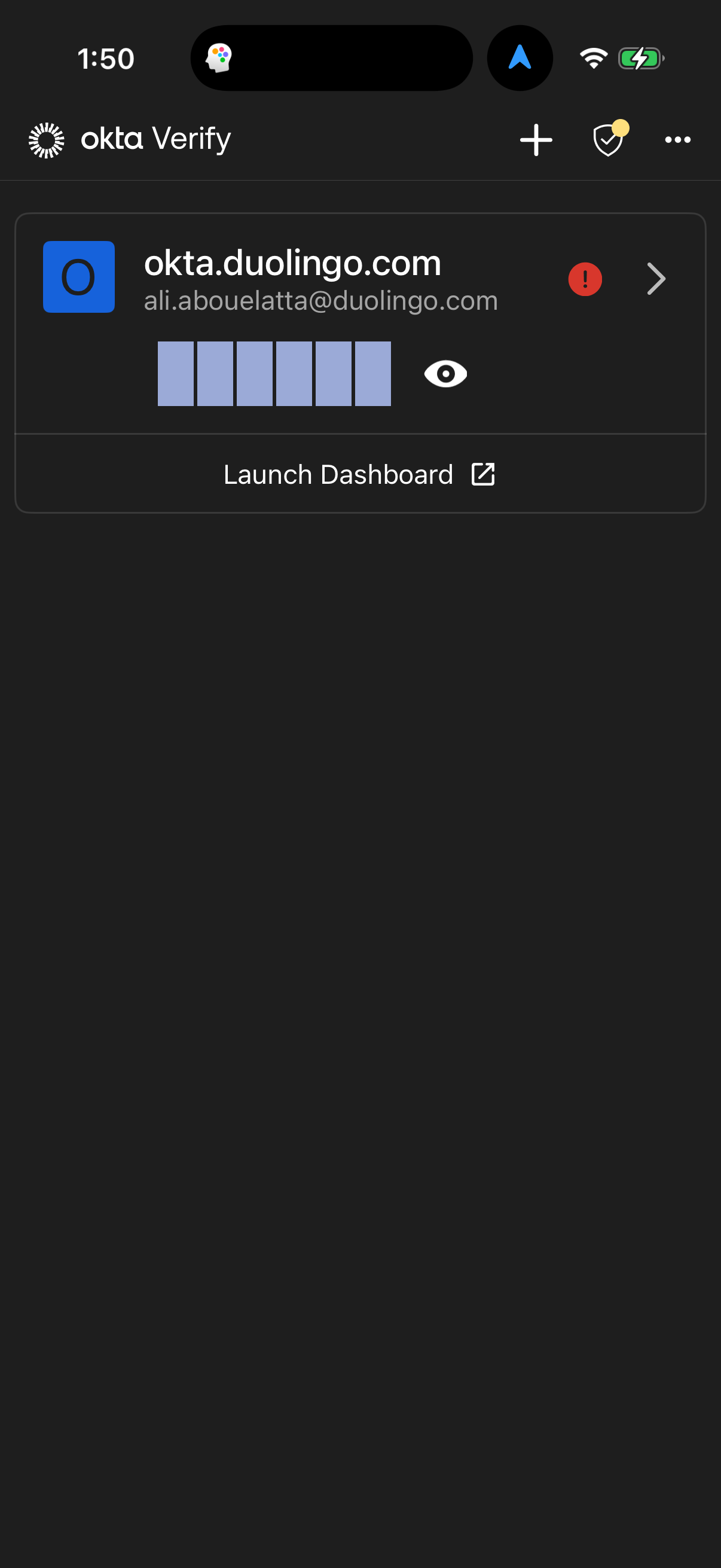
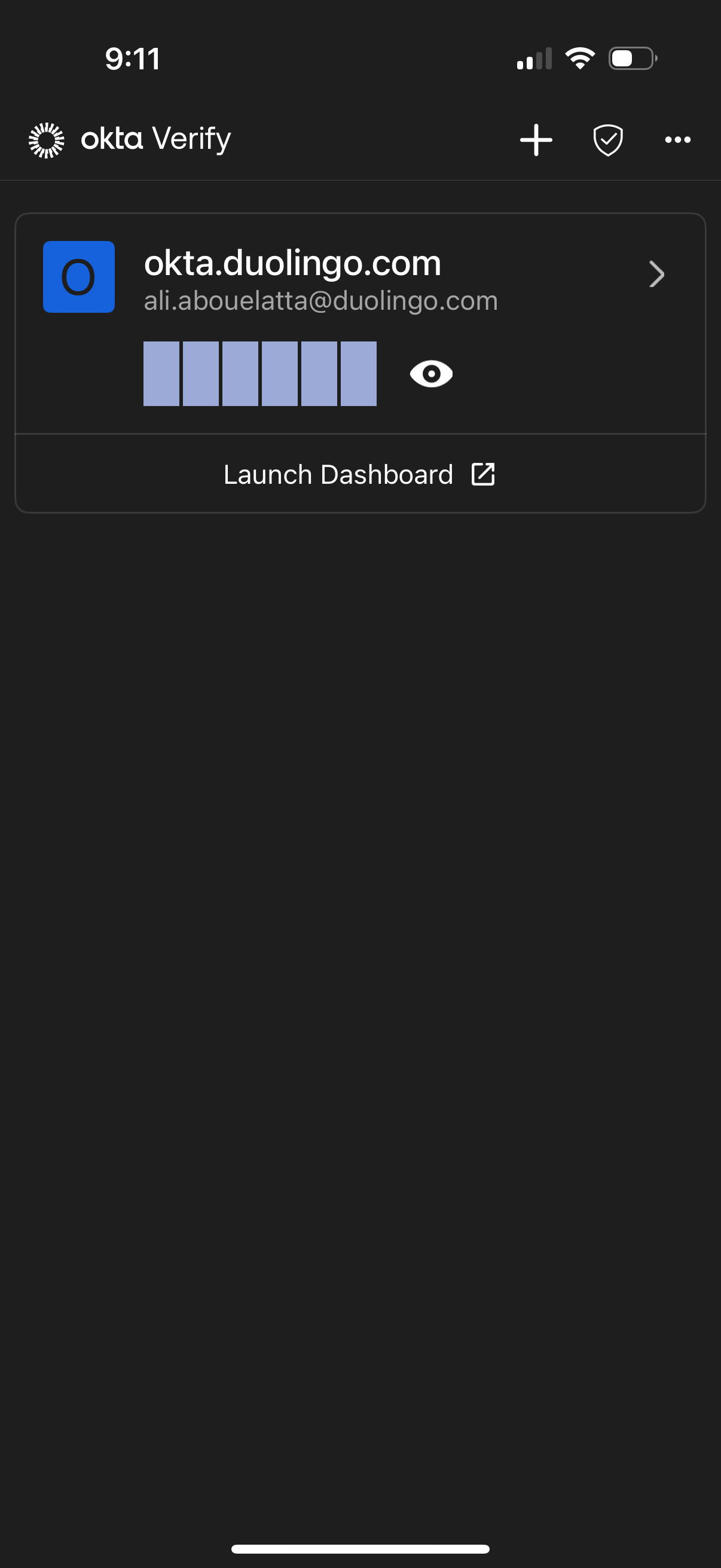
Okta Verify is a lightweight app that is used for 2-step verification so you can confirm your identity when you sign in to your Okta account. This gives you an extra layer of security so that you - and only you - can access your applications. When you sign in to Okta, you can use Okta Verify to obtain a temporary 6-digit code or to approve a request notification sent to your device (your organization must enable notifications to use this feature). Okta values your privacy. Okta Verify does not store personal information - we request permission only for your device camera, which is used to scan a QR code to register your device with Okta. App Features - Enroll in Okta Verify as a new user by registering your mobile device with your Okta account. - Add one or more Okta accounts that require Okta Verify for authentication. - Manage 2-factor authentication for non-Okta applications and web services that require the use of passcodes. - Approve or deny sign-in requests on your device from a push notification (if enabled).