
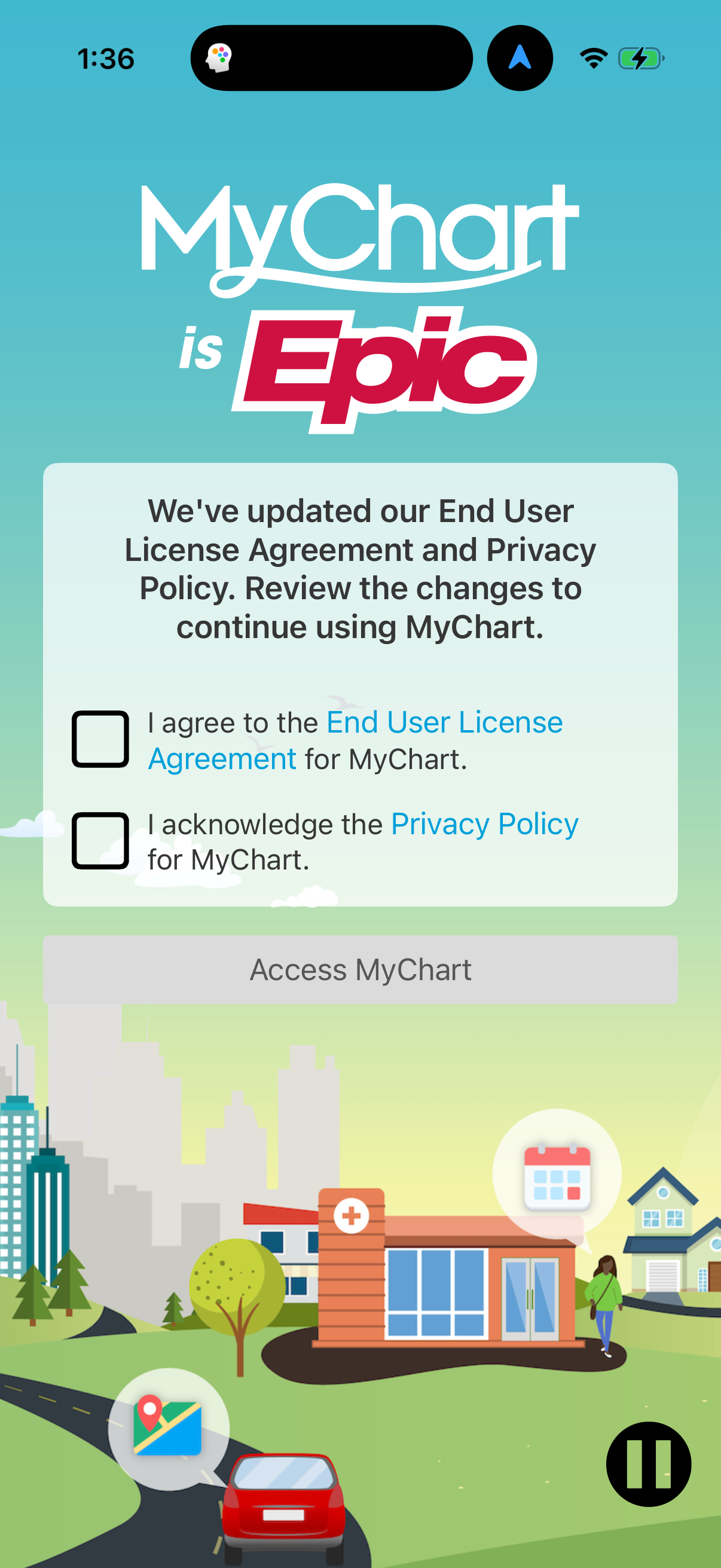
Explore up to date login, signup, profile, reviews, and permissions flows from Mychart and more on Lazyweb.
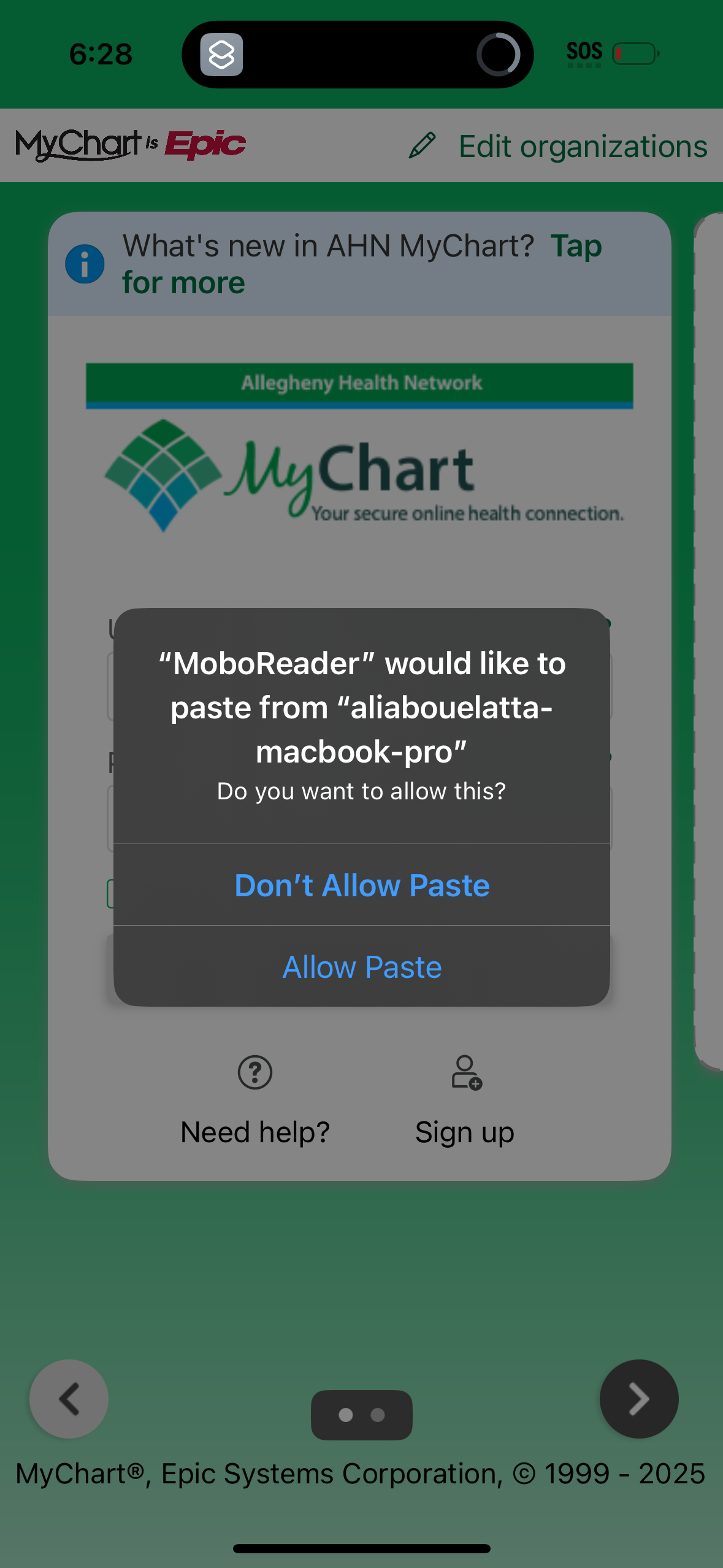
Mychart in Medical — see 23 app screens across login, signup, profile, reviews, and permissions flows. Compare onboarding, paywall, and pricing patterns against real competitors inside Lazyweb.
Lazyweb is a blazing-fast design research library with 281k+ real app screens, user flow examples, UI patterns, and product design patterns for competitive analysis and benchmarking.
Screenshots
Company metadata
| Category | Medical |
|---|---|
| Subcategory | Patient Portals |
| Tagline | Empowering over 190 million patients to get and stay healthy |
| Business model | B2B Licensing, Cross-subsidized Funnel / Companion App |
| Product archetype | Collaborative, Enterprise |
| Growth engine | Hardware/Distribution bundling, Sales-led (B2B), Land-and-expand, Cold outreach, Channel / partnership-led, PR |
| Active users | 190,000,000 |
| Money raised | $0 |
| Public company | No |
| Market leader | Yes |
| Website | https://www.mychart.com |
| App Store | https://apps.apple.com/us/app/mychart/id382952264 |
| X / Twitter | https://x.com/heyepic |
| https://www.linkedin.com/company/epic1979 | |
| Crunchbase | https://www.crunchbase.com/organization/mychart |
App Store description
MyChart puts your health information in the palm of your hand and helps you conveniently manage care for yourself and your family members. With MyChart you can: • Communicate with your care team. • Review test results, medications, immunization history, and other health information. • Connect your account to Apple Health to pull health-related data from your personal devices right into MyChart. • View your After Visit Summary® for past visits and hospital stays, along with any clinical notes your provider has recorded and shared with you. • Schedule and manage appointments, including in-person visits and video visits. • Get price estimates for the cost of care. • View and pay your medical bills. • Securely share your medical record from anywhere with anyone who has Internet access. • Connect your accounts from other healthcare organizations so you can see all your health information in one place, even if you've been seen at multiple healthcare organizations. • Receive push notifications when new information is available in MyChart. If you have questions about what’s available, contact your healthcare organization. To access MyChart, you must create an account with your healthcare organization. To sign up for an account, download the app and search for your healthcare organization or go to your healthcare organization’s MyChart website. After you’ve signed up, turn on Face ID, Touch ID, or a four‑digit passcode to quickly log in without needing to use your MyChart username and password each time. Then, make sure you have push notifications enabled to receive updates on your device when new information is available in MyChart. MyChart > Your secure health connection — Free